Managing cold email for multiple clients gets harder as you grow.
The cold email infrastructure provider you choose determines how much of that work your team handles. It matters more as your agency takes on more clients.
A few months ago, I was having conversations with a few cold email agency founders about the challenges they face while managing outreach for multiple clients.
One point came up often: finding a reliable infrastructure partner that could handle the extra load, support growth, and help maintain good deliverability.
During those conversations, we discussed what agencies actually need from their infrastructure partners:
Keep client campaigns separated and easy to manage.
Maintain good deliverability as sending volume increases.
Provide reliable infrastructure that agencies can depend on as they grow.
Offer automation and monitoring to reduce operational work. You can use ChatGPT, Codex, and Claude Code to operate your infrastructure, check its status, and manage deliverability through supported workflows.
I then looked at the providers agencies were using and compared them against these needs.
Based on those conversations and my research, I narrowed the list down to seven cold email infrastructure providers for agencies.
TL;DR: Top 4 Cold Email Infrastructure Providers for Agencies
Mailforge is best for shared email infrastructure: It offers bulk domain and mailbox provisioning, automated DNS, pre-warmed mailboxes, Mailbox Analytics, workspaces, MCP CLI access, and lower mailbox costs.
Infraforge is best for private email infrastructure: It offers dedicated IPs, pre-warmed mailboxes, multiple IP environments, workspaces, monitoring, API and MCP/CLI access, and white-label options.
Primeforge is best for Google Workspace and Microsoft 365 mailboxes: It offers pre-warmed mailbox options, automated DNS, workspaces, Mailbox Analytics, API access, and Forge MCP CLI.
Maildoso is best for high-volume SMTP infrastructure: It offers shared SMTP infrastructure, IP rotation, mailbox health checks, domain management, and deliverability audits.
How I Tested Each Cold Email Infrastructure Provider for Agencies
I looked at each cold email infrastructure provider from an agency's point of view.
Infrastructure: What type of infrastructure does it provide?
Mailboxes: How easy is it to create, replace, and scale mailboxes?
Cost: What will the full setup cost after adding domains, IPs, warmup, and other services?
Client management: Can agencies separate clients and campaigns?
DNS: Does it handle SPF, DKIM, and DMARC, along with domain setup and DNS records?
Scalability: Can the infrastructure handle higher mailbox volumes?
Deliverability: What tools are available for warmup, inbox placement testing, monitoring, and mailbox health?
Automation: Does it offer API, webhooks, MCP, or bulk provisioning?
Integrations: Can it connect with common cold email tools?
7 Cold Email Infrastructure Providers Compared at a Glance
Go through this table to have a quick glance of each cold email infrastructure tool.
Comparison of seven cold email infrastructure providers for agencies. Scroll sideways to see every column.
7 Top Cold Email Infrastructure Providers for Agencies: A Detailed Discussion
1. Mailforge
Best for: Agencies and GTM teams that need to scale mailbox volume while keeping infrastructure costs lower.
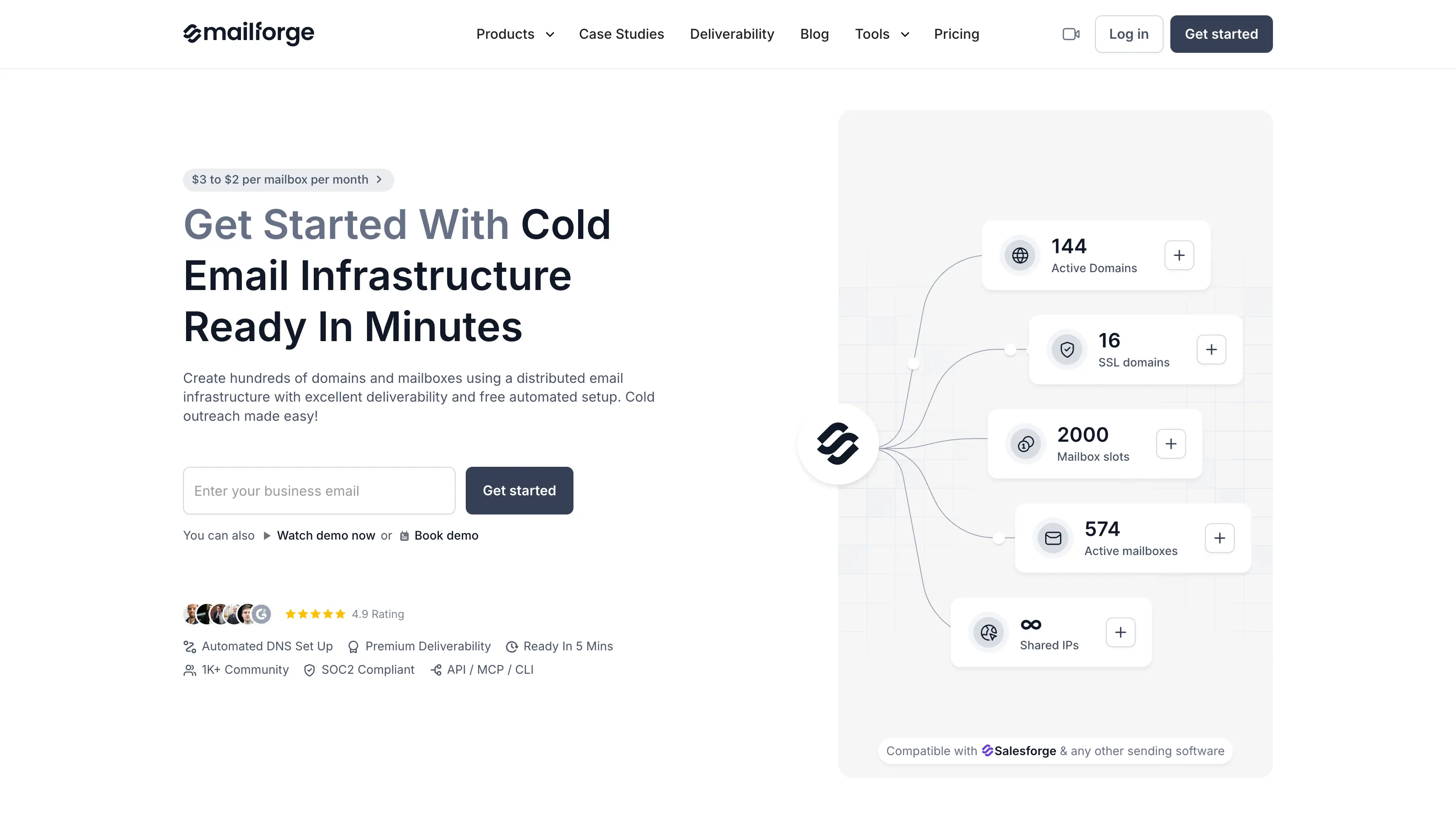
Mailforge is a shared email infrastructure platform for agencies that manage cold email campaigns for multiple clients.
The main advantage of Mailforge is its shared infrastructure model. You can create large numbers of domains and mailboxes without paying for private infrastructure or dedicated IPs.
Mailforge also provides automated DNS setup, pre-warmed mailboxes, Mailbox Analytics, client workspaces, reusable mailbox slots, custom tracking domains, and sending platform integrations.
These capabilities help agencies manage domains and mailboxes for multiple clients without repeating the same technical setup.
API, MCP, and CLI access let agencies automate infrastructure tasks and connect Mailforge with their workflows.
The best part is that you can now transfer and connect your existing domains to Mailforge for free. You only pay for the mailboxes you create on those domains.
Mailforge Key Infrastructure Features
Create domains and mailboxes in bulk when onboarding new clients.
Start campaigns with pre-warmed mailboxes when you want to avoid starting warmup from zero.
Configure SPF, DKIM, and DMARC automatically for new domains.
Apply bulk DNS updates across multiple domains.
Set up a custom tracking domain for each outreach domain.
Add your own domains or transfer existing domains into Mailforge.
Create separate workspaces to organize each client's domains and mailboxes.
Reuse mailbox slots when you need to replace an existing mailbox.
Review mailbox activity and performance through Mailbox Analytics.
Add SSL and domain masking when you need to mask your primary domain.
Use MCP CLI access to manage infrastructure through supported workflows.
Connect Mailforge with supported sending tools and cold email platforms.
What makes Mailforge a good cold email infrastructure provider
Shared infrastructure keeps costs lower at scale.
Bulk provisioning helps agencies launch new client campaigns faster.
Pre-warmed mailboxes can reduce campaign setup time.
Mailbox Analytics gives agencies visibility into mailbox performance.
Domain flexibility gives agencies more control over their setup.
Automated DNS reduces repetitive technical work.
What could have been better
Shared IPs give agencies less control than dedicated infrastructure.
Placement depends partly on how other senders in the pool behave.
Client campaigns cannot be separated at the IP level.
SSL and Domain Masking cost extra.
Mailforge Pricing
Mailbox slots: $3 to $2 per mailbox/month with annual billing.
Minimum: 10 mailbox slots.
Domains: Priced separately by TLD.
SSL and Domain Masking: $2/domain/month or $6/domain/year.
2. Infraforge
Best for: Agencies and outbound teams that want private infrastructure, dedicated IPs, and more control over client-level email operations.
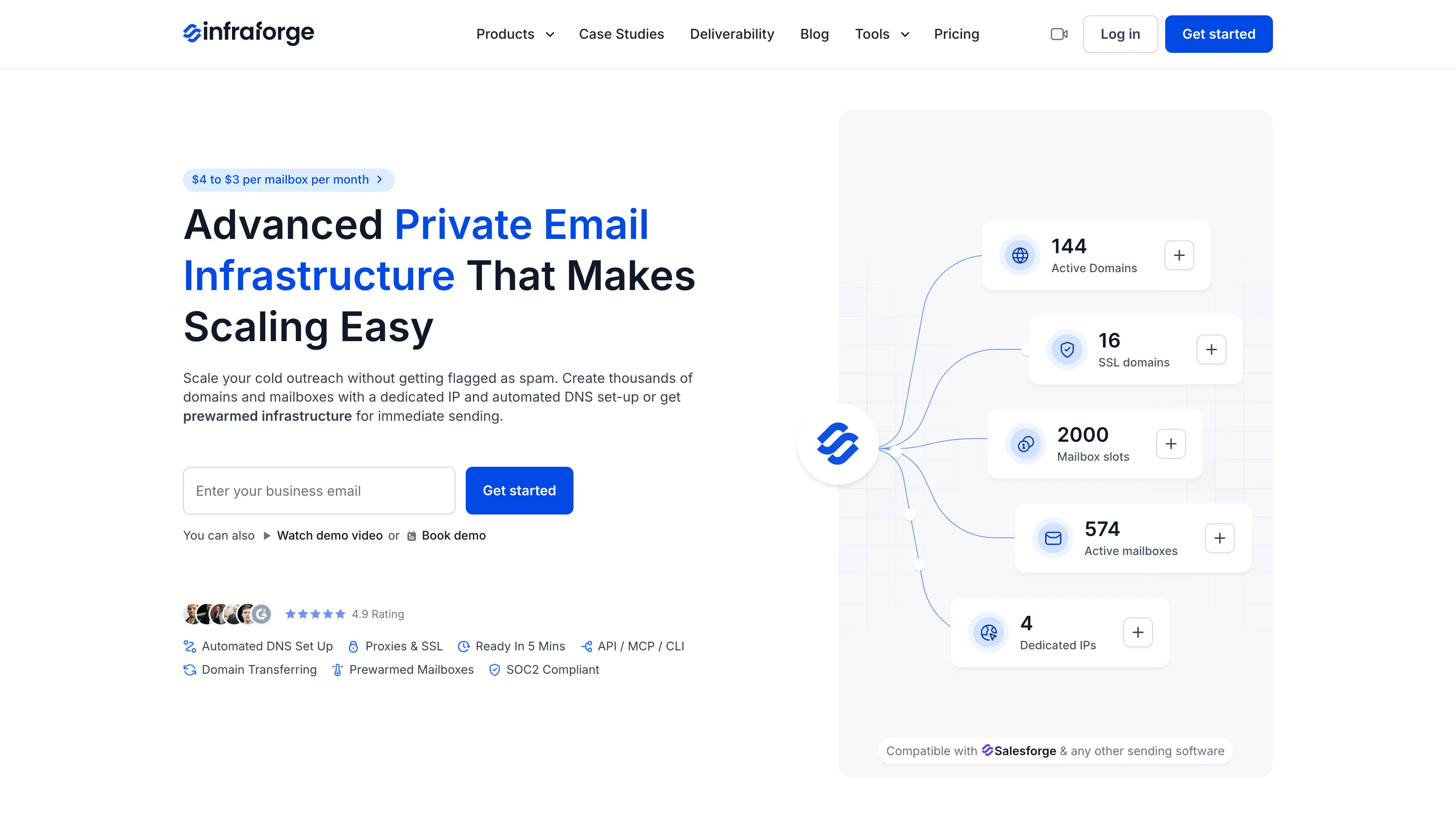
Infraforge is a private email infrastructure platform for agencies that manage cold email campaigns for multiple clients.
The main advantage of Infraforge is its private infrastructure model. Dedicated IPs and multiple IP environments give agencies more control over client sending setups.
Infraforge also provides pre-warmed domains and mailboxes, workspaces, deliverability monitoring, and white-label support.
These capabilities help agencies separate client environments and manage larger outreach operations.
API, MCP, and CLI access let agencies automate infrastructure tasks and connect Infraforge with their workflows.
The best part is that you can now connect your existing domains to Infraforge for free. You only pay for the mailboxes you create on those domains.
Infraforge Key Infrastructure Features
Give each client or sending environment a dedicated IP to keep client campaigns separate and maintain greater control over the sending environment.
Start campaigns with pre-warmed domains and mailboxes that already have sending history.
Add multiple dedicated IPs when you need to separate client campaigns.
Create domains and mailboxes in bulk when onboarding new clients.
Configure SPF, DKIM, and DMARC automatically for new domains.
Monitor mailbox and domain health to identify deliverability issues.
Create separate workspaces to organize each client's domains, mailboxes, and infrastructure.
Manage emails from multiple accounts in one unified inbox with Masterbox.
Rotate senders and apply smart sending limits to control mailbox sending volume.
Offer email infrastructure under your own brand and domain with the white-label option.
Use API access, the Forge MCP server, and CLI tools to manage infrastructure.
Add SSL and domain masking when you need to mask your primary domain.
Connect your infrastructure with supported sending and outreach platforms.
What makes Infraforge a good cold email infrastructure provider
Dedicated IPs give agencies more control over their sending environment.
Multiple IPs make it easier to separate client campaigns.
Bulk provisioning saves time when onboarding new clients.
Pre-warmed mailboxes can reduce the time before campaign launch.
Workspaces make multi-client management easier.
API and MCP support can reduce manual infrastructure work.
White-label support can help agencies include infrastructure in their own service.
What could have been better
Private infrastructure costs more than shared infrastructure.
Dedicated IPs are charged separately.
Pre-warmed mailboxes cost extra.
Infraforge Pricing
Mailbox: $4 to $3 per mailbox/month with annual billing.
Minimum: 10 mailbox slots.
Dedicated IP: $99/IP/month.
SSL and Domain Masking: $2/domain/month or $6/domain/year.
Setup: First domain and mailbox live in about 5 minutes.
Enterprise: Custom pricing.
3. Primeforge
Best for: Agencies that want Google Workspace or Microsoft 365 mailboxes for their cold email campaigns.
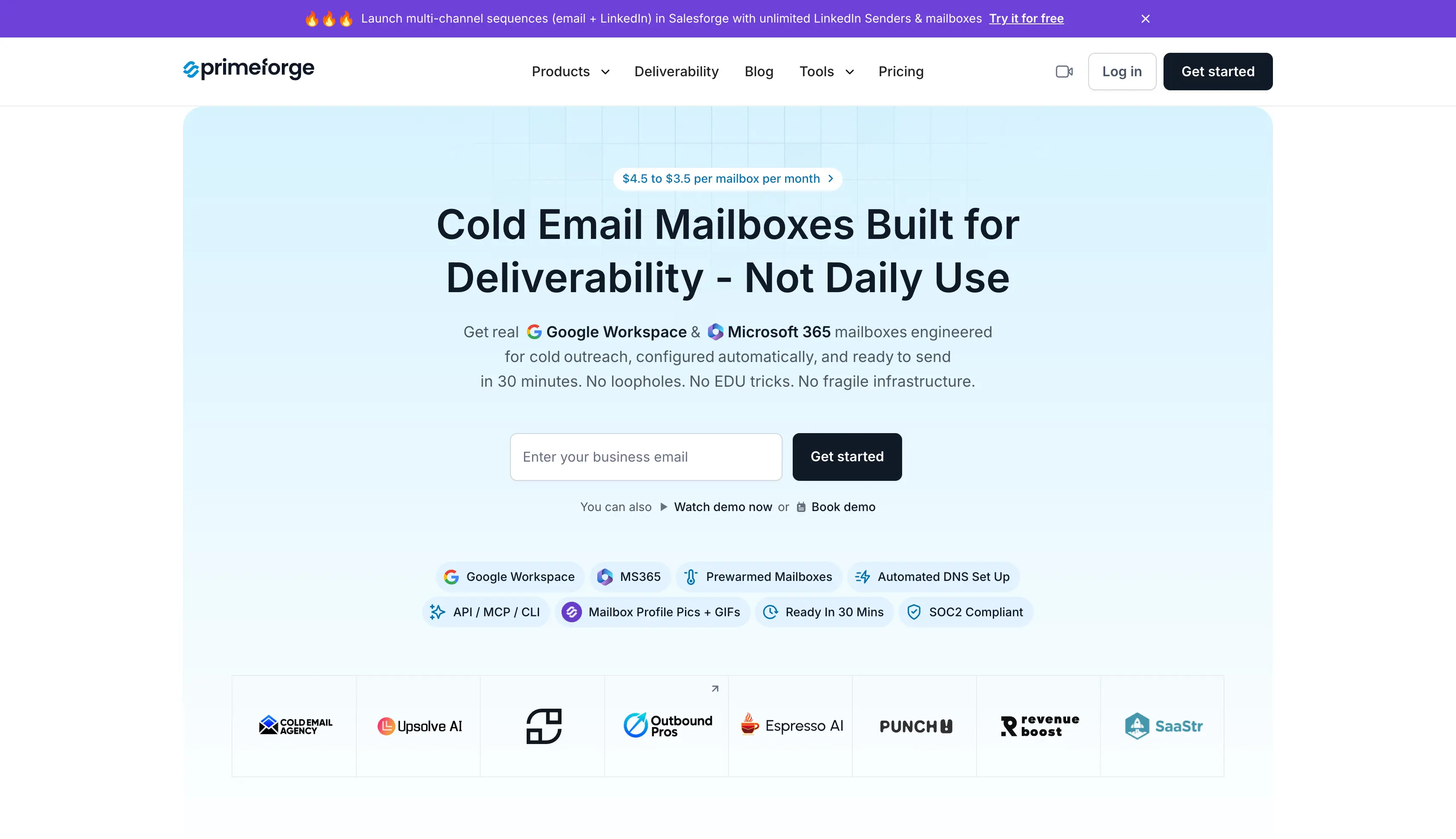
Primeforge is a Google Workspace and Microsoft 365 mailbox platform for agencies running cold email campaigns for multiple clients.
The main advantage of Primeforge is the choice between real Google Workspace and Microsoft 365 mailboxes. Agencies can use the mailbox type that fits each client or campaign.
Primeforge also provides pre-warmed mailboxes, automated DNS, workspaces, and Mailbox Analytics. These capabilities help agencies manage business mailboxes across multiple client campaigns.
Plus, it offers API, MCP, and CLI access to let agencies automate mailbox tasks and connect Primeforge with their workflows.
The best part is that you can now connect your existing domains to Primeforge for free. You only pay for the mailboxes you create on those domains.
Primeforge Key Infrastructure Features
Use real Google Workspace mailboxes for cold email campaigns.
Use Microsoft 365 mailboxes for cold email campaigns.
Start campaigns with pre-warmed mailboxes that already have sending history.
Match mailboxes with the appropriate email service provider during setup.
Configure SPF, DKIM, and DMARC automatically for new domains.
Add mailbox profile pictures and GIFs to keep account profiles consistent.
Create separate workspaces to organize client accounts and campaigns.
Review sending activity, replies, bounces, warmup activity, and recipient data through Mailbox Analytics.
Use API access to manage mailbox operations through custom workflows.
Use Forge MCP CLI to connect Primeforge with supported workflows.
Connect mailboxes with supported sending and outreach platforms.
What makes Primeforge a good cold email infrastructure provider
Gives agencies access to Google Workspace and Microsoft 365 mailboxes.
ESP matching gives agencies another way to structure their sending setup.
Pre-warmed options can reduce campaign setup time.
Mailbox Analytics gives agencies visibility into sending activity, replies, bounces, warmup activity, and recipient data.
API access gives agencies more control over larger mailbox operations.
Mailbox profile pictures and GIFs are set up out of the box.
What could have been better
The first mailbox can take around 30 minutes to go live.
Google and Microsoft mailboxes cost more than shared SMTP options.
There is no free trial on the mailboxes themselves.
Agencies looking for dedicated IP infrastructure may need another provider.
Primeforge Pricing
Mailbox: $4.50 to $3.50 per mailbox/month with annual billing.
First mailbox: Usually live in around 30 minutes.
Pre-warmed mailboxes: Available separately.
Domains: Charged separately.
Trial: No free mailbox trial.
4. Maildoso
Best for: Agencies that manage high mailbox volumes and want low-cost SMTP infrastructure.
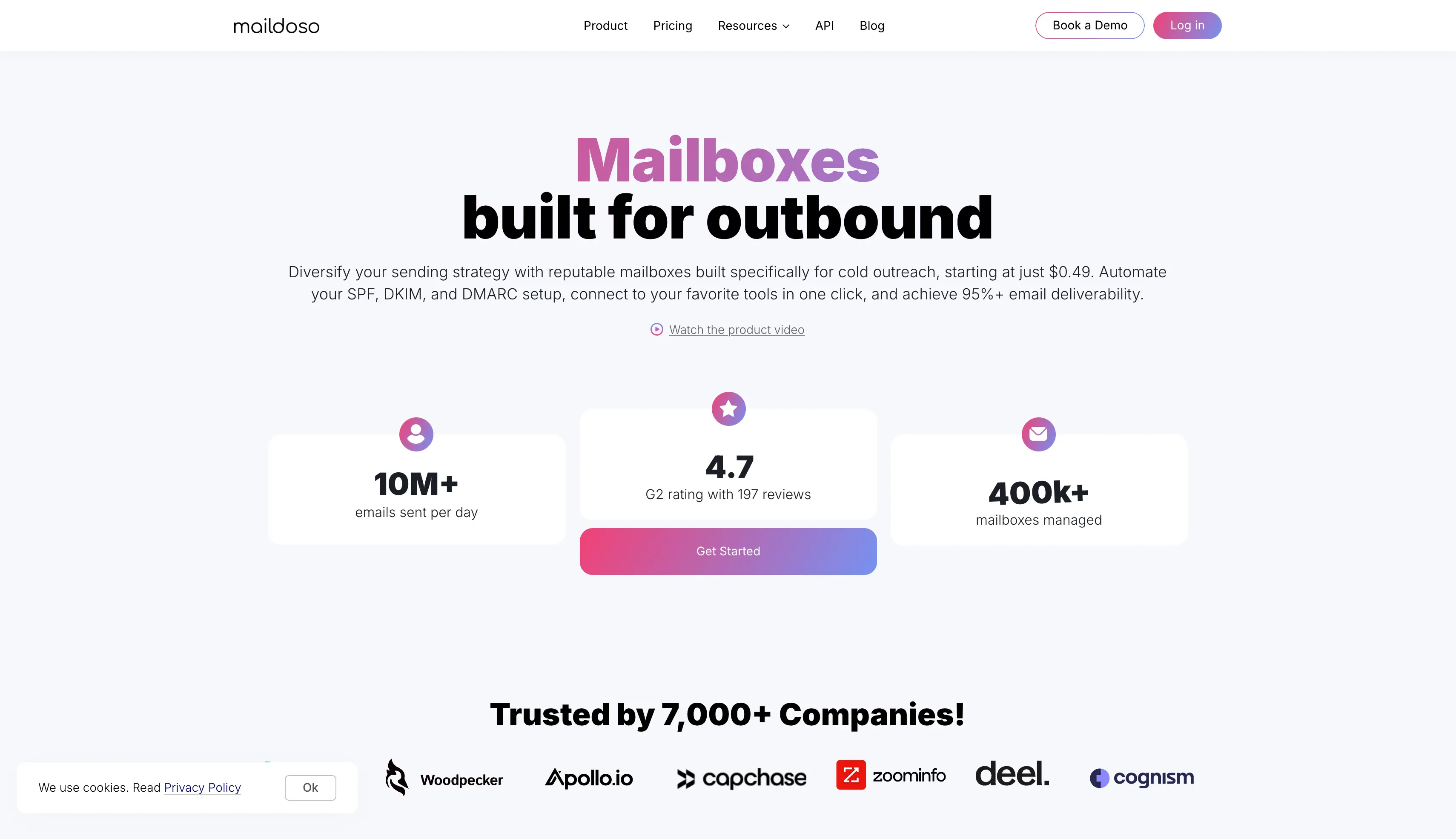
Maildoso is a shared SMTP infrastructure platform for agencies that manage high volumes of cold email mailboxes across multiple clients.
The main advantage of Maildoso is its shared SMTP model with IP rotation. It gives agencies a way to manage larger mailbox volumes without moving to private infrastructure.
Maildoso also provides mailbox health checks, self-healing, domain management, deliverability audits, and reusable mailbox licenses.
These capabilities help agencies reduce routine maintenance as their sending volume grows.
API and MCP access let agencies automate infrastructure tasks and connect Maildoso with their workflows.
Maildoso Key Infrastructure Features
Use shared SMTP infrastructure for high-volume cold outreach.
Rotate IP addresses across the sending infrastructure.
Use self-healing features to reduce manual mailbox maintenance.
Check mailbox health and identify accounts that need attention.
Manage domains connected to your SMTP infrastructure.
Run deliverability audits to identify infrastructure issues.
Use CAPTCHA domain protection.
Reuse mailbox licenses for ongoing campaigns.
Use API access to connect Maildoso with custom workflows.
Use MCP access for supported infrastructure management.
What makes Maildoso a good cold email infrastructure provider
Lower mailbox costs can help agencies manage larger sending volumes.
IP rotation gives agencies more flexibility when managing a large SMTP setup.
Self-healing features can reduce manual mailbox maintenance.
Health checks give agencies visibility into mailbox status.
API and MCP access can reduce repetitive infrastructure work.
What could have been better
Maildoso uses SMTP infrastructure rather than Google Workspace or Microsoft 365.
Agencies that need mainstream business mailboxes for their clients may need another provider.
Maildoso Pricing
30 mailboxes: $75/month.
300 mailboxes: $225/month.
1,000 mailboxes: $499/month.
High-volume pricing: Around $0.49 per mailbox.
Money-back guarantee: 30 days.
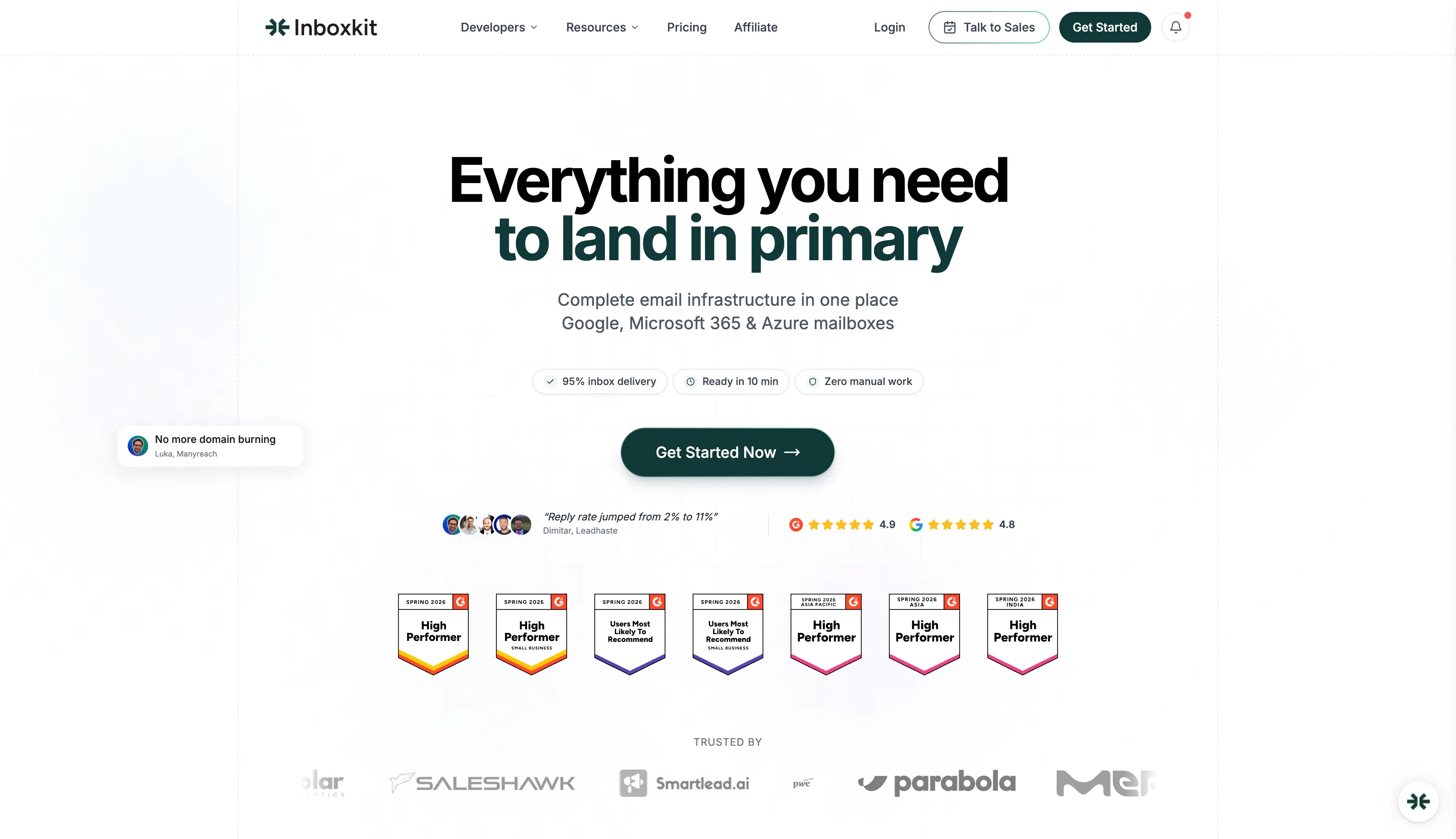
5. InboxKit
Best for: Agencies that want Google or Microsoft mailboxes with admin access, monitoring, workspaces, and API support.
InboxKit is a Google Workspace and Microsoft 365 mailbox platform for agencies that manage cold email campaigns for multiple clients.
The main advantage of InboxKit is the administrative control it gives agencies over client mailboxes. It also supports larger mailbox operations through Azure tenants.
InboxKit provides automated DNS setup, mailbox monitoring, workspaces, webhooks, and outreach integrations.
These capabilities help agencies organize client accounts and manage mailbox operations from one platform.
API access and webhooks let agencies automate mailbox tasks and connect InboxKit with their workflows.
InboxKit Key Infrastructure Features
Use Google Workspace mailboxes for cold email outreach campaigns.
Use Microsoft 365 mailboxes for cold email campaigns.
Manage Azure tenants with up to 100 mailboxes per tenant.
Get admin access to manage mailbox accounts.
Configure SPF, DKIM, and DMARC automatically.
Monitor mailbox health and account activity.
Create separate workspaces for different clients and campaigns.
Use API access for custom mailbox workflows.
Use webhooks to automate supported actions.
Connect InboxKit with 24+ outreach tools.
Add unlimited team members to the account.
What makes InboxKit a good cold email infrastructure provider
Admin access gives agencies more control over Google and Microsoft accounts.
Workspaces make it easier to keep different client campaigns separate.
Mailbox monitoring gives teams visibility into account health.
APIs and webhooks can reduce manual work across larger operations.
Multiple integrations make it easier to connect InboxKit with existing outreach tools.
Sales teams can run larger mailbox operations from one dashboard.
What could have been better
Warmup costs extra, so agencies need to include it when calculating the total infrastructure cost.
InboxKit does not provide the same private infrastructure model as a dedicated infrastructure provider.
InboxKit Pricing
Google Workspace: From $2.50 per mailbox/month with annual Enterprise billing.
Microsoft 365: From $2.50 per mailbox/month with annual Enterprise billing.
Azure: $30 per tenant/month.
Warmup: $3 per mailbox/month.
Professional: $39/month.
Agency: $99/month.
Enterprise: $299/month.
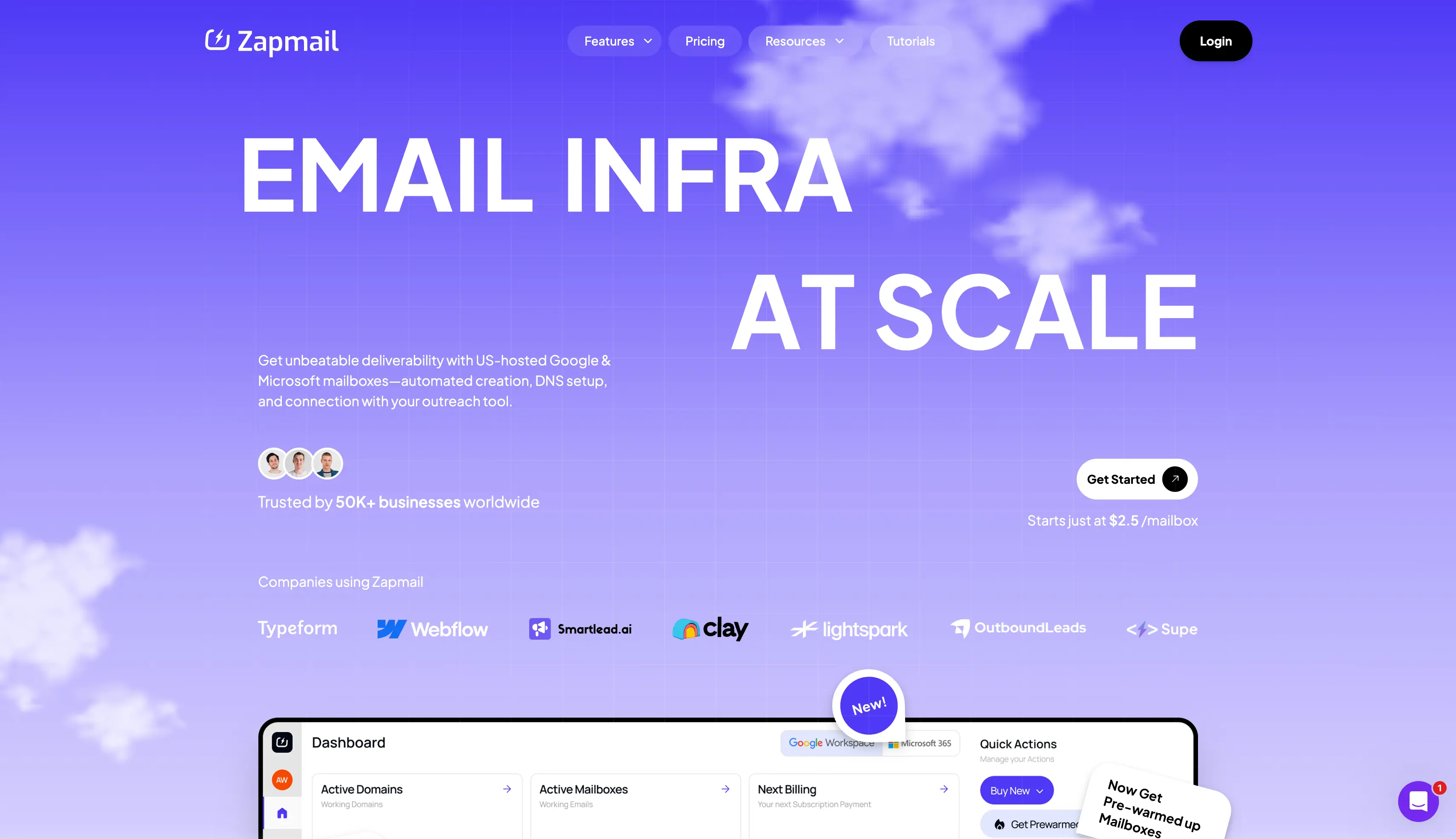
6. Zapmail
Best for: Agencies that want Google or Microsoft mailboxes with bulk provisioning, integrations, and pre-warmed options.
Zapmail is a Google Workspace and Microsoft 365 mailbox platform for agencies that manage multiple outbound campaigns.
The main advantage of Zapmail is its bulk mailbox provisioning and pre-warmed mailbox options. Agencies can prepare multiple client setups without repeating the full process for each mailbox.
Zapmail also provides workspaces, automated DNS setup, US and EU account options, deliverability testing, and 50+ outreach integrations.
These capabilities help agencies prepare and connect mailbox infrastructure for different clients.
API access lets agencies automate parts of mailbox provisioning and infrastructure management.
Zapmail Key Infrastructure Features
Provision Google Workspace mailboxes for outbound campaigns.
Provision Microsoft 365 mailboxes for outbound campaigns.
Start campaigns with pre-warmed mailboxes.
Create multiple mailboxes through bulk provisioning.
Configure SPF, DKIM, and DMARC during mailbox setup.
Create workspaces to separate client accounts.
Connect with 50+ integrations with outreach tools.
Use API access for automation.
Choose US and EU account options.
Run deliverability tests before campaigns.
What makes Zapmail a good cold email infrastructure provider
Bulk provisioning saves time when agencies need many new business mailboxes.
Pre-warmed options can reduce the time needed to prepare new accounts.
Workspaces make it easier to separate client campaigns.
50+ integrations give agencies more options when connecting their outreach stack.
Automated DNS reduces repetitive setup work.
What could have been better
Domains cost extra, so the mailbox plan does not cover the complete infrastructure cost.
Agencies should also check renewal costs when calculating their long-term budget.
Zapmail Pricing
Starter: $39/month for 10 mailboxes.
Growth: $99/month for 30 mailboxes.
Pro: $299/month for 100 mailboxes.
Additional mailboxes: $3.50 on Starter, $3.25 on Growth, and $3 on Pro.
Domains: Charged separately.
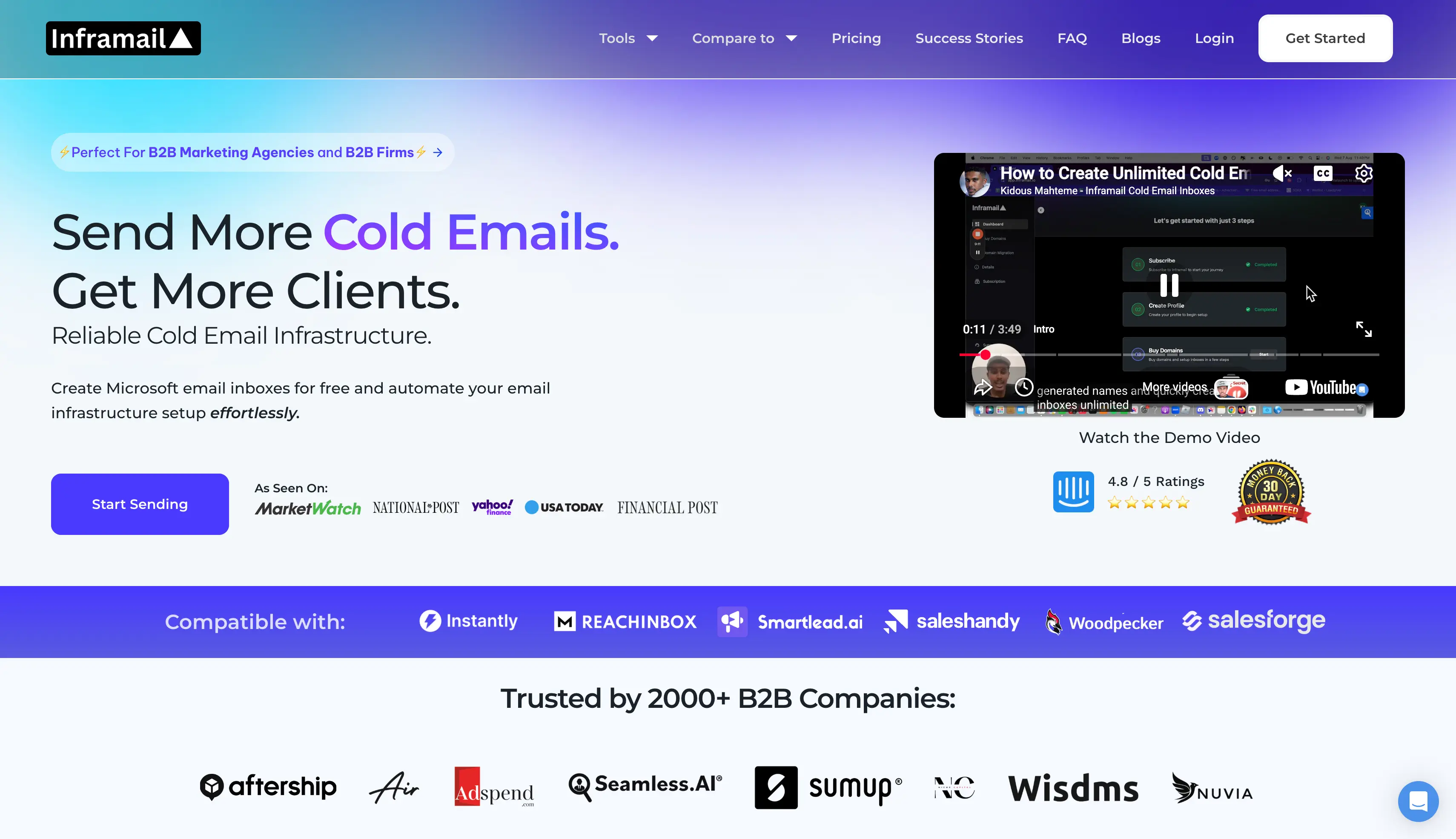
7. Inframail
Best for: Agencies managing large numbers of Microsoft-based mailboxes that want a flat-rate model.
Inframail is a Microsoft-based email infrastructure platform for agencies that manage large numbers of cold email inboxes.
The main advantage of Inframail is its flat-rate model. The Unlimited plan lets agencies add unlimited inboxes without a separate mailbox charge.
Inframail also provides dedicated US IP options, IMAP and SMTP credentials, automated SPF, DKIM, and DMARC setup, and domain management.
These capabilities help agencies manage large mailbox volumes while keeping infrastructure costs predictable.
API access lets agencies connect Inframail with supported sending and infrastructure workflows.
Inframail Key Infrastructure Features
Use Microsoft-based infrastructure for cold email campaigns.
Add unlimited inboxes under the Unlimited plan.
Manage unlimited mailboxes and email accounts under one subscription.
Get one dedicated US IP with the Unlimited plan.
Get three dedicated IPs with the Agency Pack.
Use US IP addresses with dedicated plans.
Use IMAP and SMTP credentials to connect inboxes with supported sending tools.
Configure SPF, DKIM, and DMARC automatically.
Manage outreach domains from the same platform.
Use flat-rate pricing when managing larger mailbox volumes.
What makes Inframail a good cold email infrastructure provider
Flat-rate pricing makes monthly infrastructure costs easier to plan at higher mailbox volumes.
Unlimited inboxes remove a separate mailbox charge from the Unlimited plan.
Dedicated IP options give agencies more control over the sending environment.
Microsoft-based infrastructure gives agencies a consistent mailbox setup.
IMAP and SMTP credentials make it easier to connect mailboxes with sending tools.
What could have been better
Inframail focuses on Microsoft infrastructure.
Agencies that need Google Workspace or multiple infrastructure options will need another provider.
The $129/month starting price can be difficult to justify for agencies with a small number of mailboxes.
Inframail Pricing
Unlimited: $129/month.
Agency Pack: $327/month.
Dedicated IPs: One US IP with Unlimited and three with Agency Pack.
Domains: Charged separately.
Warmup: Charged separately.
How to Choose a Cold Email Infrastructure Provider for Your Agency
The right provider depends on your clients, mailbox volume, infrastructure needs, and budget.
Choose the infrastructure model: Pick private, shared, SMTP, Google Workspace, or Microsoft 365 based on your campaign needs.
Calculate mailbox needs: Check your daily sending volume, follow-ups, mailboxes per domain, and expected growth.
Check client separation: Look for workspaces, separate domains, separate mailboxes, and IP separation.
Check DNS automation: Look for automated SPF, DKIM, DMARC, and domain verification.
Compare IP options: Shared IPs can cost less. Dedicated IPs give you more control over the sending environment.
Check warmup options: Check whether a built-in warmup option is included, whether warmup tools cost extra, or whether pre-warmed mailboxes are available.
Compare warmup costs: Warmforge gives Salesforge users unlimited warmup slots. A built-in warmup feature can reduce separate warmup costs.
Look at automation: API access, bulk provisioning, webhooks, and MCP support can reduce manual work. Check whether these advanced features sit on higher plans.
Check list hygiene: Email verification lets you verify email addresses before you send. It can help protect domain reputation and sender reputation.
Calculate the total cost: Include mailboxes, domains, warmup, IPs, monitoring, SSL, and other add-ons.
Which Cold Email Infrastructure Provider Should You Pick?
The right provider depends on how much control you need over your cold email infrastructure.
Shared infrastructure can work when you want to keep costs lower and scale mailbox volume. Google Workspace and Microsoft 365 options can make sense when you want to use business email accounts for your campaigns.
For agencies managing multiple clients, private infrastructure gives you more control over domains, mailboxes, IPs, and client separation.
Infraforge is the option to consider if you want that level of control. It provides private infrastructure, dedicated IPs, multiple IP environments, pre-warmed mailboxes, workspaces, monitoring, and API access.
There is also one useful advantage if you use other Forge products. Mailforge, Infraforge, and Primeforge work under the same login, so you can change your infrastructure setup without moving to another platform.
FAQs About Cold Email Infrastructure Providers
1. What is cold email infrastructure?
Cold email infrastructure is the technical setup behind your outbound email campaigns. Your entire cold email infrastructure includes domain registration, new domains, inbox setup, DNS records, IP addresses, authentication, monitoring, and the systems that connect your setup to a sending tool. Some service providers run their own SMTP servers, while others provide Google or Microsoft accounts. A cold email service provider should also handle automated setup of records across the entire infrastructure. Agencies also need a cold email infrastructure setup that can support multiple clients and larger mailbox volumes.
2. How much do cold email infrastructure providers cost?
Pricing depends on the provider, mailbox volume, and infrastructure model. Per-mailbox plans in this list range from around $2 to $4.50 per month with annual billing. Flat-rate plans start at $39 per month. Most providers do not offer a free plan. Monthly billing can also cost more per mailbox than annual billing. You should include domains, IPs, warmup, monitoring, and SSL when calculating the total cost.
3. How many mailboxes do I need to send 10,000 emails a month?
You would need around 10 to 15 mailboxes based on a daily limit of 30 to 50 emails per mailbox. Your actual requirement depends on your sending volume, follow-ups, domains, and campaign structure. Calculate your expected monthly volume first, then divide it across your domains and mailboxes.
4. How does infrastructure affect cold email deliverability?
Your infrastructure affects how inbox providers evaluate your messages before they reach the recipient's inbox. Poor DNS configuration or a weak domain reputation can increase the chances of emails going to spam folders. Proper authentication, domain separation, and healthy sending infrastructure can help protect sender reputation.
5. Do agencies need a separate tool for warmup?
Not always. Some providers offer pre-warmed mailboxes or warmup as an add-on, while others require a separate warmup tool. Pre-warmed mailboxes can save time when launching a new client campaign because you do not have to start the warmup process from zero. You should also check inbox placement before launching a campaign.
6. Can I use shared and dedicated infrastructure at the same time?
Yes. Agencies can use shared infrastructure for some campaigns and private infrastructure for clients that need more control. Separate domains can also keep outreach activity away from a client's main business domain. You should configure SPF, DKIM, and DMARC correctly on every domain.
7. Is cold emailing legal?
Cold emailing is legal in many markets when you follow the applicable rules, including laws such as CAN-SPAM and GDPR. Requirements can include accurate sender information, a working unsubscribe option, and a valid legal basis for contacting recipients. Check the rules that apply to your business and your client's market before launching a campaign.