Amazon SES is the cheapest way to send email at scale.
At $0.10 per 1,000 emails, it undercuts nearly every provider on the market, and if your stack already lives inside AWS, it feels like the obvious default.
But cheap sending is not the same as a complete email workflow.
SES is raw infrastructure. There's no visual email builder, no campaign management, no built-in analytics dashboard, and no deliverability tooling out of the box.
Everything beyond "accept this message and attempt delivery" is your engineering team's problem to build, maintain, and debug.
The issues are endless.
And for that… This guide breaks down the six strongest Amazon SES alternatives, what each one does best, and how to match the right platform to your actual sending use case.
Amazon SES works. That's not the issue. The issue is everything you have to build around it to make it work well. Here's where the friction shows up.
In SES, you need a lot of setup before you even send a single production email.
That includes creating IAM roles, verifying domains through the AWS Console, configuring SNS topics for bounce and complaint notifications, and more.
DNS authentication is entirely manual. One misplaced TXT record, and your emails silently land in spam with no warning from AWS.
And here's the bigger problem: non-technical team members are completely locked out.
If your sales ops lead or marketing manager needs to check delivery rates, adjust a sending configuration, or troubleshoot a bounced campaign, they can't.
Every new SES account starts in sandbox mode. The limits are restrictive: 200 emails per day, 1 email per second, and you can only send to verified email addresses.
This is AWS's way of preventing spam, but it creates real friction for legitimate teams.
Moving to production requires submitting a manual request through the AWS Support Center.
Approval can take one to three business days, and there's no guarantee you'll pass on the first attempt. And sometimes, AWS may ask for additional details about your sending use case, volume projections, and complaint-handling processes.
SES is a sending engine with no cockpit. There's no template builder, no drag-and-drop editor, no campaign scheduling, no A/B testing, and no audience segmentation.
If you want any of those things, you either build them yourself or bring in a separate tool. Reporting is the same story. SES doesn't ship with a native analytics dashboard.
To get basic delivery metrics like bounce rates or unsubscribe rates, you’ll have to stitch together CloudWatch metrics, SNS event notifications, and S3 log exports.
Also, SES doesn't automatically suppress addresses that hard-bounce or file complaints.
You need to build custom Lambda functions that listen to SNS notifications and update your suppression lists. (Big hassle)
By default, SES sends from a shared IP pool. Your sender reputation is tangled with every other SES user on those IPs.
Dedicated IPs are available as an add-on at $24.95 per month per IP, but they arrive cold, with no sending history, and AWS provides no automated warm-up. You're on your own to ramp volume gradually over weeks without triggering spam filters.
AWS’s Virtual Deliverability Manager (VDM) costs an additional $0.07 per 1,000 emails on top of the base rate.
It's not included by default, which means the "cheapest email service" gets measurably less cheap the moment you need to actually monitor whether your emails are landing in inboxes.
SES basic support covers billing and account questions only. If you hit a technical issue, you need paid support.
Developer support starts at $29 per month. Business support starts at $100 per month minimum.
For a service positioned on ultra-low per-email pricing, these mandatory support fees to access actual technical help quietly erode the cost advantage that drew most teams to SES in the first place.
Before diving into the details, here's a side-by-side snapshot of where each alternative stands on the features that matter most when migrating off SES.
Alright, here’s a detailed overview of the top 6 tools that will replace Amazon SES for specific use cases.
Best For: Outbound sales teams, lead generation agencies, and growth operators running high-volume cold email campaigns who need infrastructure-level control without building the tooling themselves.
Infraforge exists to solve a problem that SES doesn't even acknowledge: cold email at scale needs its own infrastructure.
With SES, you get a sending endpoint. No sender rotation, no warm-up automation, no domain-level reputation isolation, no centralized mailbox management.
For a team running outbound campaigns across 50 or 200 mailboxes, SES is a foundation with no building on top of it; everything operational has to be engineered from scratch.
Infraforge takes the opposite approach. It's purpose-built for cold outreach.
It gives you dedicated IPs per mailbox, fully automated DNS configuration, pre-warmed domains and mailboxes ready to send from day one, and more.
All without requiring a single Lambda function or CloudWatch dashboard.
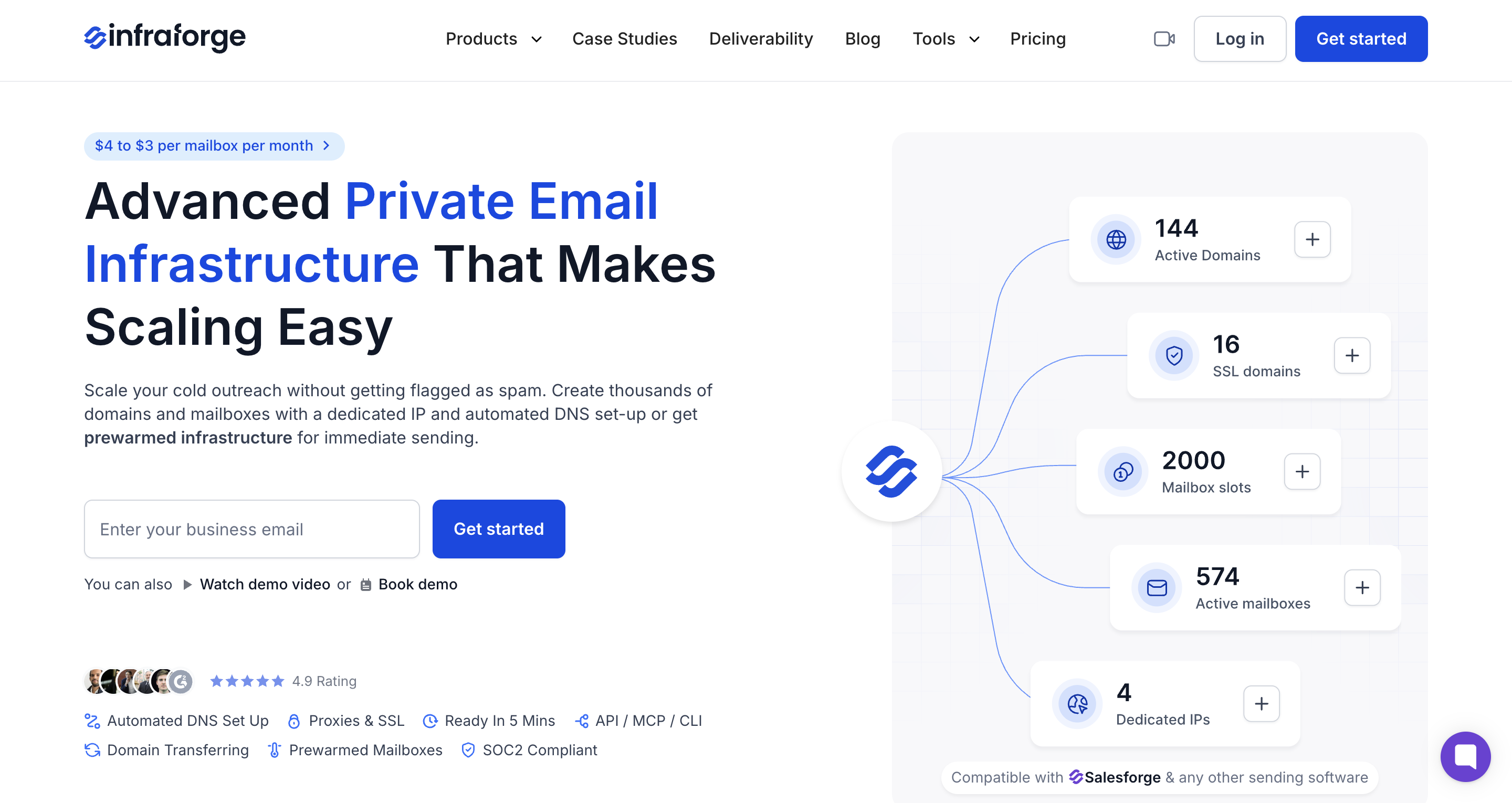
The platform is part of the broader Forge Stack ecosystem.
Together, the stack replaces the patchwork of six or seven tools that most outbound teams duct-tape together.
For teams whose SES frustration is specifically about cold outreach, Infraforge is the most direct replacement on the market.
Infraforge prices per mailbox, not per email. This is a fundamentally different model from SES and is built around the reality that cold outreach requires many sending identities.
Best For: Enterprise teams in regulated industries (like healthcare, finance, legal) that need high-volume transactional sending with compliance certifications and managed deliverability infrastructure.
SendGrid is the incumbent. Owned by Twilio, it processes over 100 billion emails per month and is the platform most teams evaluate first when SES's operational overhead becomes unsustainable.
Where SES leaves you to build delivery reporting, bounce management, and inbox placement monitoring from scratch, SendGrid packages these as native features.
Deliverability insights show you inbox placement rates across providers. IP pool management lets you separate transactional and marketing streams on different IPs.

And compliance certifications (SOC 2, ISO 27001, HIPAA) make it the default choice for industries where SES's lack of built-in compliance tooling is a non-starter.
The tradeoffs are also something to look at. SendGrid removed its permanent free plan in May 2025. New accounts now get a 60-day trial at 100 emails per day, then must upgrade.
The most useful features (dedicated IPs, subuser management, email validation) are locked behind the Pro tier at $89.95/month.
And a detail that surprises many teams on their first invoice: Email API and Marketing Campaigns are billed as entirely separate products.
If you need both, you're paying for both independently.
For pure transactional email at enterprise scale with compliance needs, SendGrid remains the strongest managed alternative to SES.
For cold outreach, it offers nothing. No sender rotation, no warm-up automation, no reputation isolation per domain or campaign. You can also check out these Sendgrid alternatives.
Best For: Developer teams with complex routing and workflow needs, especially those requiring EU data residency, advanced inbound email processing, or granular control over sending infrastructure.
If SendGrid is the enterprise default and Postmark is the deliverability purist, Mailgun is the power tool.
It offers more configurability than any other provider on this list.
It comes with advanced routing rules, inbound email processing with pattern matching, real-time email validation, and the kind of low-level API control.
Which is pretty great. Also, Mailgun is one of the few SES alternatives with a built-in auto warm-up feature on dedicated IPs.
When you migrate off SES and bring new IPs online, Mailgun automatically ramps volume to build reputation.
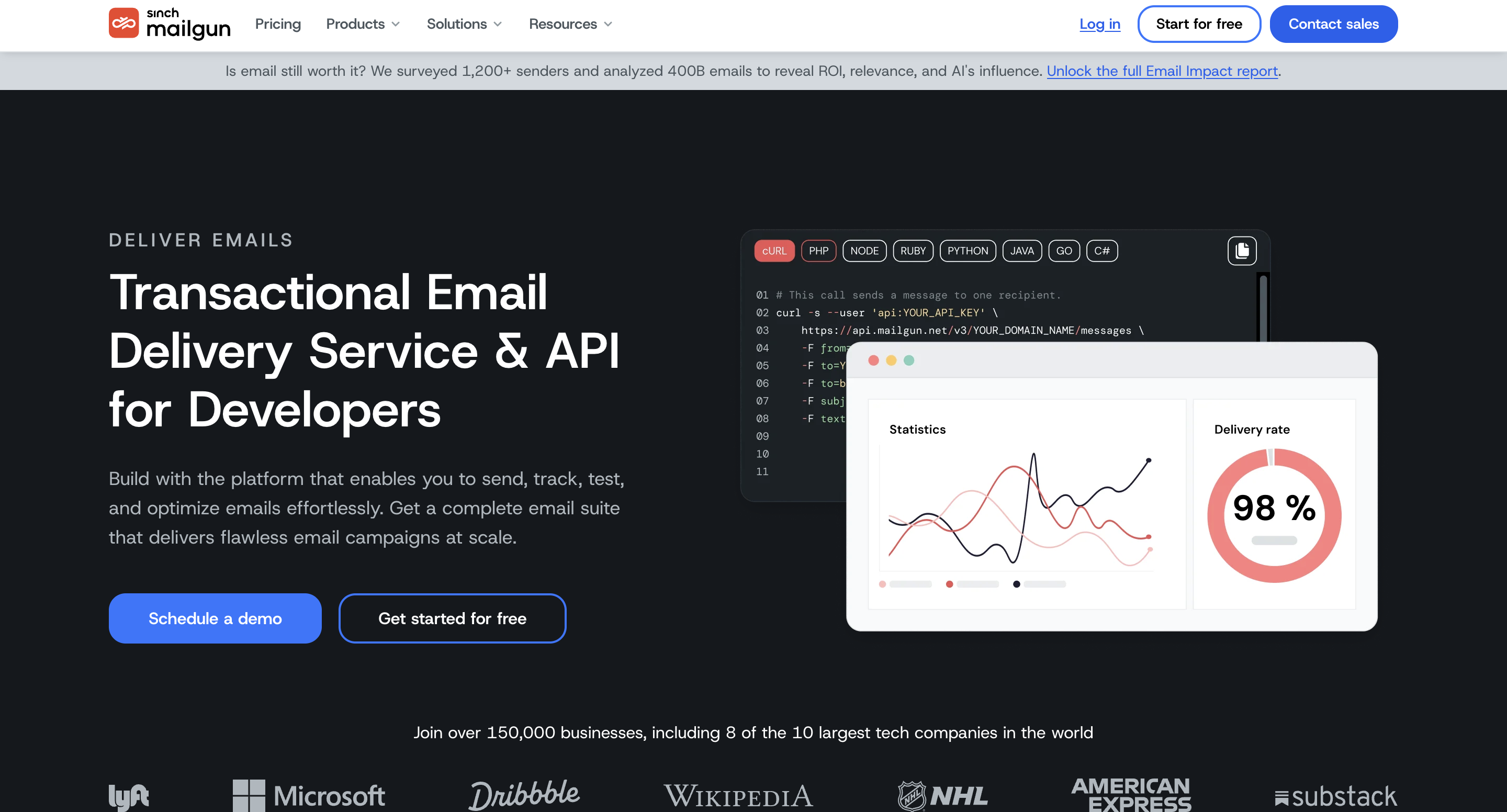
For GDPR-conscious teams, Mailgun stands out with a genuine EU data residency option.
You choose US or EU at account creation, and your email data stays in that region. Most competitors either don't offer this or bury it in enterprise-only tiers.
The tradeoffs: Mailgun is built for developers. Period.
The learning curve is real, and customer support quality depends heavily on your plan tier.
The free tier (100 emails/day for one month) is a sandbox for evaluation, not a production option. And the pay-as-you-go rate doubled in December 2025, so the era of ultra-cheap flexible Mailgun pricing is over.
Best For: SaaS product teams where transactional messages (like password resets, one-time passcodes, or billing alerts) absolutely cannot miss the inbox.
Postmark takes the opposite approach from SES and from most platforms on this list.
Instead of trying to handle every email use case, it focuses exclusively on transactional email and does it better than anyone else.
In independent deliverability testing, Postmark achieves approximately 98.7% inbox placement, compared to roughly 95.3% for SendGrid in the same tests.
That 3.4% gap sounds small in isolation. Run the math across 100,000 users, and it's 3,400 password resets or billing alerts that never reached an inbox.
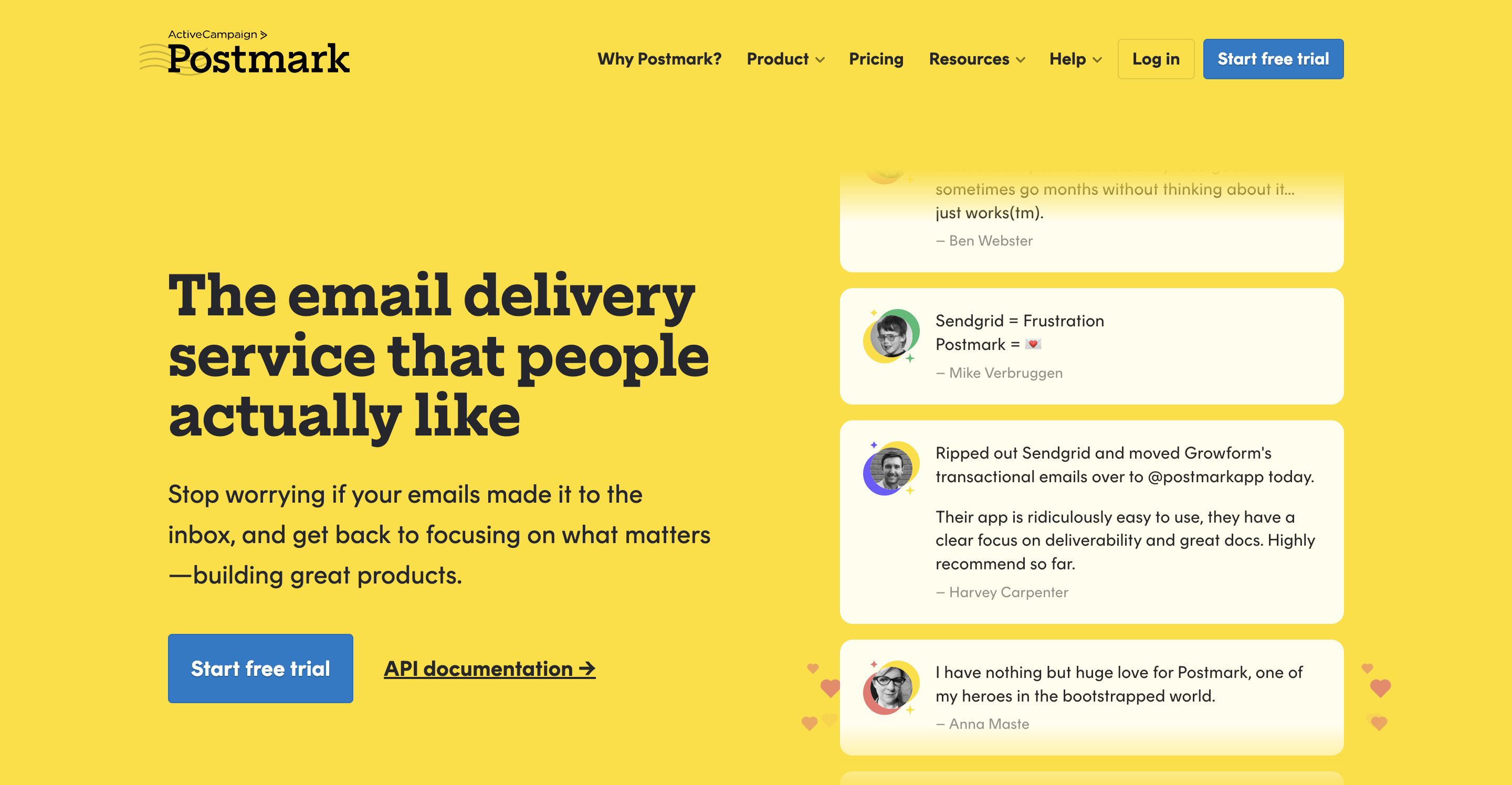
For SaaS products where a missed OTP means a lost login and a missed billing alert means a payment failure, that difference is directly tied to revenue.
The API is clean and well-structured. Authentication is simple: one header, one server API token, no complex permission models.
Documentation is the best-organized among all providers on this list. Most developers can send their first email within minutes of reading the docs, not hours.
Postmark's Message Streams feature lets you separate transactional and broadcast sending into isolated reputation tracks.
The tradeoffs are clear. There is no free tier. Just a 10-day trial, then $15/month.
The platform is email-only: no SMS, no push notifications, no multi-channel capabilities.
The template editor is basic. And Postmark deliberately does not serve cold outreach or bulk marketing senders.
If that's your use case, Postmark will tell you to look elsewhere, and they mean it.
Best For: Non-technical marketing teams and small-to-midsize businesses that need marketing automation, a visual email builder, and transactional sending in one platform.
Brevo (formerly Sendinblue) is the alternative for teams whose real frustration with SES is that SES has zero marketing capabilities and requires a developer for every campaign.
Where every other platform on this list is API-first, Brevo leads with a visual, no-code experience.
It comes with a drag-and-drop email builder and marketing automation workflows with branching logic. Plus lot of other cool features that I’ve covered in key features section.
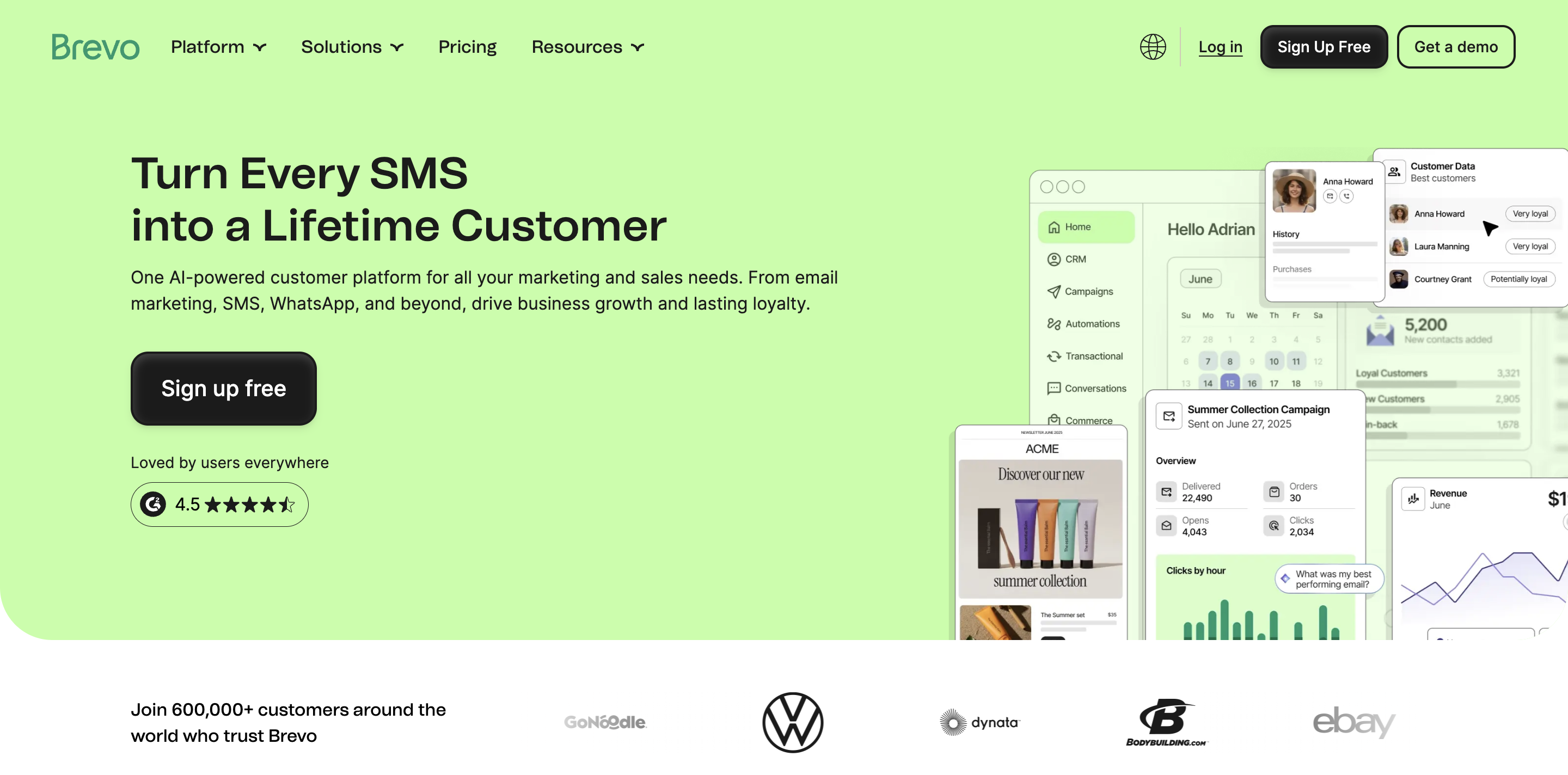
And it's not email-only. Brevo supports SMS, WhatsApp, live chat, and push notifications, which makes it the only true multi-channel option on this list.
Also, transactional emails are supported via both API and SMTP relay, so it's not purely a marketing tool.
But this is where the tradeoff lives: Brevo's transactional deliverability and API sophistication don't match dedicated API-first providers like Postmark or Mailgun.
The automation builder, while capable for standard workflows, can feel limiting for complex multi-step sequences compared to dedicated marketing automation platforms.
And deliverability reporting is less granular than what you get from SendGrid or Mailgun.
Brevo prices based on email volume, not contact list size, a different model from most marketing platforms.
Best For: Cost-conscious teams and bootstrapped startups that want SES-level pricing without the AWS complexity — a basic email platform with a real dashboard, a visual builder, and pay-as-you-go rates that actually beat SES.
Elastic Email is the alternative that competes most directly with SES on price, and wins.
At $0.09 per 1,000 emails on pay-as-you-go, it's actually a penny cheaper than SES while including a visual email builder, basic marketing automation, email verification, contact segmentation, and a real analytics dashboard.
The best part is that the setup doesn't require IAM roles, SNS topics, or Lambda functions.
You verify a domain, configure authentication, and start sending from your dashboard.
The limitations are kinda predictable. Elastic Email's deliverability tooling is less mature than Mailgun, SendGrid, or Postmark.
And the advanced routing and workflow capabilities are thin. The template editor and automation builder are functional but basic compared to Brevo.
For cold outreach, Elastic Email isn't purpose-built; there's no sender rotation, no warm-up automation, and no per-mailbox reputation isolation.
But for teams sending marketing campaigns, newsletters, and basic transactional emails on a tight budget, it delivers meaningfully more than SES at a comparable (or lower) cost.
Six platforms, six different centers of gravity. The right SES replacement depends entirely on what you're sending, who's managing it, and where the current pain is.
Here's how to match.
If you’re into cold outreach, then do give Infraforge a try.
Per email, yes. Because $0.10 per 1,000 emails is hard to beat on the headline number.
But the total cost of ownership tells a different story. Dedicated IPs add $24.95/month each. Virtual Deliverability Manager adds $0.07 per 1,000 emails. Also, paid technical support starts at $29/month.
And the engineering hours required to build bounce management, analytics dashboards, template systems, and suppression lists from scratch represent a high ongoing cost that doesn't show up on the AWS bill.
Technically, SES can send cold emails. Practically, it provides zero tooling for the job. There's no sender rotation, no warm-up automation, no reputation isolation per domain or mailbox, and no sending limits management. AWS also enforces strict acceptable use policies — outbound sales patterns that generate complaint rates above their thresholds can trigger account review or suspension without warning.
For non-technical teams, Infraforge and Brevo offer the fastest path to sending with its visual builder, guided DNS setup, and automation. For developers, Postmark's clean API and excellent documentation make first integration fast and frictionless.
For transactional email, Postmark leads with approximately 98.7% inbox placement in independent testing, the highest among major providers. For cold outreach, deliverability depends on infrastructure isolation and sender reputation management. Infraforge's dedicated IPs per mailbox and pre-warmed domains provide the strongest foundation, because your reputation is never shared with or impacted by other senders.
Yes. Most teams run SES and the new provider in parallel during migration. Start by routing non-critical sends (marketing, notifications) through the new platform while keeping transactional email on SES. Once deliverability and delivery rates are confirmed, shift transactional volume over. For cold outreach, Infraforge's pre-warmed mailboxes eliminate the warm-up delay that typically slows migration, you can begin sending from new infrastructure immediately rather than ramping over weeks.

