If you are looking for a cold email SMTP provider, it can be confusing with so many options available in the market.
Each SMTP provider can differ in its infrastructure, mailbox setup, IP configuration, DNS management, deliverability features, and pricing.
Knowing what each provider offers can help you choose an SMTP setup that fits your cold email campaigns.
I compared multiple cold email SMTP providers to understand how their infrastructure works and what each provider offers.
I looked at factors such as mailbox capacity, shared or dedicated IPs, DNS setup, pre-warmed infrastructure, deliverability tools, scalability, API access, and overall pricing.
After comparing these providers, I shortlisted the five that stood out across these areas and listed them below.
Before choosing an SMTP provider, ask these questions:
A good provider should cover the core infrastructure without making the technical setup harder than necessary. It should also give you enough control to manage sending domains, email accounts, DNS records, and deliverability as your cold email campaigns grow.
Check this table to get a quick overview of all these SMTP providers.
Best for: Outbound teams and agencies that need shared SMTP infrastructure for cold email campaigns.
Mailforge is a shared SMTP infrastructure provider for cold outreach. It lets you create and manage multiple sending mailboxes without setting up your own SMTP servers.
It handles key infrastructure tasks such as DNS setup, inbox hosting, and mailbox maintenance. Mailforge uses a shared IP pool, so you can manage multiple mailboxes without running private servers or using a dedicated IP.
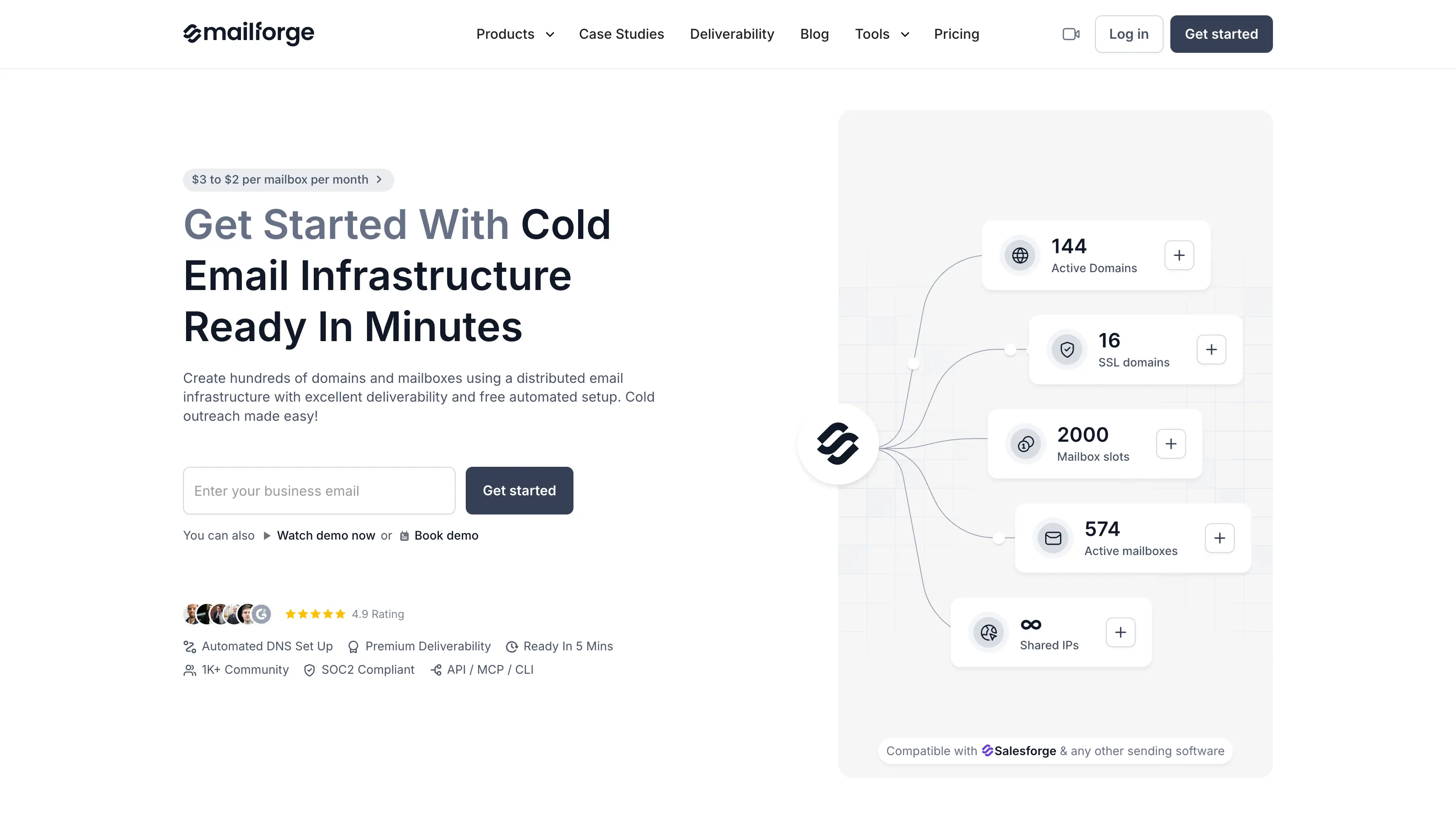
Mailforge uses mailbox slots instead of charging for each active mailbox. You can reuse a slot when you replace a mailbox, which can make it easier to manage multiple sending accounts.
It also works with different email accounts and cold email platforms. This lets you use Mailforge for the SMTP infrastructure while managing your campaigns through your preferred cold email tool.
Best for: GTM teams and agencies that need private cold email infrastructure.
Infraforge is a private email infrastructure provider for cold outreach. It gives teams a dedicated sending environment instead of using a shared IP pool.
It provides dedicated IP options, multiple IP provisioning, automated DNS, pre-warmed domains and mailboxes, and deliverability monitoring. These features give teams more control over larger outreach operations.
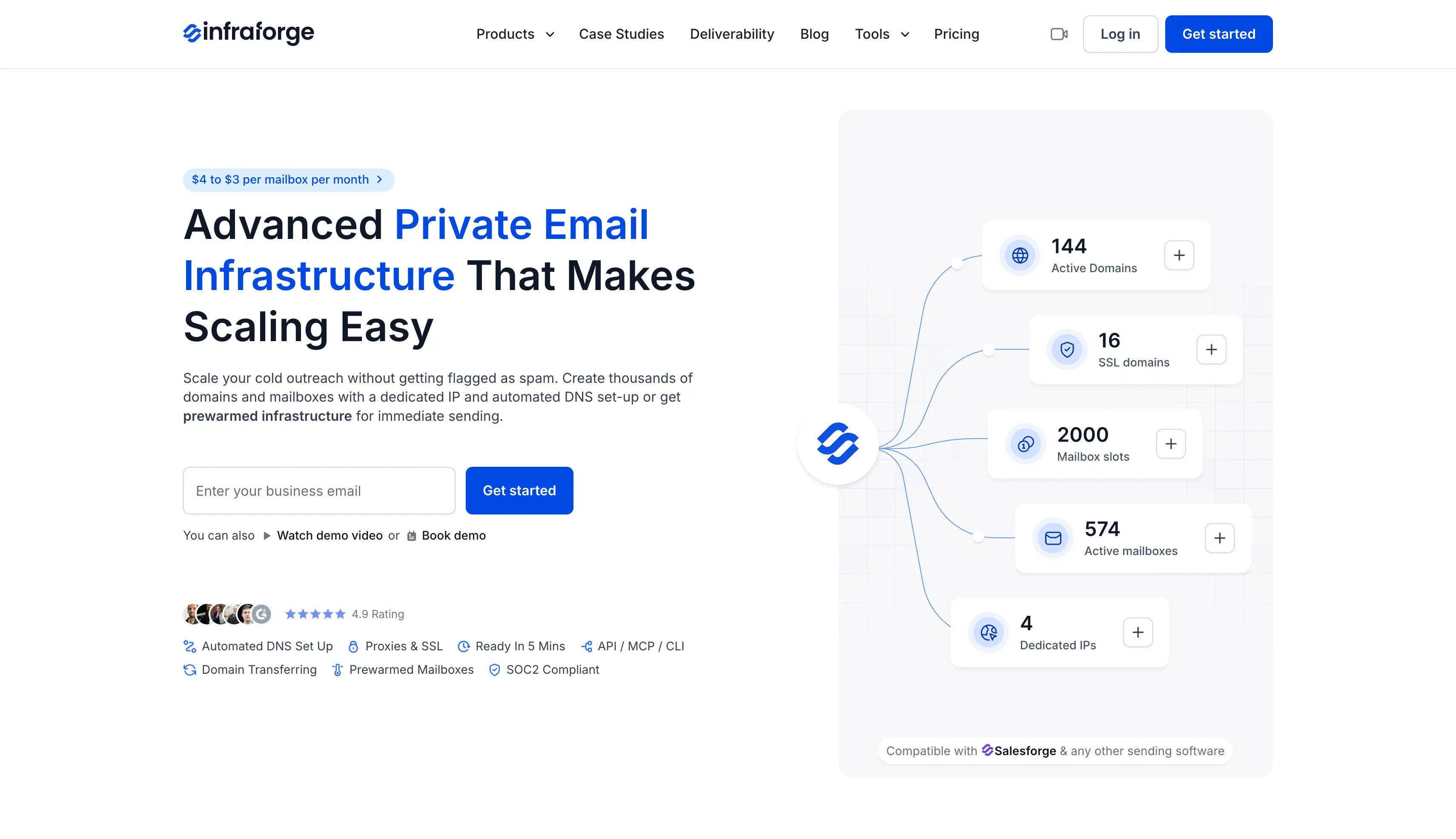
Infraforge also reduces the technical work involved in private SMTP infrastructure. It handles DNS configuration and lets teams manage workspaces, mailboxes, domains, and infrastructure from one dashboard.
API access lets teams automate infrastructure tasks. Teams can also separate sending environments for different projects. Each domain and IP can be managed according to the campaign.
Best for: High-volume cold email teams that need IP rotation and mailbox recovery.
Maildoso is an SMTP mailbox provider focused on outbound email operations. It combines mailbox provisioning with IP rotation, reputation monitoring, inbox placement testing, and self-healing features.
The self-healing system is one of its main differentiators. Maildoso can identify problems with sending resources and take action to reduce the impact on an active campaign. The platform also runs regular inbox placement tests to identify deliverability issues early.
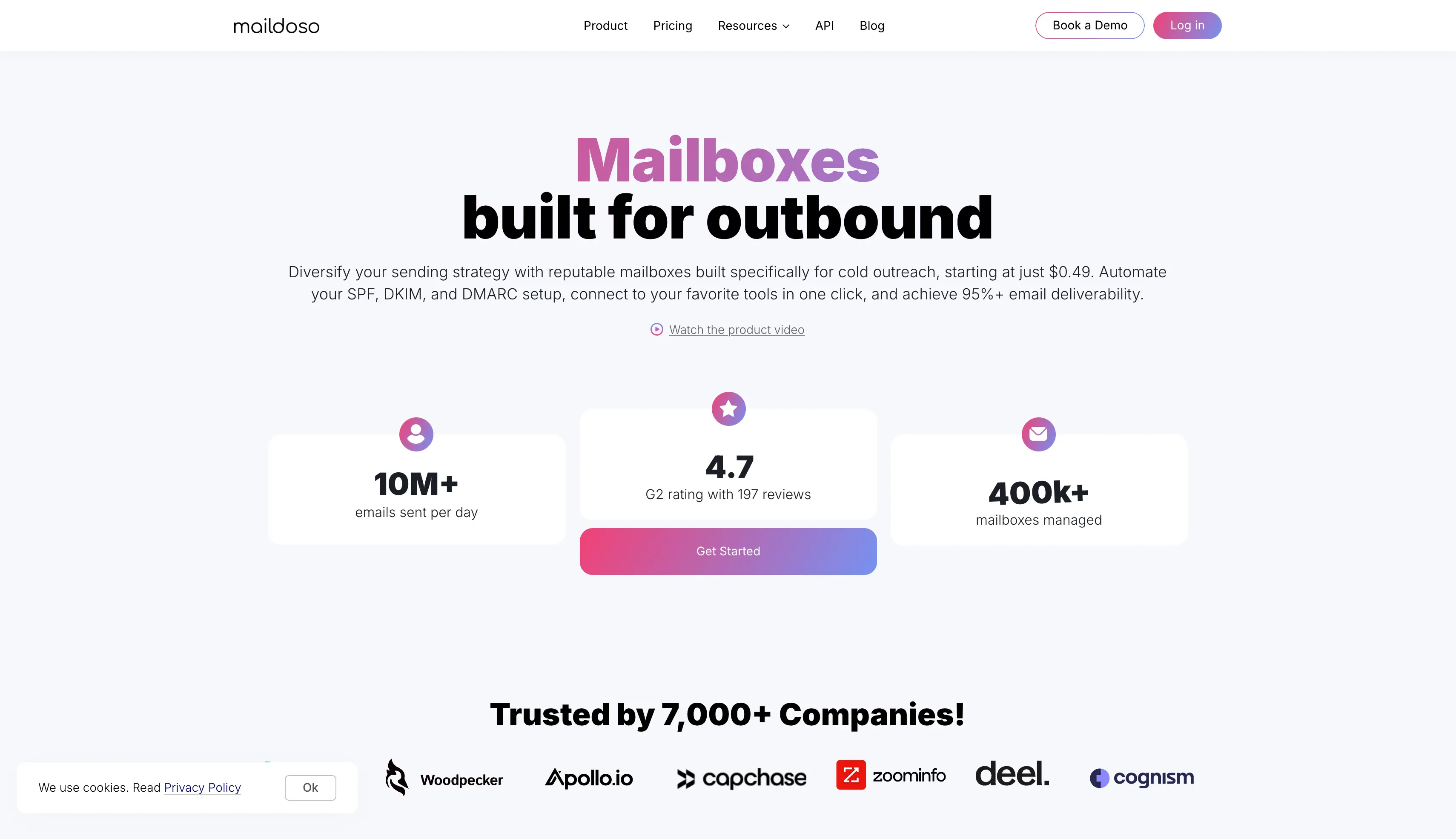
That setup can help teams that manage a large number of SMTP mailboxes. Instead of handling every mailbox and IP issue by hand, teams can use Maildoso to monitor the infrastructure and manage common deliverability problems.
The platform is aimed at high volume senders that need to manage many mailboxes without handling every infrastructure issue manually. IP rotation can also help distribute sending activity across the available SMTP infrastructure.
Best for: Teams that want cold email infrastructure and campaign management in one platform.
Mailscale combines email infrastructure with the tools used to run cold outreach campaigns. Teams can manage infrastructure, lead generation, campaigns, and replies from the same platform instead of using separate products for each task.
Pre-warmed outreach domains reduce the preparation required before launching campaigns. Mailscale also provides self-healing deliverability features that help manage sending problems as campaigns run.

The platform goes beyond SMTP infrastructure with lead discovery, phone enrichment, AI-assisted email creation, and reply management. It gives teams one platform for both their email infrastructure and outbound workflow.
Campaign features also cover tasks such as email templates, follow-ups, and campaign management. Teams that need more than an SMTP relay service can therefore manage more of their cold outreach workflow in one place.
Best for: Agencies and high-volume senders that need dedicated email infrastructure.
Mailreef is a dedicated email infrastructure provider for cold outreach. It gives users a dedicated mail server and IP instead of placing their mailboxes on shared SMTP infrastructure.
The setup supports larger outbound operations. A single server can support 150+ mailboxes, giving agencies and high-volume teams room to manage many sending accounts from one dedicated environment.
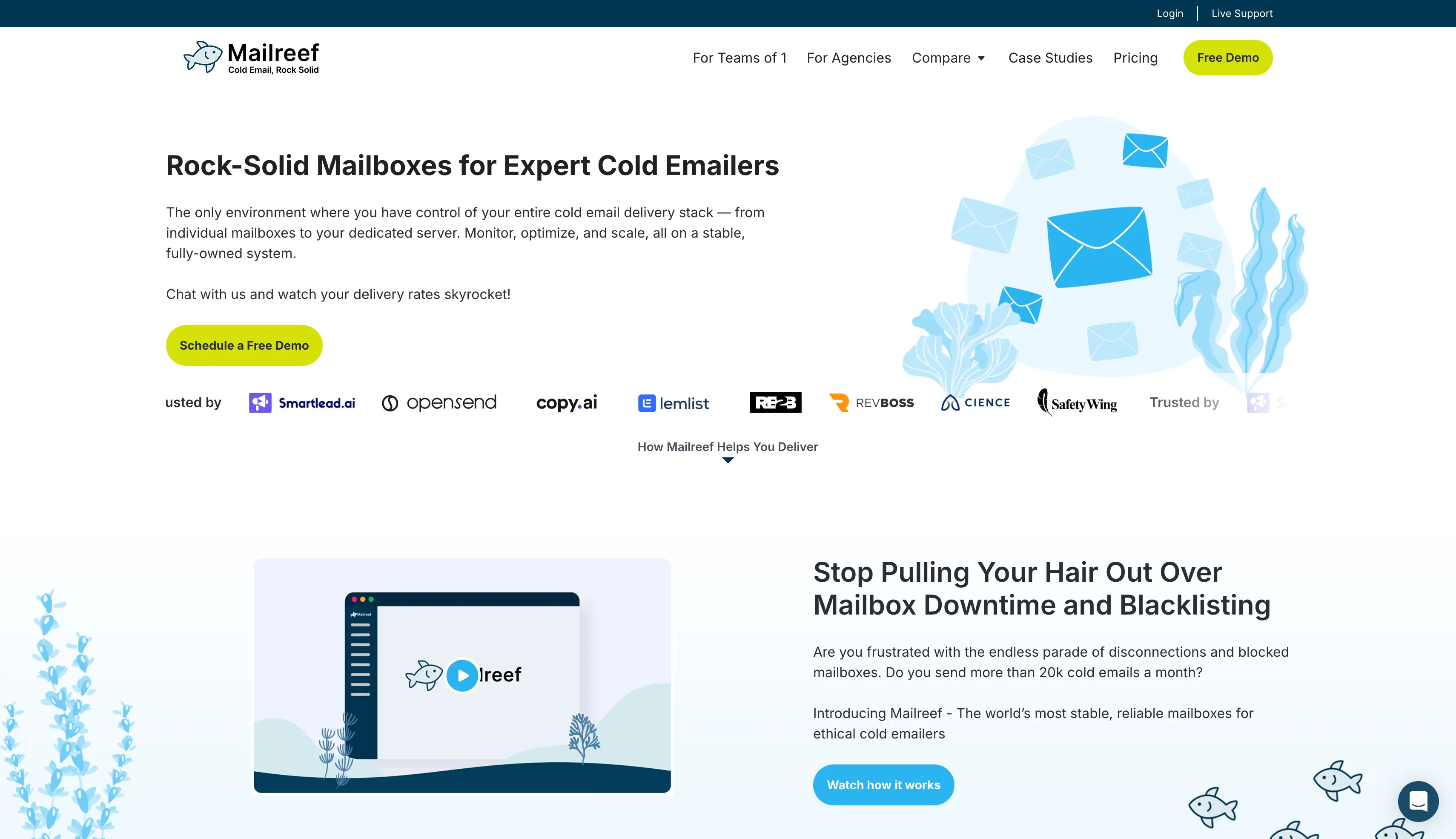
Mailreef also handles several parts of the infrastructure setup, including DNS configuration, mailbox creation, monitoring, and pre-warming. This reduces the server administration work required while keeping the sending environment dedicated.
The dedicated infrastructure also gives teams more control over their sending IP and mail server. That can matter for agencies managing several email campaigns and sending domains from one infrastructure setup.
The right SMTP provider depends on the size of your campaigns, the level of control you need, and how much technical setup you want to manage.
Start with the infrastructure behind the service. Check whether the provider uses shared IP addresses, private SMTP servers, or a dedicated mail server.
A shared setup can reduce the technical work involved. Private and dedicated infrastructure can provide more control over the sending environment.
Look at the number of email accounts and mailboxes included in each plan. Teams running several cold email campaigns may need multiple domains and higher mailbox limits as they scale.
Check whether the provider charges per mailbox, mailbox slot, domain, or sending volume.
IP configuration can affect your sending setup and sender reputation. Compare shared IP addresses, dedicated IPs, and IP rotation.
A dedicated IP address can provide more control over a sending environment. IP rotation can be useful for high-volume sending setups that need multiple sending resources.
The provider should support the core authentication protocols required for email delivery. Check whether it manages SPF, DKIM, and DMARC records as part of the setup process.
Automated DNS configuration can reduce the technical setup required when adding new sending domains and mailboxes.
Email deliverability should be part of the comparison. Check whether the provider offers inbox placement tests, sender reputation monitoring, email verification, or other deliverability optimization tools.
These features can help identify poor deliverability before it affects larger email campaigns.
An email API can help teams automate infrastructure tasks. API access becomes more useful when you manage many domains, mailboxes, and sending accounts.
Teams with more advanced automation needs should also check whether the provider supports programmatic mailbox management and infrastructure controls.
Compare the full paid plan rather than looking only at the starting price.
Include mailbox costs, domains, dedicated IP addresses, workspaces, sending fees, and other services. A provider with a lower starting price may cost more once you add the resources required for your campaigns.
Cold email SMTP providers differ in how they handle email infrastructure, mailboxes, IP addresses, and email deliverability.
Infraforge is a suitable option for GTM teams and agencies that need private cold email infrastructure with dedicated IP options and more control over their sending environment.
If shared SMTP infrastructure is a better fit, Mailforge provides shared infrastructure with mailbox slots, automated DNS, and mailbox management for outbound teams and agencies.
The main choice comes down to infrastructure type, mailbox capacity, IP setup, deliverability tools, technical setup, and total cost.
Comparing these areas can help you choose an SMTP service provider that matches your cold outreach requirements.
A cold email SMTP provider supplies the infrastructure needed to send outbound campaigns through the Simple Mail Transfer Protocol (SMTP). It can include mailboxes, sending domains, IP addresses, DNS records, monitoring, warm-up, and mailbox management. Unlike standard transactional email services, cold email SMTP providers support multiple sending accounts, domains, and higher sending volumes for cold outreach.
Shared SMTP uses a common sending environment or shared IP addresses across multiple customers. Private SMTP provides a more isolated setup with options such as a dedicated IP address or dedicated mail server. Shared infrastructure usually requires less technical setup, while private infrastructure gives teams more control over their email infrastructure and sending environment.
A separate sending domain can keep cold email activity separate from your primary business domain. It still needs proper DNS records and authentication protocols such as SPF, DKIM, and DMARC. Email verification can also remove invalid addresses before campaigns start, which can help support email deliverability and protect sender reputation.
Email warm-up is commonly used for new domains and mailboxes. It gradually increases sending activity instead of starting with a large volume. Some SMTP service providers offer pre-warmed infrastructure, while others require users to warm up new mailboxes before sending cold email campaigns. Warm-up does not guarantee inbox placement because sender reputation, authentication, email quality, and sending volume also affect email delivery.
SMTP infrastructure provides the email servers, mailboxes, IP addresses, and sending configuration required to send email. A cold email sending tool manages campaigns, including email templates, follow-ups, scheduling, personalization, replies, and reporting. The two can work together, with the SMTP provider handling the email infrastructure and the sending platform managing cold email campaigns.

