
Most self-hosted email guides quietly skip the part you probably care about most.
They show you how to install Postfix, Dovecot, Mailcow, Roundcube, or Mail-in-a-Box. They tell you to add DNS records. They help you send a test email. Then you try to use the server for cold outreach and the real problems start: Gmail accepts the message but puts it in spam, Outlook defers your mail, your VPS provider blocks port 25, your PTR record is missing, Spamhaus does not like your IP range, or everything passes technically but replies never come.
That is because hosting an email server and running cold outreach infrastructure are related, but they are not the same job. Hosting is the mechanical part. Cold outreach deliverability is the reputation part.
If you and I were setting up cold outreach infrastructure from scratch, I would not start by asking, "Can we install a mail server?" Of course we can. I would start by asking, "What reputation are we going to send from, how are we going to protect it, and who will maintain it every week?"
Important: Self-hosting does not magically improve inbox placement. A new server with a new IP often has less trust than a properly configured Google Workspace, Microsoft 365, or managed private cold email infrastructure setup.
Yes, technically, you can host your own email server for cold outreach. You can rent a VPS, point a domain at it, install a mail stack, configure SPF, DKIM, DMARC, set reverse DNS, create mailboxes, and connect that SMTP server to your sending tool.
But that only proves your server can send email. It does not prove Gmail, Outlook, Yahoo, Apple Mail, corporate gateways, and spam filtering systems will trust the email enough to place it in the inbox.
Cold outreach is judged on multiple layers
This is why a self-hosted email server can look perfect in a basic SPF/DKIM test and still perform badly for cold outreach.
My View: The server setup is not the moat. The operating discipline is the moat. If you do not want to manage DNS, dedicated IPs, warm-up, mailbox health, sender rotation, and monitoring manually, a private email infrastructure tool such as Infraforge is usually the cleaner path for scale.
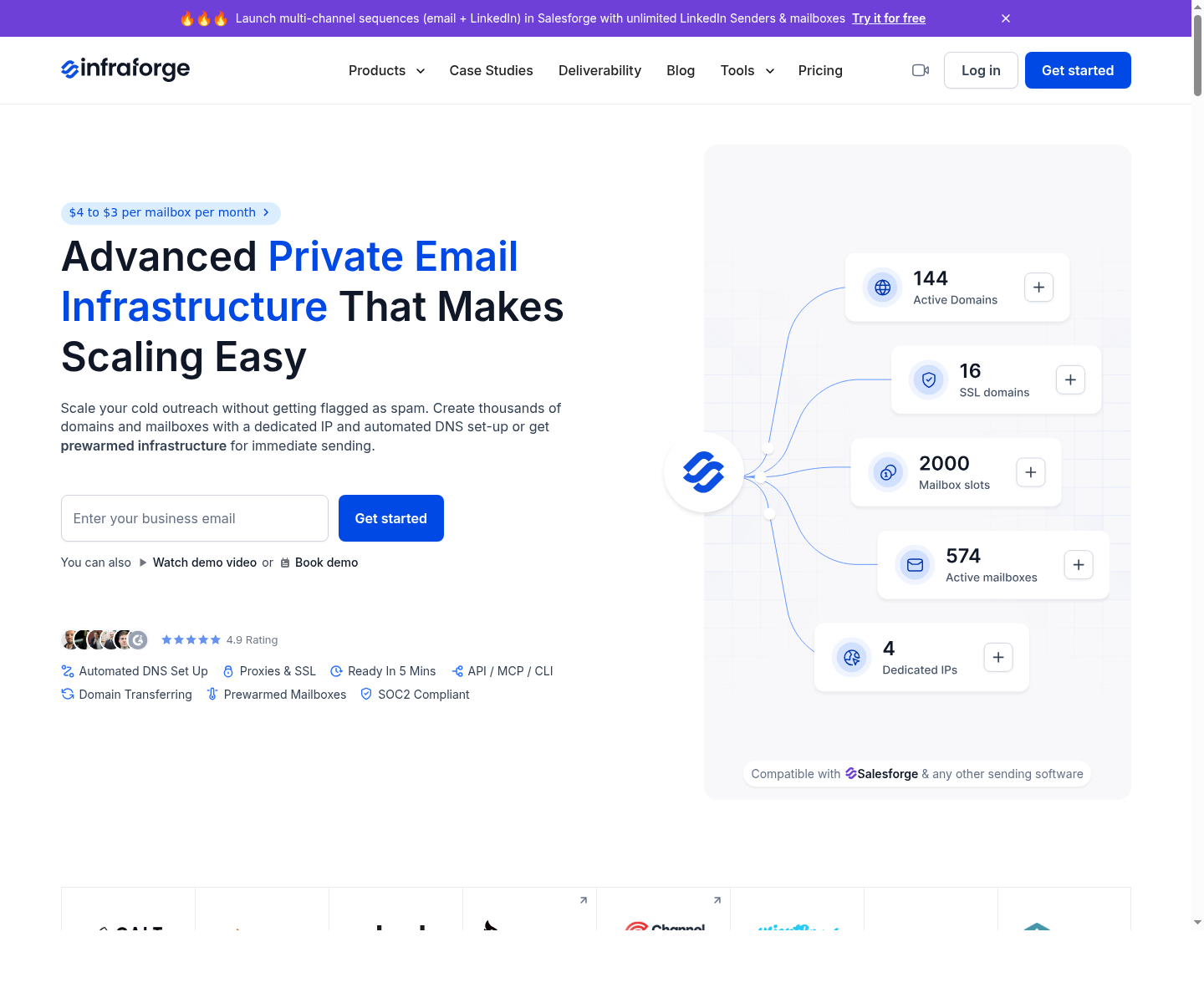
Infraforge is built around cold outreach infrastructure, including dedicated IPs, automated SPF/DKIM/DMARC setup, warmup, monitoring, sender rotation, and bulk DNS management. Try now
Before touching a server, choose the infrastructure model. This decision matters more than whether you use Mailcow or Postfix.
Here is the practical rule:
If you still want to host your own server, start with the prerequisites. Do not buy the cheapest VPS and hope it works. Email is one of the few areas where the provider's reputation follows you around.
Minimum requirements
Do not host cold outreach from a residential home IP. You usually cannot set clean PTR records, you may be blocked by receiving servers, and the IP range may already be treated as consumer access rather than legitimate mail infrastructure.
Also, do not use your main company domain. If your main domain handles customer support, invoices, product notifications, founder emails, or investor communication, keep it away from cold outreach. Use separate root domains that are similar enough for branding but isolated enough to protect core business mail.
Mailcow is the most practical self-hosted route for many people because it bundles the pieces you would otherwise wire together manually. A typical Mailcow setup includes Postfix for SMTP, Dovecot for IMAP/POP3, Rspamd for filtering, SOGo for webmail/groupware, TLS support, DKIM handling, and an admin interface.
If you are not a mail admin, Mailcow is usually better than manually configuring every component. You still need to understand DNS, server security, rDNS, ports, backups, updates, and deliverability, but the stack itself is less painful.
Mail-in-a-Box is good when you want a simpler personal or small-business mail server. It is designed to make self-hosting approachable. For cold outreach, though, it is not automatically the right choice. Outreach requires rotation, monitoring, volume management, and reputation operations that go beyond "I can send and receive mail."
This gives you the most control. It also gives you the most room to misconfigure something. The manual stack usually includes
I would only choose this path if you are comfortable reading mail logs and debugging SMTP sessions. If terms like postqueue, main.cf, master.cf, EHLO, mynetworks, smtpd_recipient_restrictions, and opendkim-testkey already feel familiar, you can handle it. If not, Mailcow or managed infrastructure is more sensible.
This is where Infraforge fits naturally. It is not a generic Gmail replacement and it is not a basic webmail host. It is private email infrastructure built for cold outreach teams that want dedicated IPs, automated DNS setup, prewarmed domains and mailboxes, monitoring, sender rotation, bulk DNS updates, workspace management, and compatibility with sending tools.
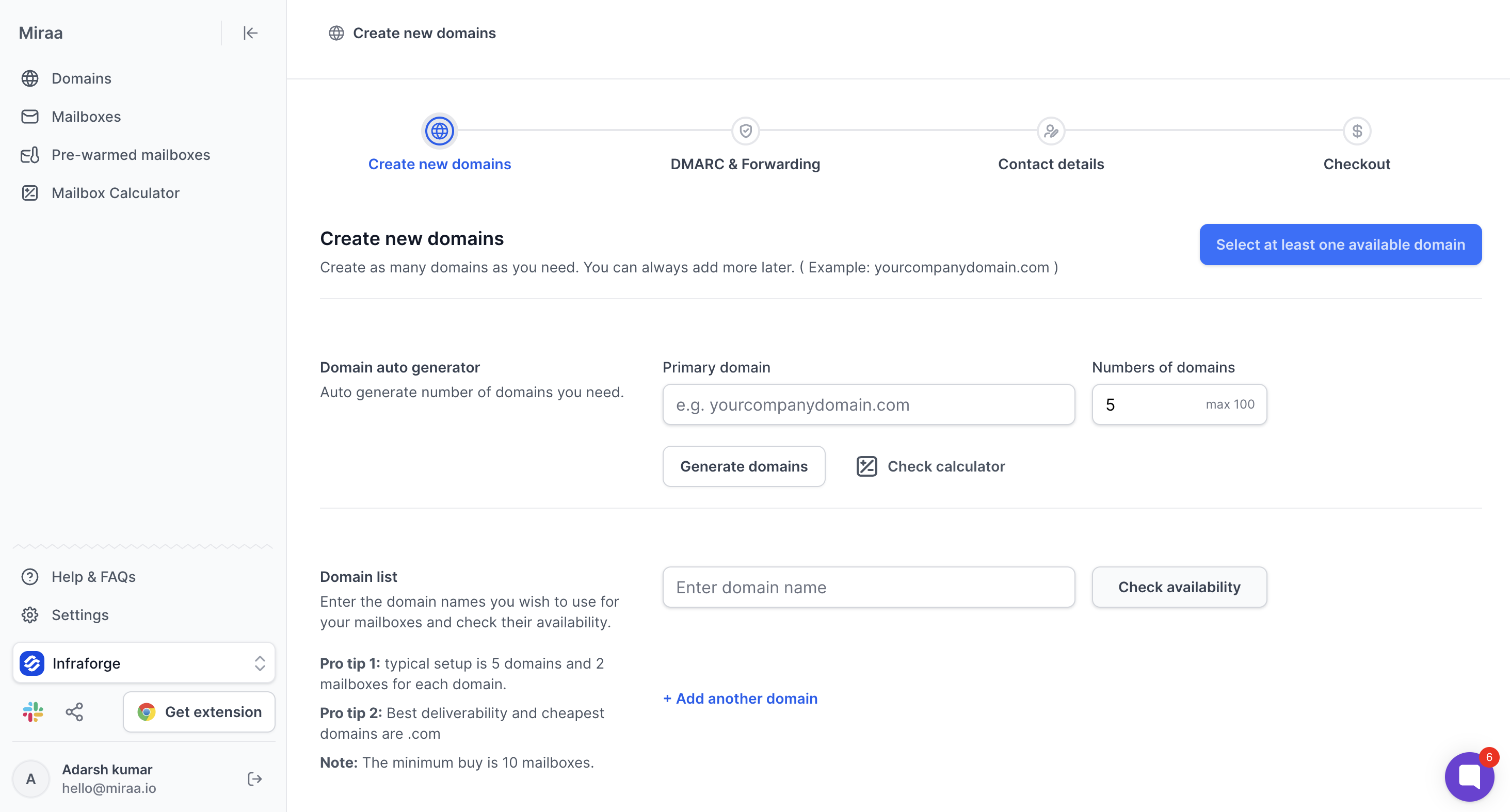
The subtle but important point: Infraforge is not a shortcut around good outreach behavior. You still need clean lists, sensible sending limits, good copy, unsubscribe handling, and fast reply management. What it can remove is the manual infrastructure grind: creating domains and mailboxes, configuring SPF/DKIM/DMARC, managing dedicated IPs, and monitoring infrastructure health.
Start by choosing a provider that allows legitimate mail hosting. Ask three questions before you pay:
If the provider blocks port 25 by default, that is not always fatal. Some providers unblock it after approval. But if they do not allow outbound mail at all, do not fight the policy. Choose another provider or use a managed infrastructure route.
Before building anything, check the IP in a reputation or blacklist tool. A "new" VPS IP may not be clean. It may have been used by another customer before you. If it already has a bad reputation, you are starting behind.
Use a proper mail hostname such as:
mail.youroutreachdomain.com
Your server hostname, A record, PTR record, and SMTP banner should tell the same story. Receivers dislike mismatches because mismatches look like sloppy or abusive infrastructure.
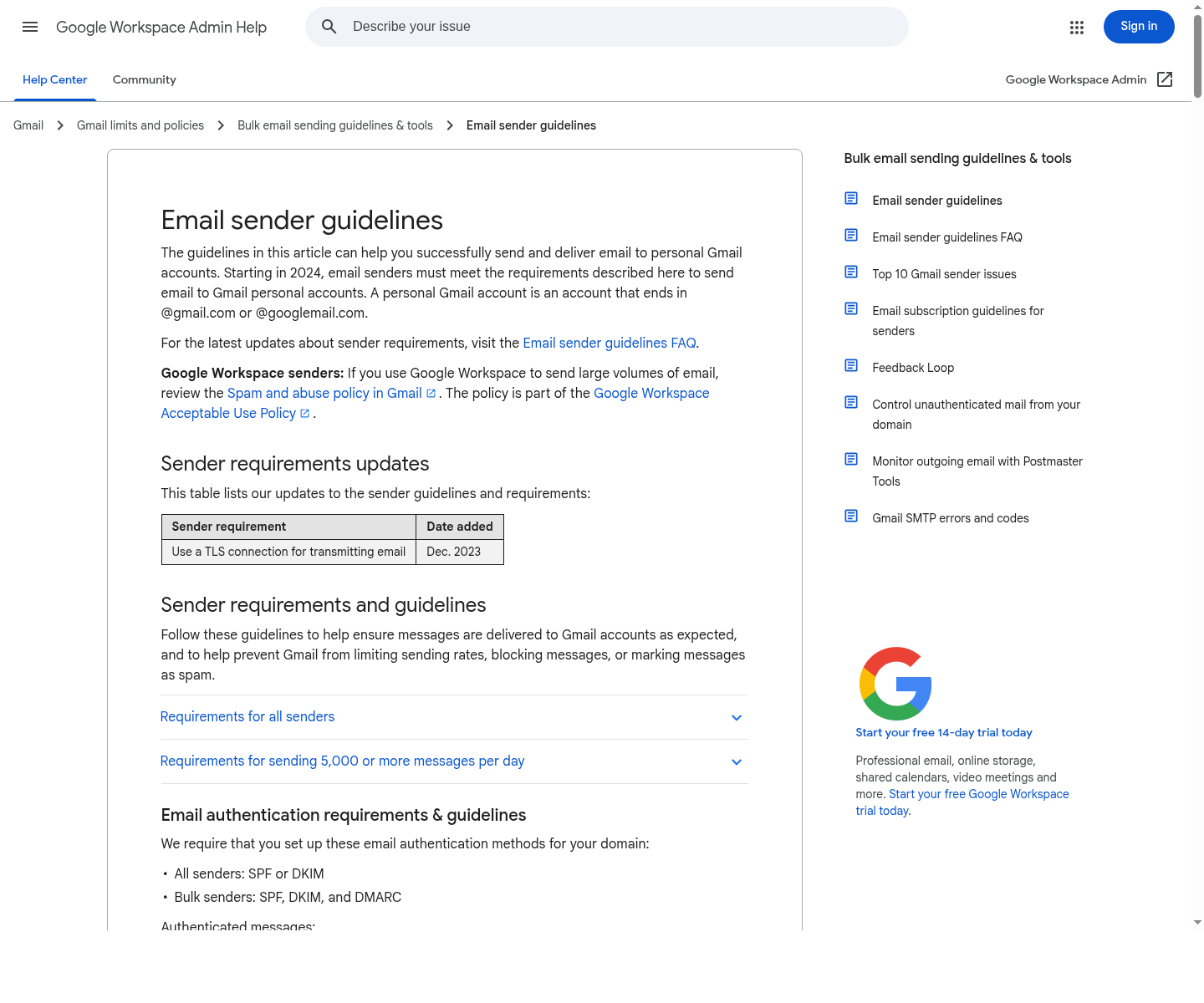
DNS is where many cold email setups break. Here is the minimum record set.
| Record | Purpose | Example |
|---|---|---|
| A | Points the mail hostname to your server IP | mail.example.com → 203.0.113.10 |
| MX | Tells the world where to deliver mail for the domain | example.com MX mail.example.com |
| SPF | Authorizes your server IP to send for the domain | v=spf1 ip4:203.0.113.10 -all |
| DKIM | Publishes the public key used to verify signed mail | selector._domainkey.example.com |
| DMARC | Tells receivers what to do when SPF/DKIM do not align | v=DMARC1; p=none; rua=mailto:[email protected] |
| PTR/rDNS | Maps your server IP back to the mail hostname | 203.0.113.10 → mail.example.com |
Start DMARC at p=none while you verify all legitimate senders and reports. Then move toward stricter policies once you know everything is aligned. For cold outreach, passing authentication is table stakes, not a deliverability guarantee.
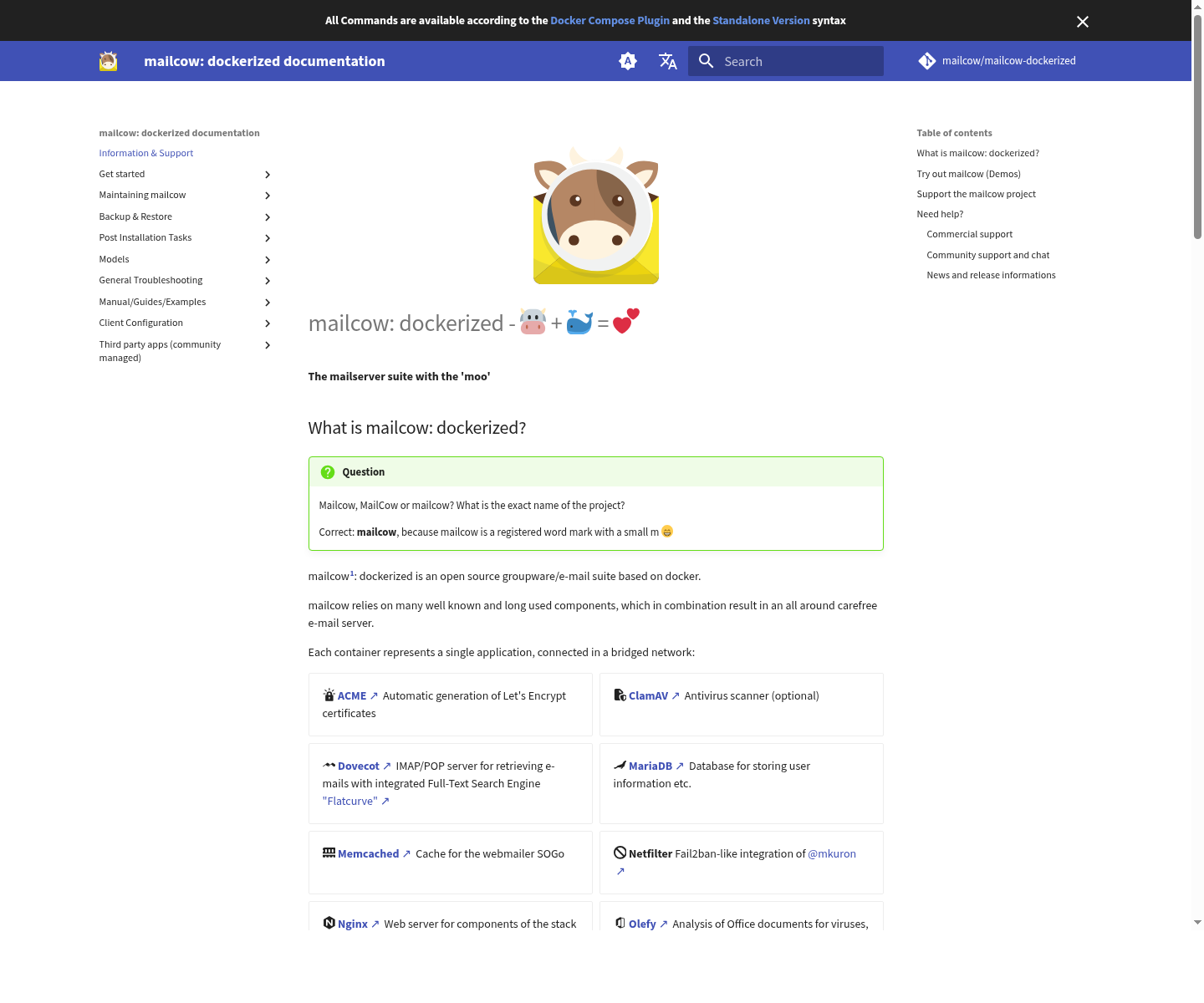
If I were writing this for a non-sysadmin outreach operator, I would use Mailcow as the default walkthrough. The exact commands can change, so always verify against the official Mailcow documentation, but the flow is generally:
During config generation, set the mail hostname to something like mail.youroutreachdomain.com. After the containers are running, log into the admin panel, change the default password immediately, and verify the DNS records Mailcow expects.
Security note: Never run a mail server casually. Keep the server patched, use strong admin credentials, restrict unnecessary ports, monitor logs, and make sure you have not created an open relay.
A mail server commonly needs:
Do not expose admin surfaces carelessly. If you can restrict admin access by IP or VPN, do it.
Create one or two mailboxes per outreach domain to start. Do not create 50 mailboxes on day one and immediately send campaigns. That pattern is exactly what filters are built to distrust.
For example:
Make sure postmaster and abuse are monitored. They matter for credibility and for handling complaints.
Send test emails to Gmail, Outlook, and another mailbox you control. Open the raw headers and verify
If you do not know how to read email headers, learn before sending cold campaigns. Header reading is basic hygiene for anyone managing cold email infrastructure.
Cold outreach infrastructure flow
The server is only one layer. Deliverability depends on the full chain.
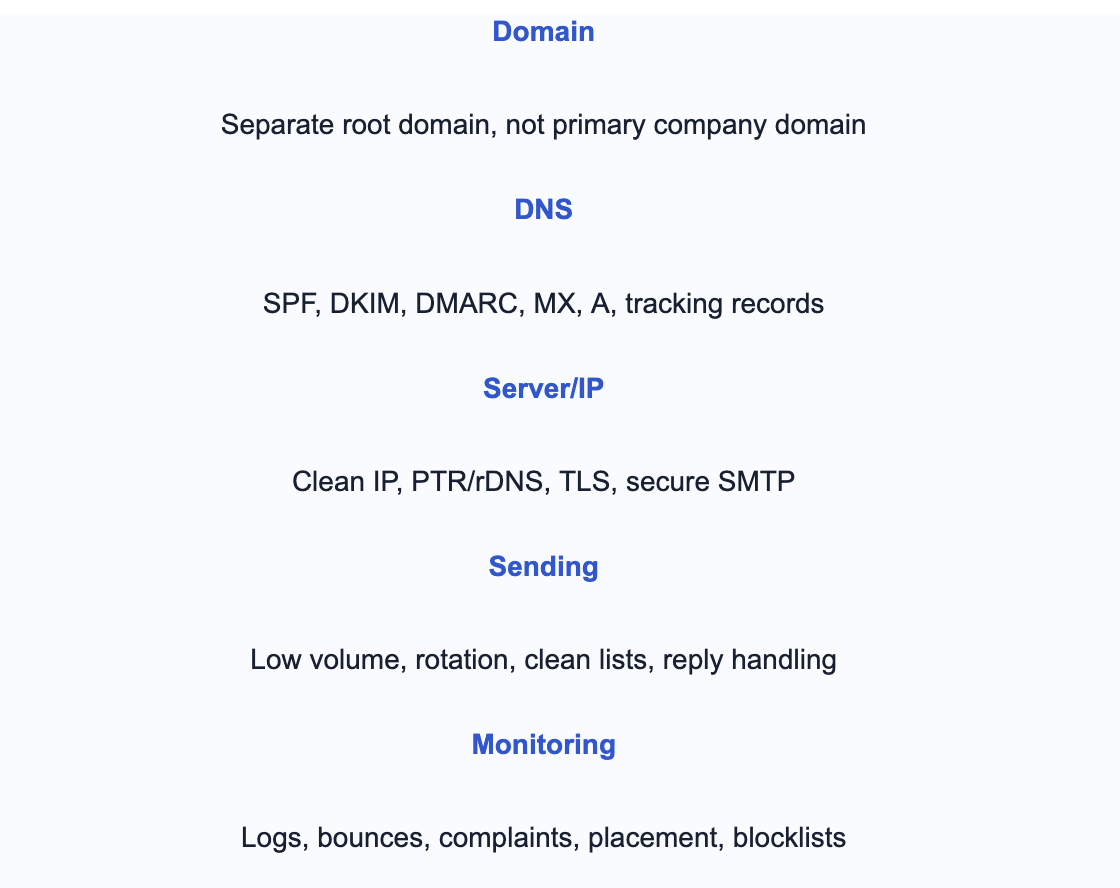
Now we get to the part that generic mail-server tutorials usually do not cover.
Do not use your primary domain. Do not send from [email protected] if that same domain handles customers, invoices, password resets, or investor conversations. Use a separate root domain such as:
Subdomains are not always enough isolation, especially if MX records, tracking, reply routing, and brand patterns still connect everything back to the main domain. Separate root domains give you cleaner risk boundaries.
If your sending tool tracks opens and clicks, use a branded tracking domain. Generic shared tracking links are often a weak signal. For example:
track.youroutreachdomain.com
That said, be cautious with tracking. Aggressive open tracking, link-heavy messages, and shared redirect domains can hurt placement. For early-stage cold outreach, plain-text style emails with fewer links often perform better.
The fastest way to damage a fresh self-hosted setup is to treat it like a bulk email cannon. For a new domain and IP, start painfully low.
| Stage | Suggested Cold Sends Per Mailbox | What to Watch |
|---|---|---|
| Week 1 | 0-5/day | Authentication, inbox placement, replies, bounces |
| Week 2 | 5-10/day | Gmail/Outlook placement, queue delays, spam reports |
| Week 3 | 10-20/day | Bounce rate, reply rate, domain reputation |
| Week 4+ | 20-40/day only if clean | Blocklists, complaint patterns, engagement trend |
These are conservative numbers, and that is the point. New infrastructure has to earn trust gradually. If you need high volume quickly, DIY self-hosting is usually the wrong path unless you already know how to operate dedicated email infrastructure.
Infrastructure will not save bad data. If you are sending to invalid addresses, catch-all junk, spam traps, scraped personal emails, or irrelevant contacts, the server will eventually pay for it.
Before a campaign:
Sender rotation is useful when you have multiple domains and mailboxes, but it is not a trick to hide bad behavior. If the same bad list, same spammy copy, and same aggressive sending pattern moves across 20 mailboxes, filters can still connect the dots.
This is one reason managed platforms such as Infraforge are useful for larger teams. The operational problem is not just "create mailboxes." It is coordinating dedicated IPs, domains, mailboxes, warm-up, monitoring, and sending limits without creating chaos.
Warm-up is not magic. It is just controlled reputation building. It helps when your fundamentals are good. It does not fix spam traps, irrelevant messaging, bad DNS, or a dirty IP.
<2% - Bounce rate target for serious cold outreach. Lower is better.
0 - Tolerance for open relay mistakes. One abuse incident can ruin the server.
Weekly - Minimum cadence for checking DNS, blocklists, logs, and placement.
This is the part people underestimate. A self-hosted server is not "set and forget." It is an operating responsibility.
Authentication passing only means Gmail can verify who sent the message. It does not mean Gmail trusts the sender. Check domain age, IP reputation, content similarity, list quality, engagement, complaint rate, link patterns, and sending volume.
Microsoft filtering can be stricter or simply different. Your IP range may have weak reputation with Microsoft. Check the exact SMTP error, confirm PTR/rDNS, reduce volume, and look into Microsoft sender reputation tools where applicable.
Ask for an unblock if the provider allows legitimate mail hosting. If they do not, switch providers. Do not try to bypass restrictions with hacks. That is a fast path to unreliable infrastructure.
Set reverse DNS through your VPS provider. Your IP should resolve back to your mail hostname, and your mail hostname should resolve to the IP. A mismatch is a common reason for rejections and poor trust.
Stop sending first. Then find the cause. Was the IP dirty before you got it? Did you create an open relay? Did you send too much too fast? Did a compromised mailbox send abuse? Delisting without fixing the cause is pointless.
Treat it like an incident. Disable relay access, rotate credentials, review logs, patch the server, and check whether spam was sent through your IP. Open relays get abused quickly.
Check Reply-To, MX records, forwarding rules, and mailbox routing. For cold outreach, reply handling is not optional. Replies are deliverability and revenue signals. If prospects reply and nobody sees it, the infrastructure is failing commercially even if it works technically.
Self-host if:
Do not self-host if:
My experienced take is simple: self-hosting is a good learning project and a serious infrastructure choice for teams that know what they are doing. It is not a beginner deliverability hack.
For most cold outreach teams, I would rather use managed infrastructure designed for outbound than maintain a fresh self-hosted SMTP server.
If you are scaling and want private infrastructure, Infraforge is worth considering because it gives you dedicated IPs, automated DNS setup, prewarmed domains and mailboxes, deliverability monitoring, sender rotation, and bulk infrastructure management without forcing your team to become full-time mail admins.
If you still self-host, go slowly. Build trust first. Send less than you think you can. Watch the logs. Respect unsubscribes. Keep your primary domain out of it. And remember that the best server setup in the world cannot compensate for bad targeting.
Yes, hosting your own email server is legal in most places. Cold outreach legality depends on your jurisdiction, consent rules, business context, unsubscribe handling, truthful identity, and compliance with laws such as CAN-SPAM, GDPR, PECR, or local equivalents. Legal and deliverable are not the same thing.
Yes, but it is advanced. You need clean IP reputation, correct DNS, authentication alignment, slow warm-up, list hygiene, bounce suppression, and ongoing monitoring. Without those, a self-hosted server can perform worse than Google Workspace or Microsoft 365.
Not automatically. Self-hosting gives control, not trust. A new dedicated IP may have no reputation or bad inherited reputation. Deliverability improves only when the infrastructure, sending behavior, list quality, and engagement are healthy.
For self-hosted email, yes, you generally need a static dedicated IP with proper PTR/rDNS. For cold outreach, a dedicated IP gives control but also puts all reputation responsibility on you. That is powerful when managed well and painful when mismanaged.
You can for learning or internal experiments, but it is a bad idea for serious cold outreach. Residential IP ranges, missing PTR control, ISP restrictions, uptime issues, and reputation problems make home-hosted outbound mail unreliable.
There is no universal safe number. Start with very low volume and increase only if authentication, placement, bounces, and replies look healthy. Sending capacity depends on domain reputation, IP reputation, list quality, copy, recipient mix, and complaint rate.
No. Use separate outreach domains. Your primary domain should be protected for customer, product, billing, investor, and internal communication.
If you want to learn and control every layer, self-hosted SMTP gives you that. If you want cold outreach infrastructure without manually maintaining servers, DNS, dedicated IPs, warm-up, and monitoring, Infraforge is the more practical option for many scaling teams.
Plan in weeks, not days. A cautious first month is normal. Warm-up should be paired with real engagement, clean lists, low volume, and monitoring. Automated warm-up alone cannot fix poor outreach behavior.
