
We need to talk.
On paper, Instantly checks all the boxes with its lucrative features.
But once you start caring about actual inbox placement and reply rates, things feel a little less predictable.
So instead of jumping to conclusions, I spent time testing it properly.
Here’s a clear breakdown of where Instantly delivers and where it starts to fall short.
If you want a quick answer: Instantly is still one of the easiest ways to scale cold email outreach, but it’s not as good as it looks.
It does a few things exceptionally well:
But the trade-offs start showing when you care about performance:
If you're purely doing email outreach at volume and already know what you're doing, Instantly is genuinely solid.
But if you're newer to this, or if deliverability is a top concern, then there are things to understand before you commit.
If your priority is just getting started, Instantly works well.
But if you’re already thinking about deliverability, inbox placement, and scaling, then tools like Salesforge start to make more sense.
Here’s a quick difference:
But you don’t have to take our word for it. Here’s what a customer had to say after comparing Salesforge with Instantly:
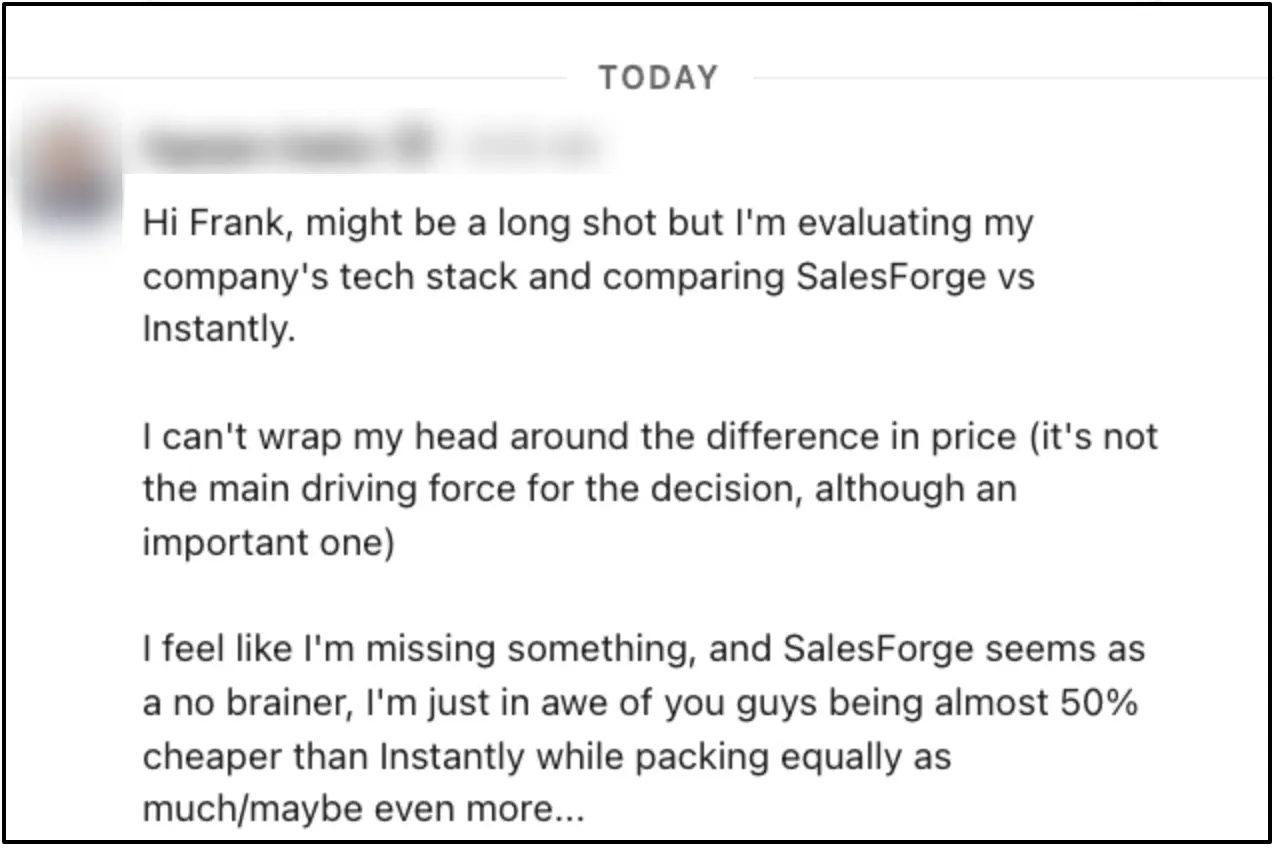
In this part, I have not cherry-picked testimonials, but it’s like a compilation of what consistently shows up in feedback once people have actually used Instantly for a few weeks or months.
Here’s what stands out:
.png)
This is the biggest reason people adopt Instantly. It allows you to manage multiple inboxes, rotate sending accounts, and launch campaigns. Plus, it doesn’t require much technical setup. For founders or small teams, that simplicity is a big win.
Compared to more complex outreach stacks, Instantly feels lightweight. You don’t have to spend days figuring things out and you can launch campaigns quickly.
It has a decent stack of warmup, sending, and basic analytics in one place. For many users, this is “good enough” to get started without stitching multiple tools together.
This is the most repeated concern, and it’s not just about one feature.
Campaigns that work well initially can see drops in open/reply rates over time, and users often struggle to pinpoint whether the issue is (like is it inbox placement, domain reputation, or the effectiveness of the built-in warmup).
The lack of clarity here is what frustrates more experienced users.

The dashboard gives you surface-level metrics (opens, replies, etc.), but lacks deeper insights like inbox placement breakdown, domain health indicators, detailed deliverability diagnostics.
It’s cool for casual users, but for veteran outreach folks, it can feel limiting.
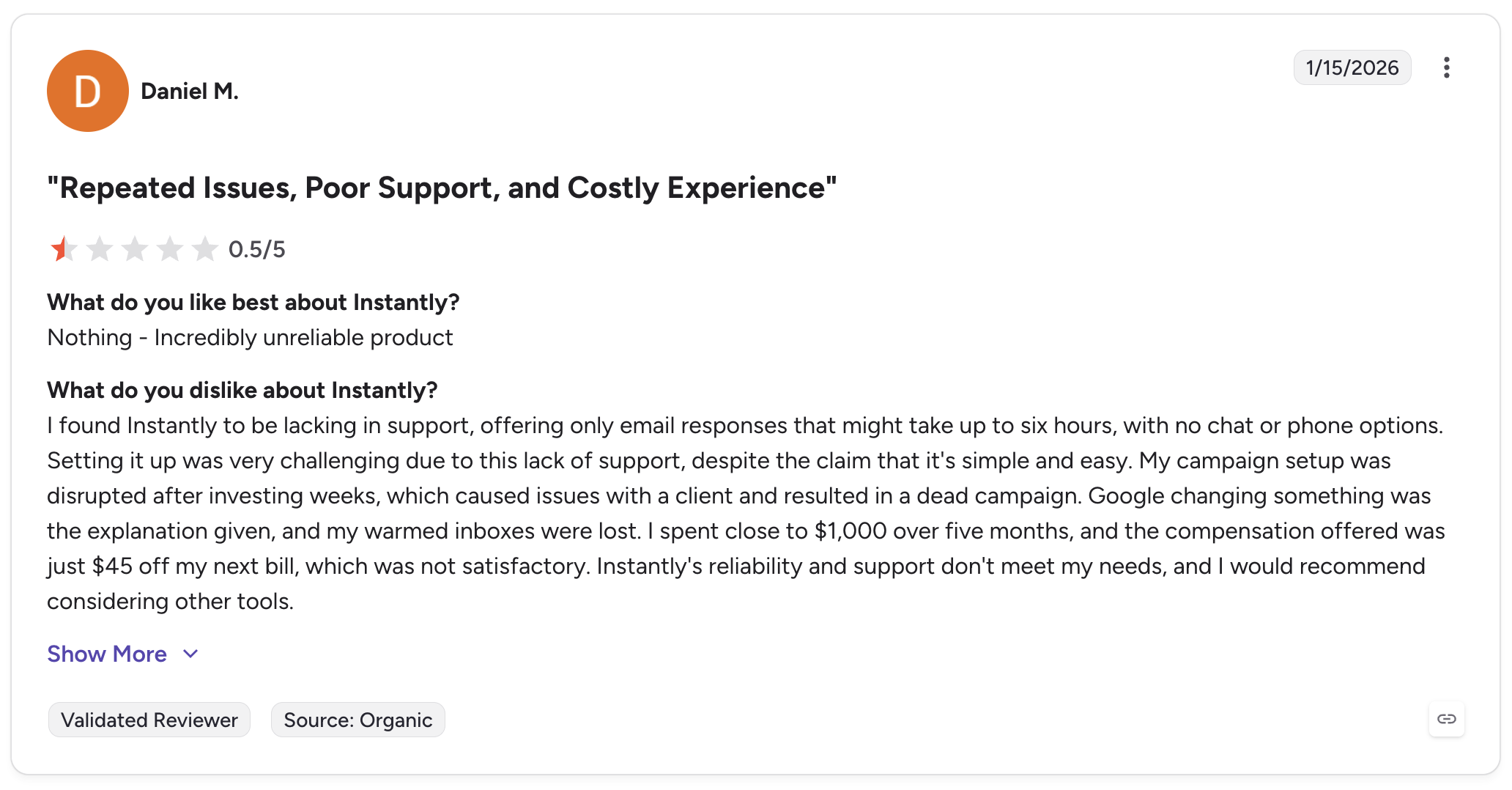
Instantly’s support is fine for simple questions. But when something breaks mid-campaign, the responses are slow.
(You can take a look at G2 reviews that talk about Instantly’s support: Source 1, Source 2)
Before getting into the review, I want to share something that came into the Salesforge live chat while I was working on this article regarding Instantly's support.
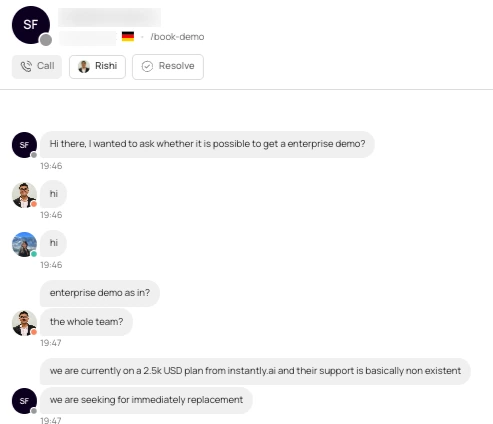
The team was paying $2,500/month for Instantly.ai, but said its support was “basically non existent.” They were looking for an immediate replacement and reached out to us for an enterprise demo.
This isn’t the basis of the review. It’s simply another data point worth mentioning. The rest of this review is based on experience, reviews, and researched-based by using Instantly and testing its features, pricing, and limitations.
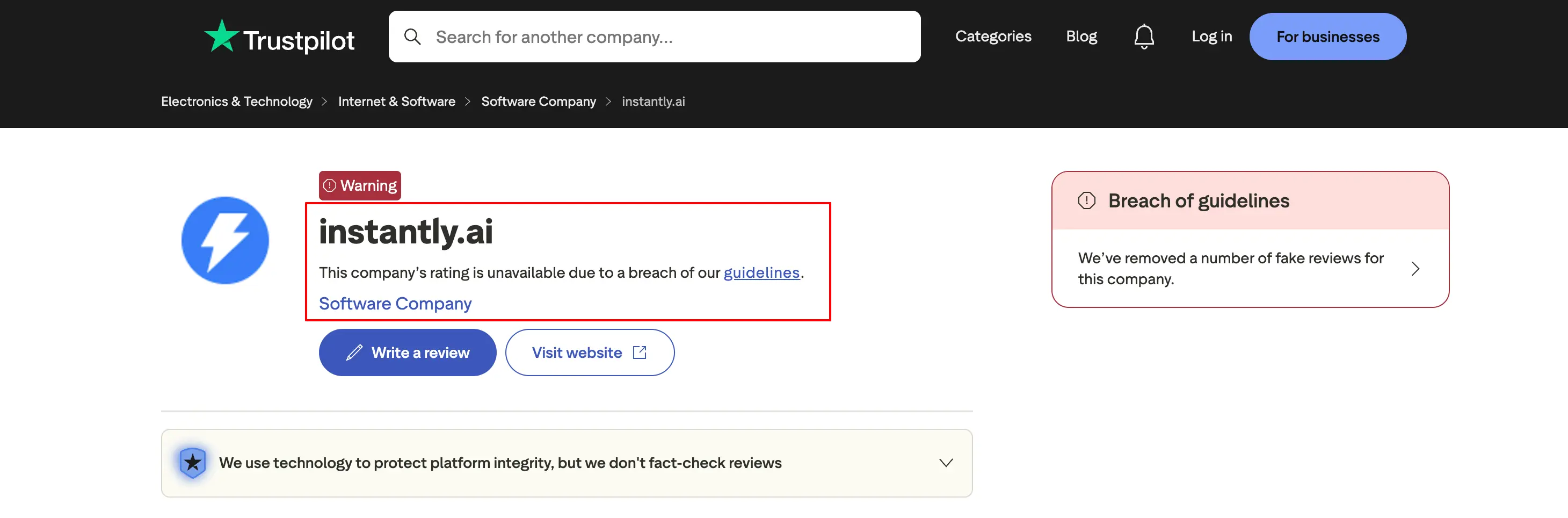
Trustpilot flagged Instantly’s profile for a guideline breach and removed a number of fake reviews. When reviews play a big role in choosing an outreach tool, this can make it harder to know which feedback to trust.
If you want an similar tool with less issues, check out these popular Instantly alternatives.
Now let’s look at how each part of Instantly actually performs once you start using it for your outreach campaigns.
Because on paper, everything sounds solid, but the difference shows up in execution.
This is Instantly's core, and it's genuinely good.
The unlimited email accounts feature is quite helpful. You can connect as many inboxes as you need, from any provider, without paying extra per account.
For agencies running campaigns across multiple clients, or any team serious about volume, this alone changes the economics.
The sequence builder also clean and intuitive. You just need to add steps, write copy, set delays, and launch. No steep learning curve.
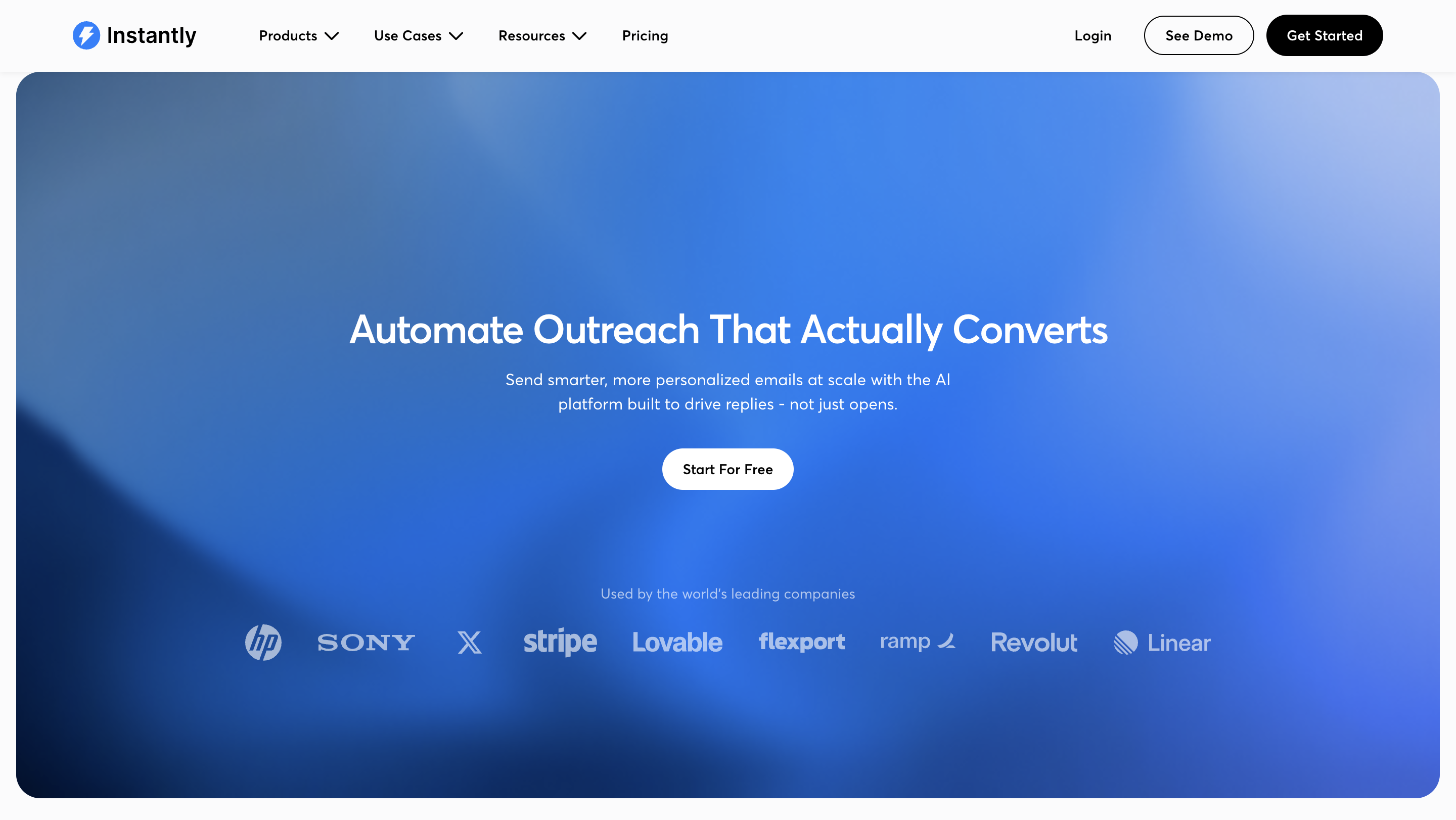
It’s A/Z testing lets you run multiple variants simultaneously, which is genuinely useful when you're running high volumes and want to find what's working faster.
Note: It has Unibox feature where you can manage replies from multiple domains and inboxes, this saves a lot of time.
Overall: the sending side of Instantly is polished and well thought out. This is where it earns its reputation.
This is one of Instantly’s most marketed features and also one of its most debated.
The set up is simple: you connect inboxes, turn on warmup, and the system gradually builds your sender reputation by simulating natural email activity.
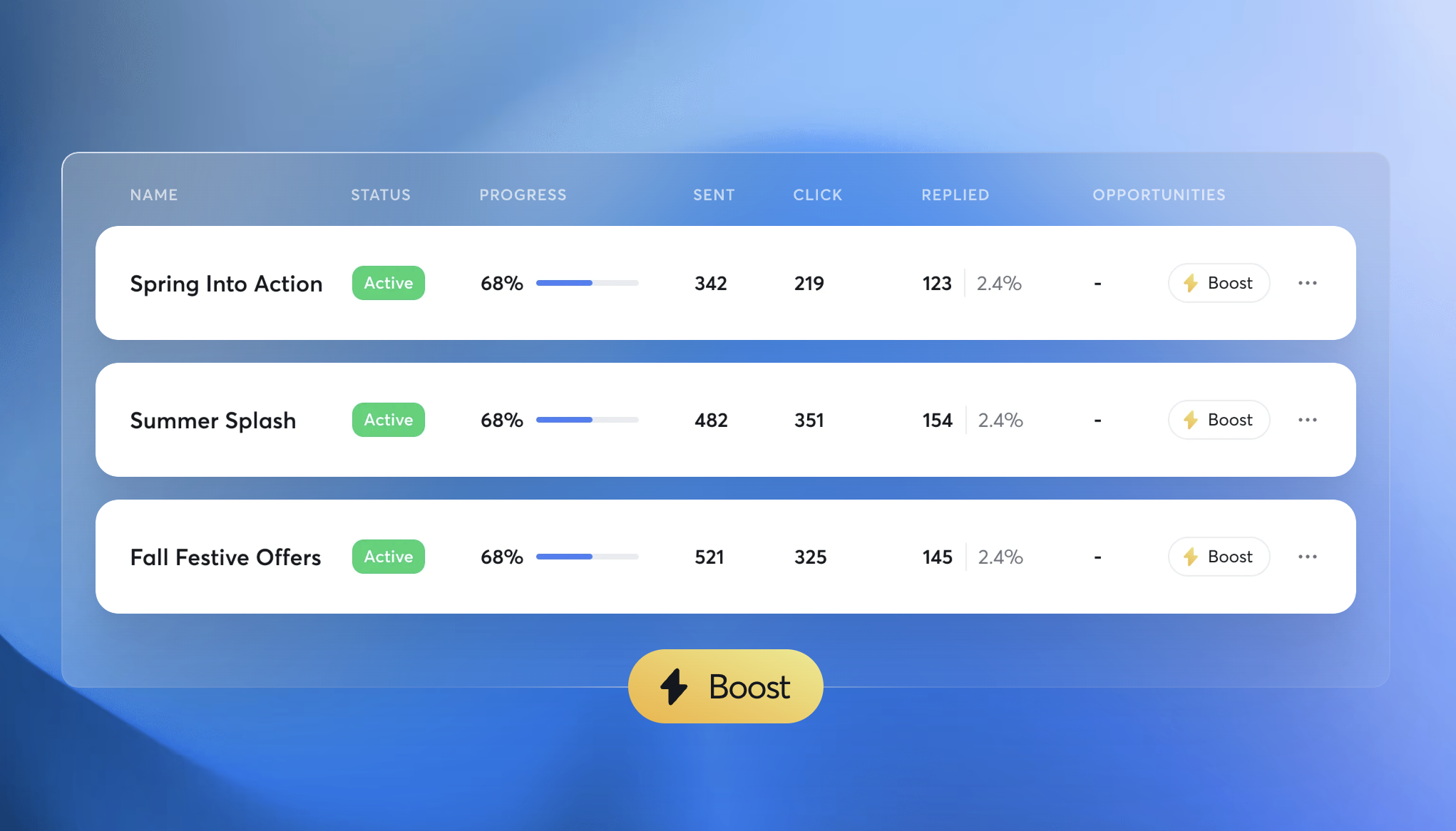
For beginners, this is extremely convenient. You don’t need to understand the technical side of deliverability to get started.
And initially, it does seem to work. New inboxes warm up, campaigns start sending, and things look stable.
The concern starts when you scale. Many users report that warmup scores and actual inbox placement don’t always align. You might see “healthy” signals inside the tool, but still experience drops in reply rates.
The problem lies in transparency. It’s like you don’t get to know what’s happening behind the scenes, which makes it harder to trust or troubleshoot when things go off track.
Instantly also offers a built-in lead database, which is meant to reduce your dependency on external prospecting tools.
In terms of convenience, it’s a solid addition. You can search for leads, filter based on basic criteria, and quickly push them into campaigns without switching platforms.
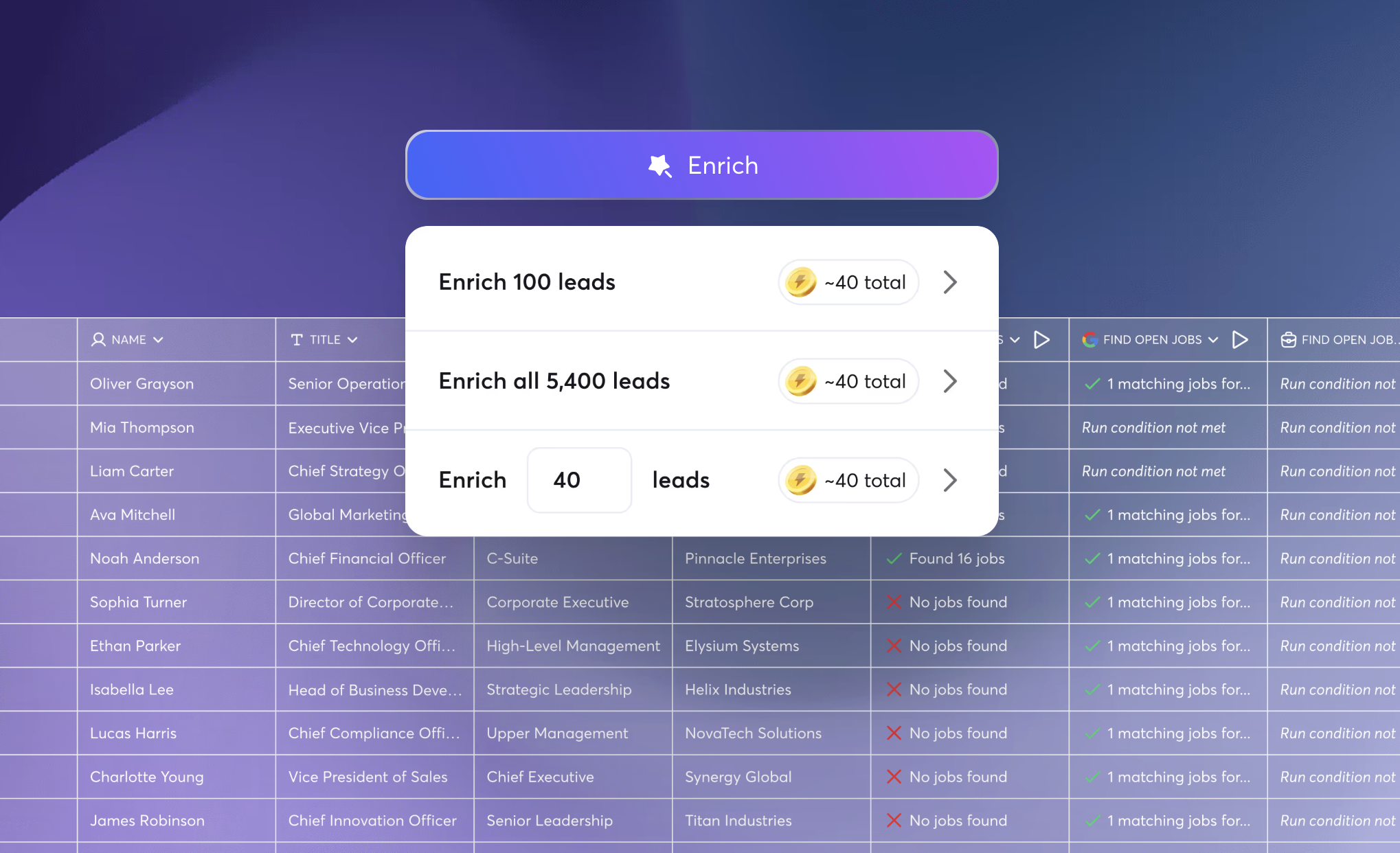
For users who want a simple, all-in-one workflow, this is helpful. But compared to dedicated lead generation tools, it feels limited.
The depth of data, accuracy, and filtering capabilities aren’t as strong. It works best as a supporting feature, not your primary source of leads, especially if you’re targeting specific niches or running highly personalized outreach.
Instantly's analytics cover the basics well: open rates, reply rates, bounce rates, campaign performance over time.
For most teams running standard outreach, it's enough to make decisions from.
Where it falls short is depth. Revenue attribution is thin.
If you're trying to connect outreach activity to actual pipeline and closed deals, you're going to hit a ceiling. The reporting works fine as a day-to-day campaign management tool, but it doesn't work as a full sales performance view.
For simple campaign evaluation, the minimalist dashboard is actually helpful because you're not overwhelmed by data. For scale or agency reporting needs, you'll likely want to pipe data into something else.
This is one of the more interesting additions, especially for teams trying to connect outbound with intent signals.
You just need to install a pixel on your site, and Instantly identifies which B2B companies and contacts are visiting. It enriches them with verified contact data, and lets you route them directly into outreach sequences.
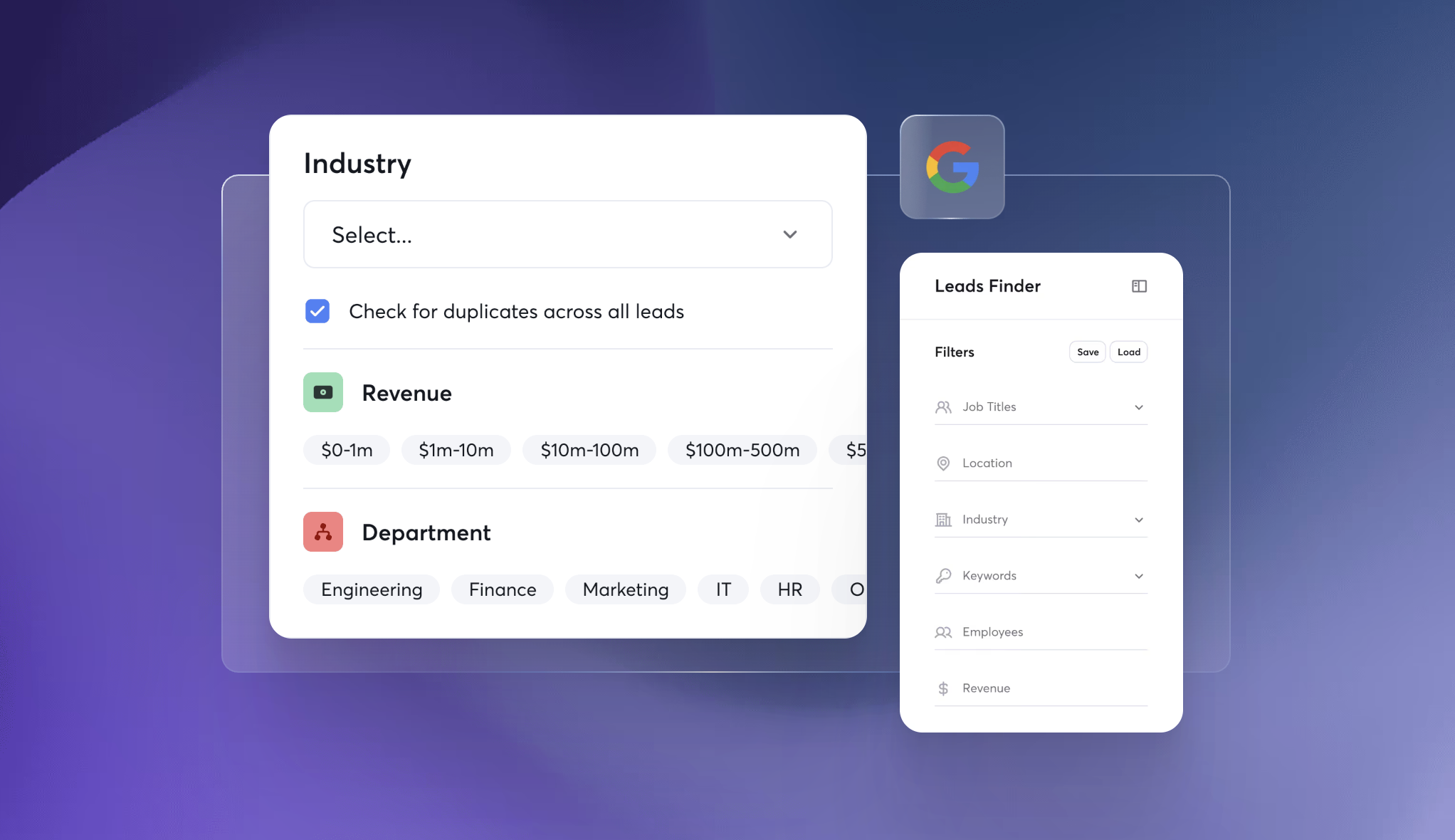
You only get credited when a visitor resolves to either a valid business email or an active LinkedIn profile, so you're not paying for garbage matches.
The best part? It allows you to reach out to people who already showed interest by visiting your site. You can even tailor your messaging based on which pages they hit.
If you're driving meaningful B2B traffic, it's worth exploring. If your traffic is global or lower volume, it's probably not the priority add-on right now.
Instantly includes a lightweight CRM to manage leads, track conversations, and organize outreach.
For simple workflows, this is convenient. You can keep everything in one place without integrating another tool, which reduces operational overhead.
But it’s important to set expectations correctly: this is not a full-fledged CRM.
It’s best for solopreneurs or small teams. But if you need advanced pipeline management or team collaboration workflows, then you’ll have to move to a dedicated CRM.
Ok… this is where Instantly gets a little tricky. The pricing plans looks cool and affordable.
But here's the thing, Instantly splits its platform into three separately priced products: Outreach, Lead Finder, and CRM. You're not getting all three for $47. That's just the sending layer.
Here's how it actually breaks down:
CRM: Fflat $47/mo regardless of plan.
So if you want the full Instantly experience, the minimum cost starts at $141/month, a mid-tier setup runs around $221/month, and a high-volume setup can hit $500+/month.
And that's before add-ons like Website Visitor Identification, DFY domains, pre-warmed accounts, or inbox placement testing. These all are priced separately on top.
My honest take?
Instantly isn't expensive if you only need the Outreach layer. Unlimited inboxes at $30/month is genuinely good value for what you get.
But most teams don't just need the Outreach features. Because once you start stacking the modules you actually need, the bill climbs fast.
Yes… with conditions.
Instantly is one of those tools that feels impressive early on. It removes a lot of the friction around cold outreach.
You don’t need a complex stack, you don’t need deep technical knowledge, and you can get campaigns live quickly.
But here's what most people figure out only after they've been using it for a while.
Instantly handles what happens at the campaign level. What it doesn't control is the infrastructure underneath. The IPs, the domains, the DNS setup, the sender reputation being built over time.
That gap is where most deliverability problems come from. Not the tool. The foundation.
If you're serious about cold email at scale, it's worth thinking about both layers separately. Instantly for the sending. Something like Infraforge for the infrastructure.
You will get dedicated IPs, prewarmed domains, automated DNS, built specifically for high-volume senders who want their emails to land in primary inbox.
Yes. If you’re just getting started with cold email, it removes most of the usual friction. You don’t need to set up a complex infrastructure, and you can launch campaigns quickly without deep technical knowledge.
That said, “easy to start” doesn’t mean “fully optimized.” As you scale, you’ll still need to understand deliverability basics to get consistent results.
It can help, but it’s not a guarantee. The built-in warmup and sending system are designed to support deliverability, especially for new inboxes.
However, actual results depend on multiple factors like domain setup, email copy quality, and sending behavior.
Yes, and that’s one of its core strengths. Instantly is built to handle multiple inboxes and distribute sending volume efficiently. If your goal is to scale outreach without managing everything manually, it does that well.
The trade-off is that as volume increases, maintaining consistent performance (especially inbox placement) requires more active monitoring and adjustments.
It’s useful, but not best-in-class. The built-in lead database works well for quick prospecting and basic campaigns.
But if you’re running highly targeted outreach or need deeper, more accurate data, you’ll likely rely on dedicated lead generation tools alongside Instantly.
It depends on what you’re optimizing for. If you want something that’s easy to set up and helps you scale outreach quickly, it’s a solid choice.
But if your focus is on long-term performance, control, and deliverability precision, you may start noticing its limitations over time.
