
Primeforge has quickly become one of the most talked-about names in cold email infrastructure.
And it makes some bold promises!
Real Google Workspace and Microsoft 365 mailboxes, US-based IPs, and fully automated DNS setup, all ready to send in 30 minutes.
That's a lot to claim. And when any cold email infrastructure tool gets this much attention this fast, the honest question every buyer should ask is simple.
Is Primeforge actually worth the hype, or is it just another tool riding a marketing wave?
I spent real time inside the platform to answer that.
I logged into a live workspace, walked through every setup flow, tested the pre-warmed mailbox provisioning, and read every one of the recent G2 reviews to see what customers are actually saying six months to a year in.
Here's what I found across features, pricing, real user feedback, and whether Primeforge lives up to the promise.
Primeforge is a cold email infrastructure platform that provisions real Google Workspace and Microsoft 365 mailboxes for outbound teams. You buy domains inside the platform, pick which provider you want for each batch, and Primeforge automatically configures the mailboxes with SPF, DKIM, and DMARC records.
The mailboxes are ready to send in about 30 minutes. They come with US-based IP addresses, mailbox profile pictures, and connect to any cold email tool that supports OAuth or SMTP.
The core value is time saved. Instead of buying domains from a registrar, setting up Google Workspace or Microsoft 365 accounts manually, configuring DNS records one by one, and hoping you didn't miss anything, you do it all from one platform in one flow.
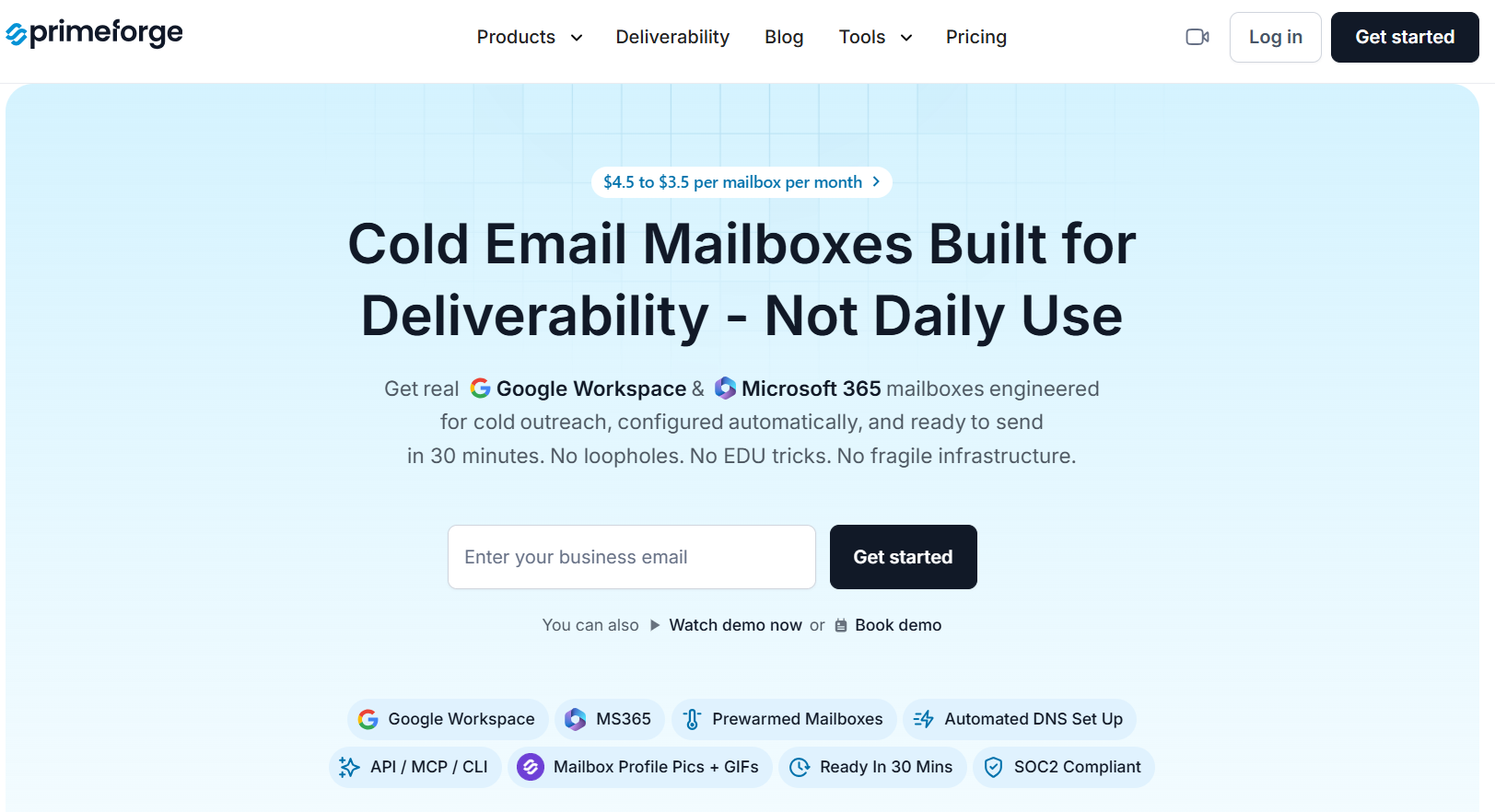
The dashboard itself is lean. Five items in the sidebar, a data summary card at the top, and an ecosystem switcher that gives you one-click access to related products. There's no learning curve here, which matters for founders and SDR leads who don't want to spend two days figuring out an admin console.
Recommended Read: Explore these cold email infrastructure platforms for outbound teams.
Below is what I found feature by feature after spending real time inside the platform. Some features genuinely earn the hype. A few come with caveats worth knowing before you buy.
The domain wizard is the first place you'll spend time inside Primeforge, and it's genuinely one of the best domain-buying experiences I've seen inside a cold email tool.
You start by picking a platform, Google or Microsoft, then type a base word into the search box. Primeforge auto-generates around 14 brandable variants at $14 per year each, all pre-checked for availability.
Here's what that means in practice:
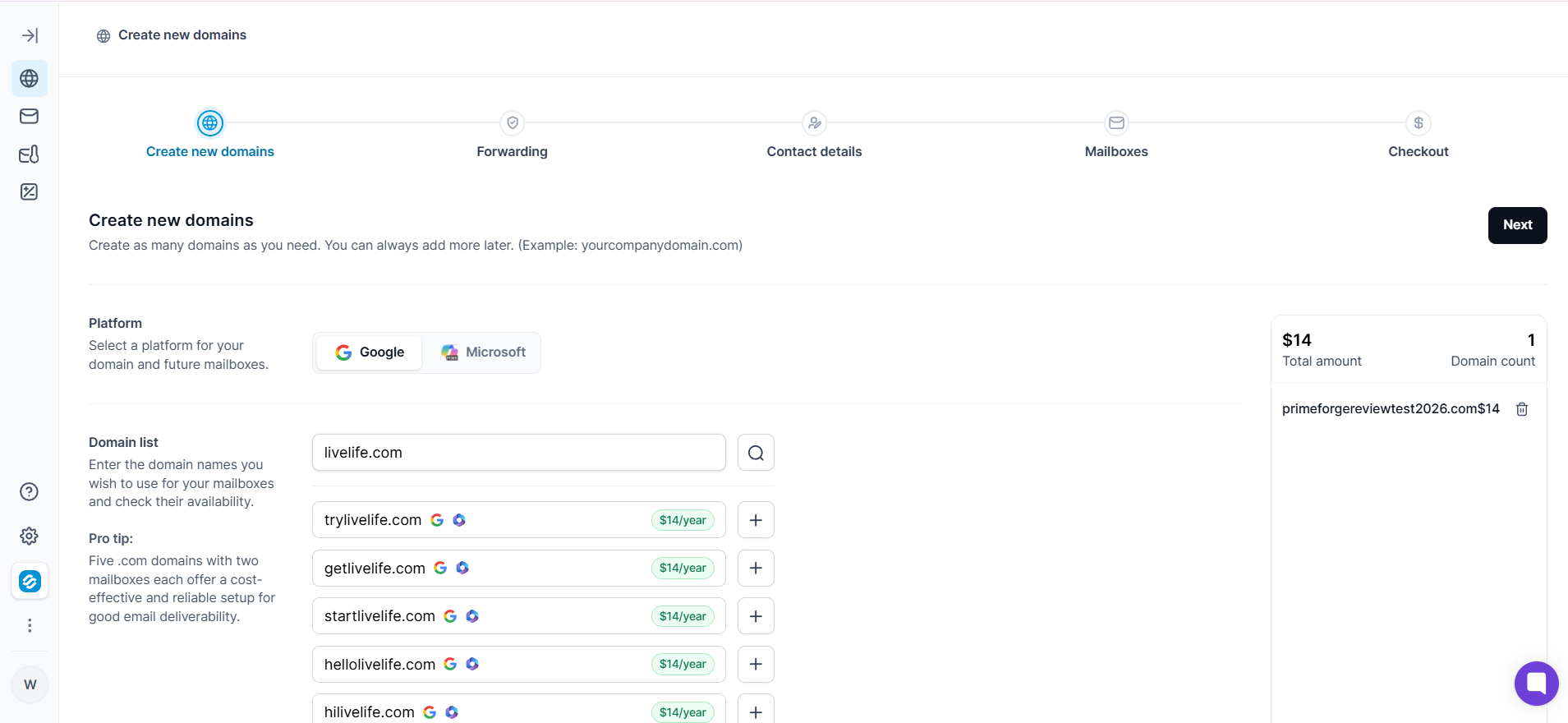
One friction point worth flagging. Step three of the wizard asks for full WHOIS registrant information: name, mailing address, phone, country. There's no explanation on-screen for why Primeforge needs this. The answer is domain registration compliance, but for a first-time buyer, this screen can feel like a hard stop.
If you already own domains, Primeforge has a separate flow called Connect Domains. The value here is that you don't pay the $14 domain purchase fee, since you already own the domain.
The connect flow is honest about the trade-offs. It tells you upfront that all custom DNS records on the domain will be lost, and any existing mailboxes on that domain will stop working after you connect it. That's a real cost worth understanding, and I appreciated that Primeforge surfaces it in the modal rather than burying it in fine print.
This is the feature that impressed me most inside the platform.
Instead of buying blank mailboxes and having to build out sender identities yourself, Primeforge auto-provisions three mailboxes per domain with fully generated human identities. Real-sounding names, matching headshot photos, and email addresses, all attached before you enter a single piece of your own information.
Here's what pre-warmed mailboxes include:
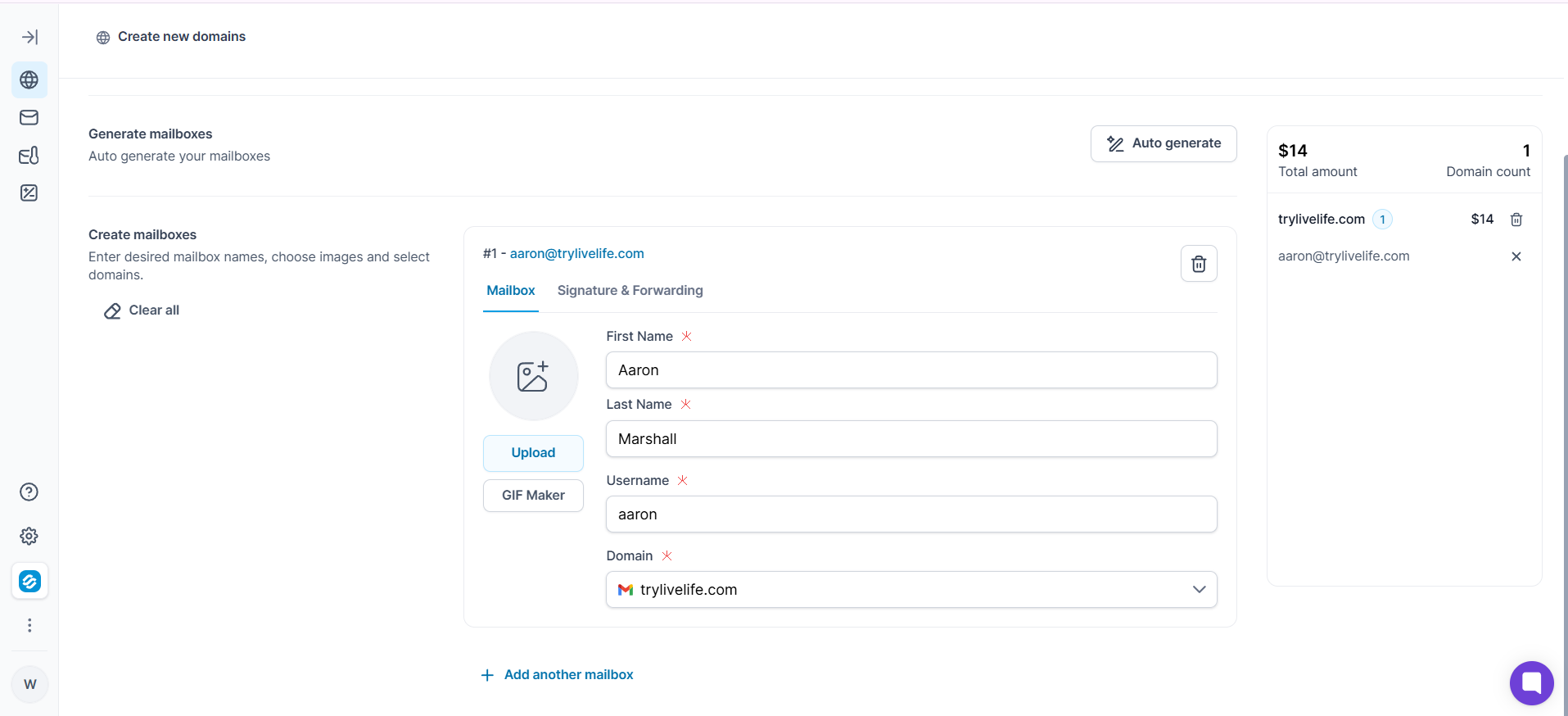
For agencies spinning up cold email infrastructure for a new client, this saves hours of manual work. Instead of sourcing stock photos, generating names, and setting profile pictures across every mailbox one at a time, Primeforge does the entire identity layer in one action.
Recommended Read: Check out these pre-warmed mailbox providers
The calculator sits in the sidebar and helps you plan your infrastructure before you buy anything. You input three things: emails per sequence step, mailboxes per domain, and monthly contacts you plan to process.
The calculator then shows you exactly how many domains and mailboxes you need, plus the total cost on monthly or annual billing.
One important detail I verified inside the platform. The "mailboxes per domain" dropdown only offers 1, 2, or 3 as options. Three mailboxes per domain is a hard cap in Primeforge, not just a recommendation. That's a deliberate deliverability-conscious default, spreading sending risk across more domains rather than piling volume onto fewer ones.
For a typical setup of 1,000 contacts per month with a four-step sequence and one mailbox per domain, you'd need 10 domains and 10 mailboxes. That works out to roughly $38 per month on annual billing, plus $140 per year in domain costs.
Primeforge configures SPF, DKIM, and DMARC records automatically whenever you create a domain. According to their documentation, records follow industry-standard best practices and go live shortly after purchase.
The value here is that DNS misconfiguration is the single most common deliverability killer for cold email teams. Primeforge removes that risk entirely by handling authentication for you.
One thing to know upfront. Self-serve DNS editing isn't available in the current platform. Primeforge's own documentation confirms this and notes it's on the roadmap, which means we can expect that feature to ship in the future. For now, any custom DNS record change requires a support ticket. If your setup needs flexible DNS management, factor that in.
Every pre-warmed mailbox ships with an auto-assigned headshot, which is the base version of this feature and works out of the box.
Primeforge's documentation also describes a GIF generator that creates looping GIFs from your photo and company logo, with a claimed 3 to 15 percent reply rate lift from using them.
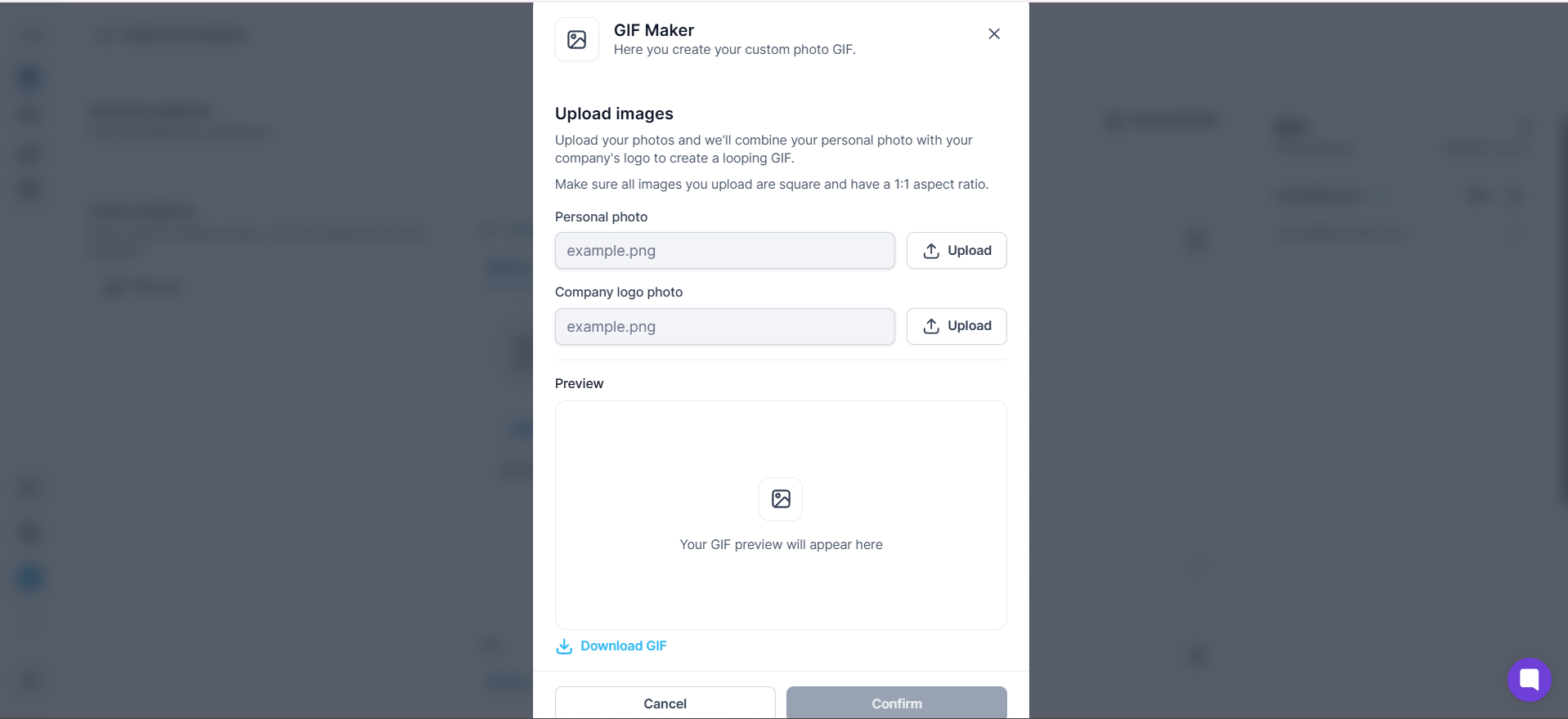
I couldn't locate the GIF generator tool in the current sidebar during my session, so this feature may be gated behind having active mailboxes, or it may not be fully live yet. Worth asking support about before you buy specifically for the GIF feature.
Primeforge has a public API for programmatic domain and mailbox provisioning. For agencies automating client onboarding at scale, this is the feature that lets you skip the UI entirely.
Here's what the API supports:
API access is gated behind an active paid subscription. That's a reasonable business rule, but it means you can't test the API during evaluation.
Primeforge is tool-agnostic by design. It works with any sending platform that supports standard OAuth or SMTP connections to Gmail and Outlook accounts.
Here's what that unlocks:
For teams already using a sending platform they like, this is exactly the right architecture. Primeforge is the infrastructure layer, and you keep your existing outreach workflow intact.
Here's the pricing structure straight from the platform:
For context, buying Google Workspace directly costs around $8.40 per mailbox per month with zero automation on top. Primeforge is cheaper per unit and handles domain registration, DNS setup, hosting, and mailbox management for you.
One friction point on billing. Cancellation isn't self-serve today. To cancel, you contact chat support, your subscription stays active until the next billing date, and you won't be charged again. It's a small step, but worth knowing before you commit.
I read through every recent G2 review to see what customers are actually saying about Primeforge six months to a year into using it. Four themes came up over and over. Here's the honest picture.
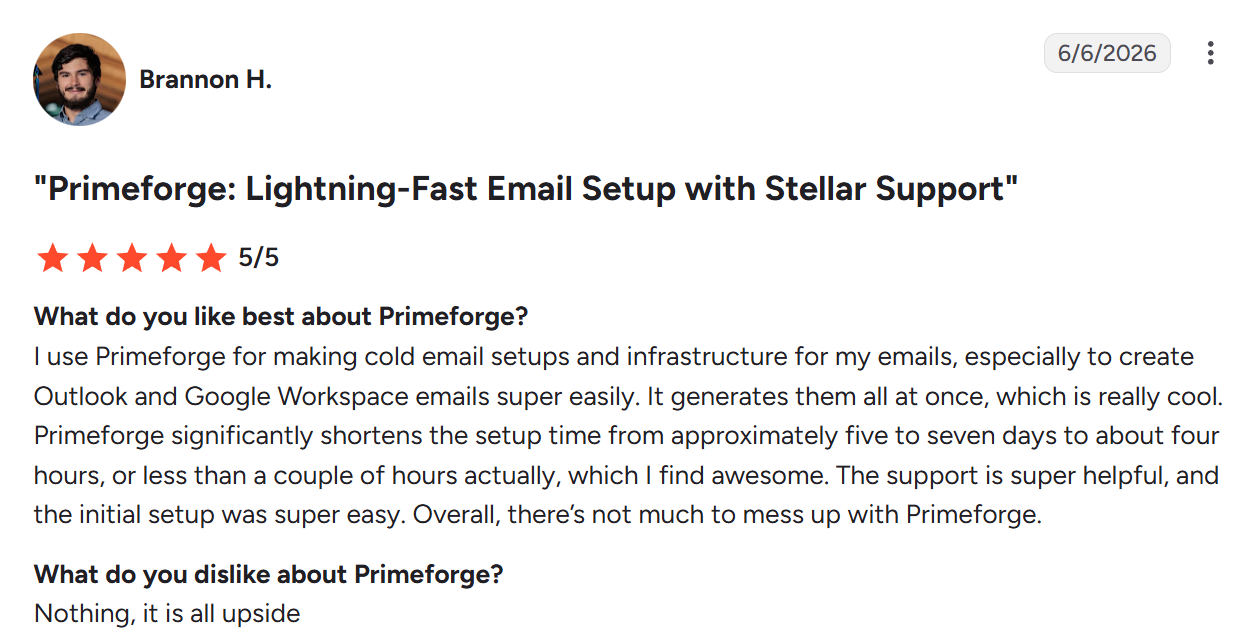
The most consistent theme across G2 reviews is how much time Primeforge saves versus setting up Google Workspace or Microsoft 365 manually. Multiple reviewers describe going from a five-to-seven-day manual setup to a few hours with Primeforge.
Source: G2
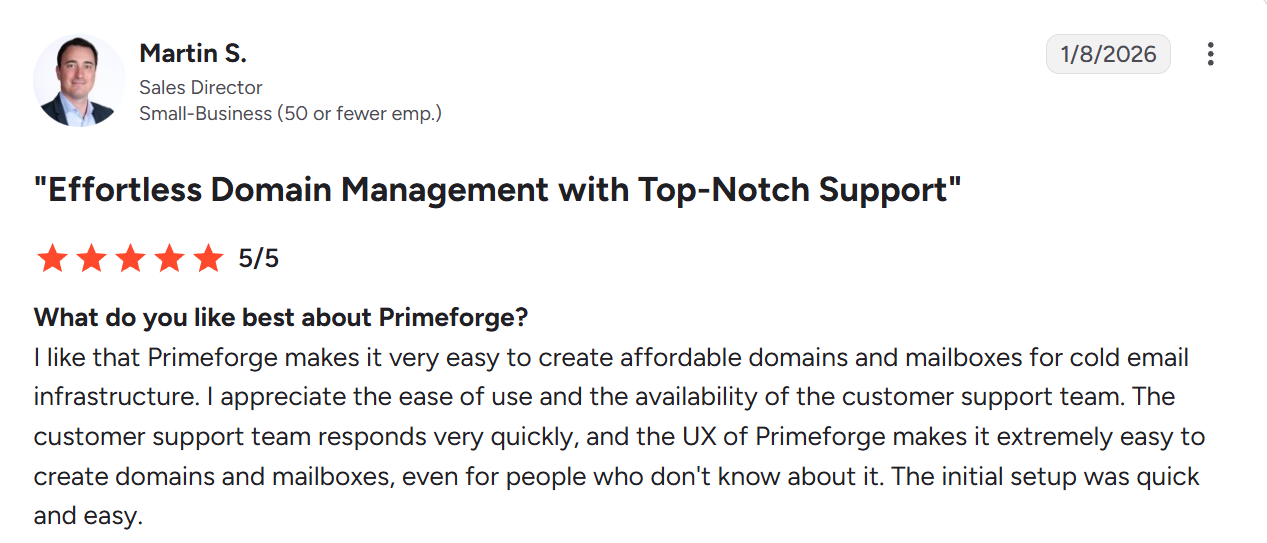
Nine out of the recent G2 reviewers explicitly called out Primeforge's support team. The pattern is consistent: fast response times, real humans, and problems solved rather than tickets routed.
Source: G2
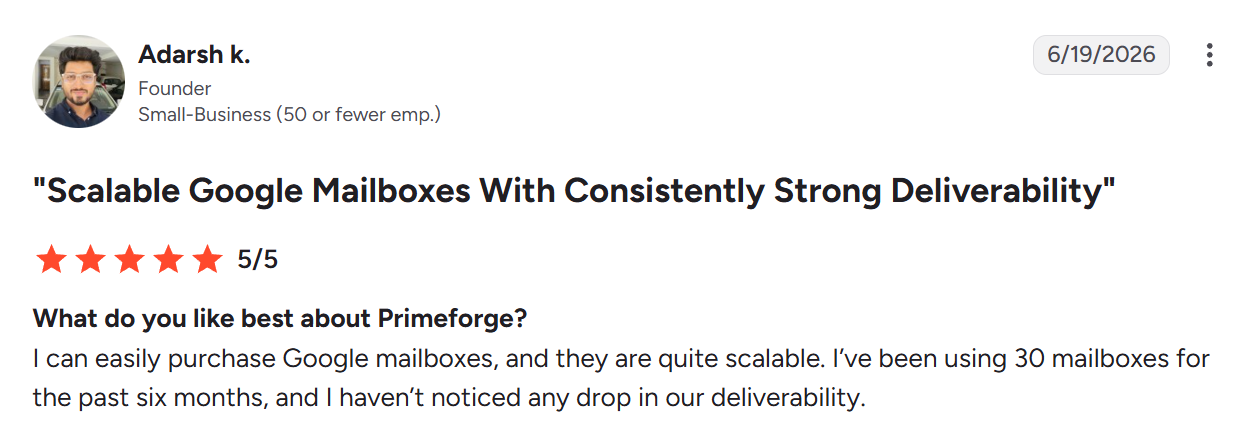
For teams evaluating Primeforge as a long-term infrastructure choice, the strongest signal is that reviewers running the platform at real volume report consistent inbox placement over months, not just weeks.
Source: G2
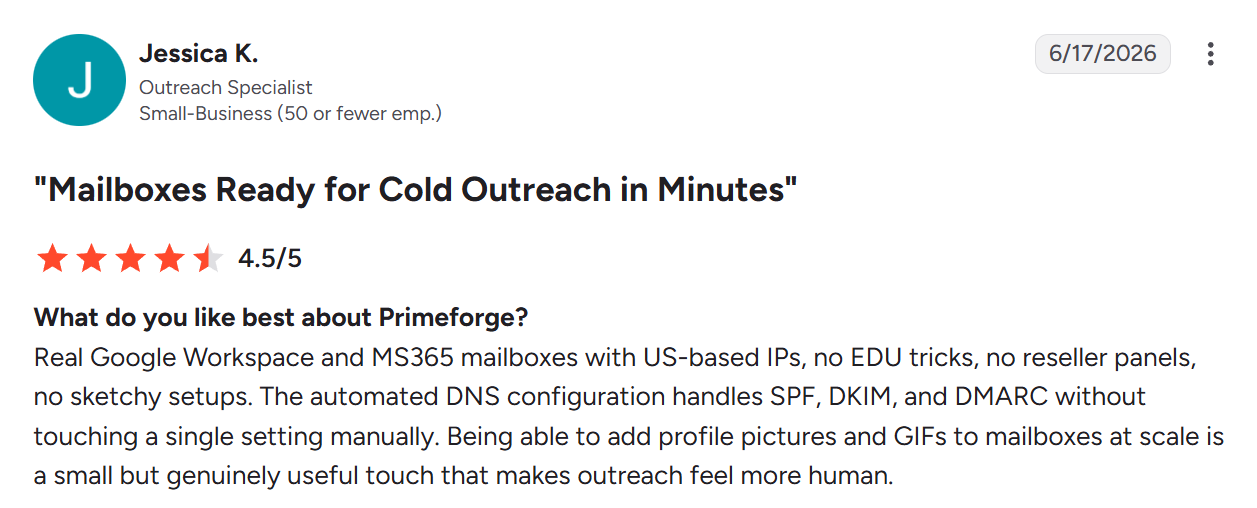
A cluster of reviews call out what Primeforge isn't as much as what it is. Reviewers who've been burned by shady mailbox resellers appreciate that Primeforge provisions legitimate Google Workspace and Microsoft 365 accounts, not workarounds that can get flagged.
Source: G2
A quick note on one older concern. Some G2 reviews from mid-2025 flagged that Microsoft 365 mailboxes weren't available at the time.
My hands-on testing confirmed Microsoft is now a live option in the domain creation wizard, and June 2026 reviewers reference MS365 mailboxes positively. That older concern has since been resolved.
Yes, for the right buyer.
Primeforge delivers on its core promise. Real Google Workspace and Microsoft 365 mailboxes, ready to send in 30 minutes, with automated DNS and a genuinely useful pre-warmed mailbox feature. The setup speed is real. The customer support quality is real. And the deliverability holds up at scale, backed by users running 30 mailboxes for six months without a drop.
The trade-off you're accepting is less control in exchange for more automation. No DNS self-editing, no self-serve cancellation, no free trial. If those are acceptable trade-offs for the time you save, Primeforge is one of the strongest founder-led infrastructure products on the market right now.
Try Primeforge and see how fast you can go from zero to a full cold email infrastructure setup.
Primeforge is a cold email infrastructure platform that provisions real Google Workspace and Microsoft 365 mailboxes with automated DNS setup and US-based IPs. It's built specifically for outbound sales teams that need mailboxes optimized for cold outreach deliverability.
Primeforge mailboxes cost $4.50 per month on monthly billing, or $3.50 per month on annual billing. Pre-warmed mailboxes cost $9 per month. Domains cost $14 per year each. The minimum purchase is 10 mailbox slots.
No. Primeforge is built for creating and managing mailboxes only. For warmup, you'll need to pair Primeforge with a separate warmup tool that supports Gmail and Outlook accounts.
Primeforge states mailboxes are ready to send in about 30 minutes from purchase. G2 reviewers report the entire process from signup to first send takes a few hours, compared to five to seven days for a fully manual Google Workspace setup.
Three mailboxes per domain is the maximum. I confirmed this by checking the Mailbox Calculator, which only offers 1, 2, or 3 as options for the mailboxes-per-domain field. If you need more density, you'll need to buy additional domains.
No. Primeforge doesn't offer a free trial for domains or mailboxes. You can explore the interface, but buying at least 10 mailbox slots is required to actually create anything.
Yes. Primeforge works with any sending platform that supports standard OAuth or SMTP connections to Gmail and Outlook accounts. That includes Instantly, Smartlead, Lemlist, Saleshandy, Salesforge, and any other tool with those integration standards.
