Self-hosted email servers sound like the dream.
Full control over your IPs. No sending limits. No ESP telling you what you can and can't do. Your infrastructure, your rules.
But here’s the reality. Self-hosted email servers are absolutely doable. But it comes with a list of things most guides conveniently skip over.
So I tested several self-hosted email server software options, from Docker-based setups like Mailcow to lightweight solutions like Mailu to raw Postfix + Dovecot configurations.
This guide covers what each one does well, where they fall short, the mistakes that'll cost you weeks, and how to decide whether self-hosting is even the right call for your setup.
I've also included managed infrastructure alternatives for people who want dedicated IP control without spending weekends maintaining a mail server.
Let's get into it.
A self-hosted email server is an email system that you install, configure, and run on your own server instead of relying on providers like Google Workspace, Microsoft 365, or any third-party ESP.
You control the entire stack. The SMTP server that sends your emails. The IMAP server that stores them. The DNS records (SPF, DKIM, DMARC) that authenticate them.
Even the spam filters, security policies, and storage - everything sits on infrastructure that you own or rent.
It’s like the difference between renting an apartment and owning a house. With Google Workspace, you're renting. It works, it's convenient, but you play by their rules.
With a self-hosted server, you own the place. You set the rules. But you're also the one fixing issues when something breaks at 2 AM.
So why do people still go this route in 2026?
Here are a few reasons that incline businesses to do this:
But I want to be a bit upfront here. Self-hosting is not for everyone.
The control is good, but so is the responsibility. DNS misconfigurations, IP warming, spam filtering, security patches — all of that falls on you. Nobody else is going to fix it.
Note: If you like the idea of dedicated IPs and full control but don't want to manage the server yourself, that's exactly the gap managed private infrastructure like Infraforge fills. I'll break that comparison down later in the blog.
For now, let's look at the actual software.
Quick note before we start. I have spent a lot of time finding all the relevant information about these tools, tried them, and even checked out the reviews so that I can give a genuine review of them.
So… let’s get started.
Best for: High-volume cold email senders and agencies who want dedicated IP control without managing their own servers.
Infraforge is for people who want the real self-hosted experience. It has dedicated IPs, full control over sender reputation, and private infrastructure without the troublesome parts.
Which means that you don’t have to fix servers or debug DNS records when an issue comes up.
This is the tool that made me rethink whether self-hosting was even worth the effort for cold email.
Because here you get dedicated IP addresses (not shared with anyone else), automated DNS setup across every domain, built-in sender rotation, and smart sending limits that protect your reputation without you having to babysit things.
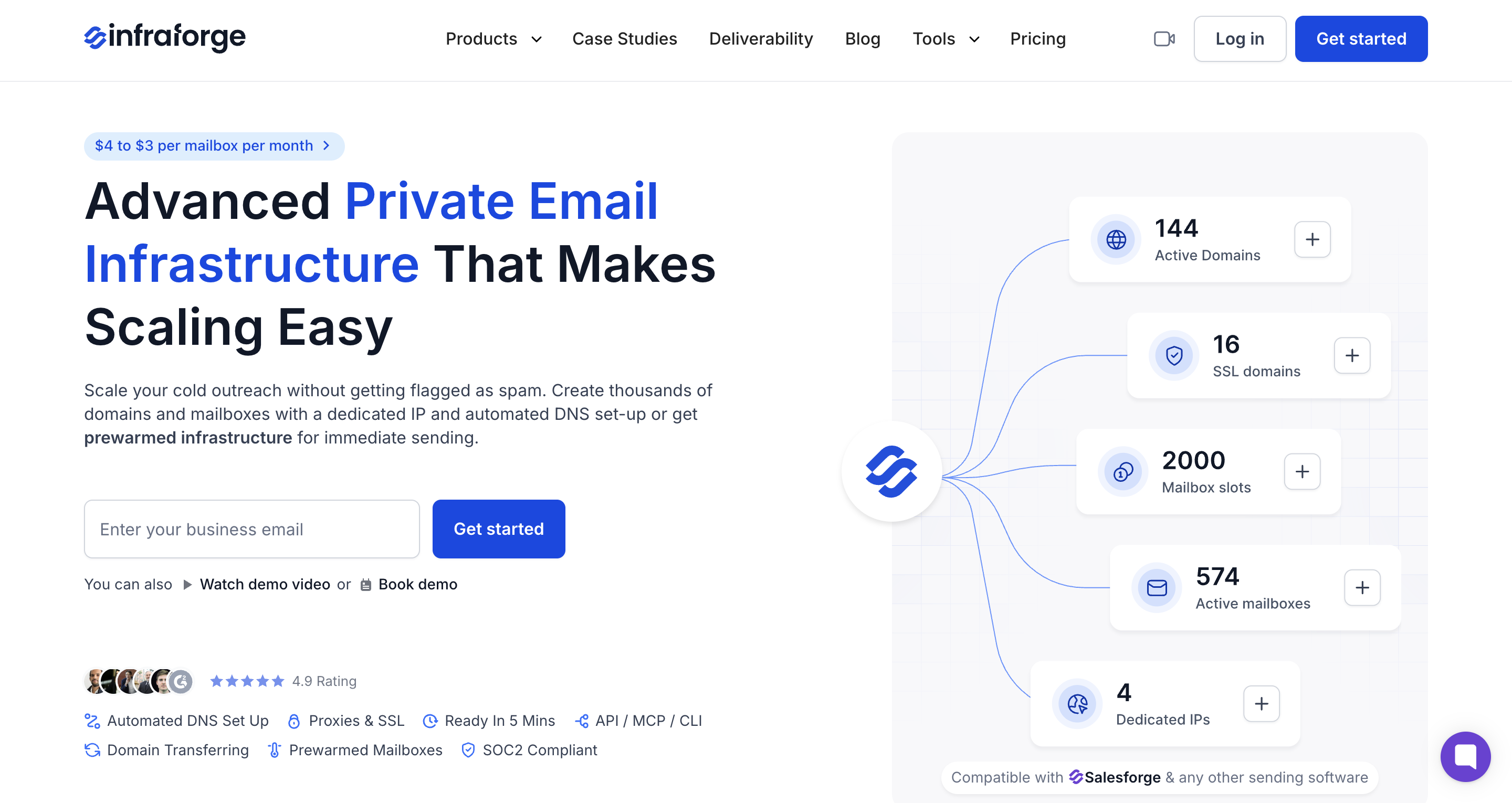
The best part? Infraforge's premium option allows you to get pre-warmed domains that are ready to go. That alone saves you two to three weeks of waiting around.
I also tested the bulk DNS update feature when I needed to push DMARC policy changes across a batch of domains. You will be surprised; it barely takes a few clicks.
Otherwise, in case of a self-hosted server, it takes a lot of bugs, and you’ll have to pray that something doesn’t break.
$4 to $3 per mailbox per month (price drops at volume).
If I had to pick between self-hosting my own email server and using Infraforge, I'd pick Infraforge every time for cold email.
The prewarmed option is a genuine time-saver. I haven't seen many other providers offer that.
Best for: Cold outreach teams who want legitimate Google Workspace and Microsoft 365 mailboxes without the headache of self-hosting.
I know what you're thinking — "This isn't a self-hosted email server."
And you're right. Primeforge is a managed solution.
But I'm putting it first because a huge chunk of people searching for self-hosted email servers are really looking to solve a specific problem: they want reliable mailboxes for cold outreach that they actually control.
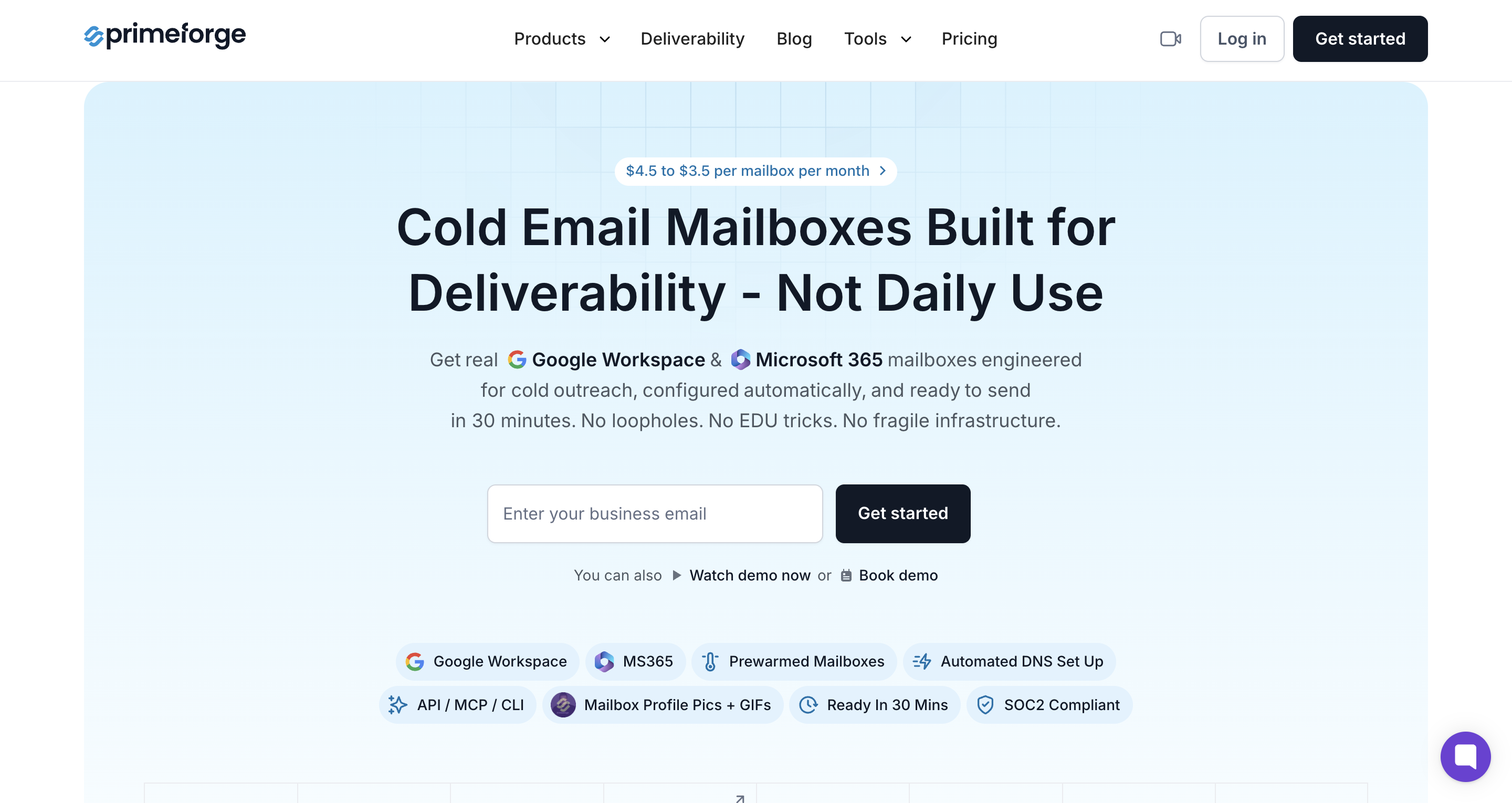
Primeforge gives you Google Workspace and Microsoft 365 mailboxes.
These are not repurposed Gmail accounts, not EDU workarounds, not some shady loophole that breaks every time Google updates its policies.
These are properly configured mailboxes built specifically for cold outreach.
And the best part?? Quick setup!!
You can literally set up mailboxes with SPF, DKIM, and DMARC auto-configured, US IP addresses assigned, and even profile pictures attached — all within about 30 minutes
The other thing worth mentioning. These mailboxes are built for deliverability, not daily use. Primeforge isn't competing with your company's Google Workspace subscription.
It's built for the specific use case of sending cold outreach at scale with high inbox placement.
$4.5 to $3.5 per mailbox per month (price drops at higher volumes).
For more details, check out the pricing page.
Pro tip: If your goal is to get cold email infrastructure running without spending days configuring servers, Primeforge is the fastest path I've found. Pair it with Warmforge for warming and Salesforge for sequences, and the whole stack connects in under an hour.
Best for: Intermediate users who are comfortable with Docker and want a full-featured, production-ready self-hosted email server.
If you're serious about self-hosting your email server and you don't want to piece together individual components manually, Mailcow is probably the first name you'll come across.
And honestly, it's the most popular open-source self-hosted email server out there right now.
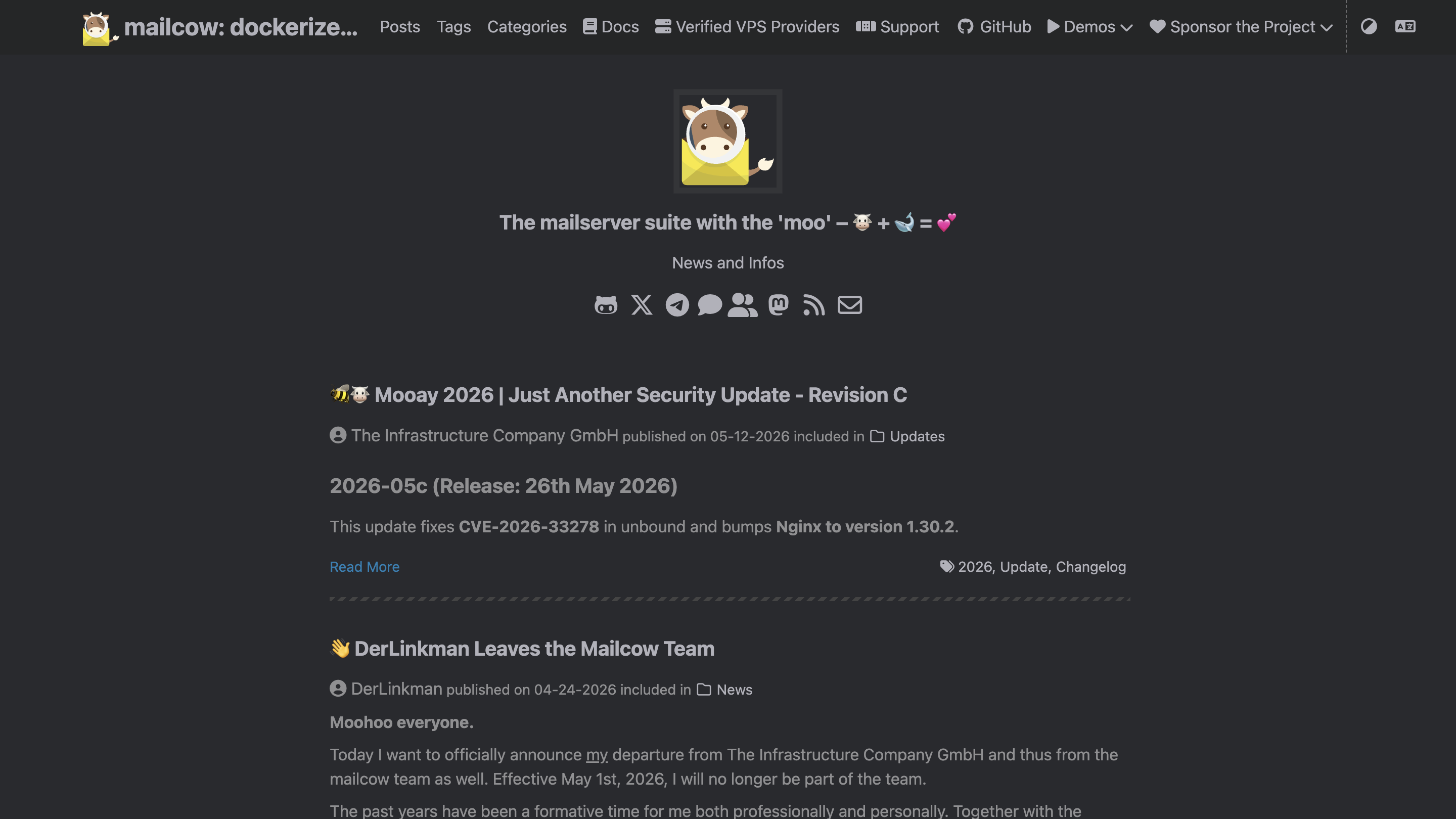
Mailcow bundles everything you need into a single Docker-based package. This includes following items:
And… you get a genuinely good admin UI that lets you manage everything (domains, mailboxes, aliases, and DKIM keys without touching the command line.
If you set it up on a 4GB RAM VPS from Hetzner, the whole process (Docker install, DNS configuration, mailbox creation) can take like three hours.
Also… the admin panel is where Mailcow really stands out from other open-source options.
It's clean, it's modern, and it actually works. You can add domains, create mailboxes, manage spam filtering rules, check queue status, and monitor server health.
[ image ]
That said, Mailcow is not a one-time setup thing.
You still need to manage SSL renewals, keep Docker updated, monitor disk space, handle IP warming yourself, and stay on top of security patches. The setup is the easy part. The ongoing maintenance is where your time goes.
Free. Mailcow is fully open source under the GPL license. Your only cost is the VPS — typically $5–$15/month depending on specs and provider.
Best for: Developers and sysadmins who want a lightweight, highly customizable open-source email server they can extend.
Modoboa is one of those tools that doesn't get as much buzz as Mailcow, but quietly does its job well.
It's an open-source email server built in Python, and its biggest selling point is how fast you can get it running.
The installer handles about 95% of the work, and the whole setup takes under 10 minutes if your DNS is ready.
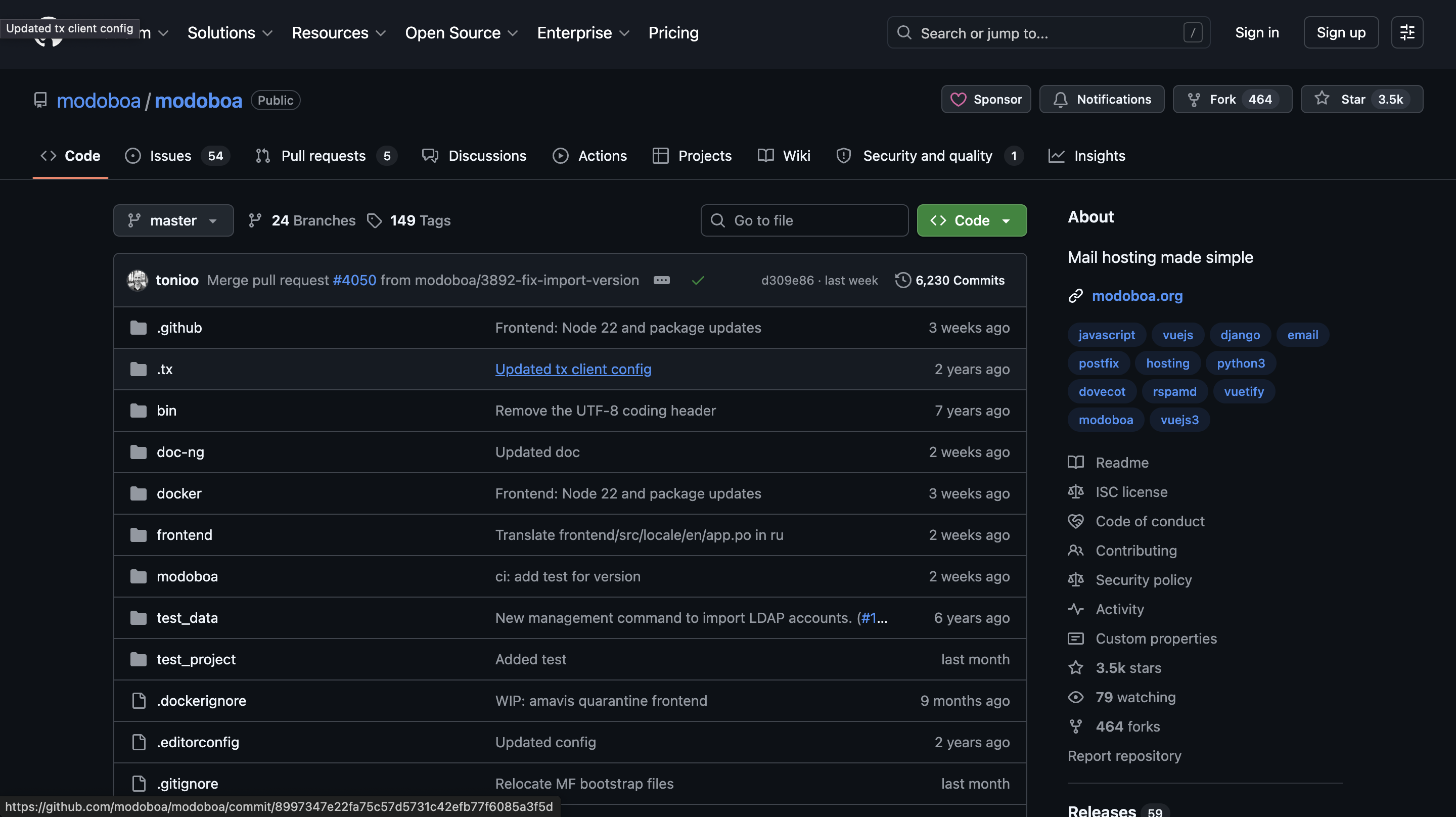
It has a clean and functional web interface. Though it’s not as polished as Mailcow's, it covers everything you need, like domain management, mailbox creation, aliases, quotas, monitoring, and even some basic statistics.
There's also a built-in webmail client, though it's fairly basic compared to SOGo or Roundcube.
Where Modoboa gets interesting is extensibility. Because it's built in Python with a modular architecture, adding or modifying functionality is relatively straightforward if you're comfortable writing code.
There are plugins for things like calendar management, address books, and custom filtering rules.
If you like having a mail server that you can shape to fit your exact needs, Modoboa gives you that flexibility.
Free. Modoboa is open source. Modoboa also offers a paid installation and configuration service if you don't want to handle setup yourself, but the software itself costs nothing.
Now here’s an interesting thing about psychology. When something is new and cool, it looks fun.
Same thing happens when setting up a self-hosted email server. But when it comes to keeping it running, that's where things start to go south.
So if you're going the self-hosted route, read this section twice.
This one catches people off guard because it feels counterintuitive. You just set up a brand new server on a clean IP. Shouldn't that mean you have a clean reputation?
Not how it works.
Email providers like Google and Microsoft don't trust new IPs by default. No sending history means no reputation, and no reputation means your emails are treated with suspicion. Some will land in spam. Some won't get delivered at all.
You need to warm your IP gradually. You can start with a tiny volume of sends to engaged recipients, then slowly increase over two to three weeks.
If you skip this step, and you'll burn the IP before you ever get a real campaign out the door.
This is one of the biggest reasons people give up on self-hosted setups within the first month.
Here's what makes DNS errors so dangerous.
There's no big red error message. No crash. No alert. Your server keeps sending emails. They just go straight to spam, and you have no idea why.
A missing SPF record. A DKIM key that's slightly malformed. A DMARC policy set to "none" when it should be "quarantine." Any one of these can tank your inbox placement.
The fix is straightforward, use tools like MXToolbox or dmarcian to validate your DNS records after every change.
Most guides focus on getting the server up and running. Very few talk about what happens in month two, month six, or month twelve.
Here's what your ongoing to-do list looks like with a self-hosted email server:
None of these are catastrophic on their own. But together, they add up to a steady drip of maintenance work that never really stops.
If you enjoy server administration, this is fine. If you'd rather spend that time on actual outreach, it's worth factoring in the time cost before committing.
Self-hosting works beautifully at small scale. A handful of domains, a dozen mailboxes, manageable sending volume. The admin panel handles it. You know where everything is. Life is good.
Then you try to scale. For that, you need to,
This is the inflection point where most agencies and high-volume senders realize that managed infrastructure pays for itself.
With a shared infrastructure provider like Gmail or a managed platform, there are guardrails.
Stuff like sending limits, automated throttling, reputation protection systems — they exist specifically to prevent you from accidentally nuking your own deliverability.
Self-hosted servers have none of that unless you build it yourself.
Send too many emails too fast before your IP is warmed? Blacklisted. Hit a spam trap because you didn't clean your lead list? Blacklisted. Forget to configure a DMARC record on one of your newer domains? Flagged.
And once your IP lands on a major blacklist (Spamhaus, Barracuda, SORBS), getting delisted isn't a quick process. Some lists take days. Some take weeks. Some require you to jump through verification hoops that feel deliberately painful.
The worst part is that rebuilding sender reputation on that IP. Even after delisting, it takes months of careful, low-volume sending. You're essentially back to square one.
When you use a managed ESP or a platform like Google Workspace, there are built-in compliance mechanisms (like unsubscribe links, CAN-SPAM headers, etc).
Self-hosted? You're responsible for all of it.
CAN-SPAM, GDPR, CCPA — the legal requirements for sending commercial email don't disappear just because you own the server.
You still need proper opt-out mechanisms. You still need to honor unsubscribe requests. You still need to handle data subject access requests if you're sending to EU contacts.
And you need proper data retention and deletion policies for any contact data stored on your server.
This isn't meant to scare you away from self-hosting. It's meant to give you the full picture so you're not blindsided three months in.
By this point, you've seen the best self-hosted options, and you've seen the things that can go wrong. So the real question becomes: should you actually self-host?
The answer depends on two things — your technical comfort level and how much of your time you're willing to spend on infrastructure instead of outreach.
Here's the quick breakdown.
I'll keep this short. Self-hosting your email server is a great learning experience and a legit option if you have the technical skills and the time to maintain it. No argument there.
But for most outbound teams I've talked to, the real goal isn't running a mail server. It's to book meetings. And every hour spent on infrastructure maintenance is an hour not spent on outreach.
That's why I always suggest it is best to focus on outreach and let the infra be handled by the softwares that are built for it.
Try Primeforge. Dedicated IPs, automated DNS, prewarmed infrastructure, and zero server maintenance. Same control, fraction of the effort.
Pair it with Warmforge for warming, Leadsforge for prospecting, and Salesforge for sequences. And you've got a full outbound stack that doesn't need you babysitting servers.
Whatever route you pick, just make sure your infrastructure is solid before you start sending. Everything else builds on top of that.
It depends on your situation. If you have Linux and Docker skills, want full control, and are running a small to mid-size setup, then it can save you money and give you flexibility.
If you're scaling to hundreds of mailboxes or don't have time for ongoing maintenance, managed solutions like Infraforge give you similar control without the operational overhead.
Modoboa and Mailu are the easiest. Modoboa's installer handles 95% of the setup in under 10 minutes. Mailu has a configuration generator that produces a ready-to-deploy Docker Compose file. Mailcow is slightly more involved but still manageable if you're comfortable with Docker.
Yes, but it comes with challenges. You'll need to warm your IPs from scratch, configure DNS authentication correctly, manage sender rotation, and monitor deliverability yourself.
Postal is the best open-source option specifically built for sending at volume. For cold email at scale without the maintenance burden, managed infrastructure like Infraforge (dedicated IPs) is a more practical choice.
The software itself is usually free (Mailcow, Modoboa, Mailu, and Postal are all open source). Your main cost is the VPS, typically $5–$15/month depending on specs.
Lighter options can run on a $3–$5/month VPS. The hidden cost is your time, maintenance, updates, monitoring, and troubleshooting add up.
Minimum two to three weeks for a new IP. You start with very low sending volume to engaged recipients and gradually increase over time. Skipping this step or rushing it will get your IP blacklisted.