If you are looking for Zapmail alternatives, you are in the right place.
Zapmail is popular because it makes setting up email accounts simple. It helps you to buy the domains, creates the mailboxes, and handles the basic DNS setup for you.
But when you scale beyond 30 mailboxes, you may start looking for better pricing, more control, or different mailbox options.
These are some of the issues that come up in G2 reviews, Reddit discussions, and cold email communities:
Pre-warmed accounts are available on separate plans, which are more expensive than standard mailboxes.
Zapmail does not offer refunds, so you cannot get your money back if the service does not work for you.
Its Starter and Growth plans include only limited AI Insights credits for deliverability analytics, with 3 credits/month on Starter and 10 credits/month on Growth.
Some G2/Trustpilot reviewers report that their Google accounts came from India-based resellers, despite Zapmail’s claims about US IPs.
You cannot import mailboxes you already own, so you need to set them up again through Zapmail.
It has limited integrations with third-party email-sending tools compared with other email infrastructure providers.
API access is only available on the $299/month Pro plan.
I have worked with cold email setups using shared pools, dedicated IPs, and Google and Microsoft mailboxes for years.
These are the best Zapmail alternatives I would look at for cold email outreach, covering shared pools, dedicated IPs and real provider inboxes.
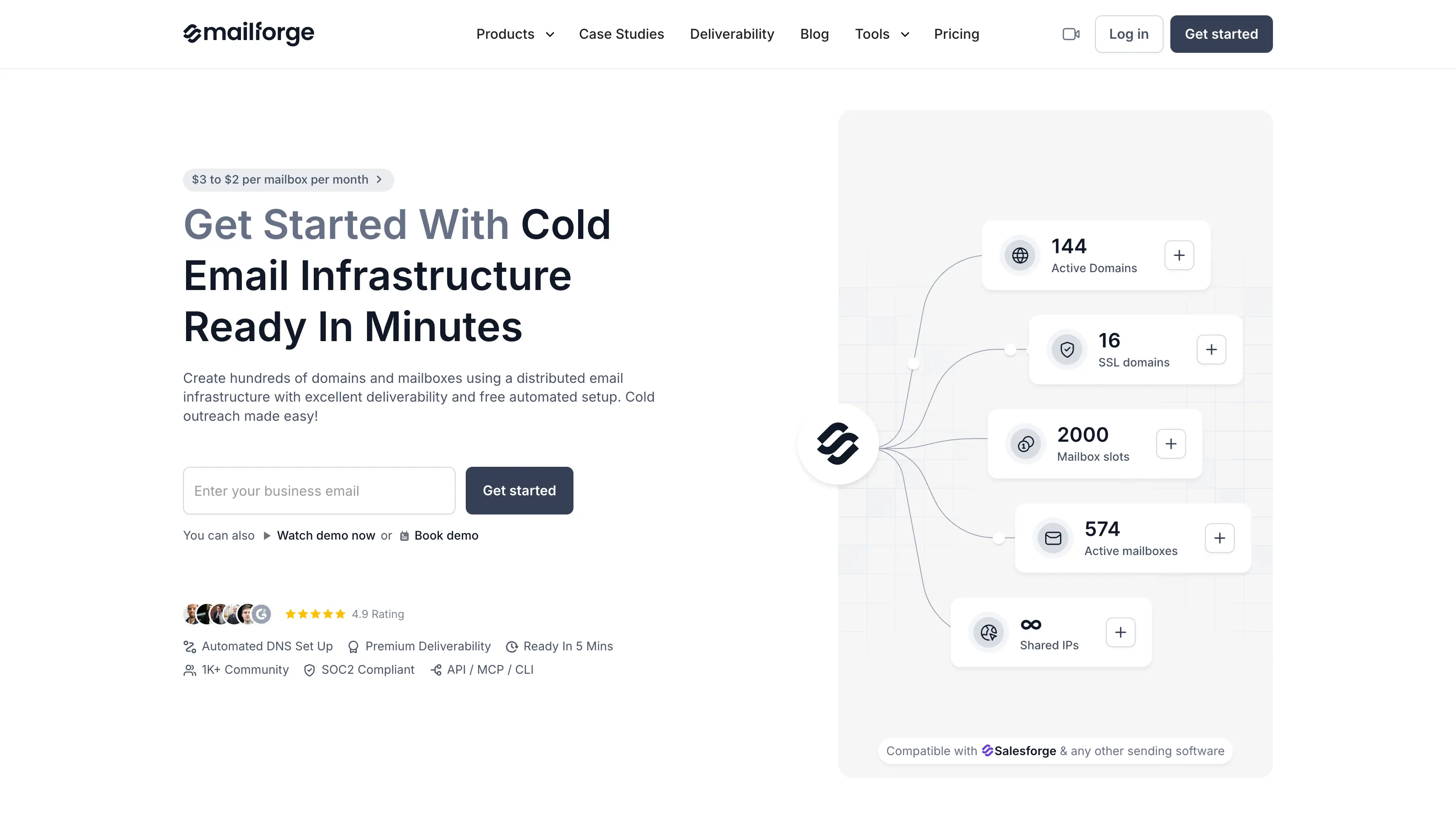
Best for affordable shared infrastructure:Mailforge offers shared infrastructure, workspaces, DNS control, and fast mailbox provisioning.
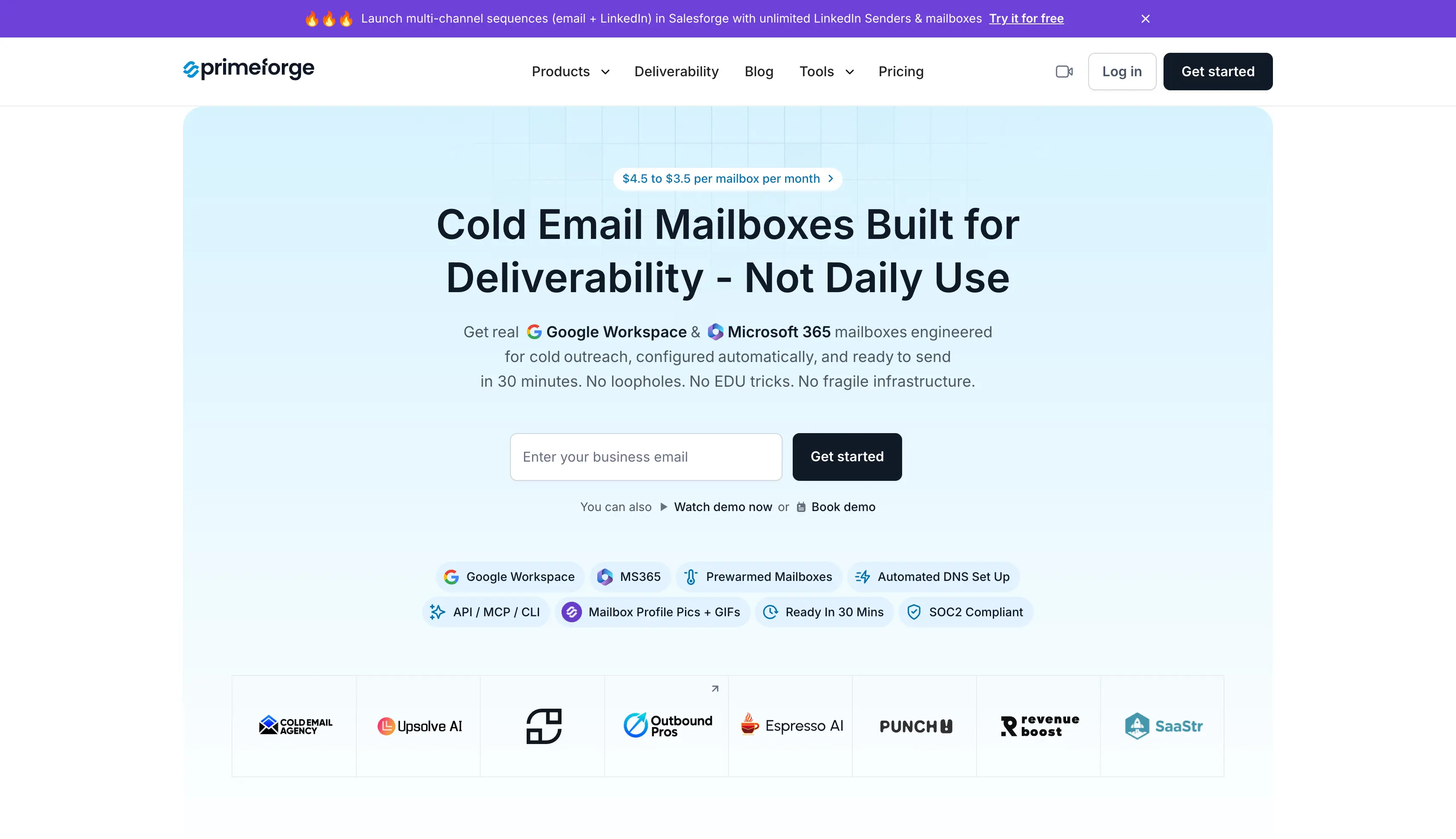
Best for sending from your prospect’s provider:Primeforge offers real Google Workspace and Microsoft 365 mailboxes on US IPs, letting you send from the same provider your prospects use.
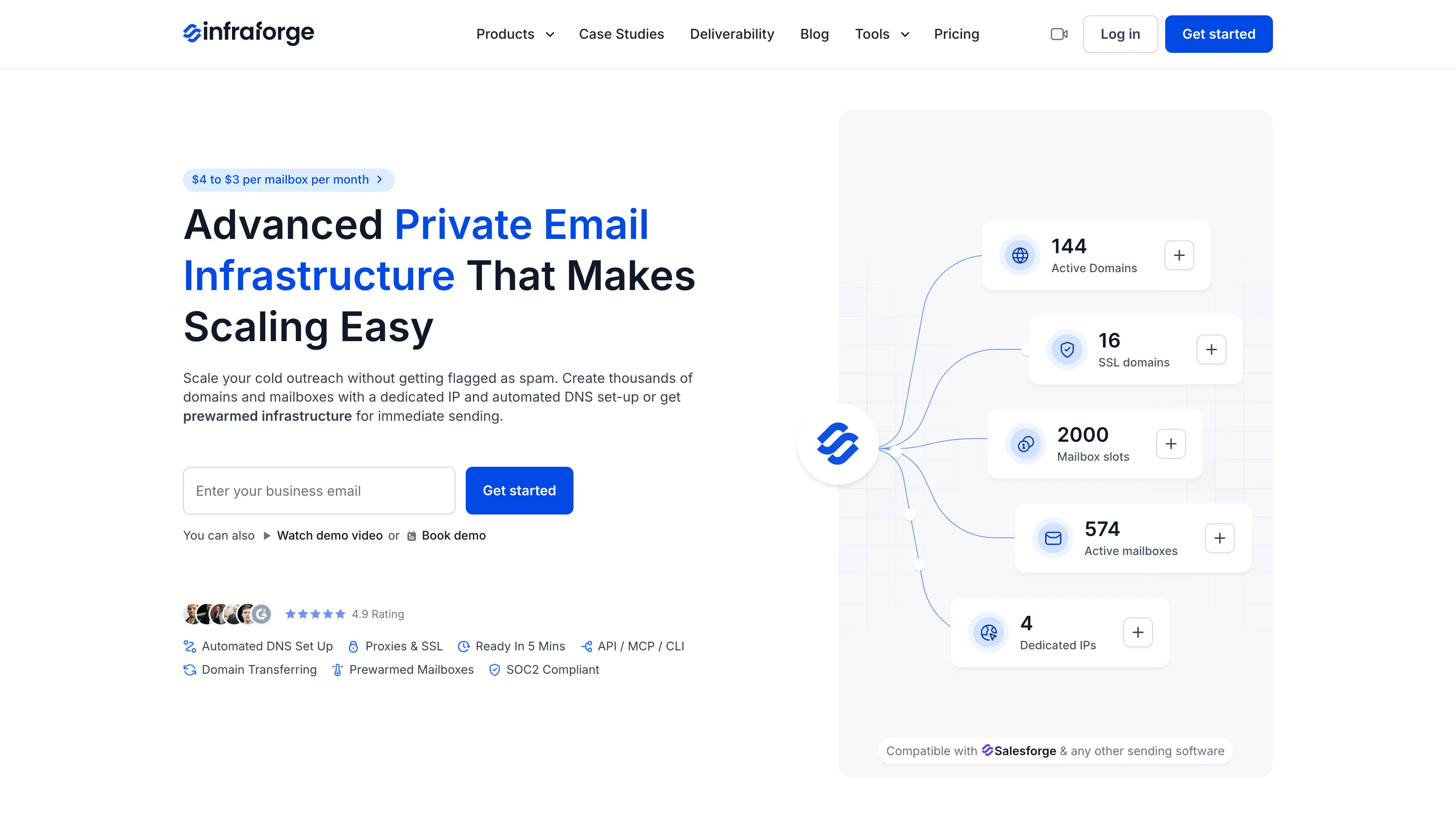
Best for dedicated cold email infrastructure:Infraforge gives you private infrastructure with dedicated IPs, pre-warmed mailboxes, separate IPs for clients or campaigns, and API, MCP, and CLI access.
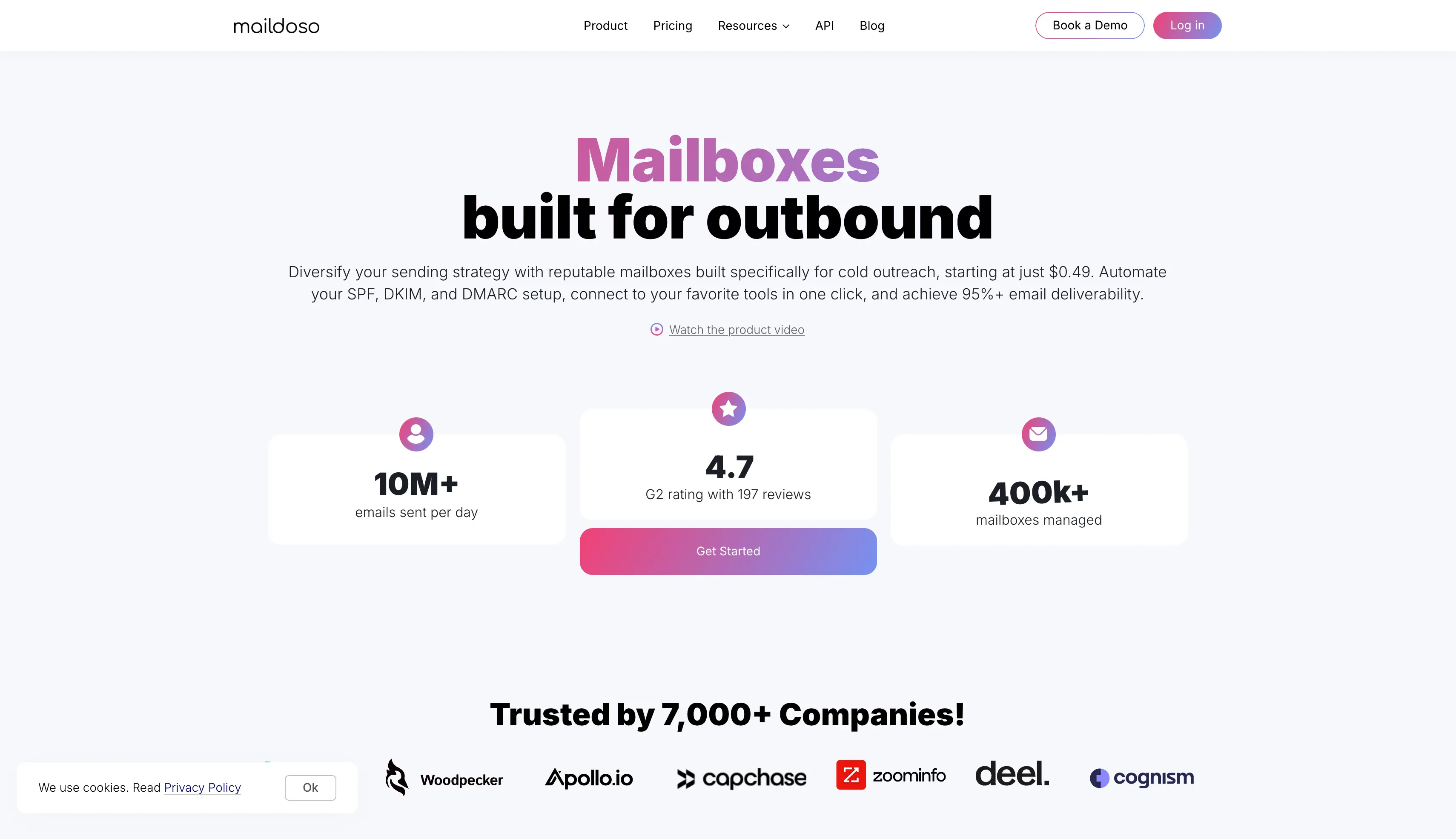
Best for competitive mailbox pricing:Maildoso keeps per-mailbox costs low and offers automated DNS setup and API access.
How I Tested These Zapmail Alternatives
I evaluated every provider using the same seven questions rather than scoring them on feature counts.
Are these genuine Google or Microsoft mailboxes?
Which country are the accounts created in, and does the vendor disclose this?
Is it affordable to scale to more mailboxes?
How quick and easy is the setup?
Do I control the DNS, and can I move my domains later?
Can I switch from shared to dedicated infrastructure without starting over?
Does it connect directly to my sequencer, or do I need to use CSV?
Does it offer MCP or CLI for automation and full control of the cold email infrastructure?
These questions helped me compare each provider based on how it works in real.
8 Top Zapmail Alternatives Compared at a Glance
The table below gives you a quick side-by-side comparison of each provider.
Comparison of eight Zapmail alternatives. Scroll sideways to see every column.
GTM teams and agencies that want affordable shared infrastructure
GTM teams and agencies that need real Google and Microsoft mailboxes
Agencies and GTM teams that need dedicated IPs
Teams that handle their own warmup and want the lowest price per mailbox
Agencies that add mailboxes faster than they add sending volume
Teams that want monitoring included instead of a second tool
Teams that need pre-warmed inboxes within a few days
Teams that want an operator to set the whole thing up
Mailbox type
Shared IP pool
Google Workspace and Microsoft 365
Dedicated IP
SMTP and Google Workspace
Microsoft Azure
Google, Microsoft, Azure
Google and Outlook 365
Google, Outlook, SMTP
Entry price per mailbox
$3 to $2
$4.50 to $3.50
$4 to $3
$1.80 to $3.10
Flat $129/mo, unlimited inboxes
$3.50, from $2.50 at volume
$0.35 Outlook, $3 to $4.50 Google
$3.50 Google
Pre-warmed mailboxes
Yes
Yes
Yes
No
No
No
Yes
Add-on, $2 to $3 per inbox
DNS control
Full, bulk updates
Automated, full
Full
Managed
Automated
Automated
Configured on delivery
Managed
Workspaces
Yes
Yes
Yes
Yes
Yes
Yes
No
No
API
Yes
Yes
Yes
Yes
Yes
Yes
Yes
Limited
MCP and CLI
Yes
Yes
Yes
Yes
No
No
No
No
1. Mailforge: Best for Affordable Shared Cold Email Infrastructure at Scale
Best for: GTM teams and agencies that need affordable mailboxes and cold email infrastructure at scale.
Mailforge is the #1 Zapmail alternative in this list. It offers affordable shared cold email infrastructure, making it easy to scale to hundreds or thousands of mailboxes for outreach.
Here are three reasons to consider Mailforge:
Mailforge offers affordable mailboxes and shared cold email infrastructure.
Pre-warmed mailboxes cost the same as standard mailboxes, so you can start sending without paying extra for warmup.
You can manage domains, DNS records, and mailboxes through MCP and CLI. You can also connect Mailforge with your preferred sending tool.
Choose Mailforge when you want volume and cost control with your own DNS.
Key Features of Mailforge
Bulk Domain and Mailbox Creation: Handle inbox setup for hundreds of domains and mailboxes in minutes, with a guided flow that works out how many you need.
Pre-Warmed Mailboxes: Buy mailboxes that send from day one at the same price as standard ones, so you don't need to wait for two-to-four weeks.
Automated DNS: Get automated DNS setup with SPF, DKIM and DMARC on every domain, then push bulk updates to your DNS records in a few clicks.
Domain Flexibility: Add your own domains or transfer them to another provider, so nothing locks you in.
Client Workspaces: Keep each client separate and move domains and mailboxes between workspaces as projects change.
Domain Masking: Show a branded site without exposing your main domain, available with SSL as an add-on.
Tool Integration: Connect any sending tool, and the native Salesforge integration skips the export step entirely.
MCP CLI: Run your whole setup from Claude, Cursor or your own agents, creating domains, updating DNS and adding mailboxes by script.
Mailforge Pricing
Prices below run on annual billing and drop as volume climbs.
Plan
Price
What’s included
Mailboxes
$3 to $2 per mailbox per month
Shared IP pool, automated DNS, workspaces, bulk actions
Pre-warmed mailboxes
Same rate as standard mailboxes
Ready to send on day one, no warmup wait
Minimum
10 mailbox slots
Entry requirement on any plan
Domains
Priced separately by TLD
Not bundled into the mailbox rate
SSL and domain masking add-on
$2 per domain per month, or $6 per domain per year
Branded redirection and masking
Pros and Cons of Mailforge
Pros
Among the lowest published per-mailbox rates for managed infrastructure
Full DNS control with bulk updates across hundreds of domains
Workspaces keep client setups genuinely separate
Domains transfer in and out freely, so nothing locks you in
Pre-warmed mailboxes let you skip the warmup wait
Native Salesforge integration removes the CSV step
MCP and CLI access, so you can set mailboxes up by script
Cons
You get only shared email infrastructure for your cold email campaigns.
2. Primeforge: Best for Pre-Warmed Google and Microsoft Mailboxes
Best for: Outbound teams and agencies that want genuine Google Workspace and Microsoft 365 mailboxes for cold email.
Primeforge is the #2 Zapmail alternative in this list. It offers genuine Google Workspace and Microsoft 365 mailboxes for cold outreach. This makes it the closest match if you are leaving Zapmail because of mailbox quality.
Here are the three reasons why Primeforge stands as the second:
You can buy pre-warmed Google Workspace or Microsoft 365 mailboxes on your own domains and start sending from day one.
You get real Google Workspace inboxes and Microsoft accounts on Google and Microsoft domains, not .edu mailboxes or shared SMTP inboxes. This lets you use the same mailbox provider as your prospects when needed.
Every account includes API, MCP, and CLI access, so you can set up and manage mailboxes without handling them one by one.
Primeforge makes more sense when mailbox provider and account ownership matter to your setup. It also works with any sending software, so you can connect the mailboxes to your existing cold email stack.
Primeforge gives you real provider mailboxes that send on day one, so choose it when the mailbox provider matters.
Key Features of Primeforge
Provider Mailboxes: Send from properly configured Google and Microsoft accounts, not workarounds that break when a policy changes.
Pre-Warmed Mailboxes: Start sending on day one instead of waiting two to four weeks.
ESP Matching: Send from the same provider your prospect uses, which improves primary inbox placement and keeps you out of the spam folder or promotions tab.
Automated DNS: Skip the manual work, because SPF, DKIM and DMARC arrive configured on every domain.
Profile Branding: Ship profile pictures and full sender setup out of the box, which makes the sender look real.
Client Workspaces: Organize mailboxes by client or project and keep each setup apart.
Tool Integration: Connect any sending tool, and the native Salesforge integration shares one login.
Primeforge API: Create mailboxes from your own code.
MCP CLI: Manage mailboxes or your complete cold email infra from Claude, Cursor or a custom agent.
Primeforge Pricing
Prices below run on annual billing and drop as volume climbs.
Plan
Price
What’s included
Mailboxes
$4.50 to $3.50 per mailbox per month
Google Workspace or Microsoft 365, ESP matching, automated DNS, profile branding
Setup time
First mailbox live in about 30 minutes
Pre-warmed options available
Trial
No free trial on mailboxes
The app stays free to explore before you buy
Pros and Cons of Primeforge
Pros
Pre-warmed mailboxes remove the two-to-four week wait
API, MCP and CLI access on every account to manage your cold email infra
Real Google and Microsoft accounts rather than basic sending addresses
It allows bulk GIF and profile bundiling to help you setup accounts quickly
Profile branding handled out of the box
ESP matching, which almost nothing else on this list offers
Cons
You get only Google workspace and Microsoft-365 mailboxes.
3. Infraforge: Best for Dedicated IP Control
Best for: High volume outbound agencies and GTM teams that need private infrastructure with dedicated IPs.
Infraforge provides private email infrastructure for cold outreach. Infraforge dedicated infrastructure gives each mailbox its own IP and supports multiple IPs, unlimited domains, and pre-warmed mailboxes.
Here are three things that stand out about Infraforge:
Each mailbox runs on a dedicated IP. This keeps your sender reputation separate from other senders.
You can assign different IPs to clients, domains, or campaigns. This keeps separate sending activities from affecting each other.
Infraforge includes API, MCP, and CLI access. You can provision and manage domains, mailboxes, and IPs programmatically.
Infraforge also sets up SPF, DKIM, and DMARC automatically. Once you setup your new infrastructure, it can go live in about five minutes.
It works with Salesforge and other sending software, and hands you full deliverability control over every IP you run.
Choose Infraforge when every client needs a clean sending record of its own.
Key Features of Infraforge
Dedicated IPs: Run every mailbox on its own IP and keep your sending record fully under your control.
Pre-Warmed Mailboxes: Send on day one instead of waiting two to four weeks.
Masterbox: Manage and send emails from all your mailboxes in one central inbox.
Multiple IPs: Split clients or campaigns across separate IPs so each keeps its own sending record.
Unlimited Mailboxes: Set up as many domains and mailboxes as you need, with SPF, DKIM and DMARC configured automatically.
Bulk Generators: Create domains in one click and inboxes in batches.
Live Monitoring: Track inbox health with blacklist monitoring and live alerts, so you catch problems before a domain burns.
White Label: Rebrand the whole product and run it under your own name.
API and CLI: Control mailboxes, domains and IPs from your own code or from Claude and Cursor.
Dedicated IPs keep your sending record out of a shared pool
Separate IPs keep clients and campaigns apart
Pre-warmed mailboxes available for day-one sending
Real-time monitoring catches issues before a domain burns
White-label option for agencies and resellers
Manage your all replies from one place
Cons
There is no free trail for mailboxes, but you can signup and explore the platform
4. Maildoso: Best for the Lowest Per-Mailbox Price at High Volume
Best for: Sales teams that already run their own warmup and deliverability setup and just want sending capacity.
Maildoso is one of the popular cold email infrastructure providers. It offers its own SMTP infrastructure, official Google Workspace mailboxes, or both together.
The main reason to consider it is its low mailbox cost, especially at higher volumes. You also get 30 days to ask for your money back, which most vendors here do not offer.
The main thing to keep in mind is warmup and send limits. Warmup is an additional cost, and the SMTP mailboxes have a low daily send limit, so you need more of them to reach the same volume.
Maildoso offers a low-cost option if you already run your own warmup and monitoring setup.
Key Features of Maildoso
Two Mailbox Types: Buy its own SMTP mailboxes, official Google Workspace mailboxes, or a combo of both.
Automated DNS: Get SPF, DKIM and DMARC handled internally with no manual setup.
API Access: Automate mailbox setup on every plan, not just the $299 tier Zapmail gates it behind.
IP Rotation: Spread sending across a shared pool of rotating IPs.
Money-Back Guarantee: Test the infrastructure for 30 days and get a refund if it does not work out.
Maildoso Pricing
Plan
Price
What’s included
Monthly SMTP
$75/mo for 30, $158/mo for 70, $570/mo for 300
$2.50, $2.25 and $1.90 per mailbox
Quarterly SMTP
$299/qtr for 32, $499/qtr for 68, $2,199/qtr for 400
$3.10, $2.40 and $1.80 per mailbox per month, domains bundled
Combo, SMTP and Google
From $90/mo for 15 + 15
About $3 per mailbox
Warmup add-on
From about $160/mo
Gmail and Outlook accounts only
Pros and Cons of Maildoso
Pros
The lowest per-mailbox price in this comparison at volume
API access on every plan rather than gated to the top tier
30-day money-back guarantee, unusual in this category
Both SMTP and official Google Workspace options
Quarterly plans bundle domains
Cons
Warmup costs extra and only works on Gmail and Outlook accounts
SMTP mailboxes carry a low daily send ceiling, so volume needs more of them
A shared IP pool means you do not control your neighbors
The better rates require annual or quarterly commitments
5. Inframail: Best for Flat-Rate Mailboxes from Microsoft
Best for: Agencies that add mailboxes faster than they add sending volume.
Inframail is a cold email infrastructure provider that works on a flat monthly fee. It offers unlimited Microsoft Azure inboxes, so you can keep adding inboxes without your bill changing.
Both plans include a dedicated US IP and free domains, which most vendors charge for separately. That makes the cost easy to plan for as your client list grows.
The main thing to keep in mind is the sending cap. Inframail limits how many emails you send each month rather than how many inboxes you create, so volume is the real ceiling.
Choose Inframail when you run many mailboxes at modest volume.
Key Features of Inframail
Unlimited Inboxes: Create as many Microsoft Azure inboxes as you need on one flat monthly fee.
Dedicated IPs: Send from 1 dedicated US IP on Unlimited, or 3 on Agency Pack.
Free Domains: Get 10 domains on Unlimited and 20 on Agency Pack at no extra cost.
Automated DNS: Set up SPF, DKIM and DMARC automatically, then export credentials by CSV.
API Access: Manage inboxes from your own code on both plans.
Inframail Pricing
Plan
Price
What’s included
Unlimited
$129/month
Unlimited inboxes, 1 dedicated US IP, 10 domains, API, priority support
Agency Pack
$276/month
Unlimited inboxes, 3 dedicated US IPs, 20 domains, API
Pros and Cons of Inframail
Pros
Flat pricing keeps forecasting simple as client count grows
Dedicated US IPs come with the plan rather than as an add-on
Free domains on both tiers
API access on both plans
G2 reviewers rate it well on price and stability
Cons
Microsoft Azure only, so you get no Google Workspace option at all
Warmup costs extra and has to run through your sequencer
Reviewers note that Inframail does not publish the IP origin or age
The $129 entry price bites below about 40 mailboxes
6. InboxKit: Best for Monitoring on Every Plan
Best for: Teams that want monitoring and placement testing without paying a second vendor.
InboxKit is a cold email infrastructure provider with monitoring included.
It offers official Google Workspace, Microsoft 365 and Azure mailboxes from one dashboard, which is wider coverage than Zapmail.
Monitoring comes with the plans rather than as an add-on. InfraGuard tracks deliverability and inbox placement testing is included, so you do not need a second tool for alerts.
InboxKit provides monitoring with the mailboxes, so choose it when you would rather not buy a second tool.
Key Features of InboxKit
Three Providers: Get multi provider support across Google Workspace inboxes, Microsoft 365 and Azure from one dashboard.
InfraGuard Monitoring: Get deliverability insights and inbox placement monitoring without paying for a separate tool.
Placement Testing: Check where your emails land across providers, included on the plans.
Automated DNS: Set up SPF, DKIM and DMARC with US-based IPs assigned for you.
Sequencer Export: Push mailboxes to more than 24 sending tools in one click.
API Access: Use full API and webhook access on every tier, with unlimited users.
InboxKit Pricing
Plan
Price
What’s included
Professional
$31 to $39/month
10 mailbox slots, extras at $3.50 each
Agency
$81 to $99/month
30 slots, extras at $3.25 each
Enterprise
$250 to $299/month
100 slots, from $2.50 per mailbox on annual
Warmup add-on
$3 per mailbox per month
Separate warmup pool
Pros and Cons of InboxKit
Pros
Monitoring and placement testing come with the plan rather than on top
Three provider types, including Azure, in one dashboard
API and webhooks on every plan
Unlimited users on all tiers
Wide sequencer export coverage
Cons
Warmup at $3 per mailbox adds up quickly at scale
Reviewers report the Google and Microsoft accounts come through India-based resellers
Its published 95% placement figure carries no stated methodology
No free plan
7. Puzzle Inbox: Best for the Longest Pre-Warmed Window
Best for: Teams that need to send within days and accept provider-supplied domains.
Puzzle Inbox is a cold email infrastructure provider that sells pre-warmed inboxes only. It offers Google Workspace and Outlook 365 accounts that have already been warming for weeks, so you can start sending in a few days.
Each inbox warms for 14 to 21 days against a test network before it reaches you, which is longer than most vendors describe.
The main thing to keep in mind is domain ownership. Reviewers report that warmed inboxes come on Puzzle-owned .info, .help, or .site domains rather than your own.
Choose Puzzle Inbox when you need inboxes ready in 24 to 72 hours.
Key Features of Puzzle Inbox
Pre-Warmed Inboxes: Get inboxes from both inbox providers, Google Workspace and Outlook 365, delivered ready to send in 24 to 72 hours.
Warmup Included: Pay one price, because warmup comes with the inbox rather than as an add-on.
Verified DNS: Receive inboxes with SPF, DKIM and DMARC already checked. Puzzle Inbox supports Google Workspace and Outlook 365 only.
Placement Checks: See inbox placement tested before the inboxes reach you, per their published process.
WhatsApp Support: Reach the team on WhatsApp, which the company reports answers in under 15 minutes.
Puzzle Inbox Pricing
Plan
Price
What’s included
Outlook 365
From $0.35 per inbox
Standard rate, pre-warmed at $0.50
Google Workspace
$3 to $4.50 per inbox
Pre-warmed at $4.50, warmup in the price
Limits
3 inboxes per domain, 12 sends per inbox per day
On the listed plans, per their pricing page
Pros and Cons of Puzzle Inbox
Pros
The clearest published definition of pre-warmed on this list
Warmup comes with the price, so you need no separate tool
Outlook at $0.35 is the lowest legitimate per-inbox price here
Fast support through WhatsApp
Both Google and Outlook available pre-warmed
Cons
Warmed inboxes run on provider-owned domains, not yours
A 12-send daily ceiling per inbox means more inboxes for the same volume
No ESP matching
The company publishes most of the available comparison content itself
8. Scaledmail: Best for Bulk Managed Orders
Best for: Teams that want 200 or more inboxes delivered quickly with an operator handling setup.
Scaledmail is a managed cold email infrastructure provider. It offers Google, Outlook, and SMTP inboxes, with someone from their team handling the setup for you.
You get a dedicated Slack channel instead of a ticket queue, with no contract to sign. You can also choose the percentage of sending that comes from each inbox type when mixing providers.
Scaledmail provides managed inbox operations, so choose it when you want someone else to handle the work.
Key Features of Scaledmail
Managed Setup: Hand your inbox operations to an operator who handles the technical setup for you.
Sending Split: Choose what percentage of sending leaves from each inbox type.
Automated DNS: Get every domain set up with SPF, DKIM and DMARC configured for you.
Slack Support: Work through a dedicated Slack channel with no contract lock-in.
Replacement Guarantee: Swap failed inboxes within 14 days, per reviewers.
Scaledmail Pricing
Plan
Price
What’s included
Google Workspace
$3.50 per mailbox per month
2 to 3 mailboxes per domain, up to 25 sends per mailbox daily
Microsoft Outlook
$50 per domain per month
25 mailboxes per domain, up to 10 sends per mailbox daily
SMTP
$3.75 per domain per month
4 mailboxes per domain, up to 10 sends per mailbox daily
Reporting add-on
$2 per mailbox on Google and SMTP, $5 per domain on Outlook
Not in the base price
Pros and Cons of Scaledmail
Pros
Real Google and Microsoft accounts rather than basic sending addresses
Percentage split control across inbox types is rare and useful
Dedicated Slack support with no contract lock-in
Large orders go live quickly
A 14-day replacement guarantee, per reviewers
Cons
Reporting costs extra and adds up fast per mailbox
Reviewers report slower support response times than peers
Pre-warming costs another $2 to $3 per inbox
A 25-send daily limit on Google mailboxes caps what each one can do
How to Choose Cold Email Infrastructure Tools
Cold email infrastructure gives you the domains and mailboxes you send from. Outreach platforms handle campaign management and sequencing. You need both, but they serve different purposes.
Run your shortlist through these before you pay anyone.
Are these real Google or Microsoft accounts, or basic sending addresses described as mailboxes?
Where does the inbox sourcing happen, and will the vendor tell you in writing which country the accounts come from?
What is the daily send ceiling per mailbox, and how many multiple inboxes does your volume actually need?
Does warmup come with the product, cost extra, or land on you entirely?
What does the bill reach at 30, 100 and 300 mailboxes once you count add-ons?
Do you own the domains, and can you move them out?
How long does the technical setup take, and is the automated setup genuinely automated?
Can you move to dedicated IPs if the shared pool stops working for you?
Do you get inbox placement monitoring across major providers, or do you buy that separately?
Does the vendor publish a refund or replacement policy?
Does it connect to your sequencer natively, or by CSV?
Can you match your prospect's email provider, or do you send Google to everyone?
The last one catches more teams than any other. If your list runs half Microsoft and all your mailboxes are Google, you fight spam filters on every second send.
Setup speed matters less than most vendors suggest. Every option here gets inboxes live in minutes or hours, so inbox performance over the following months is the number worth comparing.
Which Zapmail Alternative Should You Choose?
Zapmail works well if you want to get mailboxes up and running quickly. However, you may need more control as your outreach grows.
If you want private infrastructure and dedicated IPs, Infraforge gives you control over your domains, IPs, and mailboxes. You can also use separate IPs for different clients or campaigns.
If you want genuine Google Workspace or Microsoft 365 mailboxes, Primeforge provides real accounts from both providers. Pre-warmed mailboxes are also available.
Both options work with your existing sending tools. Choose Infraforge when infrastructure control matters most. Choose Primeforge when you want genuine Google or Microsoft mailboxes.
Frequently Asked Questions
1. What is the best Zapmail alternative?
Mailforge is the best Zapmail alternative for most teams, because it holds per-mailbox costs between $3 and $2, charges the same rate for pre-warmed mailboxes, and gives you full DNS control. If account quality is your reason for leaving, Primeforge matches more closely at $4.50 to $3.50 per mailbox. If price at volume is all that matters, Maildoso goes lower than either.
2. How much do Zapmail alternatives cost?
Cold email mailboxes in this comparison run from $0.35 to $4.50 per mailbox per month. Mailforge costs $3 to $2, Infraforge $4 to $3 and Primeforge at $4.50 to $3.50, all billed annually. Flat-rate options like Inframail start at $129 a month whatever your inbox count, so count warmup and reporting add-ons before you compare.
3. Is there a free Zapmail alternative?
No infrastructure provider on this list gives away mailboxes, because every mailbox costs them money to set up. Maildoso offers a 30-day money-back guarantee, the closest thing here to a risk-free test. Warmforge, which is a separate warmup product, includes one free slot on signup if you want to test it before you buy mailboxes.
4. Do I need pre-warmed mailboxes, or can I warm them myself?
You need pre-warmed mailboxes only if you cannot wait two to four weeks before sending. These are two different things. A pre-warmed mailbox arrives ready to send, while a warmup tool like Warmforge warms a standard mailbox for you over those weeks, at $9 per slot standalone or included with a Salesforge subscription. On Mailforge both mailbox types cost the same, so the wait is the only real difference.
5. How many mailboxes do I need to send 10,000 emails a month?
Around 10 to 15 mailboxes, based on a safe ceiling of 30 to 50 emails per mailbox per day. That maths changes fast on providers with lower daily caps. Puzzle Inbox lists 12 sends per inbox per day and Scaledmail lists 25 on Google, so the same 10,000 emails would need roughly 28 and 14 mailboxes respectively.
6. What is ESP matching and does it actually matter?
ESP matching means sending from the same email provider your recipient uses, Google to Google and Microsoft to Microsoft. It matters because provider-to-provider mail carries a trust signal that cross-provider mail does not, which affects whether you land in primary or promotions. Primeforge lists it as a feature. Most infrastructure vendors do not.
7. How do I know if my cold email is landing in the spam folder?
Run an inbox placement test before you send, which shows whether your email reaches the primary inbox, promotions or spam across major providers. Warmforge includes one placement test per slot each month, and InboxKit bundles placement monitoring into its plans. Pair it with blacklist monitoring on your domains so you catch spam placement problems early rather than after a campaign burns.
8. Can I switch between shared and dedicated infrastructure later?
Yes, but only if your provider offers both. Most vendors here offer one option, so outgrowing them means a migration. Mailforge, Infraforge and Primeforge run from the same Salesforge login, so moving between shared, dedicated and real provider mailboxes does not mean rebuilding your stack.