
Personalized Outbound Strategy
Get The Right Outbound Strategy In Minutes
Enter your email to get a custom plan & stack recommendation for your business
It's being carefully crafted by AI
Please check your mailbox in 5 minutes

AeroSend starts at $120 per month for 30 inboxes. If you need 150 inboxes for your outbound campaigns, the bill reaches $600 per month.
But paying that much doesn't guarantee your emails will land in the inbox.
AeroSend has received positive reviews for its mailbox setup and customer support. However, some G2 users have reported problems with IP monitoring, missing dashboard features, and deliverability at higher sending volumes.
That raised a concern for me. If I'm paying for private infrastructure and domain burn alerts, I need to know when an inbox or domain is having trouble, not after my campaigns have already lost replies.
I used AeroSend for my outbound campaigns for six months. In this AeroSend review, I'll evaluate its deliverability, domain monitoring, pricing, key features, and limitations.
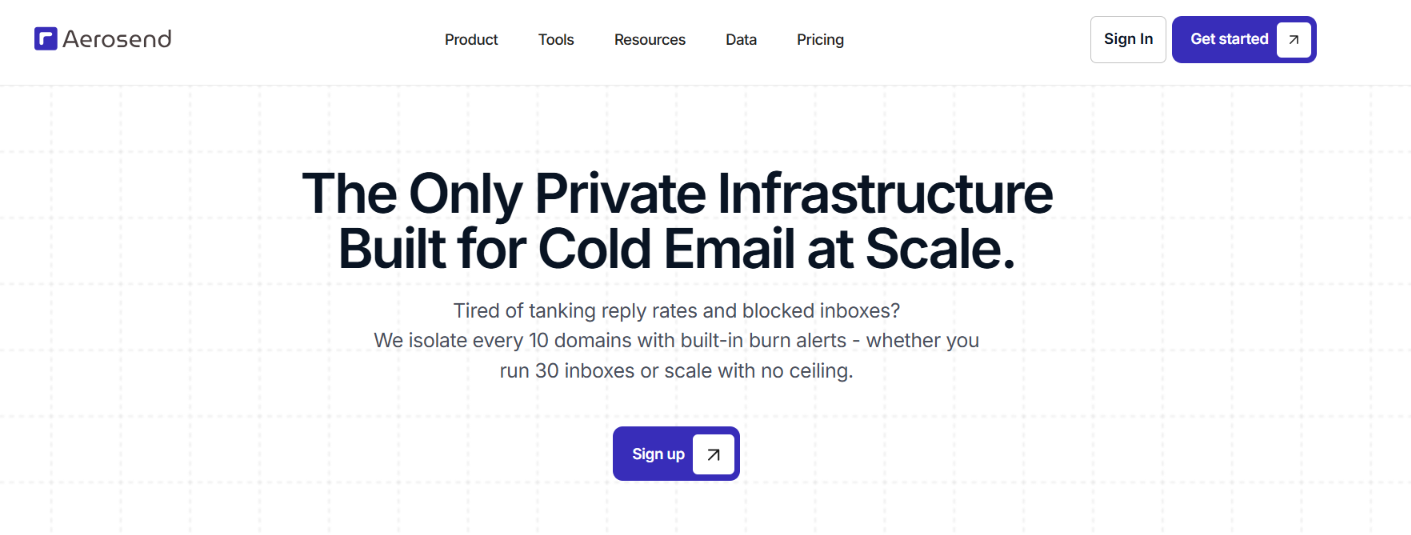
AeroSend gives you private cold email infrastructure with dedicated aged IPs, managed warm-up, automated SPF, DKIM, and DMARC setup, and biweekly inbox placement tests.
You also get Domain Burn Alerts, which track warm-up reputation, inbox placement, reply rates, bounce rates, and bounce types. Every 10 domains are separated onto their own infrastructure.
What you don't get is a built-in cold email sequencer. You still need a tool such as Smartlead, Instantly, or EmailBison to create and run campaigns. AeroSend also has a 30-inbox minimum, which means you need to spend at least $120 per month to start.
Here is how that compares with Infraforge.
The biggest difference is in how much you can manage yourself. AeroSend includes warm-up, placement testing, burn detection, and IP rotation with its inboxes. Infraforge gives you more options to change the setup yourself, including extra IPs, separate workspaces, and SSL and domain masking.
AeroSend has a 4.4/5 rating from 9 reviews on G2. That is still a small review base, but the feedback gives us a few useful points to look at.
Users frequently mention the easy setup and responsive support.

Reviewers say AeroSend handles mailbox setup, DNS records, and warm-up for them, which cuts down the manual work needed before starting campaigns.
The dashboard gets more mixed feedback. One reviewer reported UI bugs, while another wanted deliverability monitoring graphs and tagging for domains and email accounts.

A separate reviewer said some planned dashboard features were still unavailable. There is also mixed feedback around deliverability monitoring. One user liked receiving alerts when a domain was burning, while another said AeroSend did not warn them when an IP pool was flagged as spam and claimed it affected their domains.

So, the G2 reviews are generally positive about setup and support, but the smaller review count and complaints around monitoring and dashboard features are worth keeping in mind.

I used AeroSend for my outbound campaigns for six months. During that time, I tracked the setup and warm-up process, inbox placement, replies, and how AeroSend handled domain and IP health.
The setup starts with your sending domains. You can bring domains you already own or have AeroSend buy them for $12 a year. Once the domains are added, AeroSend provisions the inboxes and configures SPF, DKIM, and DMARC. Dedicated aged IPs are included with the inboxes as well.
AeroSend says provisioning takes up to 24 hours. After that, the inboxes go through a 21-day warm-up before you start sending. Once they are warmed up, you connect them to your sequencer and use them for your campaigns.
So, the setup itself is easy because AeroSend takes care of the inbox provisioning and email authentication. The only part that takes time is the 21-day warm-up.
AeroSend manages the warm-up instead of requiring you to connect the inboxes to a separate warm-up tool. Every new inbox goes through a 21-day warm-up before you start sending from it. Here is what is included:
The useful part is having warm-up included with the inboxes rather than adding another tool to the setup. The trade-off is that increasing sending capacity isn't immediate because every new batch needs those 21 days first.
AeroSend runs inbox placement tests every two weeks, so placement continues to be checked after the 21-day warm-up. It also monitors reply rates for each domain instead of looking only at the campaign as a whole.
Reply rate is checked alongside bounce rate and bounce type. If one domain starts getting fewer replies while the other domains in the same campaign remain steady, AeroSend can flag that domain for closer attention.
This gives you a clearer view of which domains are performing well and which ones may need to be slowed down or replaced.
Once you have dozens of inboxes running, checking every IP and domain manually gets difficult. AeroSend reduces that work by separating every 10 domains onto their own infrastructure with new servers and IPs. It also monitors IP performance and says it rotates an IP when it detects a drop.
This setup is useful at higher volume because all your domains are not sitting on the same infrastructure. If one batch has a problem, you can deal with that batch instead of having every sending domain tied to the same setup.
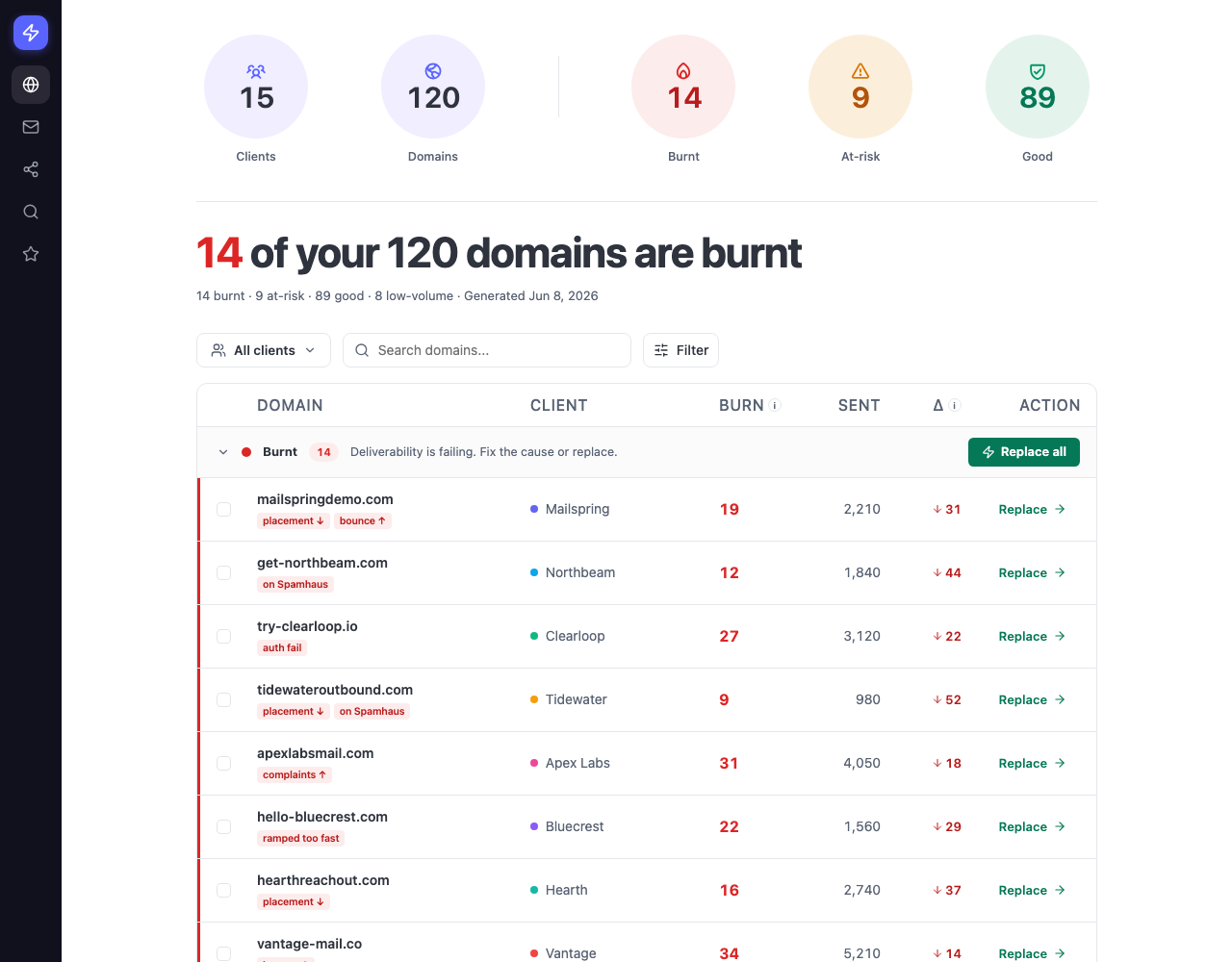
This was one of the AeroSend features I wanted to look at closely. A domain can still be sending while its replies are already starting to fall. AeroSend checks five signals for this: warm-up reputation, inbox placement, reply rate, bounce rate, and bounce type.
The useful part is the decision AeroSend gives you from that data. A domain can be marked Good, At risk, or Burnt. The recommended action is then to keep sending, slow down, or replace the domain.
That is much easier to act on than watching reply and bounce numbers across dozens of domains and deciding yourself which one needs to be replaced.
AeroSend also gives you more control over how the infrastructure is run. That includes changing sending volume, using custom IP pools, replacing burned domains, and connecting the inboxes to the sequencer you already use.
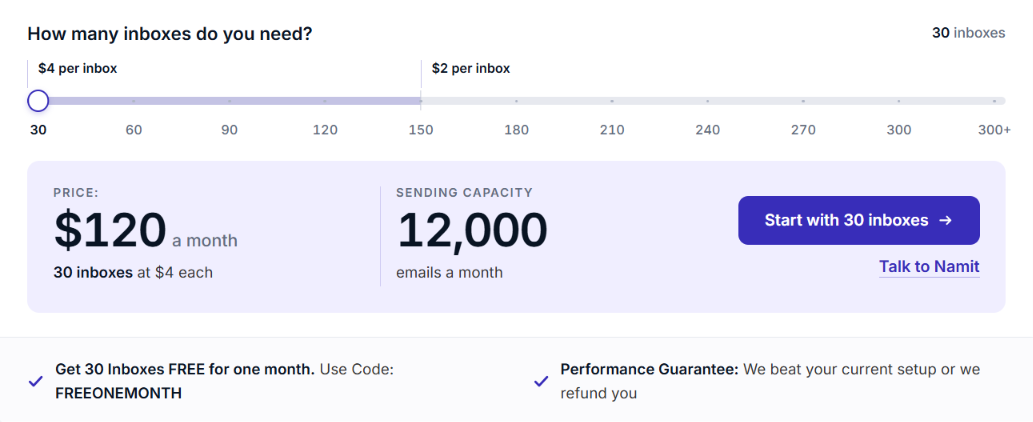
AeroSend uses volume-based inbox pricing. You need to start with at least 30 inboxes for $120 per month, and the per-inbox price drops once you go beyond 150 inboxes.
Managed warm-up, biweekly inbox placement tests, burn detection, SPF, DKIM, DMARC, and dedicated aged IPs are included in the inbox price.
The 30-inbox minimum matters most for smaller senders. You cannot start with five or ten inboxes and pay only for those; the entry cost remains $120 per month.
AeroSend fits senders who need private cold email infrastructure at a larger scale. The 30-inbox minimum makes it less practical for smaller setups.
AeroSend fits best once you have enough sending volume to use its private infrastructure. Below that level, the 30-inbox minimum and separate sequencer can be hard to justify.
If you want private cold email infrastructure but AeroSend does not fit your setup, Infraforge gives you another way to build and manage it.
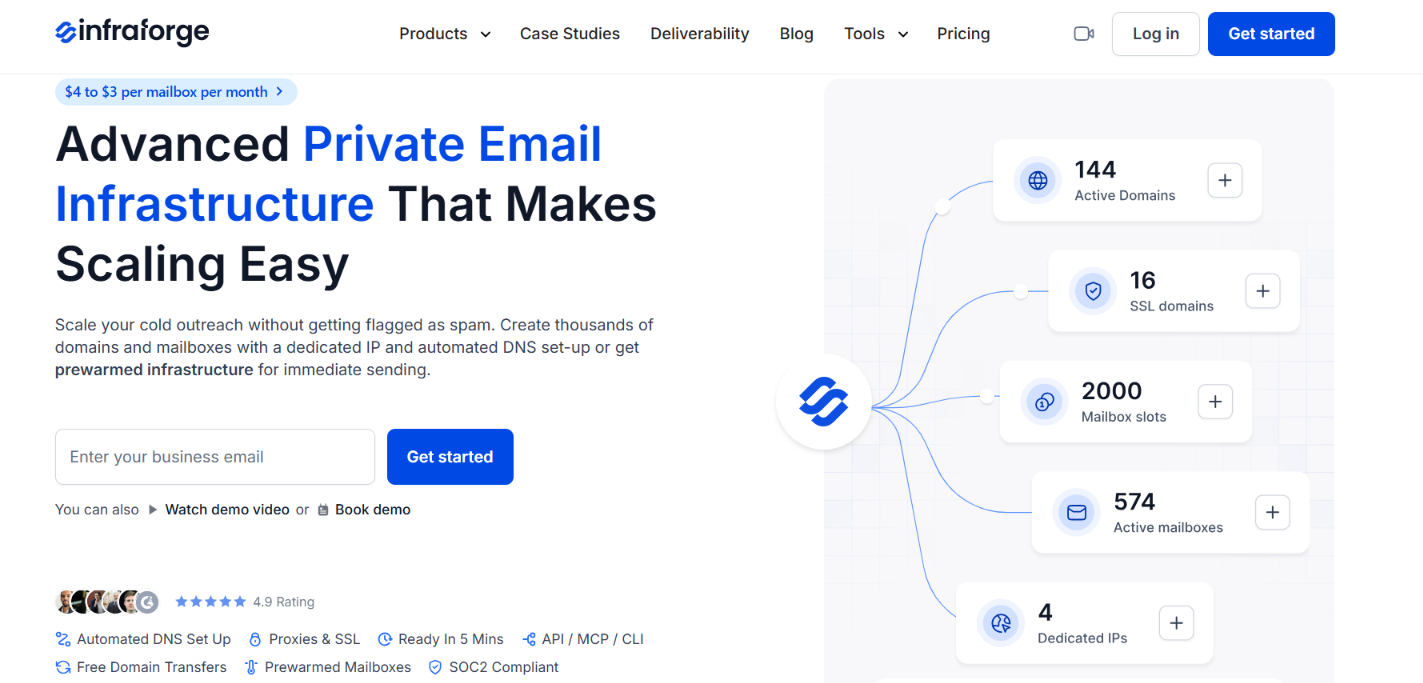
The main difference is the amount of control you get and how small you can start.
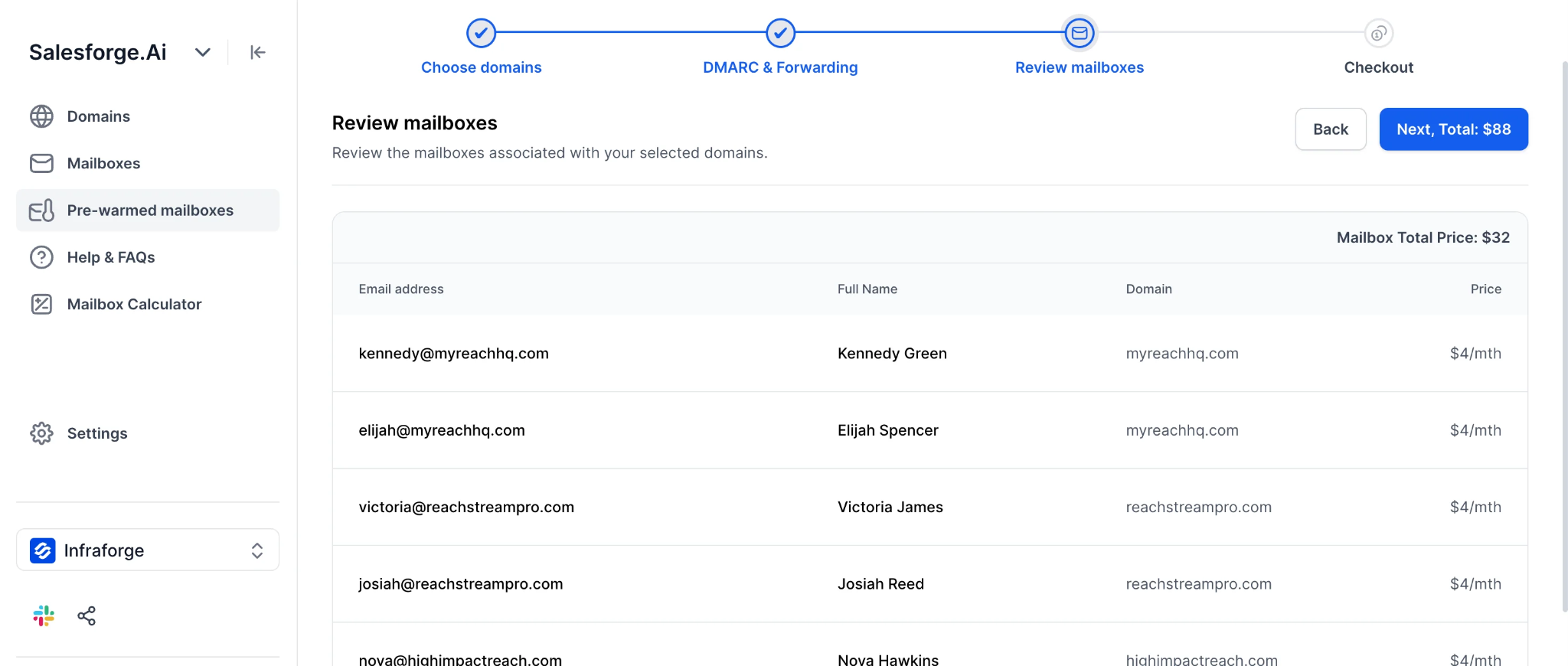
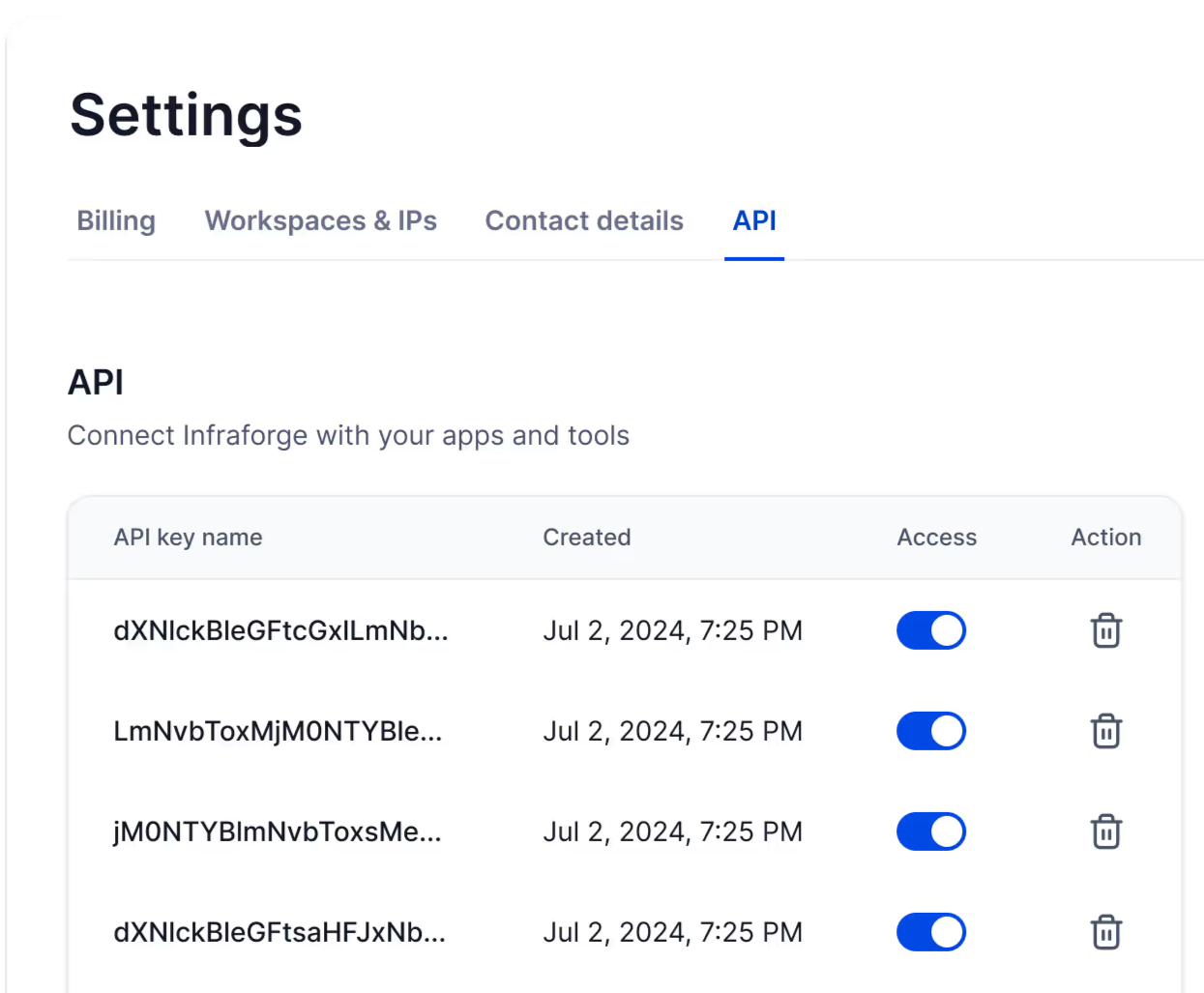
Infraforge fits better if you want a lower starting requirement and more control over the infrastructure you are paying for.
Enter your email to get a custom plan & stack recommendation for your business
Please check your mailbox in 5 minutes

AeroSend is worth it if you are running enough cold email volume to justify its 30-inbox minimum. You get private infrastructure, managed warm-up, dedicated aged IPs, placement tests, and domain burn monitoring.
The main drawbacks are the $120 starting cost, 21-day warm-up, and need for a separate sequencer.
If you want to start with fewer mailboxes and have more control over domains, IPs, and workspaces, Infraforge is the better fit. It starts at 10 mailbox slots and gives you more control over the infrastructure itself.
You can get started with Infraforge and build the setup around the number of mailboxes you actually need.