

Personalized Outbound Strategy
Get The Right Outbound Strategy In Minutes
Enter your email to get a custom plan & stack recommendation for your business
It's being carefully crafted by AI
Please check your mailbox in 5 minutes
Amazon SES looks like an easy answer when email volume starts getting expensive. It is cheap, trusted, and built into AWS.
But cold email has a different failure point. The risk is not just whether SES can send the message.
The risk is not sending the email. It is what happens after. When bounces and complaints rise, AWS can pause the account, and your pipeline goes quiet.
This Amazon SES review looks at where SES works, where it becomes risky for cold outreach, and when a private infrastructure setup like Infraforge by Salesforge is the safer choice.
Short answer: Amazon SES can send cold email from a technical point of view, but it is not built as a complete cold email infrastructure system. It is better for transactional email than for outbound sales campaigns.
Amazon SES is useful if you have engineers, clean data, a clear compliance process, a bounce and complaint system, and the patience to work through AWS approval, quotas, and monitoring. If you only want a low-cost sender for product emails, SES may be a good match.

For cold email, the missing parts matter. SES does not set up your domain fleet, mailboxes, warmup, sender rotation, inbox placement checks, or prospect data quality.
It will not protect you when your list is poor, or your sending pattern looks risky.
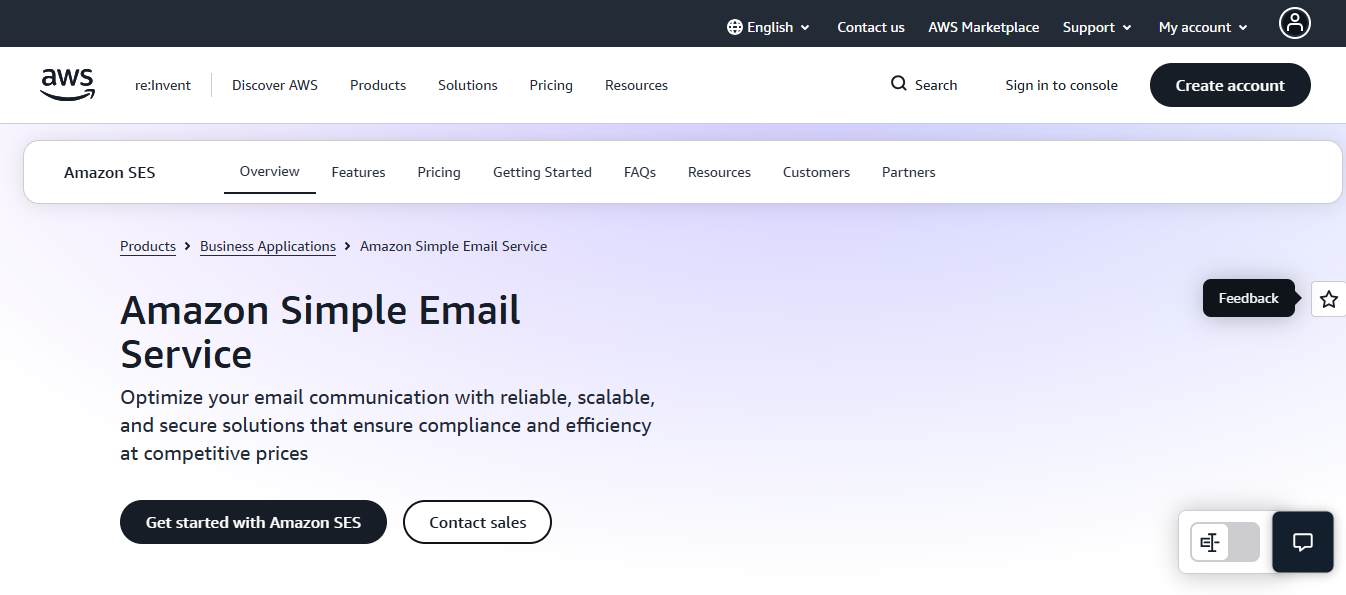
Amazon SES stands for Amazon Simple Email Service. It is an AWS service for sending and receiving email through SMTP or API.
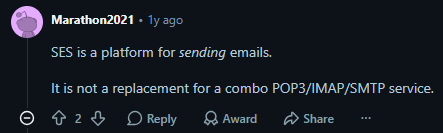
In plain terms, it is the email pipe a developer can connect to an app when the app needs to send messages at scale.
Typical SES use cases include signup verification, password reset emails, billing notices, login alerts, delivery updates, product notifications, and other app-triggered emails.
These emails usually go to people who already have a relationship with the sender, which is why SES is often discussed as a transactional email service.
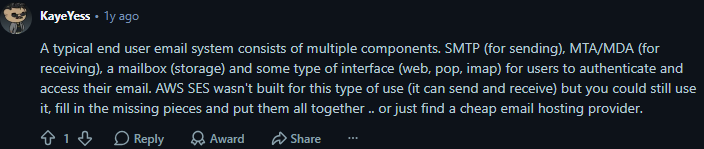
SES can also be used for bulk or marketing emails in some cases, but that is where the setup burden becomes much higher.
AWS expects senders to manage permission, complaints, bounces, suppression, authentication, and reputation. For cold email, that responsibility becomes even heavier because the recipient did not request the message.
It is important to understand what SES is not. SES is not a normal inbox like Gmail, Outlook, or WorkMail.
It does not give every user a mailbox with IMAP, POP, calendar, contacts, and a webmail interface.
It can receive email for automated workflows, but it is not a full user mailbox system.
Amazon SES gives technical teams a set of email building blocks. The main features include:
5 Best Practices to Improve Sender Reputation
A common setup looks like this: the app creates an email event, sends the message through SES, then SES attempts delivery to the recipient's mailbox provider.
If the email bounces or receives a complaint, SES can publish that event to SNS or another AWS service so the sender can process it.
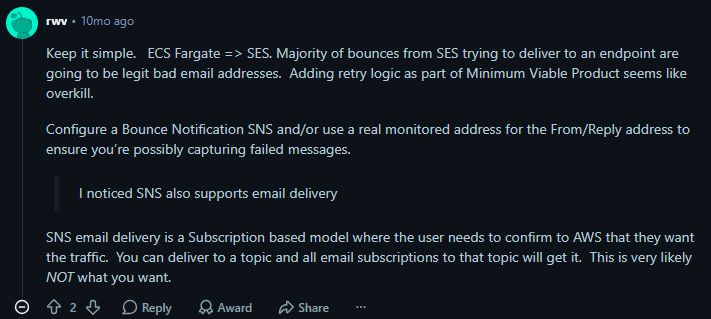
Some teams call SES directly from their app. Others place SQS or another queue between the app and SES so failed messages can retry and volume can be paced.
Direct sending can be fine for low-traffic apps, while queue-based sending helps with retries, throttling, and failure handling once volume grows.
SES works well when the team wants control. You can connect it to AWS services, publish events, use dedicated IP options, and process delivery data. For engineers, that flexibility is useful.
The price is the headline.

AWS lists outbound email at $0.10 per 1,000 emails, with extra charges for items such as attachments, dedicated IPs, global endpoints, and some deliverability features. If you only compare raw send cost, SES is hard to beat.
That price can be misleading for cold outreach. A sending rail is only one part of the cold email system.
You still need domains, mailboxes, authentication, warmup, placement checks, volume rules, replies, list checks, and sender health monitoring.
The main problem is not whether SES can send email. It can. The problem is whether your cold outreach use case fits the risk model AWS expects.
New SES accounts start with restrictions. AWS documentation says sandbox accounts can send 200 messages per 24 hours with a one-message-per-second sending rate.
To send broadly, you need production access.

That approval step matters for cold outreach. AWS may ask how you manage bounces, complaints, recipient consent, and sender reputation.
A transactional use case, such as password resets, is easier to explain than a plan to contact 5,000 new prospects each day.
SES uses sending quotas and per-second sending rates. If your account exceeds its daily quota, SES can reject the send request. If you exceed your sustained send rate, you may need throttling logic.

For app emails, this is normal engineering work. For cold email, it adds another system to manage while you also manage mailbox limits, domain health, and campaign pacing.
AWS says it monitors email sent through SES to prevent malicious, unsolicited, or low-quality mail.
If problems show up, an account may go under review or have sending paused.
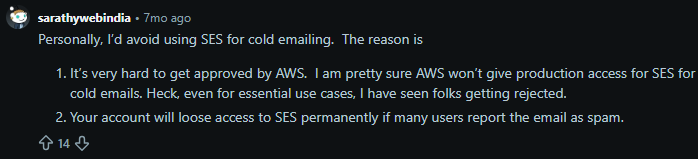
That is a serious issue for cold email. If your outreach team depends on SES and the account is paused, campaigns stop.
You may also have to prove that you fixed the root cause before sending returns.
AWS thresholds to know:
Cold email lists can decay quickly. People change jobs, company domains expire, aliases stop working, and some recipients report messages.
If you do not verify addresses and watch complaints closely, SES can become fragile.
5 Tools To Automate Your Sales Workflow in 2026
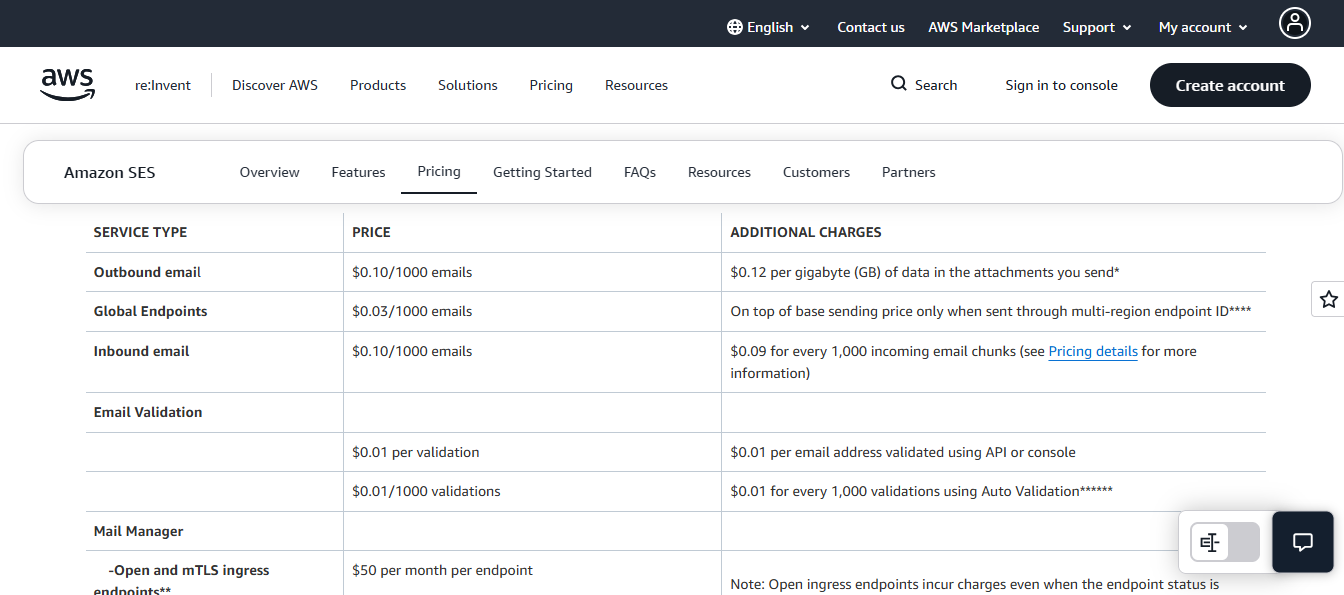
Amazon SES charges $0.10 per 1,000 emails sent, plus $0.12 per GB for attachments. Inbound email costs the same, with extra charges for incoming email chunks.
Base costs:
Add-on costs:
For cold email, SES is cheap only at the sending layer. Domains, mailboxes, warmup, monitoring, placement tests, and suppression handling all sit outside the base price.
Most Amazon SES reviews spend time on features and price. Cold email teams need a different checklist.

SES has limits and edge cases around email size, attachments, address formatting, auto-replies, corrupt files, multiple recipients, and encoding.

Those issues are not always cold email issues, but they prove the larger point: SES requires testing and handling outside the send button.
Amazon SES and Infraforge are not in the same category. SES is an email sending service. Infraforge is private cold email infrastructure.
Infraforge makes sense when you want dedicated infrastructure for cold email without building the whole system yourself.
Its public site highlights automated DNS setup, bulk DNS updates, domain transfer, pre-warmed domains and mailboxes, multiple workspaces, domain masking, multi-IP provisioning, Masterbox, and API access.
Users worry about domain damage, warmup, SPF, DKIM, DMARC, quotas, monitoring, and complaints.
Infraforge addresses the infrastructure side of that problem, while SES leaves much of it to your team.
The Salesforge stack gives teams multiple infrastructure paths instead of forcing every sender into one model.
SES makes you request production access, then manage your own domain fleet, IP rotation, and DNS. For cold outreach, that approval is the part AWS pushes back on hardest. Infraforge skips that fight.
You get private infrastructure, multi-IP provisioning, automated DNS setup, and pre-warmed domains and mailboxes from day one.
No sandbox, no use-case justification, no manual DNS records per domain.
This is the direct answer when an SES account gets paused, and your pipeline stops with it.
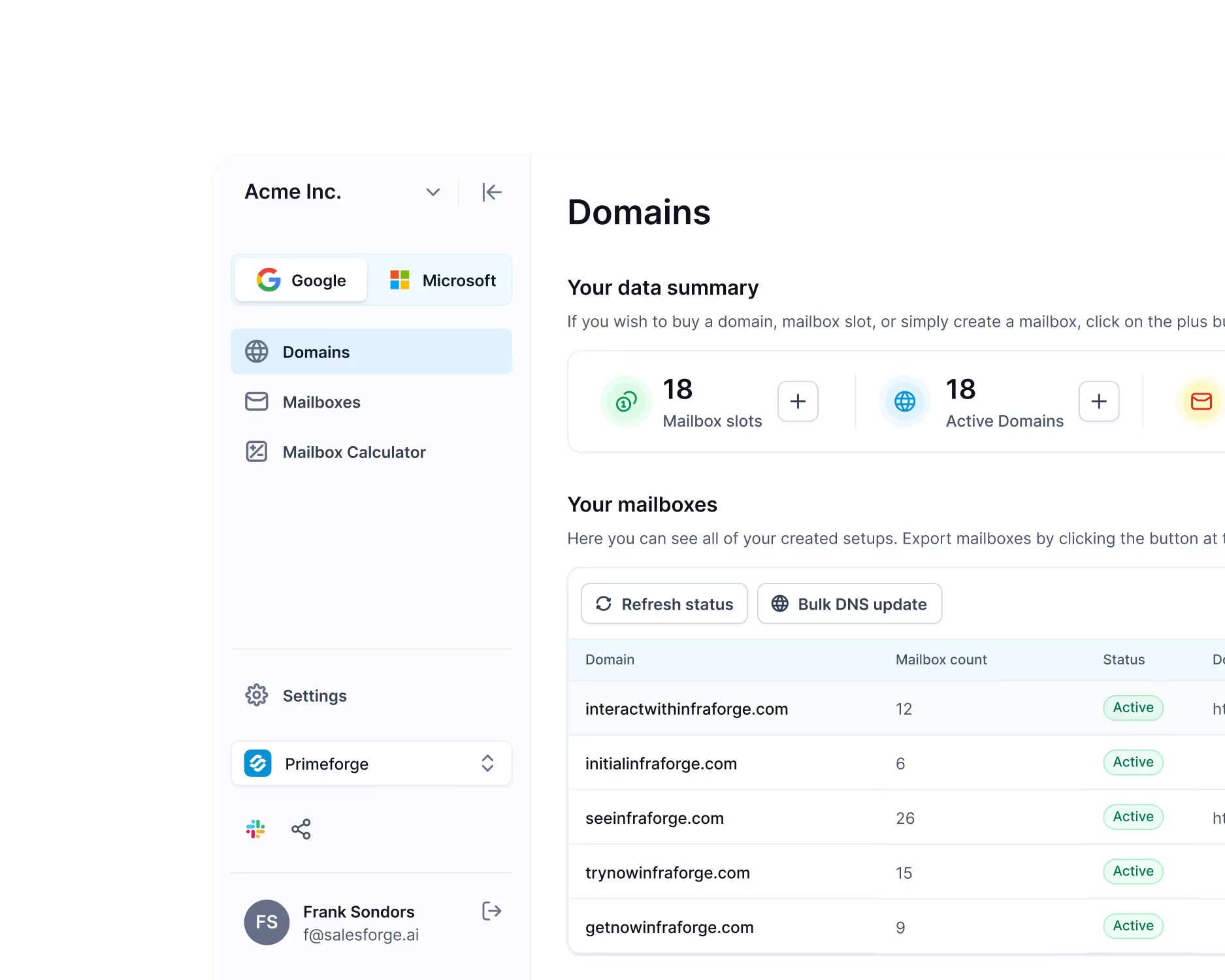
SES is a sending pipe, not an inbox. It does not hand you a real Google or Microsoft mailbox that prospects trust and reply to.
Primeforge does. You get Google Workspace and Microsoft 365 mailboxes with US IPs, pre-warmed and ready.
When you send from the same provider your prospect uses, Gmail to Gmail or Outlook to Outlook, placement gets easier.
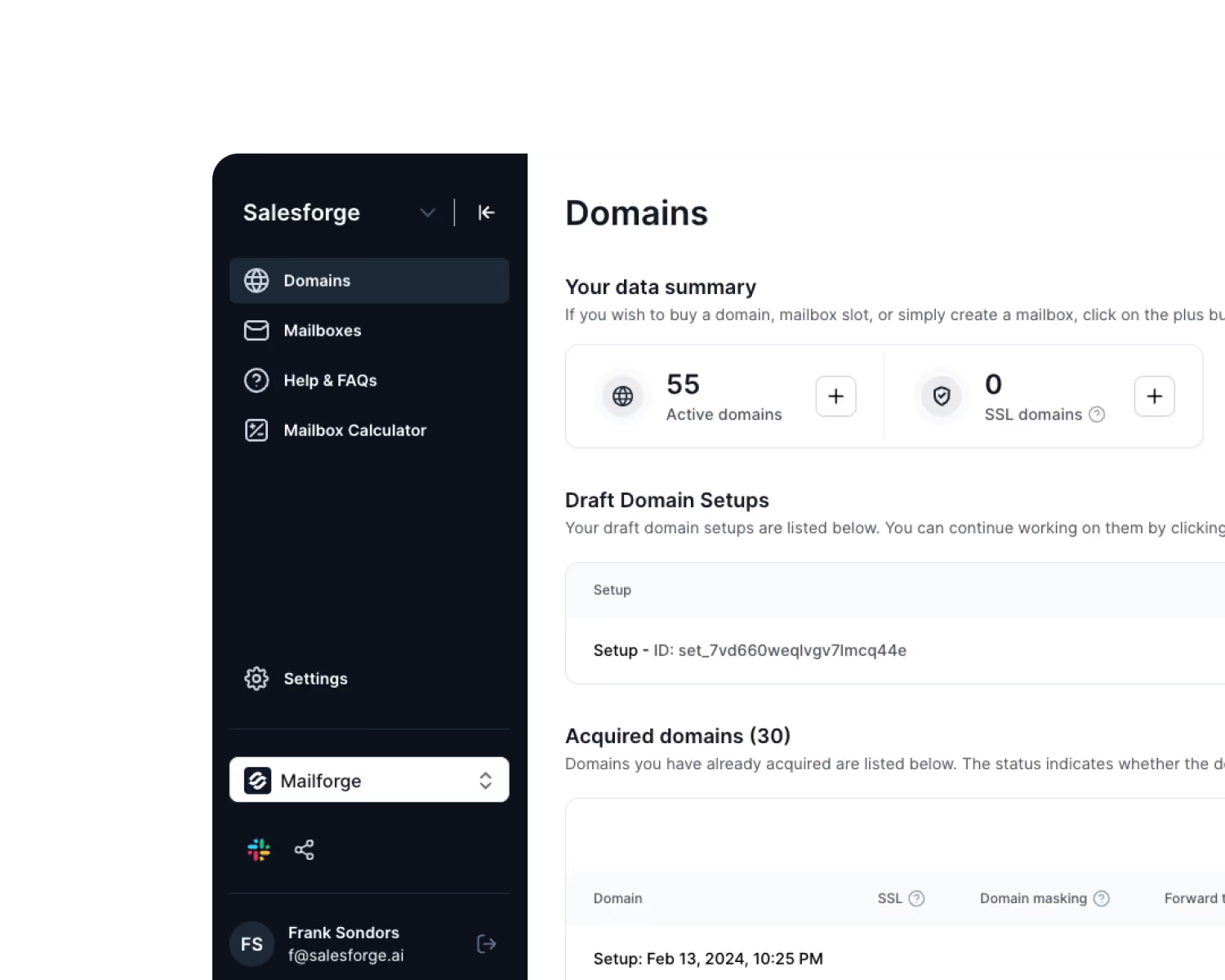
Not every team needs dedicated IPs on day one. SES forces a heavy engineering setup either way.
Mailforge is the lighter path: shared IP pools and automated DNS. It fits newer teams, tests, or lower-volume sending before you move to private infrastructure.
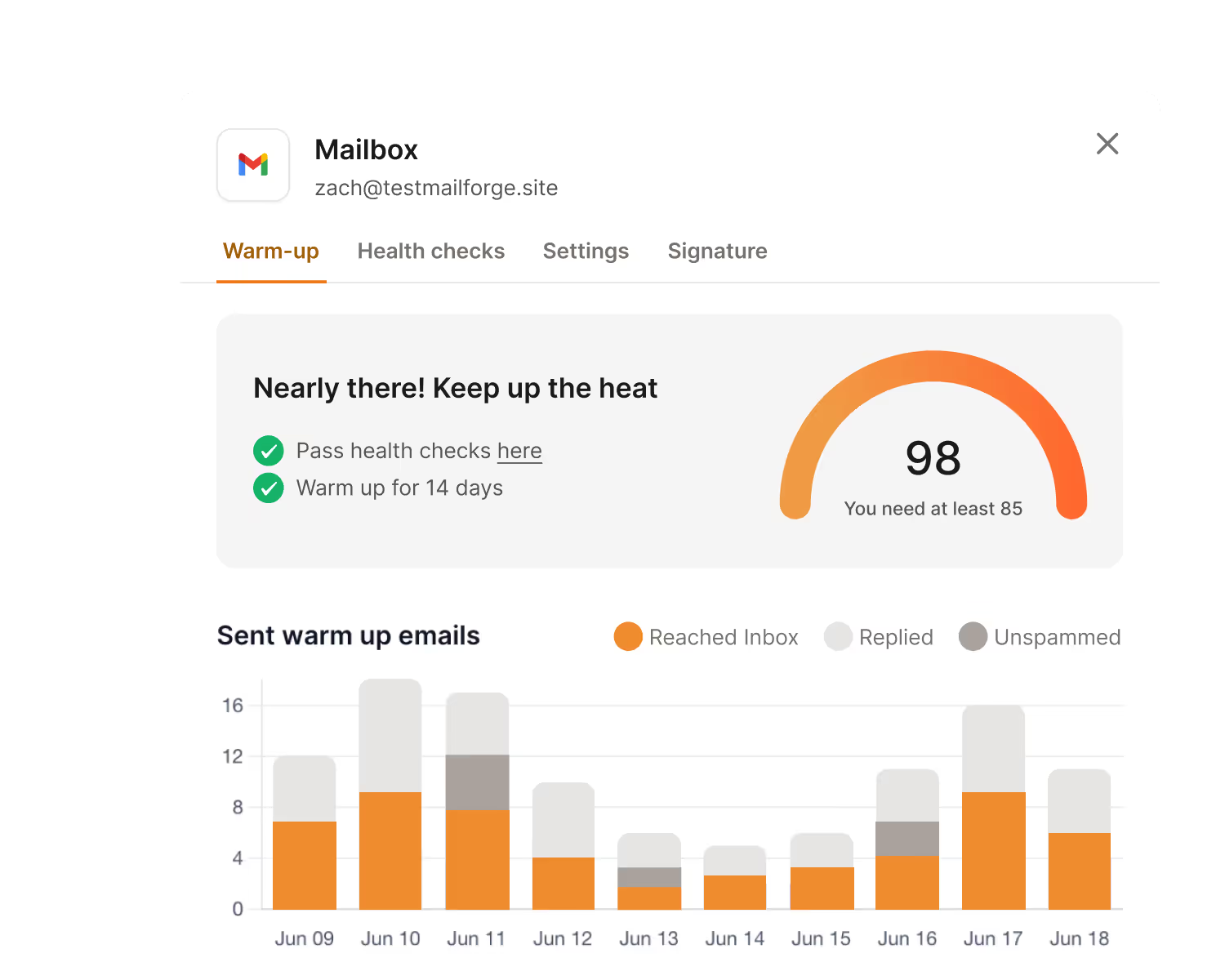
SES tracks bounces and complaints, but it does not warm your senders or tell you where mail lands.
You only learn you crossed a threshold after the account is already under review.
Warmforge handles that before it breaks. You get warmup, mailbox health scores, and inbox placement tests.
The discipline is simple: keep your mailbox score above 97, watch bounce rates closely, and use placement tests to see where emails actually land. SES gives you none of that by itself.
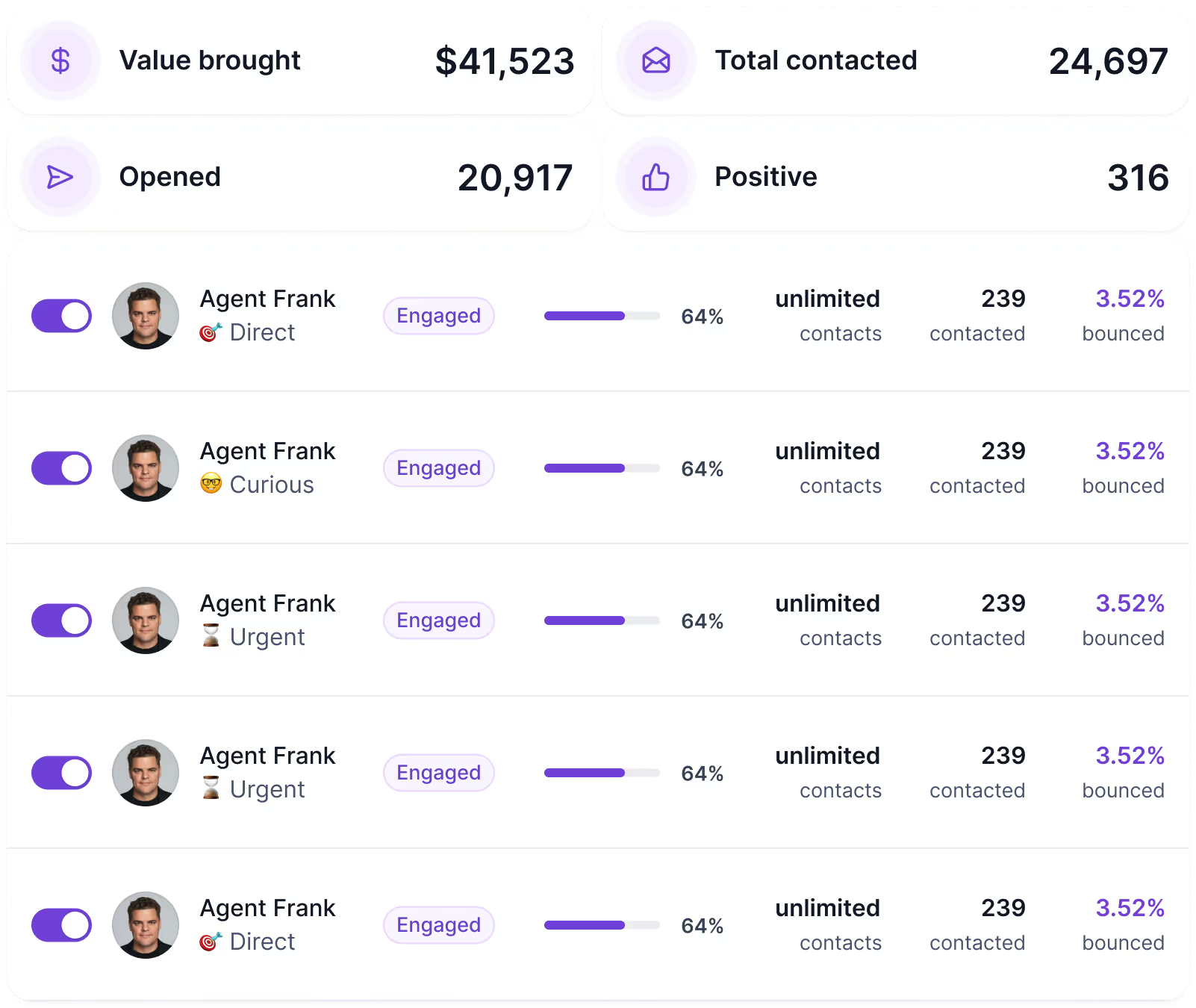
Infrastructure gets your email delivered. It does not write the sequences, personalize them, or handle replies. With SES, all of that is still on you.
Agent Frank is the AI sales agent that runs the outreach itself. It researches prospects, writes and personalizes emails, sends them across your mailboxes, and books meetings while you focus elsewhere.
Pair it with the infrastructure above, and the full cold email system runs end to end, instead of leaving you to stitch SES to a separate sending tool.
Enter your email to get a custom plan & stack recommendation for your business
Please check your mailbox in 5 minutes

Amazon SES works well for transactional email with engineering support. It is low-cost, flexible, and reliable for that job.
Cold email is different. You need to protect domains, control volume, watch bounces, manage complaints, warm senders, and rotate infrastructure when signals drop. SES does not handle any of that natively.
If your goal is an outbound pipeline, Infraforge is the better path.
You get dedicated IPs, automated DNS setup, and pre-warmed domains and mailboxes, without building it all by hand inside AWS.
Set up your cold email infrastructure on Infraforge and start sending with full sender control from day one.