So, if you are starting your cold email journey or looking for a better outreach tool, you are in the right place.
However, the market is crowded with cold email platforms. Choosing the right one is difficult, and you can't try every option yourself.
They all promise the same things: AI features, scalability, automation, deliverability features, and integrations with the tools you use.
That makes the decision confusing.
I'm from this industry, and I'm an active member of cold email communities on Reddit, Slack and Discord. I keep getting the same questions, so I wrote this post to answer them.
It covers what each tool does, what it costs and each tool's limitations. You also get the one I'd pick for your outreach campaigns and cold email campaigns.
I gave every tool the same contact lists, the same sequences and the same mailboxes. What separated them came down to seven questions.
Total cost of ownership: What does the plan cost? What do mailboxes, warmup and contact data add on top of it?
Core sending features: Does the cold email automation build proper sequences with follow-ups and conditional steps? Does it personalize past a first name? Does it rotate senders so no single mailbox takes the whole volume?
Deliverability: Do the emails reach the primary inbox, or do they settle in promotions and the spam folder? Does it protect your sender reputation and offer inbox placement testing? Is warmup included in the price or sold separately?
Ratings and reviews: What is the G2 rating? How many reviews support it? What do the one and two star reviews complain about?
Multichannel: Can email and LinkedIn run inside one sequence? Does the LinkedIn step fire only when the email step fails? Do replies from both channels arrive in a single inbox?
AI features and analytics: Does the AI cold email software write complete email sequences and subject lines? Can you see campaign performance beyond opens and bounces, or are you guessing at your outreach efforts?
Integrations and API access: Does it sync with your CRM without middleware in between? Is there an open API, an MCP server or a CLI you can script against?
The eight below are the ones that held up against those questions, ahead of the other email outreach tools I ran.
The 8 Best Cold Email Software in 2026 [Each Discussed in Detail]
1. Salesforge: Best for Multichannel Outreach with Strong Personalization and Deliverability
G2 Rating: 4.6 out of 5, based on 130+ reviews
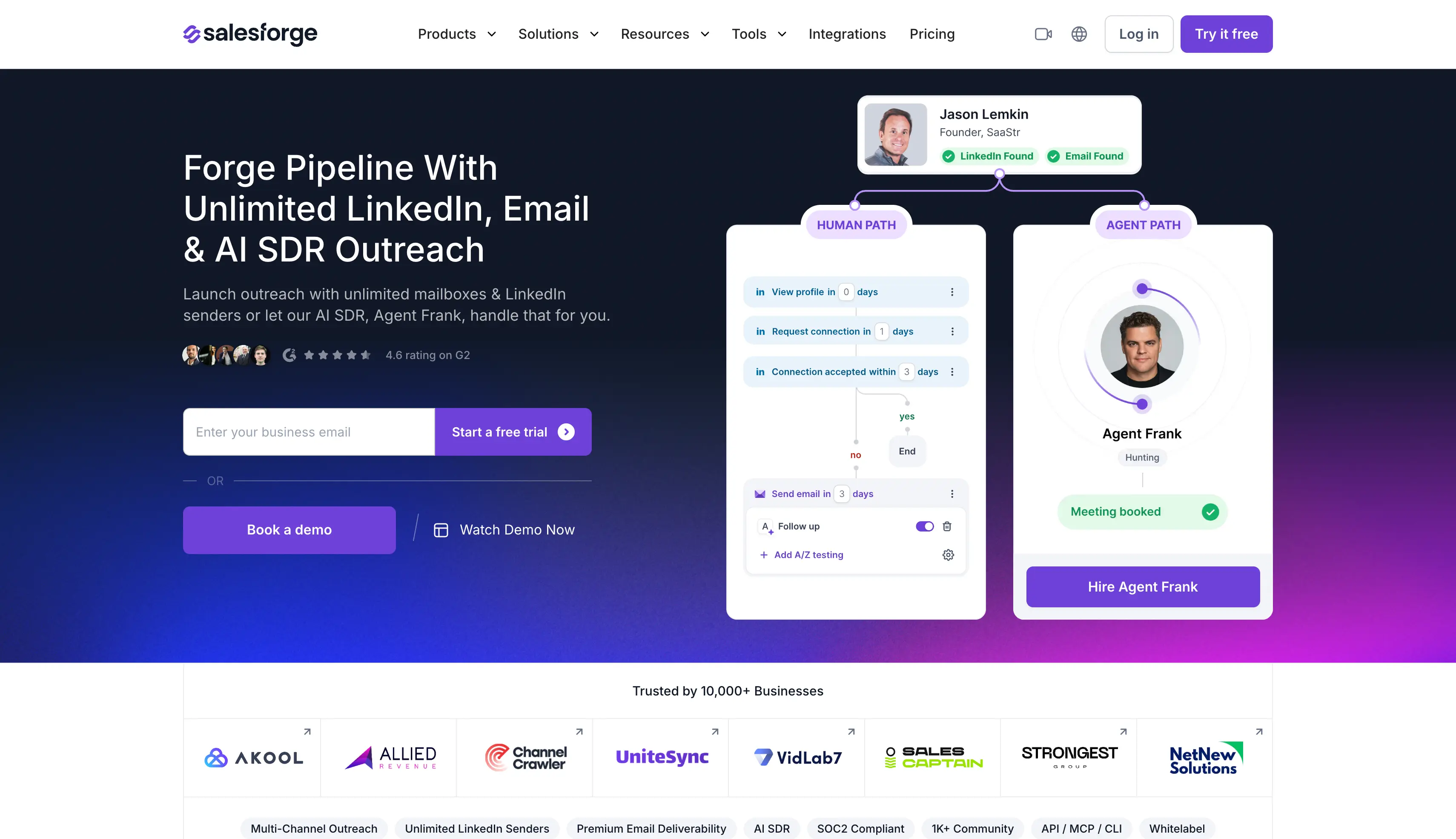
If you're looking for a multichannel outreach tool, Salesforge is the one I'd point you at first. It runs cold email and LinkedIn inside one sequence, and every reply from both arrives in one inbox.
It earns the first position here for three reasons:
Multichannel with native LinkedIn actions
AI features with MCP, CLI and integrations
Cold email sequences with visual campaign building
Plus, it covers the advanced features that matter most in cold emailing.
Salesforge offers the complete Forge stack, which includes unlimited premium warmup through Warmforge, lead data from Leadsforge, and mailboxes from Mailforge, Infraforge or Primeforge.
Now I can run cold email sequences in German and Dutch on it without hiring a copywriter for either.
Why Use Salesforge for Cold Outreach
You can build one sequence with both email and LinkedIn and let the branching handle the next step.
If a connection request is accepted, the next step can be a LinkedIn message. If it is not accepted, the sequence can move to email instead. You get real if/then logic without having to manage two separate campaigns.
You can manage all your replies in Primebox™. Auto-Pilot handles routine replies from start to finish, while Co-Pilot drafts responses for you to review before sending.
You can also connect unlimited mailboxes without paying per mailbox or sender, making it easier to scale your outreach.
Key Features of Salesforge
Unlimited Mailboxes, Users and Workspaces: You can connect unlimited email accounts, add unlimited clients in their own workspaces, and get unlimited users on Growth.
Multi-channel Sequences: You can branch a sequence on whether a prospect accepted, replied or viewed your profile, then send email or LinkedIn next.
Native LinkedIn Actions: You can send connection requests, messages, InMails, post likes, follows and withdraw requests inside a sequence.
AI Personalization: You can build personalized cold emails from company news, LinkedIn activity and industry context across 21+ languages.
Unlimited Warmup: You can warm every connected mailbox continuously through Warmforge at no extra cost.
Sender Rotation: You can spread volume across mailboxes and domains automatically so no single mailbox burns reputation.
Bounce Shield: You can block sends to addresses likely to bounce before they damage your sender score.
Email Validation: You can check every contact before the sequence sends to them.
Primebox™: You can answer LinkedIn and email replies in one inbox, with Auto-Pilot handling them or Co-Pilot drafting for approval.
LinkedIn Chrome Extension: You can find verified emails and phone numbers from LinkedIn profiles, with 100 free credits on signup.
A/B Testing and Analytics: You can test messaging variants and track open, reply, connection acceptance and meeting conversion in one dashboard.
Agent Frank: You can hire him as an AI SDR to run prospecting, sequencing, replies and meeting booking 24/7.
API, MCP and CLI: You can connect HubSpot and Pipedrive, use an open API, and drive campaigns from Claude or Cursor.
What I Like About Salesforge
Adding mailboxes and senders never changed my bill, which made forecasting simple.
Warmup being included changed my monthly total more than any feature on this list.
One inbox for LinkedIn and email cut my reply triage from hours to minutes.
Deliverability is treated as a stack rather than a checkbox, and it showed in my placement tests.
Moving between shared and dedicated infrastructure did not mean migrating platforms.
What I Dislike About Salesforge
There's no free plan, so after the 14-day trial you pay.
Salesforge Pricing
All prices below are billed annually, which is where the two-months-free discount applies.
G2 Rating: 4.7 out of 5, based on around 1,396 reviews
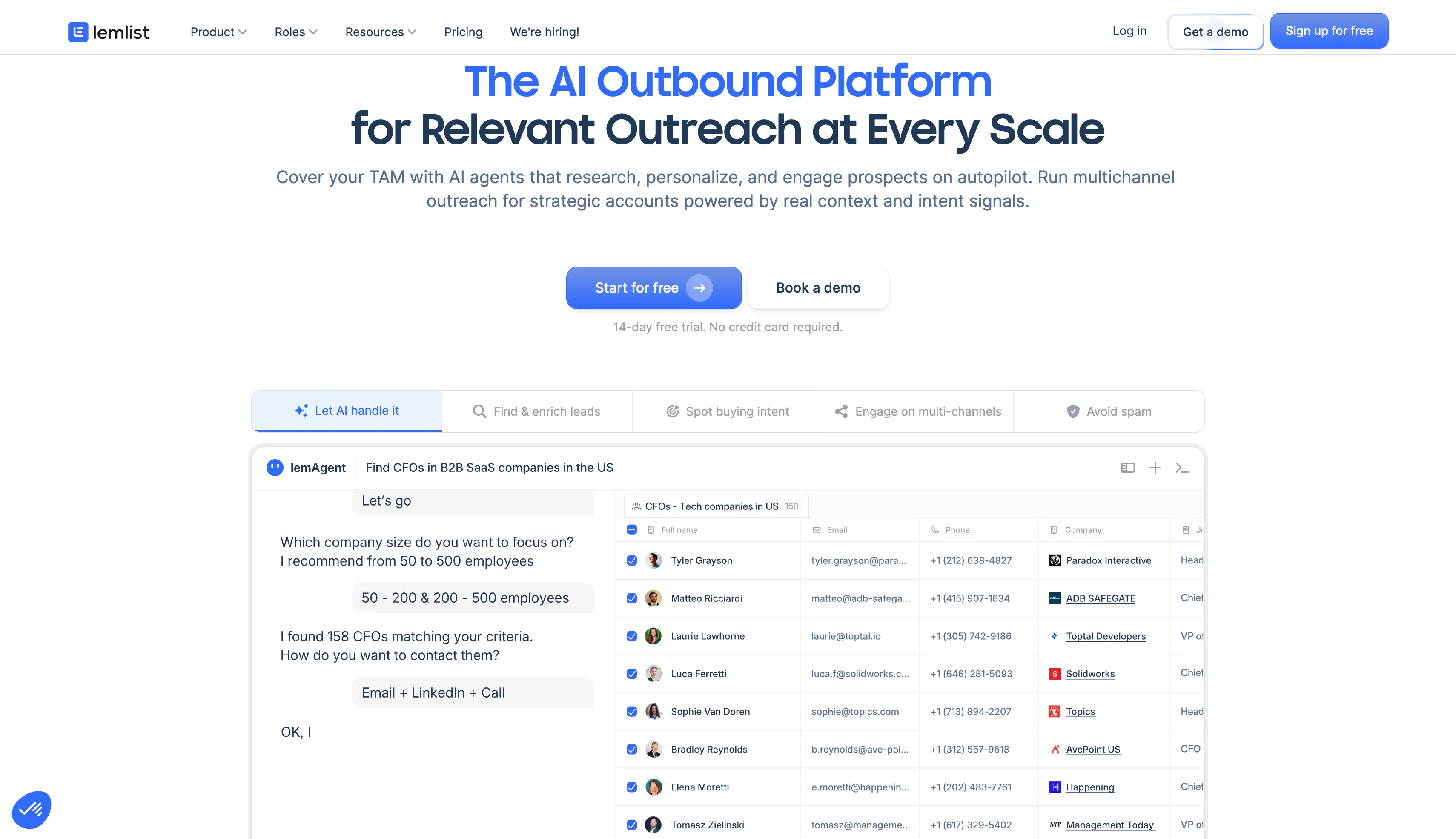
lemlist is a cold email and LinkedIn tool built around personalization. You use it when a plain text email won't get the reply.
lemlist stands out for two strengths. You can put a prospect's own website, logo or a video straight into the email.
You can also change the wording by industry or job title, so one sequence covers several audiences.
Why Use Lemlist for Cold Outreach
Lemlist is useful when you want to add personalization beyond just a prospect's name and job title.
You can add a prospect's own website screenshot to the first image of a sequence, which can make the outreach feel more relevant than a standard text-only email.
The Liquid Syntax conditions are also useful. You can change the copy based on industry without creating a separate sequence for each one. The previews also help catch broken variables before the emails are sent.
The main downside is the pricing. lemlist charges per user, so your costs increase as you add more people to your team.
Key Features of lemlist
Image, video and web page personalization: You can insert personalized images or a video into any email and build a custom web page per recipient.
450M+ lead database: You can search for prospects inside lemlist and get their verified email address or phone number.
Liquid Syntax conditions: You can change wording by industry or job title so one sequence covers several audiences.
Deliverability Hub: You can rotate inboxes, cap daily sending, check copy for spam words and get alerted when a mailbox weakens.
Unified inbox: You can answer email and LinkedIn replies from one screen on the Multichannel plan.
LinkedIn automation: You can visit profiles, send invites, write messages and record voice notes as steps inside the sequence.
lemlist MCP and API: You can drive campaigns from Claude, Cursor or your own scripts on every plan.
AI agents: You can hand lead research, reply intent detection and out-of-office handling to lemAgent.
Lemwarm: You can warm every connected mailbox through lemlist's own warmup product on qualifying plans.
CRM integrations: You can sync contacts and campaign activity with HubSpot, Salesforce and Pipedrive.
What I Like About lemlist
Nothing else here comes close on visual personalization, and it is the reason to buy it.
Liquid Syntax gave me proper branching without duplicating work.
MCP and API access on every plan, including the cheapest, which is rarer than it should be.
The deliverability alerts caught a sending limit problem before it became a placement problem.
What I Dislike About lemlist
The Email plan prices per user, so the bill grows every time you add a seat.
LinkedIn only comes with the Multichannel plan, which costs more per user.
Email and phone credits are separate, so lookups cost extra on top of the plan.
WhatsApp is an add-on rather than an included channel.
Creative personalization tempts you into image-loaded emails, which is what deliverability punishes.
lemlist Pricing
All prices below are billed yearly.
Plan
Price
What each plan offers
Email
$55/user/month
10,000 emails, unlimited users and email senders, unlimited contacts
Multichannel
$87/user/month
Everything in Email plus LinkedIn automation, SMS, 5 senders per user, unlimited emails and messages
Enterprise
Custom
Custom limits and terms
Credits
from ~$10 per 1,000
Roughly 200 email lookups or 50 phone numbers, charged on top of the plan
3. Instantly: Best for Scaling Sending Volume Fast {#instantly}
G2 Rating: 4.8 out of 5, based on more than 4,000 reviews
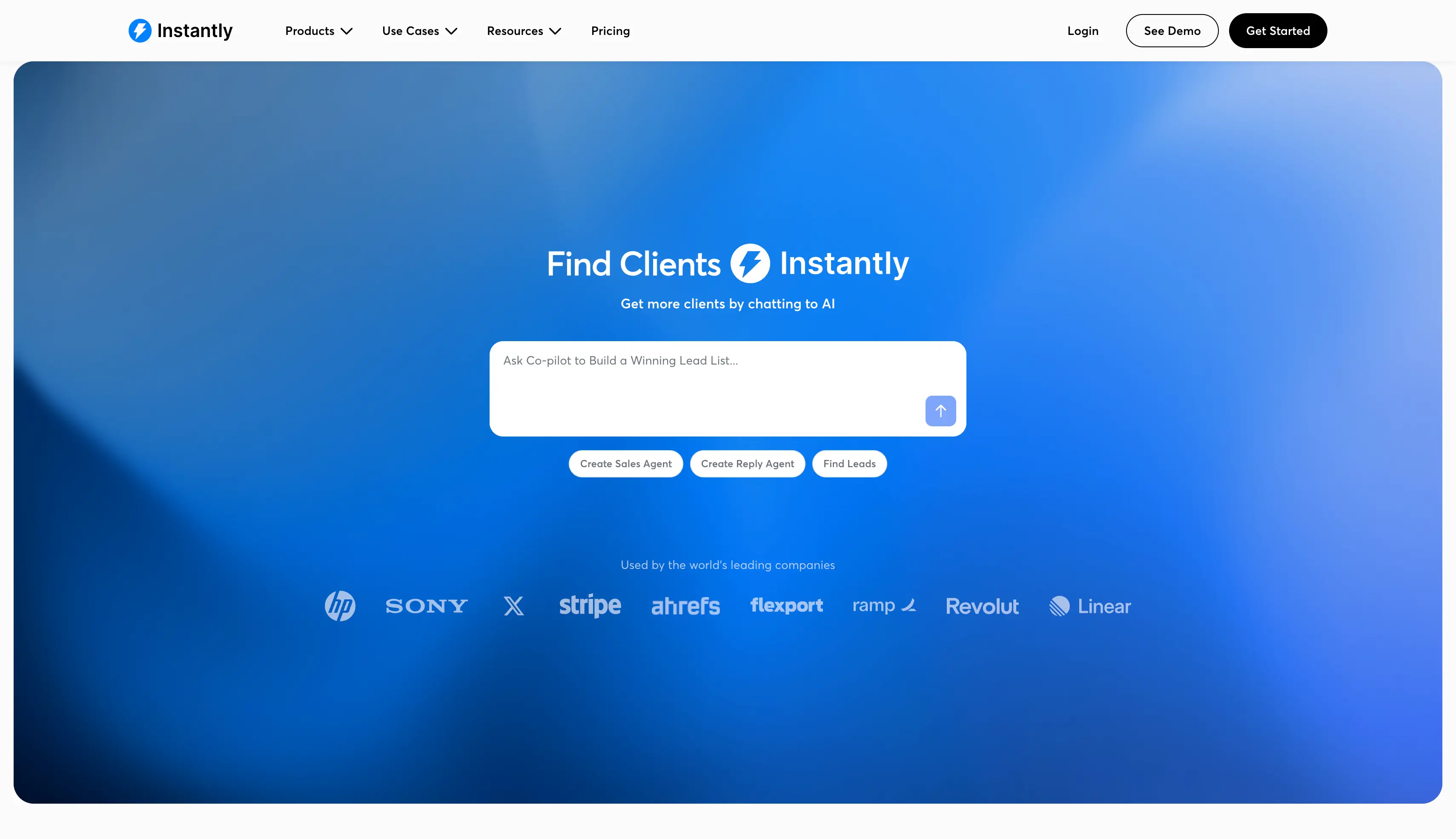
Instantly is a cold email platform built for high volume outreach. You use it to connect a lot of mailboxes and send at scale without much setup work.
Instantly stands out for two strengths. Every paid plan gives you unlimited mailboxes and unlimited warmup, even the cheapest one.
Its setup is also the quickest here, because you add mailboxes in bulk and it handles the configuration.
Why Use Instantly for Cold Outreach
You can use Instantly as a sending platform when you need to manage high-volume cold email campaigns.
The setup is one of the quickest on this list. You can connect multiple mailboxes and get a campaign running without much manual work.
The Unibox brings your email replies into one place, but it does not combine email and LinkedIn. If you use both channels, you have to manage LinkedIn conversations separately.
One thing to watch is the contact limit. Unlimited accounts may sound generous, but the Growth plan limits you to 1,000 uploaded contacts.
Key Features of Instantly
Unlimited email accounts: You can connect as many mailboxes as your sending volume needs on any paid plan.
Unlimited email warmup: You can warm every connected mailbox at no extra cost, with advanced controls on Hypergrowth.
Bulk mailbox connection: You can add and configure dozens of accounts in one go.
Sender rotation: You can spread daily volume across every connected account so no mailbox burns through its reputation.
Unibox: You can read and answer replies from every connected account on one screen.
Reputation protection and bounce detection: You can block risky sends and catch bounces before they damage your sender score.
A/Z testing and global block list: You can test message variants and block whole domains across every campaign from Hypergrowth up.
Built-in CRM: You can track deals and work replies through a pipeline without buying a separate CRM.
Lead database: You can buy prospect data from Instantly and use it straight inside campaigns.
API, webhooks and integrations: You can connect HubSpot, Pipedrive, Clay and your own systems from Hypergrowth up.
SOC 2 certification: You can show your security team a certified vendor before you buy.
What I Like About Instantly
It had the fastest setup I measured, by a clear margin.
Unlimited accounts and unlimited warmup on the entry plan is unusually generous.
New hires pick up the interface without training, which matters more than feature counts.
Bulk connection worked cleanly, with no manual DNS on my side.
What I Dislike About Instantly
Growth stops you at 1,000 uploaded contacts and 5,000 emails a month.
There are no LinkedIn steps inside the sequence.
Clients see the whole workspace, so agencies buy a separate workspace per client.
Lead data is a separate subscription, so your total bill is higher than the plan page suggests.
25,000 contacts, 125,000 emails/month, premium live support, A/Z testing, global block list, API and integrations
Light Speed
$358/month
100,000 contacts, 500,000 emails/month
Enterprise
Custom
Custom limits and terms
4. Reply.io: Best for Multichannel Outreach With an AI SDR
G2 Rating: 4.6 out of 5, based on more than 1,500+ reviews
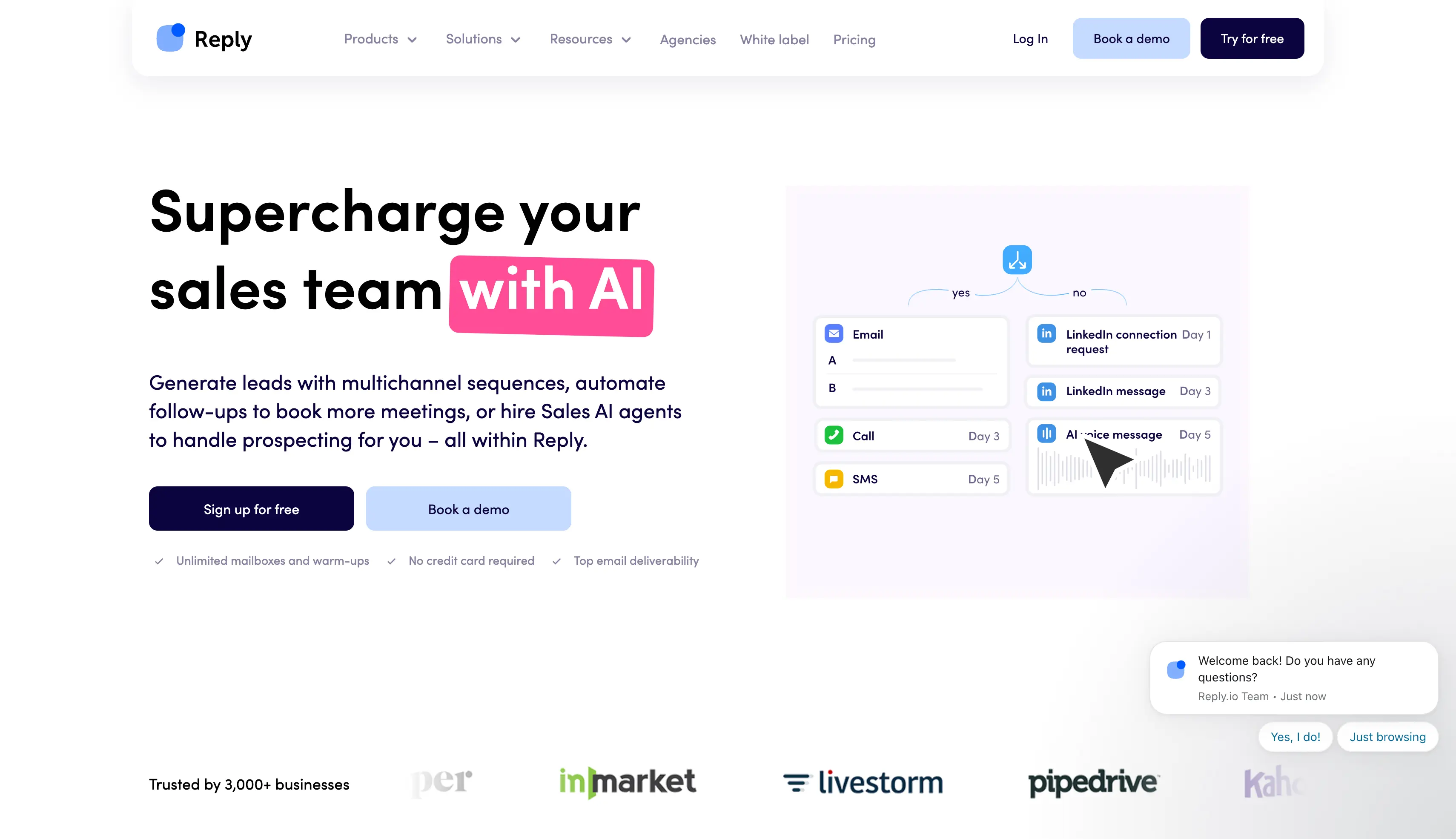
Reply.io is a sales engagement platform that runs five channels in one sequence. You use it when calling matters as much as emailing.
Reply.io stands out for two strengths. The dialer is built in, so you call a prospect from the same screen as the sequence.
Jason AI also works as an AI SDR that finds prospects, writes the emails and answers the replies for you.
Why Use Reply.io for Cold Outreach
You can use Reply.io when calling prospects is part of your outreach, which is something many other tools on this list do not offer.
You can call prospects from the same screen as your sequence, with call recording included and no separate subscription. If you already pay for a separate dialer, this can help reduce your costs.
The multichannel inbox is also useful. You can manage replies from different channels in one place instead of switching between LinkedIn and your email client.
The main downside is the pricing. Adding another user increases your bill, so costs can grow as your team gets bigger.
Key Features of Reply.io
Five-channel sequences: You can combine email, LinkedIn, phone calls, SMS and WhatsApp steps in one flow.
Built-in dialer: You can call a prospect from the sequence screen and record it without a separate subscription.
Jason AI: You can hand the whole workflow to an AI SDR that prospects, writes and answers replies.
18+ million contact database: You can build target lists inside Reply.io instead of buying data elsewhere.
Multichannel inbox: You can answer replies from all five channels on one screen.
CRM integrations: You can sync two ways with Salesforce, HubSpot, Pipedrive and Close.
Agency features: You can run multiple clients from one account with separate campaigns and reporting.
Email deliverability tools: You can warm mailboxes and validate contacts before sending.
MCP and API access: You can drive campaigns from your own agents or scripts.
What I Like About Reply.io
It's the only tool here where calling is a first-class channel rather than an add-on.
Jason AI is a genuine AI SDR, not a reply-suggestion feature with a name.
One inbox across five channels kept me out of tab-switching.
Native CRM sync worked without a middleware layer.
What I Dislike About Reply.io
Multichannel prices per user, and Email Volume climbs steeply as your contact count grows.
On the Email Volume plan, LinkedIn and calls are paid add-ons charged per account.
You only get 10 mailboxes per plan, which is unusual at this price.
Reviewers complain about billing friction, including auto-renewal surprises and refused refunds.
Live data credits are capped at 50 a month on the Email Volume plan.
Reply.io Pricing
All prices below are billed annually.
Plan
Price
What each plan offers
Email Volume
from $49/user/month
Email only, $159/month at 10,000 active contacts, 10 mailboxes, 50 live data credits a month
Multichannel
$89/user/month
Unlimited contacts with email, LinkedIn, calls, SMS and WhatsApp in one sequence
Jason AI SDR
from $500/month
AI SDR that prospects, writes the emails and answers replies
LinkedIn add-on
$69 per account
LinkedIn steps on the Email Volume plan
Calls and SMS add-on
$29 per account
Dialer and SMS steps on the Email Volume plan
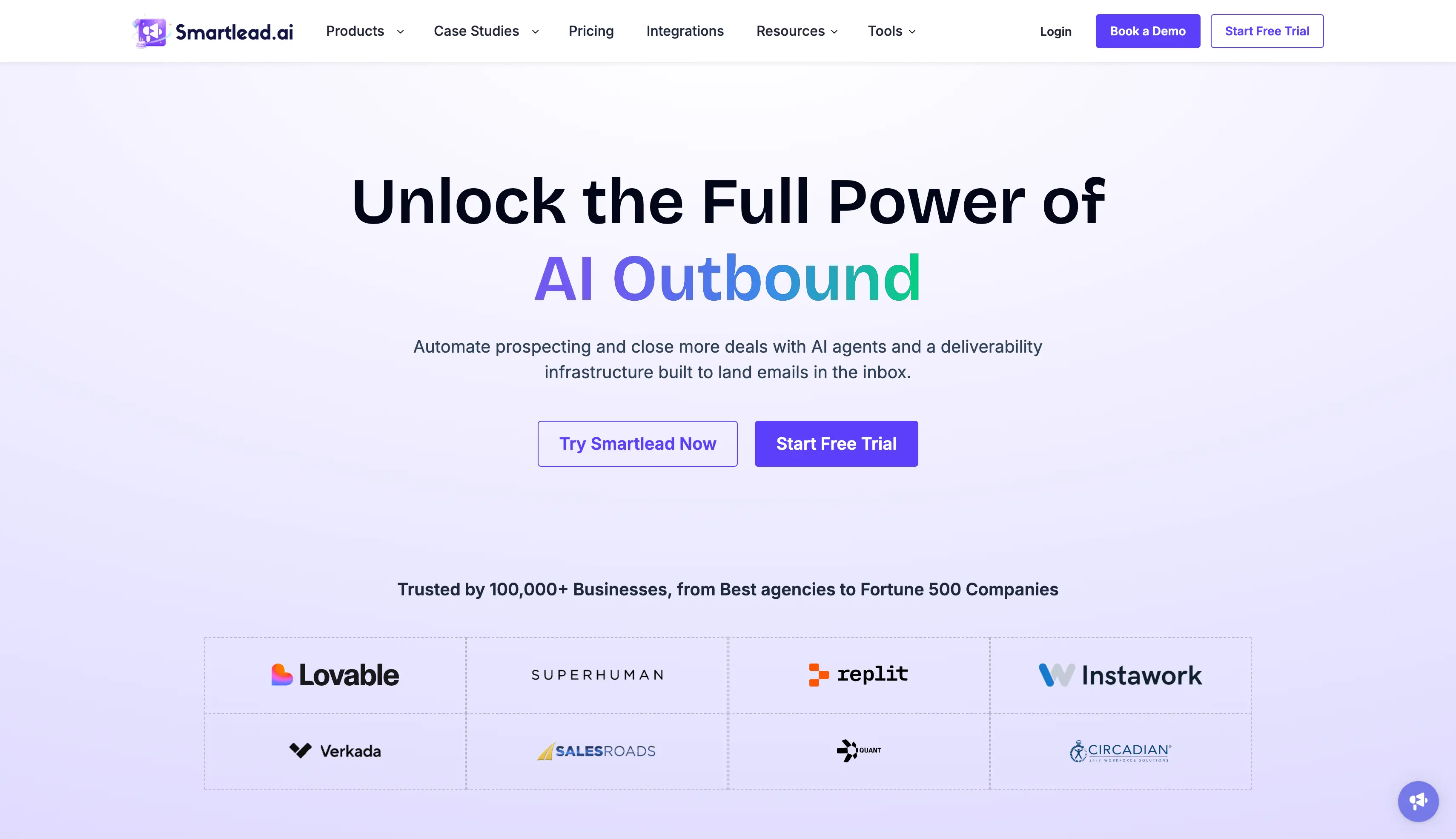
5. Smartlead: Best for Agencies Running Many Client Inboxes
G2 Rating: 4.5 out of 5, based on 300+ reviews
Smartlead is a cold email platform for agencies managing multiple clients at scale. You use it to run many client inboxes at once, each in its own workspace and under your own brand.
Smartlead stands out for two strengths. You get more control over sending than anywhere else here, with limits and rotation rules you set per mailbox. You can also buy Google, Outlook and SMTP mailboxes inside the tool, so you never leave to get more.
Why Use Smartlead for Cold Outreach
You can use Smartlead when the campaigns you are running are for clients rather than your own business.
Client workspaces are the feature that matters most here. Each client stays separated, and the white-label option lets you send reports under your own brand instead of Smartlead's.
Email rotation and the deliverability controls are also quite deep. You get more settings to adjust here than with most tools, which is useful if you know what you are doing but can feel overwhelming if you do not.
The main catch is the add-on sheet. Private infrastructure, extra client workspaces, and mailboxes all come at an additional cost, so the plan price may not be the final amount you pay.
Key Features of Smartlead
Unlimited mailboxes: You can connect as many sending accounts as you need on every plan.
Client workspaces: You can manage multiple client accounts from one login, each with its own campaigns and reporting.
White-label access: You can put your own brand on dashboards and reports so clients never see Smartlead.
Tiered warmup pool: You can warm from a foundation pool on Base, a growth pool on Pro and a premium pool on Unlimited.
SmartSenders: You can buy Google, Outlook and SMTP mailboxes inside Smartlead.
Email rotation and deliverability controls: You can set sending limits per mailbox and write your own rotation rules.
Verified prospect emails: You can verify contacts inside the platform, with up to 170,000 a month on Unlimited Prime.
SmartServers: You can run campaigns on private infrastructure with dedicated IPs.
API and webhooks: You can send data in and out of Smartlead from the Pro plan up.
CRM access and CSM call access: You can sync your CRM and book calls with a success manager from Pro up.
What I Like About Smartlead
The client separation is the best on this list for agency work.
Deliverability controls go deeper than anywhere else I tested.
Buying mailboxes inside the tool removed a vendor from my stack.
Verified email credits included at the top tiers are a genuine saving.
What I Dislike About Smartlead
Add-ons stack up on Base and Pro, where private infrastructure and client workspaces both cost extra.
Premium warmup is gated, so the Base plan only gets the foundation pool.
Base and Pro charge extra for verified email credits.
There's no LinkedIn in the sequence, so email is the only channel you get.
The Base plan gives you 2,000 contacts and 6,000 sends, which is thin for the money.
Smartlead Pricing
Plan
Price
What each plan offers
Base
$32/month
2,000 contacts, 6,000 sends, foundation warmup pool
Pro
$78/month
30,000 contacts, 90,000 sends, growth warmup pool, CRM access, API and webhooks
Plus $13 per domain per year, charged on top of the plan
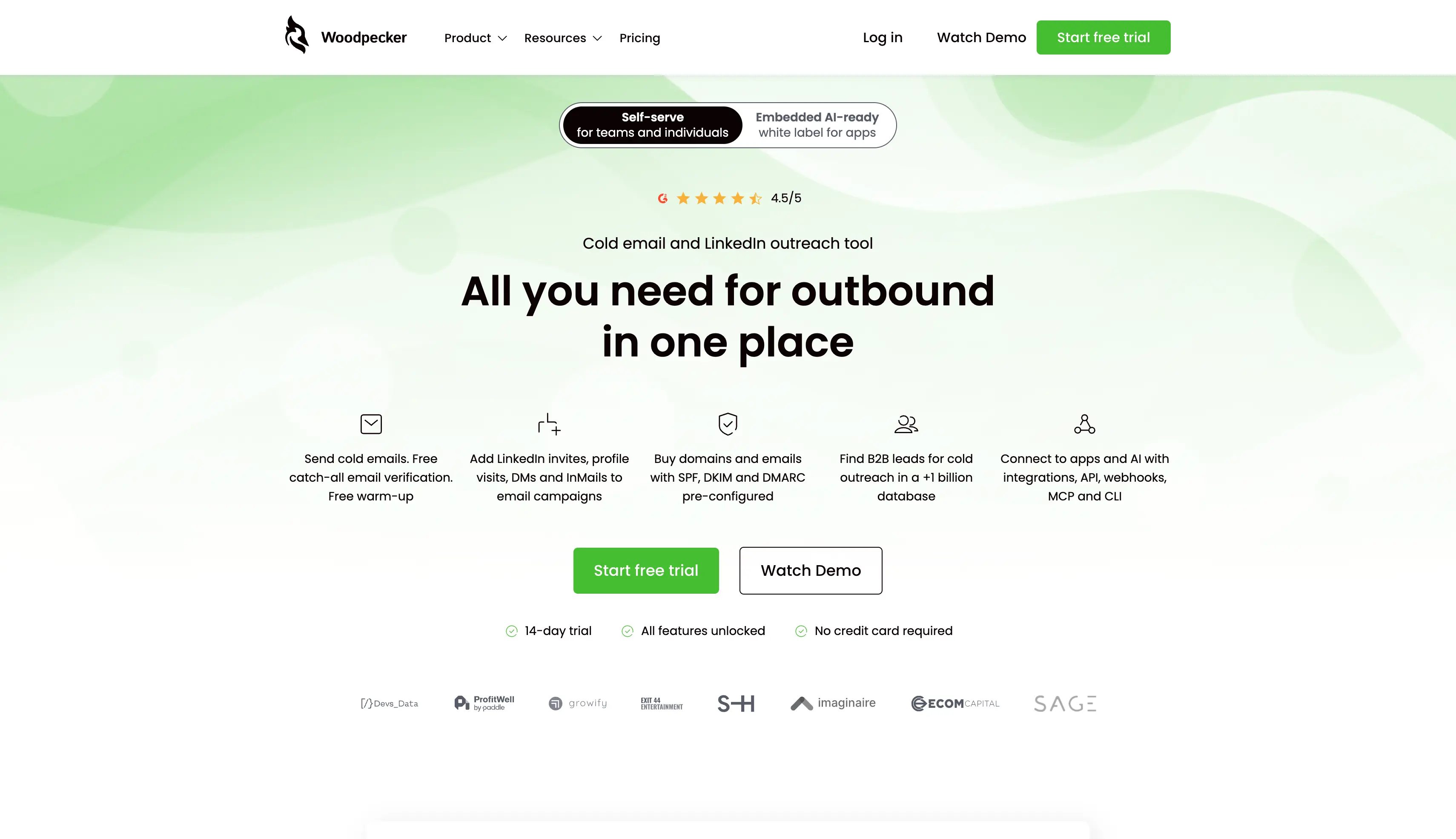
6. Woodpecker: Best for Pay-per-Prospect Pricing
G2 Rating: 4.5 out of 5
Woodpecker is a cold email tool for anyone whose sending volume changes month to month. You use it to pay only for the prospects you contact, so a quiet month costs you less than a busy one.
Woodpecker stands out for two strengths. Warmup, verification, mailboxes and team members all come with the plan instead of costing extra.
The sequence also changes course based on what a prospect does, including how warm the AI thinks their reply is.
Why Use Woodpecker for Cold Outreach
You can use Woodpecker when your outreach volume changes from month to month.
You only pay for the prospects you actually contact, so a quieter month can cost less than a busy one. Emails, stored prospects, warm-ups, and Lead Finder credits are included in the plan.
Condition-based campaigns are the standout feature. You can branch campaigns based on interest level and let the AI sort replies into different buckets, which reduces manual work.
The main limitation is depth. The AI writing and analytics are simpler than those of larger tools, and the per-prospect pricing can become expensive at higher volumes.
Key Features of Woodpecker
Pay per contacted prospect: You pay only for the people you actually email.
Unlimited email accounts and team members: You can connect every mailbox you own and invite unlimited team members free.
Built-in warm-up: You can warm every connected mailbox at no extra charge.
Condition-based campaigns: You can branch the sequence on opens, replies and how interested the AI judges a reply to be.
AI interest level detection: You can sort incoming replies by intent and work the warm ones first.
Free email verification: You can verify catch-all addresses at no cost.
Email service provider matching: You can send from a mailbox on the same provider as your prospect.
Adaptive sending and inbox rotation: You can spread sending across mailboxes in human-like patterns and adjust the daily ceiling.
Domain audit: You can check your SPF and DKIM records inside the tool before a campaign goes live.
Add-ons: You can bolt on LinkedIn outreach, Lead Finder, an agency panel and an integrations pack with API, webhooks, MCP and CLI.
What I Like About Woodpecker
The pricing model is the most honest in the category, and I wish more tools copied it.
Including warmup, unlimited accounts and catch-all verification changed my total monthly cost.
Condition-based campaigns with interest detection cut my triage time.
The free trial gives you every feature, with no credit card.
What I Dislike About Woodpecker
The Base plan charges per contacted prospect, so 5,000 prospects costs far more than 500.
LinkedIn is an add-on rather than part of the base price.
The integrations pack costs extra, so API, webhooks, MCP and CLI are not included.
The agency panel is another paid add-on, charged per account.
Analytics are thinner than what Smartlead or Reply.io report.
Woodpecker Pricing
Plan
Price
What each plan offers
Basic
$7 per 100 contacted prospects
$35/month at 500 prospects, with 8,000 emails/month, 2,000 stored prospects, unlimited email accounts, unlimited team members, warm-up, catch-all verification and 100 Lead Finder credits
Add-ons
Priced separately
LinkedIn outreach, Lead Finder, the agency panel and the integrations pack with API, webhooks, MCP and CLI
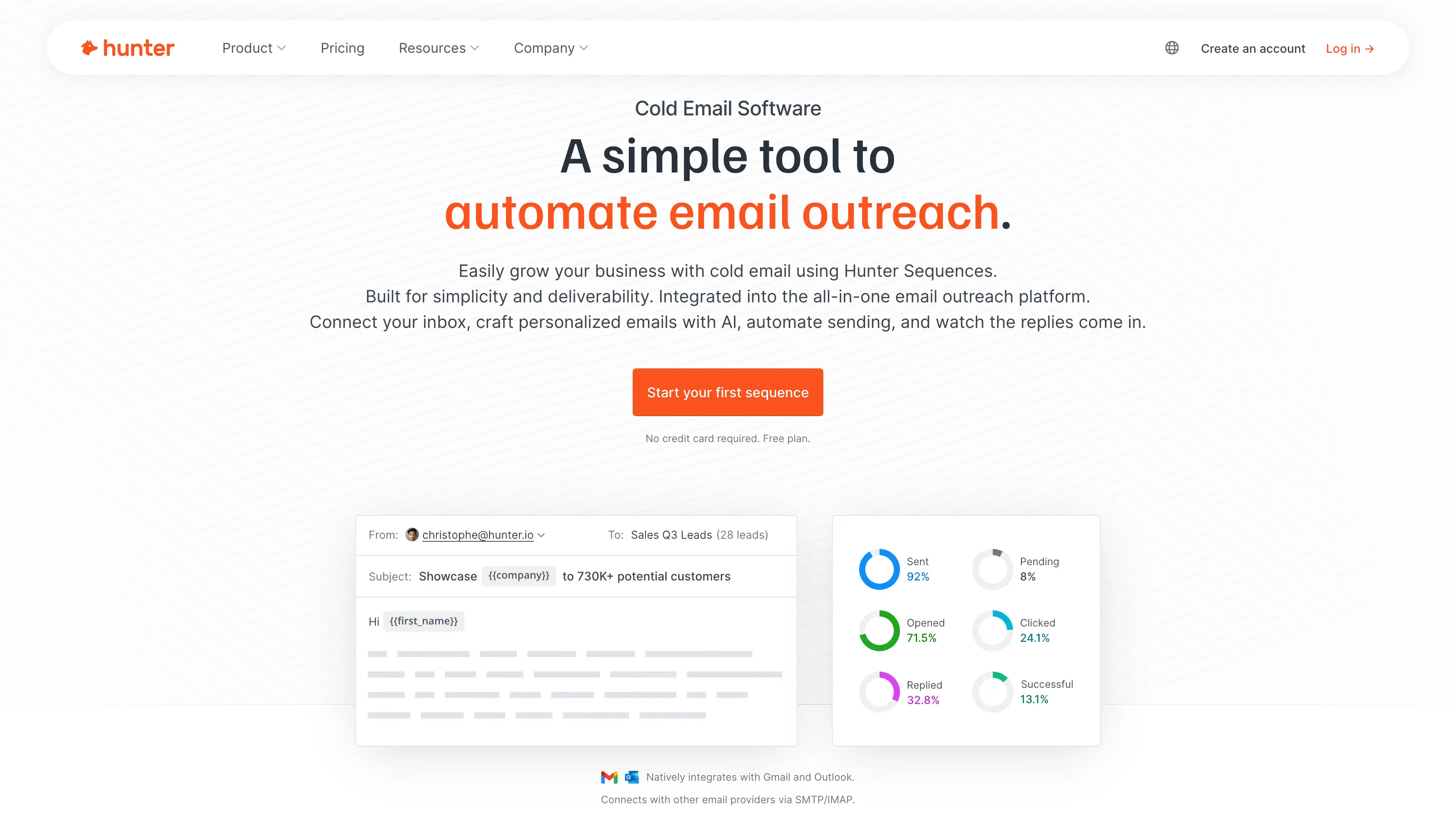
7. Hunter: Best for Freelancers and First-Time Cold Emailers
G2 Rating: 4.4 out of 5. Capterra 4.6 out of 5
Hunter is an email finder and verifier with a light sending tool attached. You use it to build a clean prospect list, then send simple sequences without paying for a full platform.
Hunter stands out for two strengths. The free plan is the most useful here, giving you credits, one mailbox and unlimited team members at no cost.
The Email Verifier is also the most accurate I tested, so fewer of your emails bounce.
Why Use Hunter for Cold Outreach
You can use Hunter to find and verify email addresses, then send your campaigns from another tool.
Domain Search and the Email Verifier are the features you are most likely to use. Running your list through Hunter before uploading it can help reduce your bounce rate.
The sequences work well for smaller campaigns. The free plan connects one email account and allows 500 recipients per sequence, which is enough to test cold email before paying.
The main limitation is the account limit. Even on paid plans, you can connect only 3, 10, or 20 mailboxes instead of unlimited ones. This can become a problem when you need to scale cold email.
Key Features of Hunter
Free plan: You can send from one mailbox to 500 recipients a sequence on 50 credits a month, with no card required.
Email Verifier: You can run a list through Hunter and catch the addresses that would have bounced.
Domain Search and Email Finder: You can find work email addresses by company domain or by a person's name.
Discover: You can build a target company list from Hunter's B2B lead database with an AI assistant.
Signals: You can see which accounts are showing buying intent, from 10 a month on Free up to unlimited on Scale.
Campaigns: You can run sequences with A/B testing, mailbox rotation and an AI writing assistant.
Unlimited users: You can invite unlimited team members on any plan, including the free one.
Integrations: You can connect browser extensions, a Google Sheets add-on, your CRM, the API and MCP on every plan.
Inbox Protection: You can add sending safeguards as a paid extra.
What I Like About Hunter
The free plan is the best entry point in this category, and it isn't a crippled trial.
Verification quality is the reason to keep it even after you send from another tool.
You get unlimited users on every plan, including the free one.
MCP access comes on all plans, which most competitors gate behind their top tier.
What I Dislike About Hunter
Mailbox connections are capped at 3 on Starter, 10 on Growth and 20 on Scale.
It's a finder with sending attached rather than a proper sending platform.
Custom tracking domain isn't on Starter, and attachments aren't on Free.
Credits govern everything, so you buy extra credit packs once you run out.
There's no LinkedIn and no calling, so email is all you get.
Hunter Pricing
All prices below are billed yearly.
Plan
Price
What each plan offers
Free
$0
50 credits a month, 1 email account, 500 recipients per sequence, unlimited users
Starter
$34/month
24,000 credits a year, 3 email accounts, 2,500 recipients per sequence
Growth
$104/month
120,000 credits a year, 10 email accounts, 5,000 recipients per sequence
Scale
$209/month
300,000 credits a year, 20 email accounts, 15,000 recipients per sequence
Enterprise
Custom
Custom credits, accounts and limits
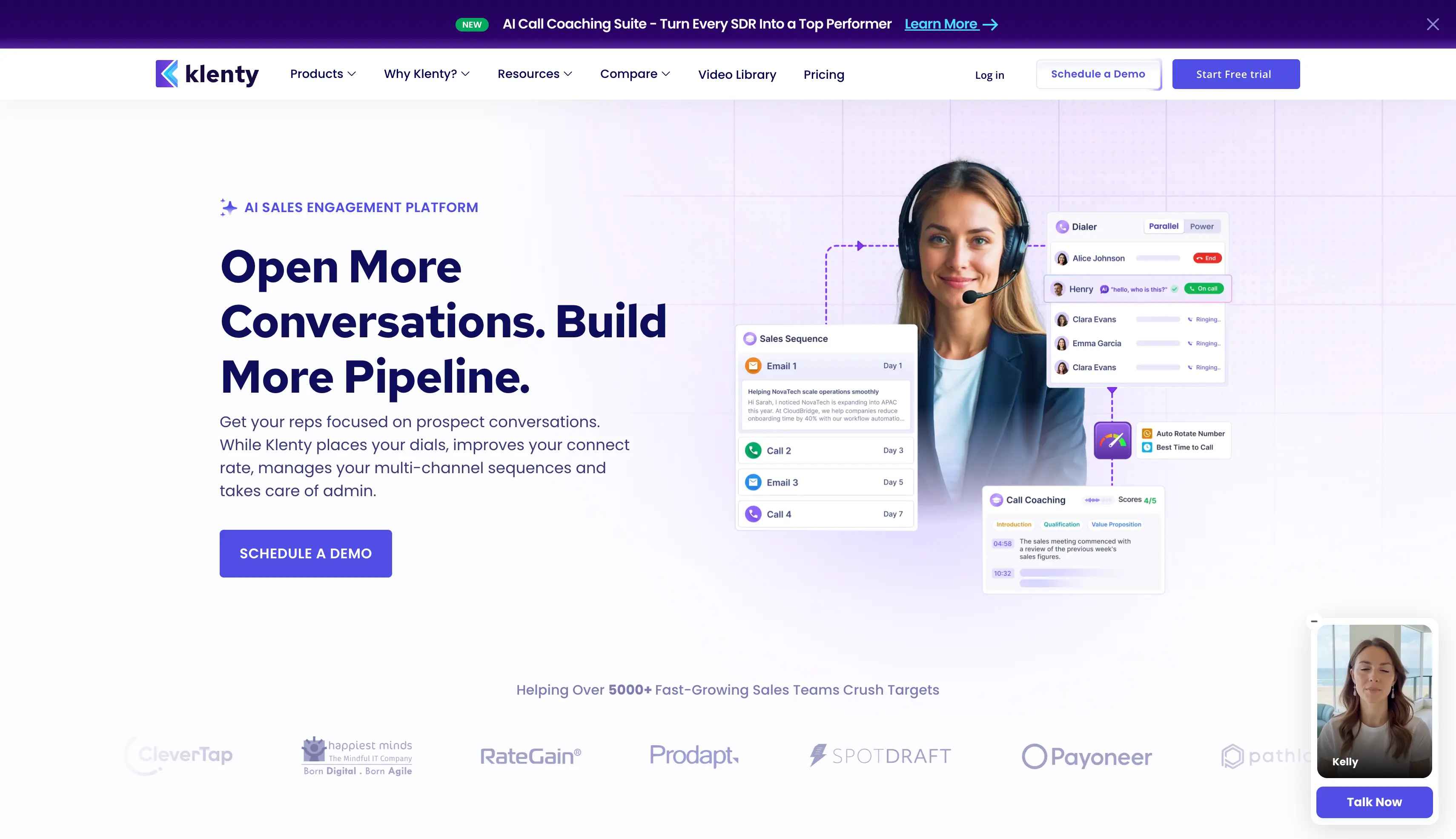
8. Klenty: Best for RevOps and SDR Teams Working Inside the CRM
G2 Rating: 4.6 out of 5, based on 388 reviews
Klenty is a sales engagement platform that works inside your CRM. You use it to run email, LinkedIn and calling from Salesforce, HubSpot, Pipedrive or Zoho without exporting anything.
Klenty stands out for two strengths. It syncs both ways with your CRM, so a sequence starts when a deal changes stage and every result writes straight back. It also records and scores your sales calls, which no other tool on this list does.
Why Use Klenty for Cold Outreach
You can use Klenty when your CRM handles your sales process and every call and email needs to be recorded there.
A sequence can start when a contact reaches a certain stage, and the results are sent back to the CRM automatically. You do not need to export or upload lists manually.
Its calling feauture is another reason to use Klenty. On higher plans, it records calls, transcribes them, identifies objections, and scores reps.
The main drawback is the pricing. The Growth plan charges per seat, so costs increase with every team member you add, even before adding the dialer.
Key Features of Klenty
Deep two-way CRM sync: You can trigger cadences off CRM stages and write outcomes back to Salesforce, HubSpot, Pipedrive or Zoho.
Multichannel cadences: You can combine email, LinkedIn, phone calls and SMS steps in a single cadence.
Cold calling suite: You can rotate outbound numbers, monitor number reputation and let AI detect voicemails.
Call coaching: You can transcribe calls, flag objections and score reps against a scorecard on the Plus plan.
Account-based selling: You can prioritize accounts, track stages and measure coverage from an account panel on Plus.
Email deliverability: You can use custom domain tracking, randomize sending intervals and cap email volume per rep.
Reply optimization: You can A/B test messaging and watch engagement in a live feed.
Email personalization: You can use merge fields and Liquid templates, then preview each email before it sends.
Parallel and Power Dialer: You can dial several numbers at once as a paid add-on.
Dedicated account manager: You get a named contact on every plan, including the entry tier.
What I Like About Klenty
The CRM sync is deeper than anything else here, and for RevOps teams that's the whole purchase.
Call coaching genuinely helps reps improve, which no other tool on this list attempts.
A dedicated account manager on the entry plan is unusual at this price.
The account-based selling features are genuine, rather than repackaged filters.
What I Dislike About Klenty
Starter, Growth and Plus all price per user, and they are the most expensive on this list.
The Parallel and Power Dialer is a paid add-on, charged per user.
Phone and email credits only come with the Plus plan.
It's built for teams rather than solo senders, because the value is in CRM depth.
There's no first-party mailbox infrastructure, so you supply your own mailboxes.
Adds cold calling with 300 minutes, CRM automation, AI voicemail and SMS detection
Plus
$99/user/month
Adds 1,000 minutes, 4,000 phone and email credits, account-based selling and call coaching
Parallel and Power Dialer
$45/user/month
Add-on to dial several numbers at once
How to Choose Cold Email Software
Feature lists will not separate these tools, because every cold email automation tool here claims the same things. Run every shortlisted tool through these questions instead.
Warmup: Is it included in the plan, or billed per mailbox slot every month?
Mailbox limits: How many sending accounts can you actually connect?
Pricing model: What happens to your bill at five times your current volume?
Contact and email caps: Are they counted separately, or does one number cover both?
Multichannel: Do LinkedIn and email run in the same sequence, with branching between them?
Reply inbox: Does it cover every channel, or email only?
Deliverability: Is it a full stack, or a single bullet on the pricing page?
Contact data: Is it included in the plan, or sold as a separate subscription?
Agency features: Do you get client separation and white-label reporting?
Free trial: Can you try it without handing over a card?
API and MCP: Do you get access, and on which plan?
Mailboxes: Does the tool sell them, or do you buy them somewhere else?
Which Cold Email Software Should You Pick?
If you're here, I'm guessing you care about getting better at cold email outreach.
Tools like Instantly, lemlist, Smartlead, Reply.io and Woodpecker are leading the space right now, and each one is good at something.
My take is simple. Traditional outreach tools stop at sending, so choose cold email software that keeps your mailboxes, warmup and replies in one place too.
For most sales teams and agencies, Salesforge is the best pick. Here's why:
Cold email and LinkedIn run in one sequence, with branching between them
Unlimited premium warmup through Warmforge, included on every plan
Unlimited mailboxes, users and workspaces at one price
Primebox™ collects every reply from both channels in one inbox
The complete Forge stack covers your mailboxes and lead data under one login
Take a leap of faith and pick the cold email software that suits your sales outreach.
Salesforge is the best cold email software for most B2B teams in 2026. You get cold email and LinkedIn in one sequence from $40 a month, with unlimited mailboxes and warmup included.
2. What Are the Best Cold Email Software Tools?
The eight worth shortlisting are Salesforge, lemlist, Instantly, Reply.io, Smartlead, Woodpecker, Hunter and Klenty. Saleshandy, Apollo.io and Snov.io are also worth a look.
3. What Is the Cheapest Cold Email Software?
Smartlead Base has the lowest fee at $32 a month. Woodpecker at $35 and Salesforge Pro at $40 are cheaper to run, because both include warmup and neither charges per mailbox.
4. Is There Free Cold Email Software?
Yes. Hunter's free plan gives you 50 credits a month, one mailbox and 500 recipients per sequence, and GMass sends free from Gmail. Everything else here is a trial.
5. What Is the Best Cold Email Marketing Software?
Cold email software and email marketing software are different products. Mailchimp sends bulk campaigns to people who opted in, while cold email tools send from your own mailboxes to people who didn't.
6. How Do You Use Cold Email Software?
You connect mailboxes, warm them up, upload a validated list, build a sequence, then let the tool send and handle replies. The step people skip is warmup, and skipping it burns your domain.
7. Does Cold Email Software Include Email Warmup?
Some do, most don't. Salesforge, Instantly and Woodpecker include it, while Hunter and Klenty don't. Standalone warmup runs $9 to $29 per mailbox slot a month.
8. How Many Mailboxes Do I Need to Send 10,000 Emails a Month?
Around 10 to 15 mailboxes, based on a safe ceiling of 30 to 50 emails per mailbox per day. More volume means more mailboxes, not more emails per mailbox.
9. Can Cold Email Software Send From Gmail or Outlook?
Yes, almost all of them connect Google Workspace and Microsoft 365 mailboxes. Personal Gmail and Outlook accounts are a bad idea, because the sending limits are low.
10. Is Cold Emailing Legal?
Yes, in the US, UK and EU, as long as you follow the rules. CAN-SPAM requires honest headers and a working opt-out. GDPR needs a lawful basis, which for B2B is usually legitimate interest. This isn't legal advice, so check your own obligations.