
I spend a lot of my time working with cold email campaigns, and I’ve learned that infrastructure matters more than most people think.
It’s the email infrastructure behind your campaigns, including the domains, mailboxes, DNS records, and IPs your emails are sent from. If the setup is poor, even great copy won’t save your campaigns.
The problem is that every provider offers infrastructure differently. You’ll find options with shared IPs, dedicated servers, Google Workspace accounts, unlimited inboxes, and more.
So how do you know which provider is actually right for your needs?
After working with cold email for almost five years, I’ve learned what makes an infrastructure setup reliable. I looked at setup time, DNS configuration, actual costs, and where the first emails landed.
These are the cold email infrastructure providers I’d recommend.
Short on time? Start here:
The full 8-tool comparison is below:
Scroll sideways to see every column.
| Feature | Mailforge | Infraforge | Primeforge | Maildoso | Zapmail | InboxKit | Mailpool | Inframail |
|---|---|---|---|---|---|---|---|---|
| Best for | Affordable shared infrastructure | Dedicated IPs and client separation | Sending from Google and Microsoft mailboxes | Lowest cost per mailbox at volume | Google mailboxes live fast | Warmup and monitoring in one place | Several provider types in one dashboard | Flat-fee pricing past 100 inboxes |
| Infrastructure type | Shared IP pool | Private, dedicated IPs | Google Workspace and Microsoft 365 | SMTP | Google Workspace reseller, Microsoft available | Google, Microsoft, Azure | SMTP, Google, Microsoft, dedicated | Microsoft-based, dedicated IP |
| Starting price | $2 to $3 per mailbox/mo | $4 to $3 per mailbox/mo | $3.50 to $4.50 per mailbox/mo | $2.50 to $0.49 per mailbox/mo | $39/mo for 10 mailboxes | $39/mo for 10 mailboxes | $3 SMTP, $4 Google, $5 Microsoft | $129/mo flat |
| Pre-warmed mailboxes | Yes | Yes | Yes | No | Yes, paid extra | No, warmup add-on | No | No |
| Dedicated IPs | No | Yes | No | Rotating pool | No | No | On dedicated plans | Yes, 1 to 3 |
| Automated DNS | Yes | Yes | Yes | Yes | Yes | Yes | Yes | Yes |
| Workspaces | Yes | Yes | Yes | No | One per domain | Yes | Yes | No |
| API, MCP, CLI | All three | All three | All three | API and MCP | API on Pro plan only | API and webhooks | API on all plans | API only |
Here are the seven checks I used for every provider:
Here is the list of providers I recommend for cold email infrastructure:
Best for: GTM teams and agencies that want to scale cold email without managing the infrastructure themselves.
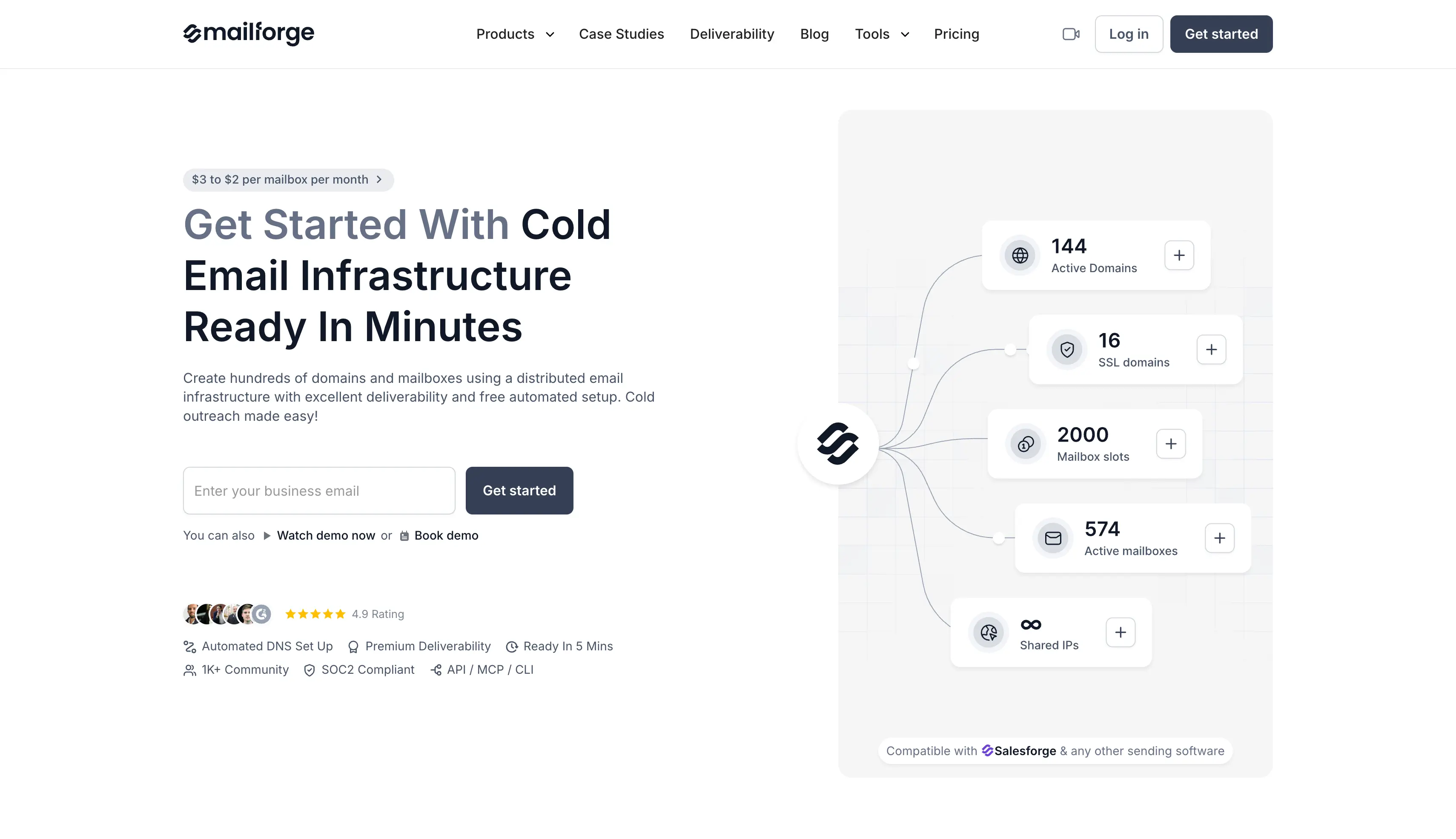
Mailforge provides shared email infrastructure for cold outreach.
You can buy domains and mailboxes through the platform or bring your own, while Mailforge handles the technical setup.
You enter your target sending volume, and Mailforge recommends how many domains and mailboxes your email infrastructure setup needs.
I find this useful for smaller teams that do not want to deal with servers or DNS settings themselves.
The shared IP setup keeps the cost lower than private infrastructure and makes it easier to add more mailboxes as your campaigns grow.
The downside is that you share the sending environment with other customers.
| Pros | Cons |
|---|---|
|
|
| Item | Price | Notes |
|---|---|---|
| Mailboxes | $2 per mailbox/month | Annual billing |
| Mailboxes | $3 per mailbox/month | Monthly billing |
| 10 mailboxes | $30/month | 10-slot minimum, billed on slots not active mailboxes |
| Domains | Varies by TLD | Priced separately |
| SSL and domain masking | $2 per domain/month | Or $6 per domain/year |
Best for: Agencies and high-volume teams that want dedicated IPs and more control over sender reputation.
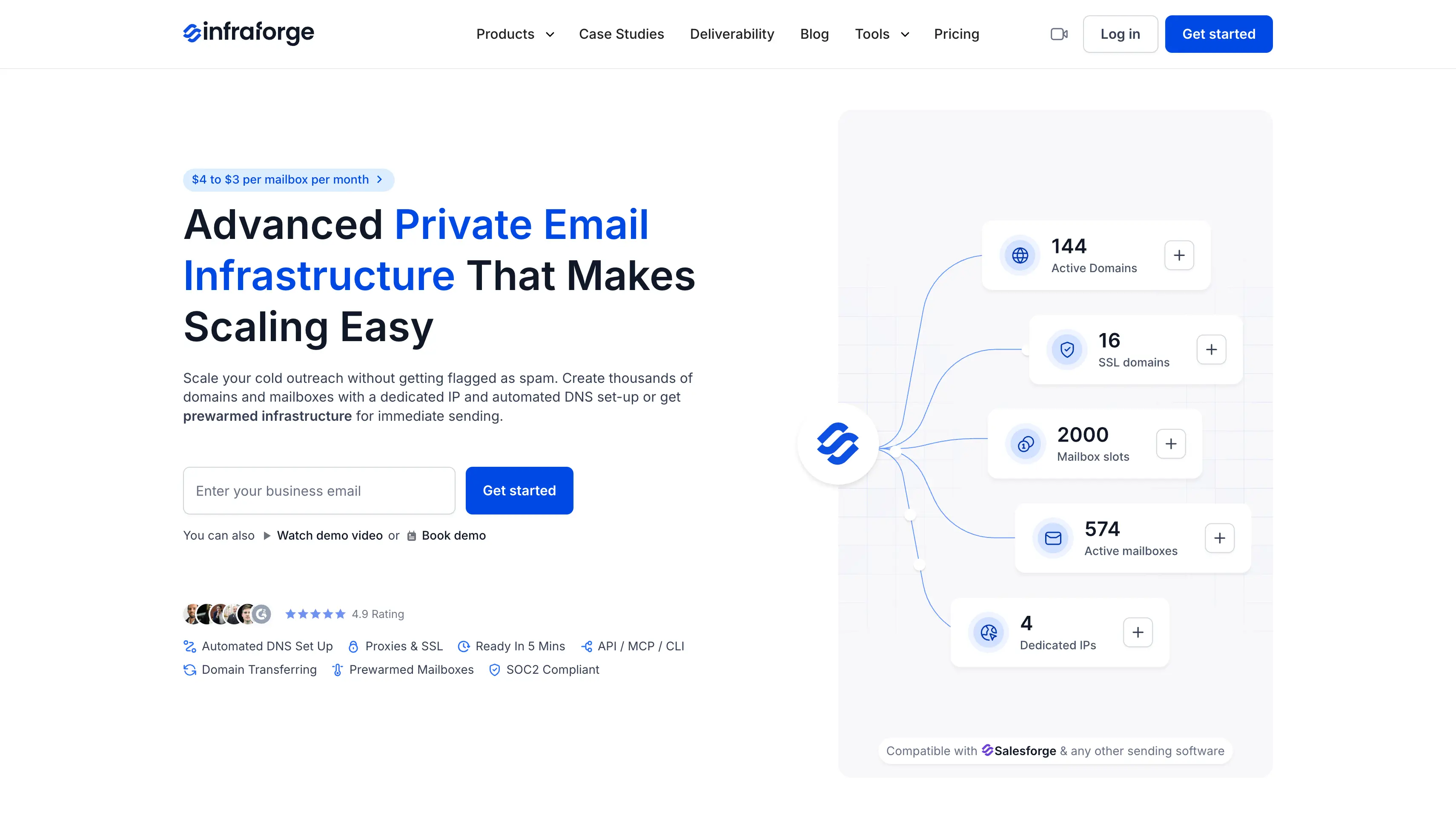
Infraforge provides private email infrastructure for cold outreach, with each mailbox running on dedicated infrastructure and its own IP.
This keeps your sending activity separate and gives you more control over sender reputation.
I find it a good fit for agencies and larger teams that manage several clients or run high-volume outreach. You can keep different client setups separate while managing them from one account.
The best part is the setup. Infraforge handles the technical work for you, including email authentication and domain configuration.
You can have your infrastructure ready in about five minutes.
Pre-warmed infrastructure is also available if you want to start sending without going through the usual warmup period.
The pricing is higher than shared infrastructure because you pay separately for dedicated IPs, servers, and some add-ons.
| Pros | Cons |
|---|---|
|
|
Infraforge uses per-mailbox pricing that drops as volume grows, billed annually.
| Item | Price | Notes |
|---|---|---|
| Mailboxes | $4 to $3 per mailbox/month | Billed annually, 10-slot minimum |
| 10 mailboxes | $40/month | Entry point |
| 25 mailboxes | $83/month | About $3.32 per mailbox |
| .com domains | $14/year | Priced by TLD |
| SSL and domain masking | $6 per domain/year | $2 per domain/month on quarterly billing |
| Dedicated IP add-on | $99 per IP/month | Quarterly billing |
| Masterbox add-on | $7 per workspace/month | $9 on quarterly billing |
Best for: GTM teams and agencies whose prospects use Gmail or Outlook and who want to send through the same providers.
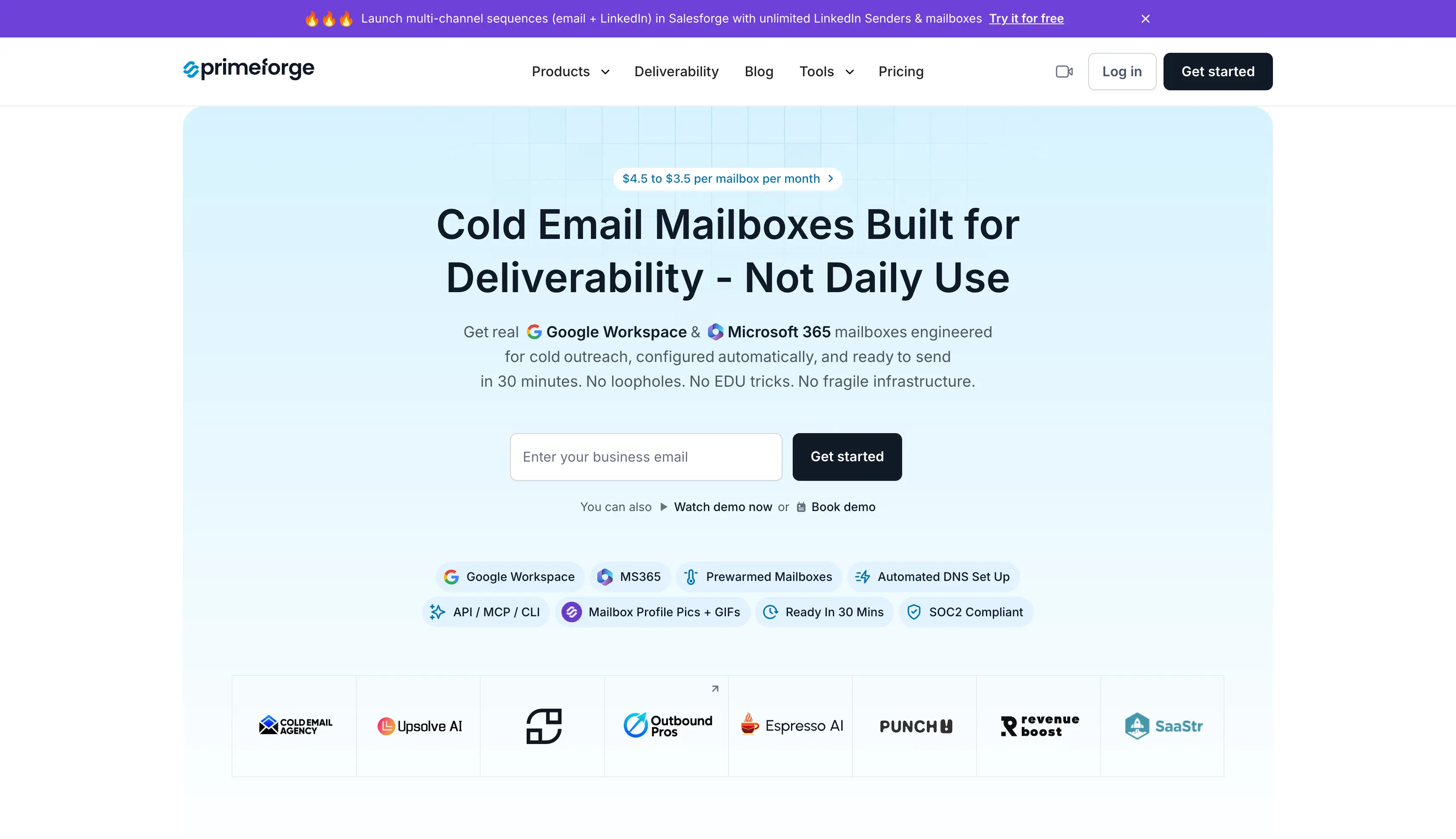
Primeforge provides real Google Workspace and Microsoft 365 mailboxes for cold outreach.
This lets you send from the same providers your prospects use, which is what Primeforge refers to as ESP matching.
Primeforge uses standard Google and Microsoft accounts rather than repurposed inboxes or EDU accounts. It also handles SPF, DKIM, and DMARC setup for you, so you do not have to configure each domain yourself.
I also like the setup speed. The first mailbox is usually ready in about 30 minutes, and pre-warmed mailboxes are available for teams that want to start sending right away.
The main downside is the price. Primeforge is the most expensive of the three Forge products on a per-mailbox basis.
| Pros | Cons |
|---|---|
|
|
| Item | Price | Notes |
|---|---|---|
| Mailboxes | $3.50 per mailbox/month | Annual billing |
| Mailboxes | $4.50 per mailbox/month | Monthly billing |
| 10 mailboxes | $35/month annual, $45/month monthly | 10-slot minimum |
| Pre-warmed mailboxes | $9 per mailbox/month | Sold as an add-on |
| .com domains | $14/year | Priced by TLD |
Best for: Lead generation teams and high-volume senders that need a large number of mailboxes without Google or Microsoft accounts.
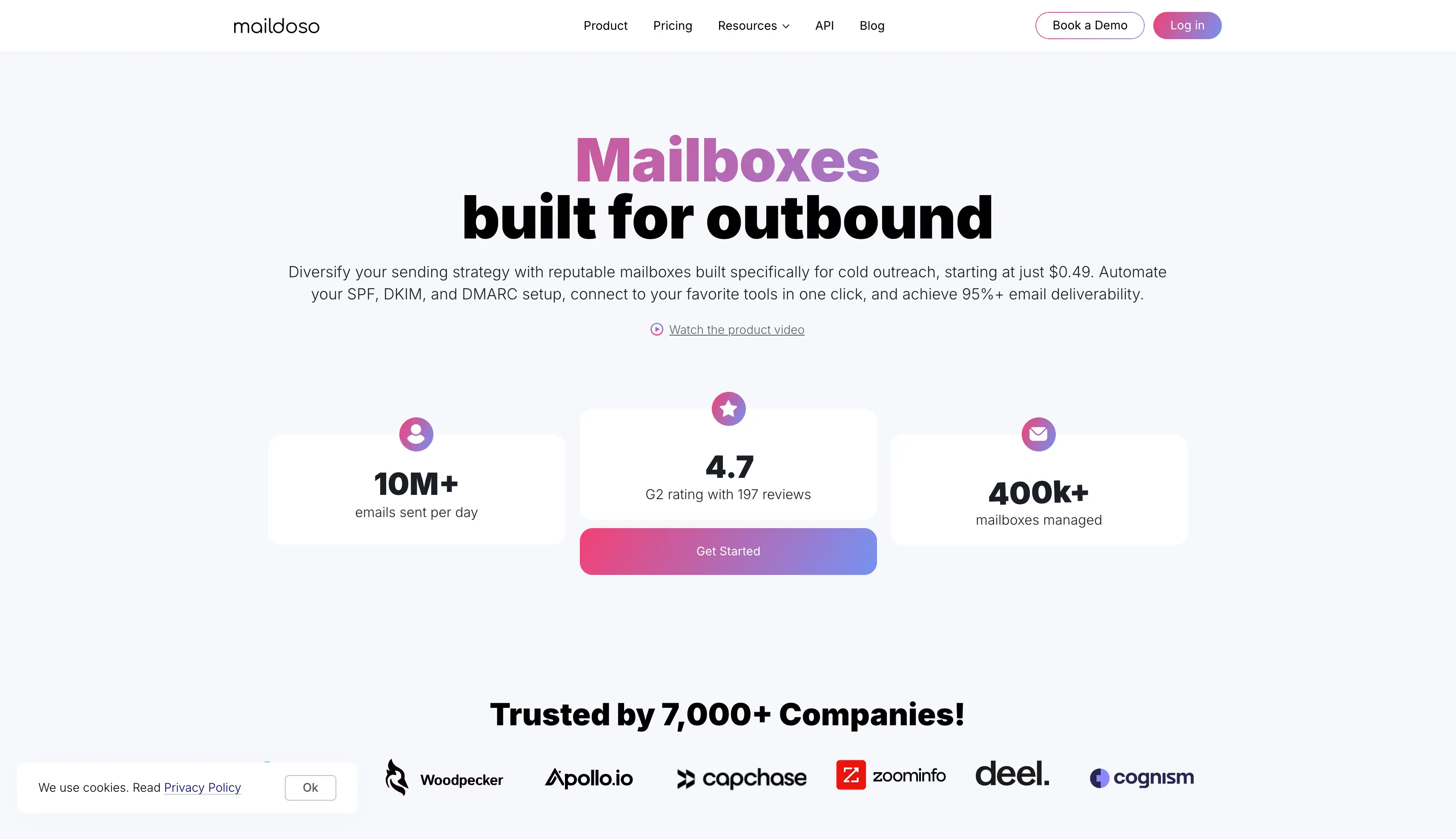
Maildoso provides SMTP mailboxes that run on its own SMTP servers. You choose your domain and mailbox names, and Maildoso handles the technical setup, including SPF, DKIM, and DMARC.
I find it useful for teams that need a large mailbox setup without relying on Google Workspace or Microsoft 365. The mailboxes can also be connected to platforms such as Instantly, Smartlead, and Saleshandy without much setup.
Maildoso also offers API and MCP access on every plan, along with a money-back guarantee.
One feature I particularly like is CAPTCHA domain protection. It helps keep scanners from linking your sending domains to your main website.
The main limitation is the daily sending cap per mailbox. That means teams running larger campaigns may need more mailboxes to reach their target volume.
| Pros | Cons |
|---|---|
|
|
| Package | Price | Per mailbox |
|---|---|---|
| 30 mailboxes | $75/month | $2.50 |
| 300 mailboxes | $225/month | $0.75 |
| 1,000 mailboxes | $499/month | $0.49 |
Best for: Freelancers and small agencies that want real Google Workspace mailboxes at a lower price.
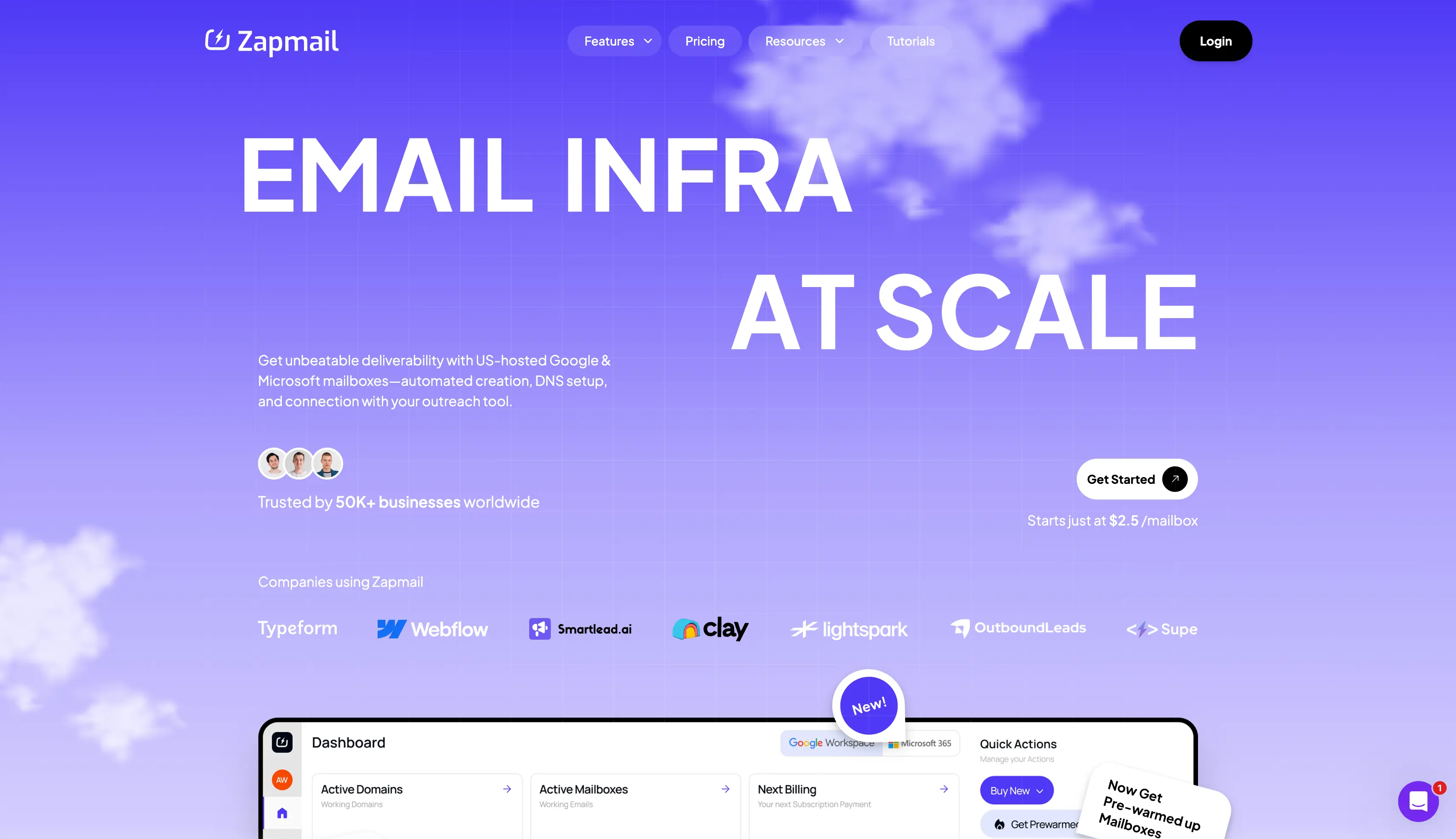
Zapmail is an email infrastructure platform that offers both Google Workspace and Microsoft 365 mailboxes for cold outreach.
It handles the setup for you, including DNS, SPF, DKIM, and DMARC.
Each domain gets its own workspace, which keeps your mailboxes separate across domains. You can also connect them through OAuth instead of setting up app passwords yourself.
I like that Zapmail supports more than 50 sending tools. You can also buy pre-warmed mailboxes and aged domains as paid extras.
One feature worth mentioning is the AI setup tools. They can suggest domain names, create mailbox handles, and generate profile images for your senders.
The main limitation is that API access is only available on the Pro plan. Zapmail also does not offer MCP or CLI access.
| Pros | Cons |
|---|---|
|
|
| Plan | Price | Mailboxes | Per mailbox |
|---|---|---|---|
| Starter | $39/month | 10 | $3.90 |
| Growth | $99/month | 30 | $3.30 |
| Pro | $299/month | 100 | $2.99 |
| Additional mailboxes | $3.50, $3.25, $3.00 | By tier | Starter, Growth, Pro in that order |
| Yearly billing | Two months free | — | Reaches $2.50 per mailbox at the top tier |
Best for: Agencies and SDR teams that want mailbox setup, warmup, and monitoring from the same provider.
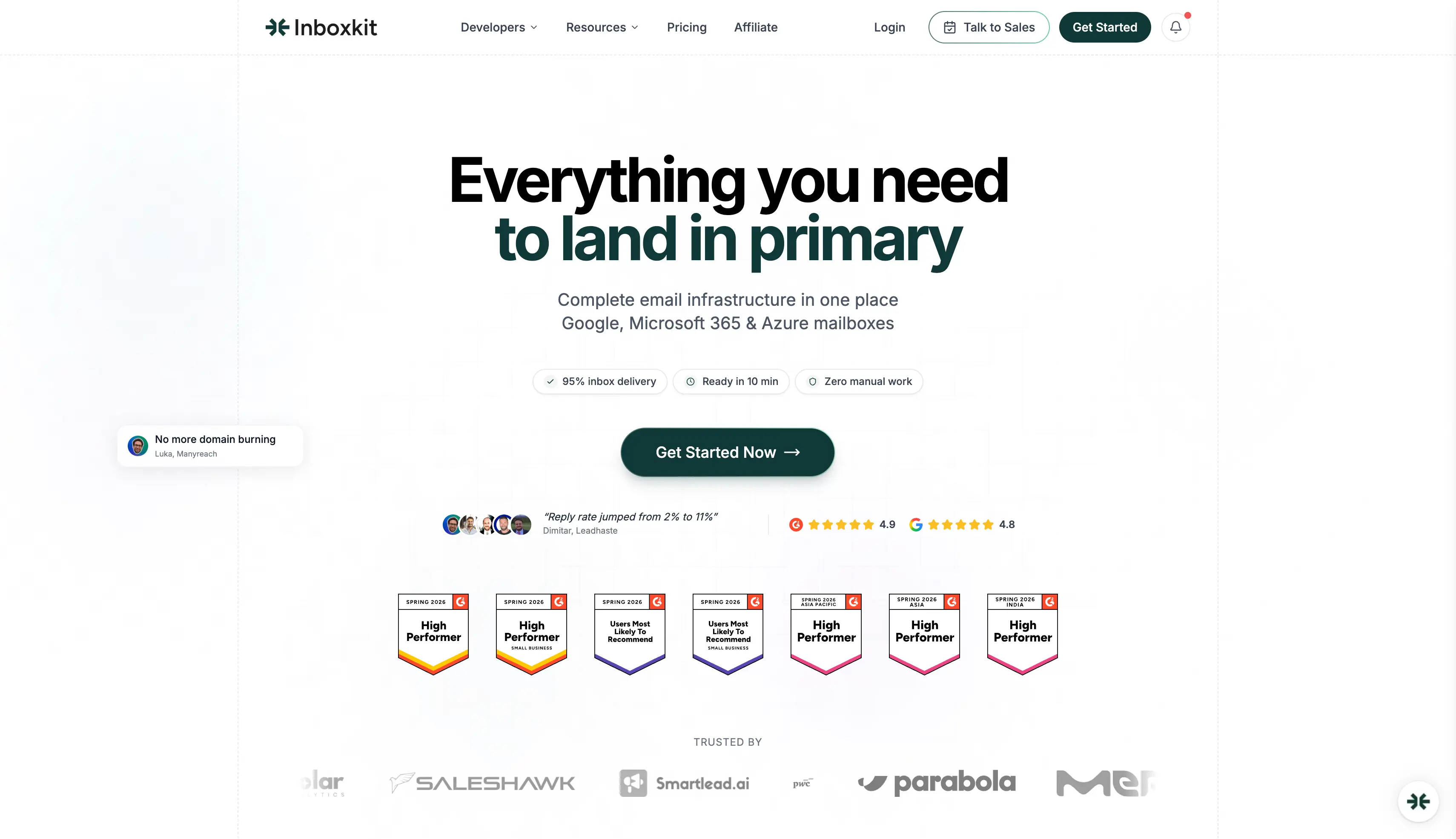
InboxKit provides mailboxes through official Google, Microsoft, and Azure tenants. You can handle provisioning, warmup, and monitoring from the same platform.
Its warmup system works on an individual mailbox basis rather than using a shared pool. This keeps each mailbox separate during the warmup process. InboxKit also sets up DNS in under 60 seconds, and every plan includes unlimited users.
I also like InfraGuard, which checks deliverability, blacklist status, and DNS health. The first month is free, so you can test it before adding another recurring cost.
InboxKit can save you from managing separate tools for mailbox setup, warmup, and monitoring. The main limitation is that warmup costs extra, which matters when you have a large number of mailboxes.
| Pros | Cons |
|---|---|
|
|
| Plan | Price | Mailboxes | Additional mailboxes |
|---|---|---|---|
| Professional | $39/month | 10 | $3.50 each |
| Agency | $99/month | 30 | $3.25 each |
| Enterprise | $299/month | 100 | $2.99 each |
| Enterprise, annual billing | $2.50 per mailbox | — | Lowest published rate |
| Warmup add-on | $3 per mailbox/month | — | Not included in any plan |
| Azure tenants | $30 each | Up to 100 per domain | Priced separately |
Best for: Ops teams that want SMTP, Google, and Microsoft mailboxes managed from one dashboard.
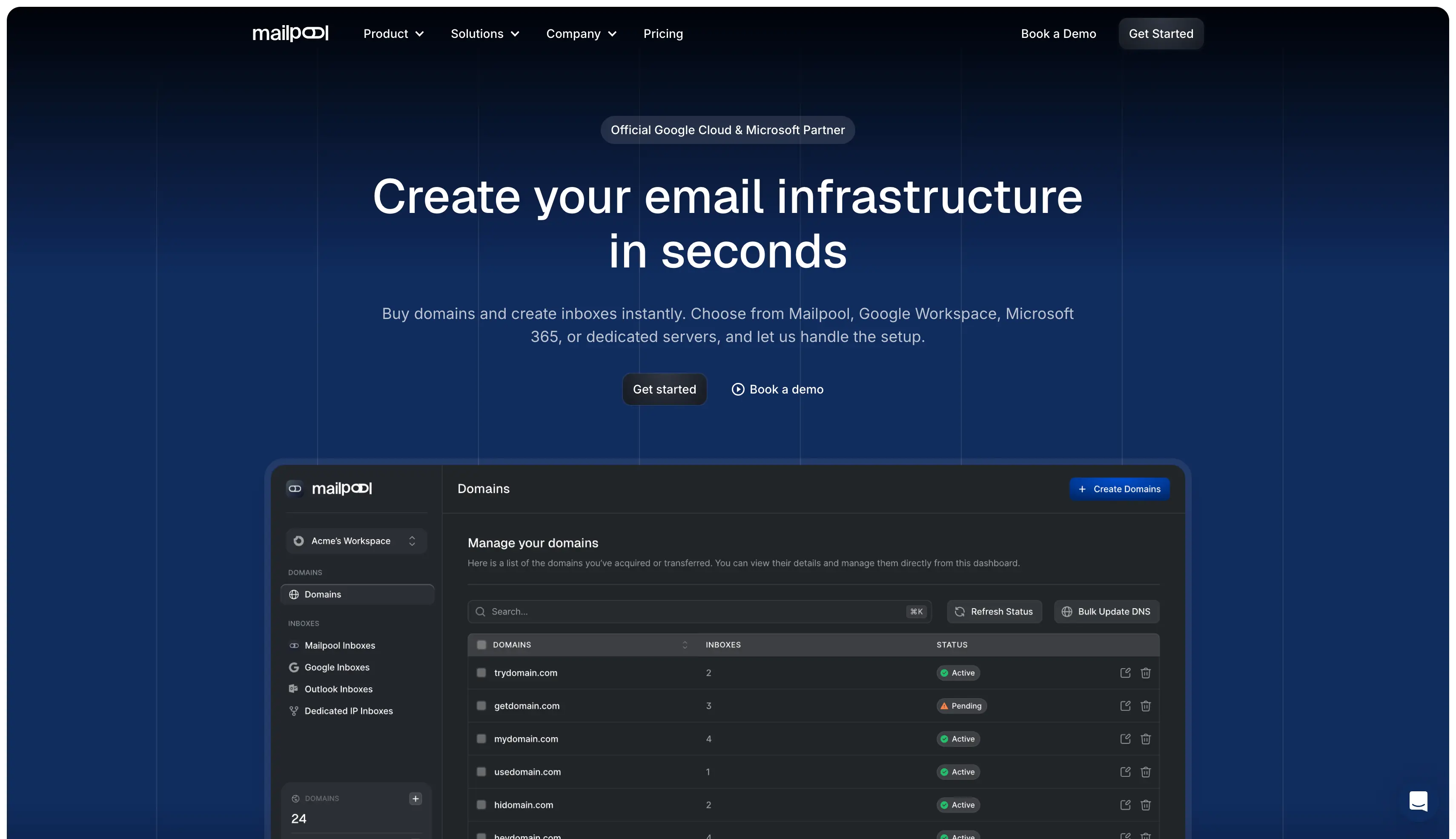
Mailpool lets you manage different types of email infrastructure from one dashboard. You can use SMTP, Google Workspace, Microsoft 365, and dedicated servers without managing separate platforms.
I like this setup for teams that want to spread their sending across different providers. If one provider runs into an issue, you can keep other mailboxes active and protect reliable inbox placement. Mailpool also reports more than 3,000 customers, 35,000 domains, and 250,000 inboxes created.
The platform also has Google Cloud and Microsoft partner status, which adds another layer of provider support to the setup.
One feature worth mentioning is the AI domain generator. It helps you find available domains without checking them one by one.
Mailpool makes sense when you want different mailbox types in one place. The main limitation is that volume discounts only start once you reach 100 mailboxes.
| Pros | Cons |
|---|---|
|
|
| Mailbox type | Price per mailbox/month |
|---|---|
| SMTP | $3, dropping to $2.50 at 100+ mailboxes |
| Google Workspace | $4 |
| Microsoft 365 | $5 |
Best for: Lead generation agencies that manage many mailboxes and want one monthly price.
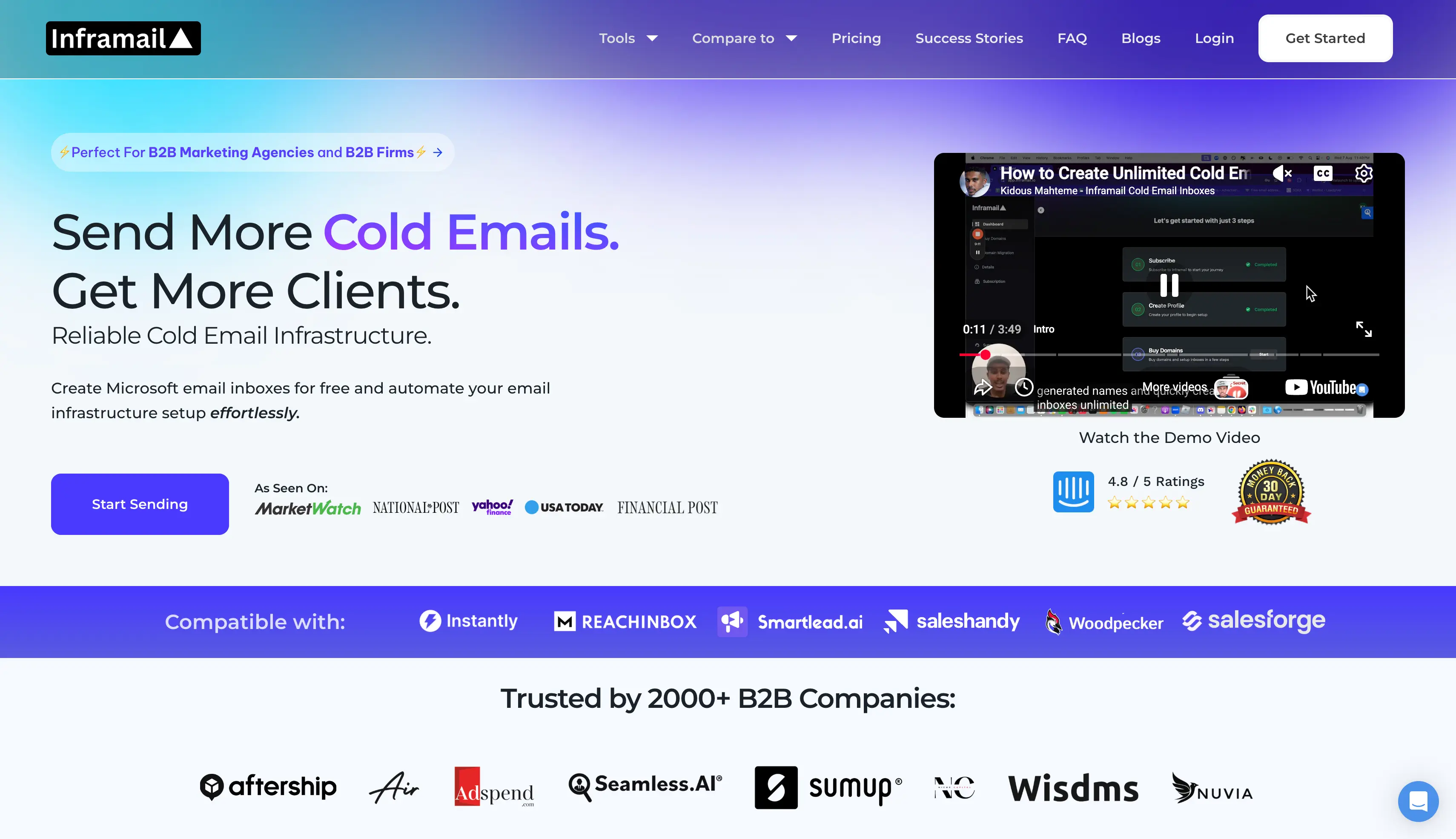
Inframail provides Microsoft-based email infrastructure for teams that manage a large number of inboxes. You pay a flat monthly fee, with the number of inboxes depending on your plan.
I find it useful for agencies that have moved beyond a small mailbox setup. You can also buy domains through the platform and have new inboxes ready within minutes.
Inframail includes dedicated US IP addresses with its plans, giving you a separate sending setup for your outreach.
One feature worth mentioning is Phantom Redirect. It keeps your domain redirects separate from your main domain, so your sending domains appear as independent websites to email providers.
The main limitation is the sending cap. Even the Unlimited plan has a monthly sending limit, so it is worth checking that against your expected email volume.
| Pros | Cons |
|---|---|
|
|
| Plan | Price | Sending limit | IPs |
|---|---|---|---|
| Unlimited | $129/month | 80,000 emails/month | 1 dedicated |
| Agency Pack | $327/month | 300,000 emails/month | 3 dedicated |
| Yearly billing | Saves 30% | — | Domains not included |
Overall, Inframail is right when you run 100+ inboxes and count cost per inbox, and wrong when your prospects are mostly on Gmail.
Run your shortlist through these questions. Each one separated the eight tools above.
If you want reliable infrastructure for your cold email campaigns, I recommend starting with Infraforge. It gives you dedicated infrastructure, pre-warmed mailboxes, and more control over your sending environment.
My recommendation is simple: try Infraforge and get your cold email infrastructure set up without the usual technical hassle.
If you are still unsure, explore the other infrastructure options we covered in this guide to find the right fit for your needs. Whichever you pick, pair it with a cold email outreach tool that handles multi channel outreach, so your mailboxes are actually put to work.
Use shared IPs when you are starting out, and dedicated IPs once you send enough to build a reputation on your own. Shared pools spread the risk across many senders, which protects a small sender and exposes a careful one. If you send under 5,000 emails a month, dedicated IPs will not help you yet.
Yes, and it is the most useful piece of infrastructure advice I can give you. Two providers mean you always have a matching mailbox for whichever inbox your prospect uses. It also means one provider having a bad week does not stop your outreach.
You need roughly 10 to 15 mailboxes, based on 30 to 50 emails per mailbox per day. Fifteen mailboxes at 30 sends a day gives you about 13,500 a month with headroom. Spread those across at least five domains, and do not run them at full volume until warmup finishes.
Maildoso is cheapest at volume, dropping to $0.49 per mailbox on the 1,000-mailbox package. Mailforge is the cheapest entry point at $30 a month for 10 mailboxes. There is no truly free cold email software here, though Maildoso offers a 30-day money-back guarantee. None of these cold email tools send campaigns for you, so add the cost of a cold email platform, a cold email automation tool, or another outreach platform on top.
Pre-warmed mailboxes let you send on day one, but you still need warmup running afterwards. Sender reputation is ongoing rather than a box you tick once. They are worth the extra cost when speed matters, such as a client launch or replacing a burned domain.
