HubSpot has earned its place as one of the most popular CRMs.
You can manage leads, run campaigns, automate follow-ups, and even write content with its AI tools, all from one dashboard.
But as your email volume grows, HubSpot email deliverability is something to look at, since the platform doesn’t focus on the technical side of sending.
Because while it’s excellent at organizing data and workflows, its email deliverability is a little different.
And that’s what we’ll cover in this guide: how HubSpot sends emails, what works, what doesn’t, and what that means for your HubSpot email deliverability.
Key Takeaways
Use Infraforge! and give your HubSpot emails stronger inbox placement
Here’s what really happens when you send an email through HubSpot:
All emails, whether they’re for marketing or sales, are written and managed directly inside HubSpot’s dashboard.
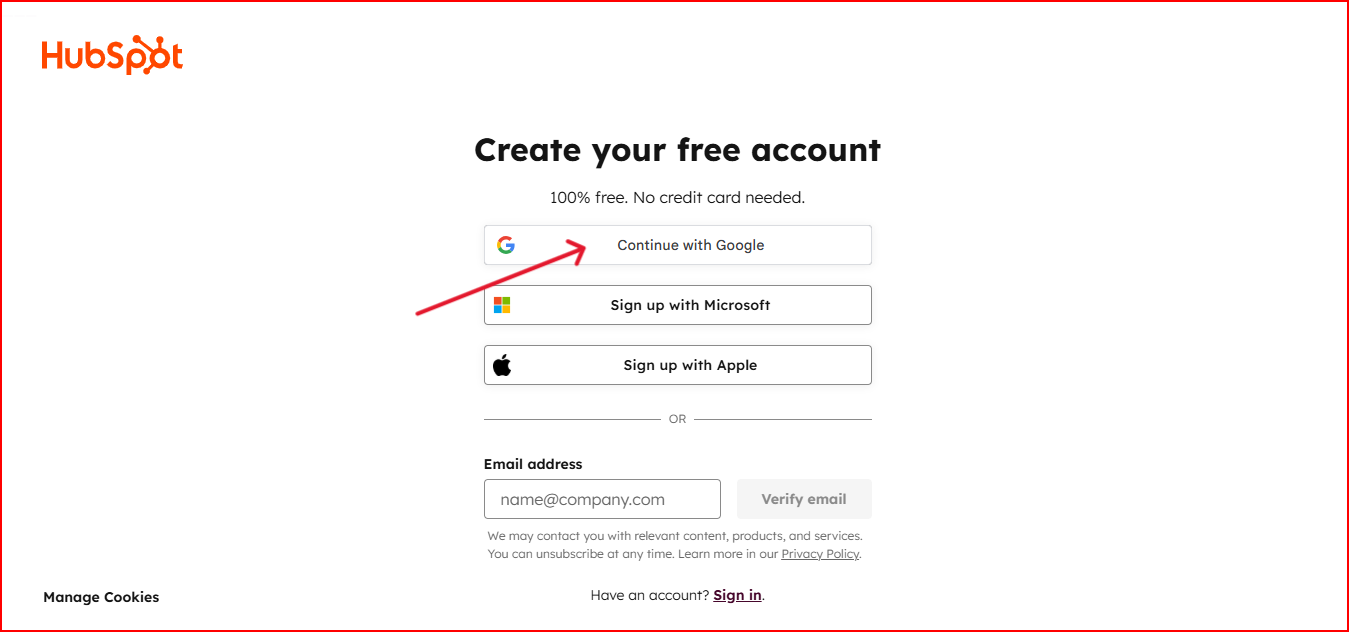
You can add templates, automate follow-ups, and track engagement, all in one place.
Once you hit send, HubSpot’s internal servers handle the delivery.
You don’t need to connect any external mail service or infrastructure; everything runs through HubSpot’s network automatically.
HubSpot instantly logs the send, tracks opens and clicks, and connects all activity to your contact record.
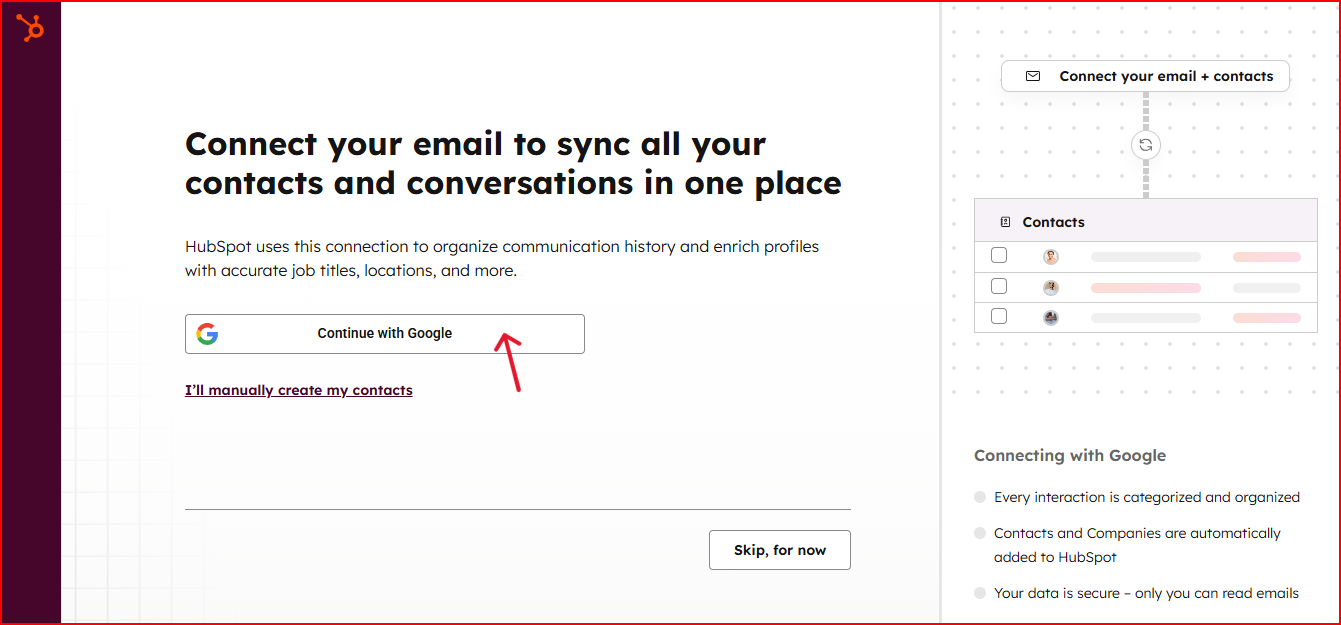
That’s how it gives you a complete view of your communication history.
If you’re on a paid plan, you can also connect and authenticate your own domain, which gives your emails more credibility when they reach inbox providers.
HubSpot sends emails well to the contacts already saved in your CRM.
But if you want to email new people or do any kind of cold outreach, the system doesn’t give you much control over inbox placement, sender reputation, or domain health.
HubSpot might not be built for deep deliverability control, but it does a few things well that make everyday email sending easier and more reliable.
Each email you send is instantly connected to the right contact and deal. You can see opens, clicks, and previous conversations in the same place.
HubSpot’s AI features, email templates, and tracking make your messages sound more natural and better timed, which helps them feel less like mass emails.
Because HubSpot keeps everything inside one system, your lists update in real time. That means fewer bounces, duplicates, or messy imports.
On paid plans, you can connect and verify your own domain. It removes HubSpot branding and gives your emails a more professional identity.
So even without technical control, HubSpot still offers a simple and organized setup for everyday email sending.
HubSpot keeps email sending simple, but when it comes to inbox performance and control, there are a few clear limits to know about.
HubSpot focuses on CRM and automation, not the infrastructure side of email delivery.
You can’t manage DNS records, warm up domains, or monitor sender reputation inside the platform.
On the free version, every email carries HubSpot’s branding. It’s fine for basic outreach, but it can make your messages look generic or less personal.
HubSpot is designed for marketing to contacts who already know your brand.
Sending cold or bulk emails can affect your results and limit inbox placement.
Upgrading gives you more features and automation, but your emails still use the same shared sending system.
So while usability improves, deliverability control stays the same.
It’s a great tool for managing engaged lists and marketing workflows, but not for users who want full control over inboxing and reputation for cold outreach.
HubSpot might not give you full control over deliverability, but there are still a few smart things you can do within the platform to help your emails reach inboxes more consistently.
HubSpot may not offer technical control, but when you follow these steps, you give your emails a better chance to perform well within the system you already use.
Infraforge is a dedicated email infrastructure platform that helps you control how your emails are delivered, from the technical setup to inbox performance.
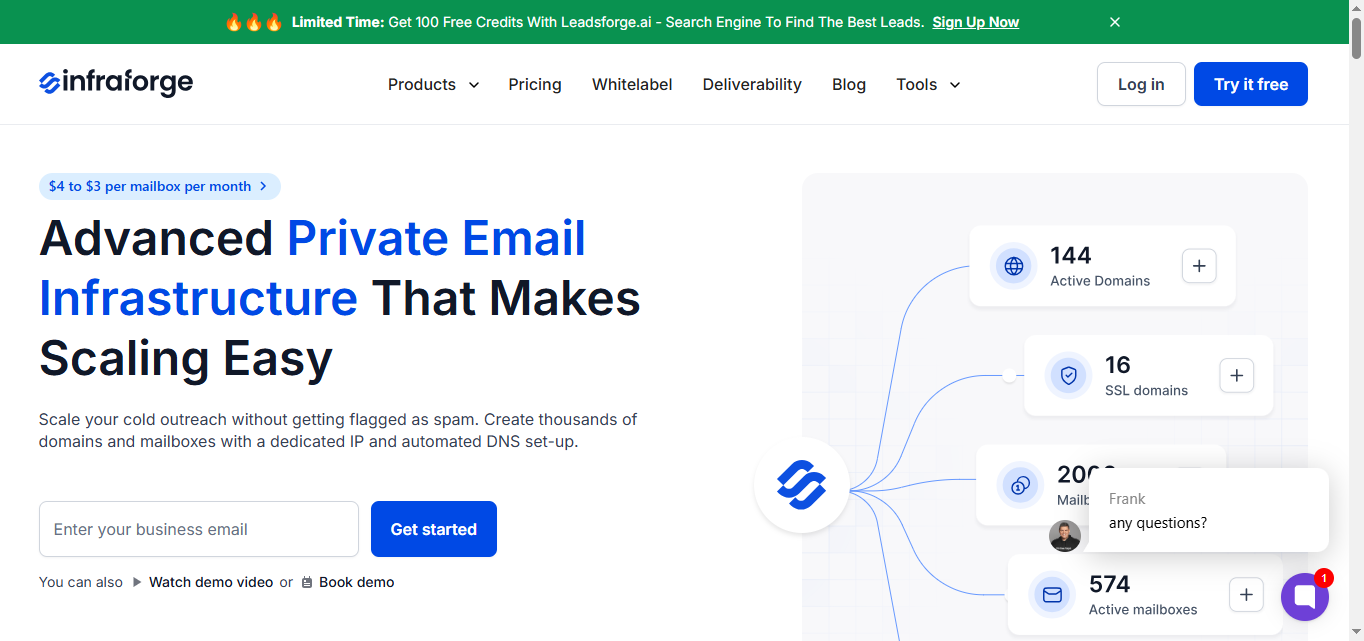
HubSpot is great for CRM, automation, and campaign management, but it doesn’t give you control over the backend of email delivery.
Infraforge helps cover that part by giving you the tools to manage and protect your deliverability directly.
Here’s why Infraforge is better:
HubSpot handles your marketing, and Infraforge looks after the delivery so your emails land in the inbox.
HubSpot gets a lot right. It's easy to manage, good for running email campaigns, tracking contacts, and automating workflows.
And if you’re doing cold email or reaching people outside your CRM, there isn’t much flexibility to shape how those emails are delivered.
You don’t get control over IPs, DNS records, or domain reputation.
The good part is you don’t have to change how you use HubSpot.
You can keep your campaigns, automation, and CRM exactly the same.
You don’t have to move away from HubSpot; you just add the infrastructure layer it doesn’t have.
Infraforge handles the infrastructure: private IPs, authentication setup, warmup, and checking your domain health.
Get started with Infraforge and make every HubSpot email land in the inbox.

