
Personalized Outbound Strategy
Get The Right Outbound Strategy In Minutes
Enter your email to get a custom plan & stack recommendation for your business
It's being carefully crafted by AI
Please check your mailbox in 5 minutes

Mailpool lets you start with one inbox for $3. But what happens when you need 100?
That same setup would cost $300/month on Mailpool’s shared infrastructure. Choose Google Workspace and it becomes $400/month. Microsoft 365 pushes it to $500/month.
And price is only part of the decision.
Each option puts your inboxes on a different type of infrastructure. Mailpool also offers dedicated IPs at $200 per server per month and fully dedicated infrastructure with custom pricing.
So, before you commit to dozens or hundreds of inboxes, it’s worth asking:
What exactly are you paying for, and does that setup suit your cold email campaigns?
In this Mailpool review, I’ll walk through its inbox options, features, pricing, and deliverability tools to help you decide whether it’s a good fit or you’d be better off with a different setup.
Here’s what you need to know about Mailpool before choosing it for your cold email infrastructure:
Mailpool gives you several ways to set up your inbox infrastructure. But if your priority is private infrastructure with dedicated IPs, Infraforge takes a different approach.
Here’s a quick comparison.
Mailpool does not put every inbox on the same infrastructure. You can choose between its own shared network, Google Workspace, Microsoft 365, dedicated IPs, or a custom dedicated setup.
That choice matters because the infrastructure behind your inboxes changes depending on the option you buy.
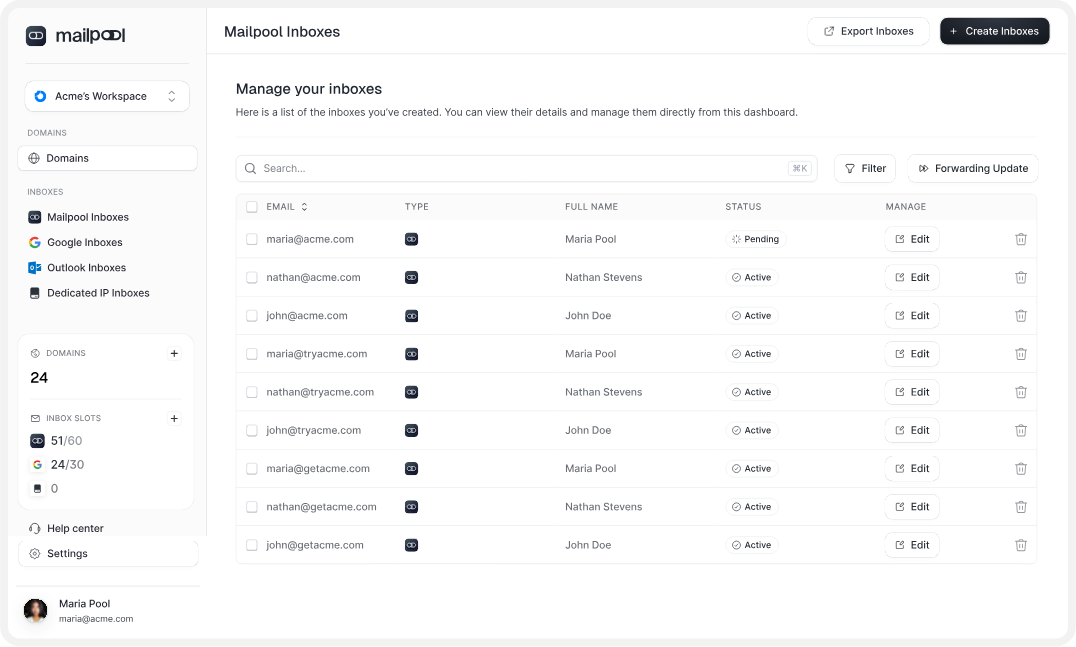
Mailpool’s own inboxes run on its shared network. The service uses shared IPs, while Mailpool handles the technical setup, including SPF, DKIM, and DMARC. This is the lowest-priced option at $3 per inbox per month on monthly billing.
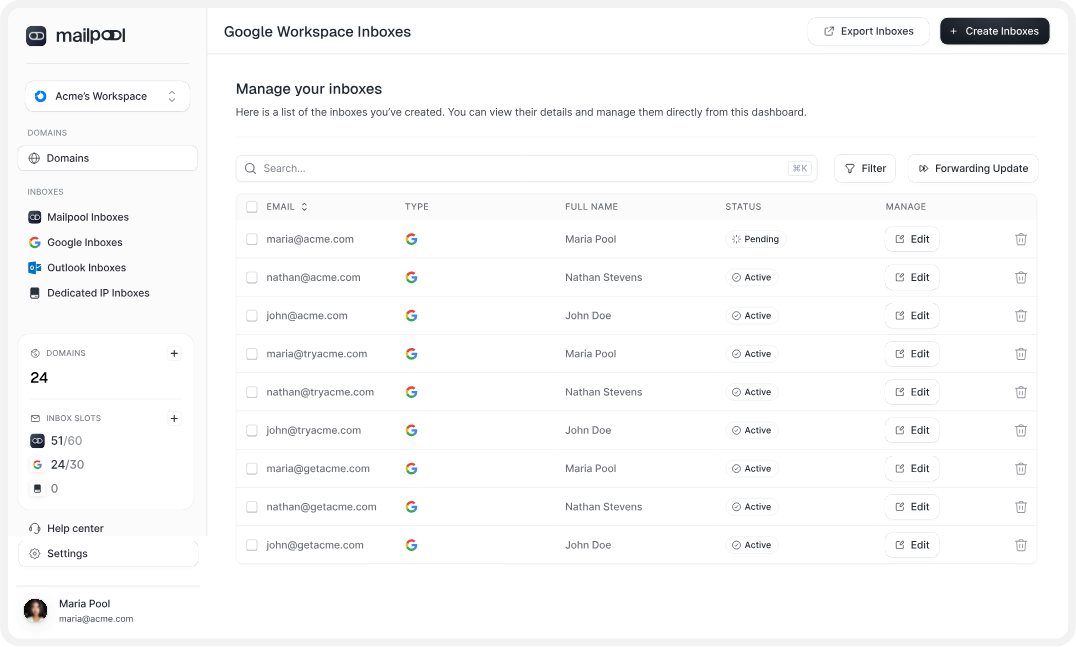
You can also create Google Workspace inboxes through Mailpool. These use Google’s infrastructure and US-based Google IPs. Mailpool handles the Google setup, DNS authentication, and lets you export the inboxes through OAuth or CSV.
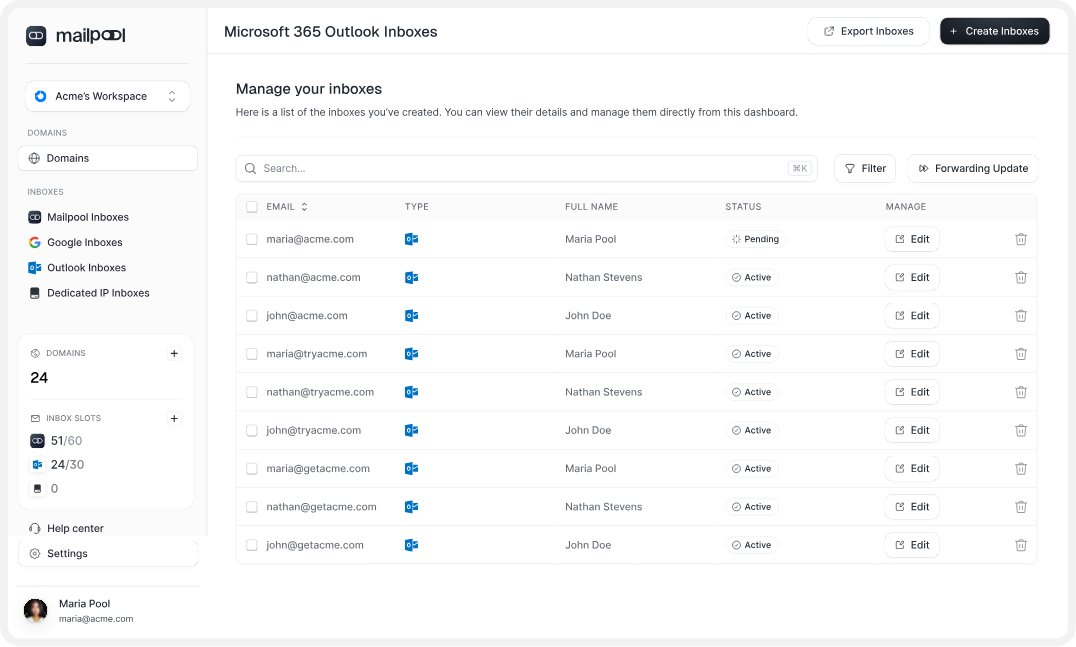
Mailpool offers Microsoft 365 Outlook inboxes as another option. These use Microsoft’s infrastructure and US-based Microsoft IPs. SPF, DKIM, and DMARC are automated, and the inboxes can also be exported through OAuth or CSV.
If you want dedicated infrastructure instead, Mailpool also offers dedicated IP and custom dedicated infrastructure options. A dedicated IP server costs $200 per month, while its fully dedicated infrastructure is available on request with custom pricing.
The dedicated infrastructure option adds a custom IP setup, white-label support, extended API access, and a dedicated customer success manager.
So, with Mailpool, you can choose the infrastructure model that fits your cold email setup and manage those different inbox types from the same platform.
Once you choose an inbox type, Mailpool gives you several tools to set up and manage the infrastructure around it.
Here are the ones that matter most for cold email.
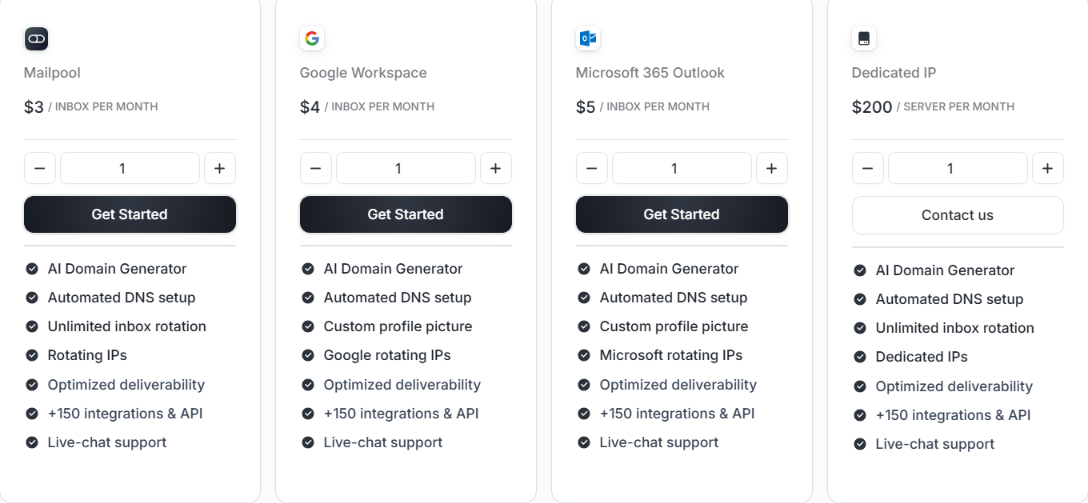
Mailpool pricing starts at $3 per inbox per month, but the actual cost depends on the type of infrastructure you choose. You can pay monthly or annually, with Mailpool advertising a 15% saving on annual billing.
Here is the current pricing.
The standard Mailpool plan includes automated DNS setup, inbox rotation, rotating IPs, 150+ integrations and API access, and live-chat support. Google Workspace and Microsoft 365 plans also include automated DNS setup, 150+ integrations and API access, with Google or Microsoft rotating IPs respectively.
If you choose the Dedicated IP option, pricing moves from per-inbox to per-server billing. It starts at $200 per server per month, or $170 per month with annual billing. For larger or more specific setups, Dedicated Infrastructure has no public fixed price. You need to contact Mailpool for pricing.
This option includes custom IP infrastructure, a white-label option, extended API access, and a dedicated customer success manager.
Yes. Mailpool says pricing is based on the number of mailboxes you need and offers volume discounts and custom pricing for agencies and businesses managing larger volumes. That means the listed per-inbox rates may not be the final price if you are buying a large number of mailboxes.
No. Mailpool does not offer a free trial. Instead, you can start with your first Mailpool inbox for $3, which includes access to its core features.
There are also no separate setup or onboarding fees, and you can upgrade, downgrade, or cancel your subscription from the dashboard.
Mailpool has 4.9/5 rating on G2. Most of the feedback is positive, especially around setup and customer support.
Several users say Mailpool is easy to set up and that the support team responds quickly when they need help. Users also mention smooth Google Workspace setup, easy mailbox exports, API access, and integrations with tools such as Instantly.
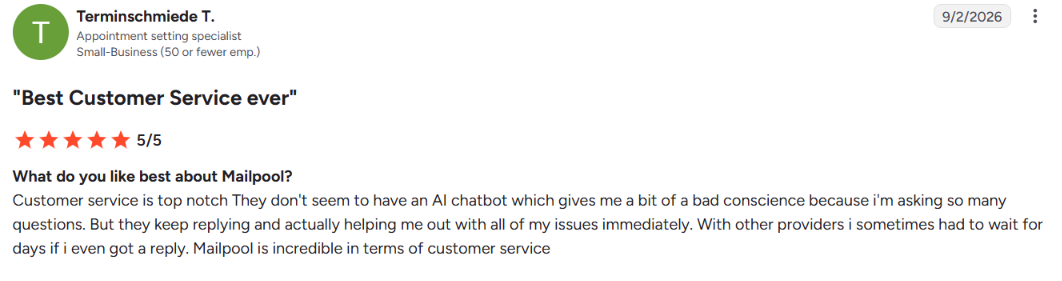
But the reviews also point to a few limitations. One user said Mailpool's pricing felt high compared with other providers. Another said some screens were not very intuitive. There are also complaints about a recurring connection bug and API documentation that could be improved.
One reviewer also pointed out that you cannot see, draft, send, or reply to emails directly inside Mailpool. So, you still need a separate sending tool to run your outreach.

Overall, the reviews are strongly positive, but they also show that Mailpool still has some gaps in its interface, connection stability, and built-in email management.
Mailpool gives you several tools to help set up and monitor your email infrastructure for deliverability. For every domain, it can automatically set up and validate SPF, DKIM, and DMARC, so you do not have to configure these records manually. It also gives you a deliverability audit with more than 250 checks. These checks cover:
Mailpool also monitors your spam rate and checks whether your domains or IPs appear on major blacklists. The infrastructure depends on the inbox type you choose. Mailpool's own inboxes use shared IPs, while Google Workspace and Microsoft 365 use their respective infrastructure.
You can also choose dedicated IP or custom dedicated infrastructure.
So, Mailpool gives you useful tools for authentication, monitoring, and spotting deliverability problems. But it cannot guarantee that every email will reach the primary inbox. Your sending behavior, email content, domain health, and IP reputation still matter.
So, Mailpool makes the most sense when you need to build and manage cold email infrastructure at scale, rather than just send cold email campaigns.
Mailpool gives you several infrastructure choices, including shared inboxes, Google Workspace, Microsoft 365, and dedicated options.
But if you specifically want your cold email setup built around private infrastructure and dedicated IPs, Infraforge is worth comparing.
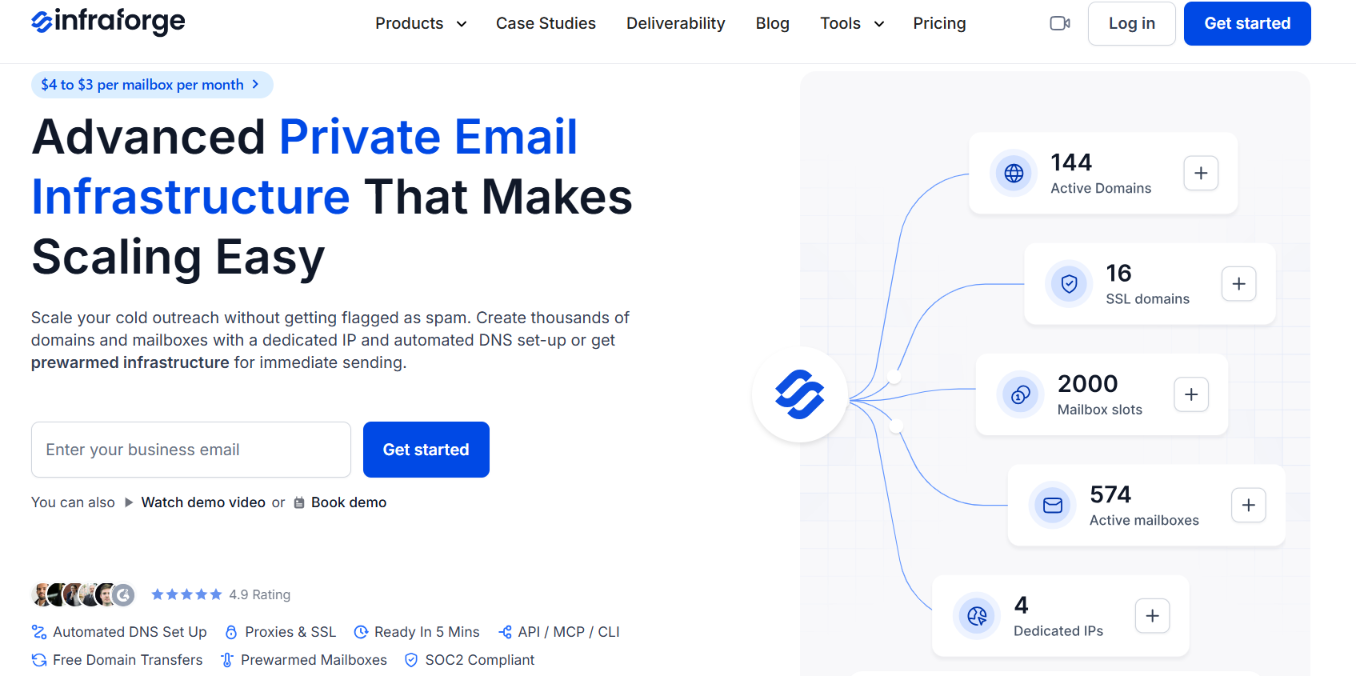
Unlike Mailpool's broader mix of infrastructure options, Infraforge is built specifically around private email infrastructure for cold outreach.
Here is what you get with Infraforge:
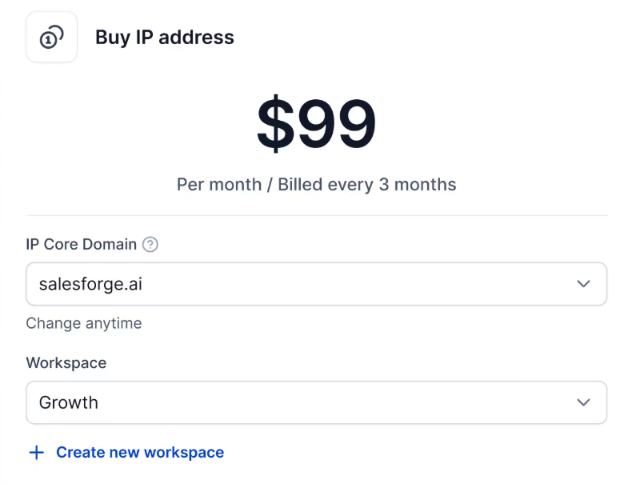
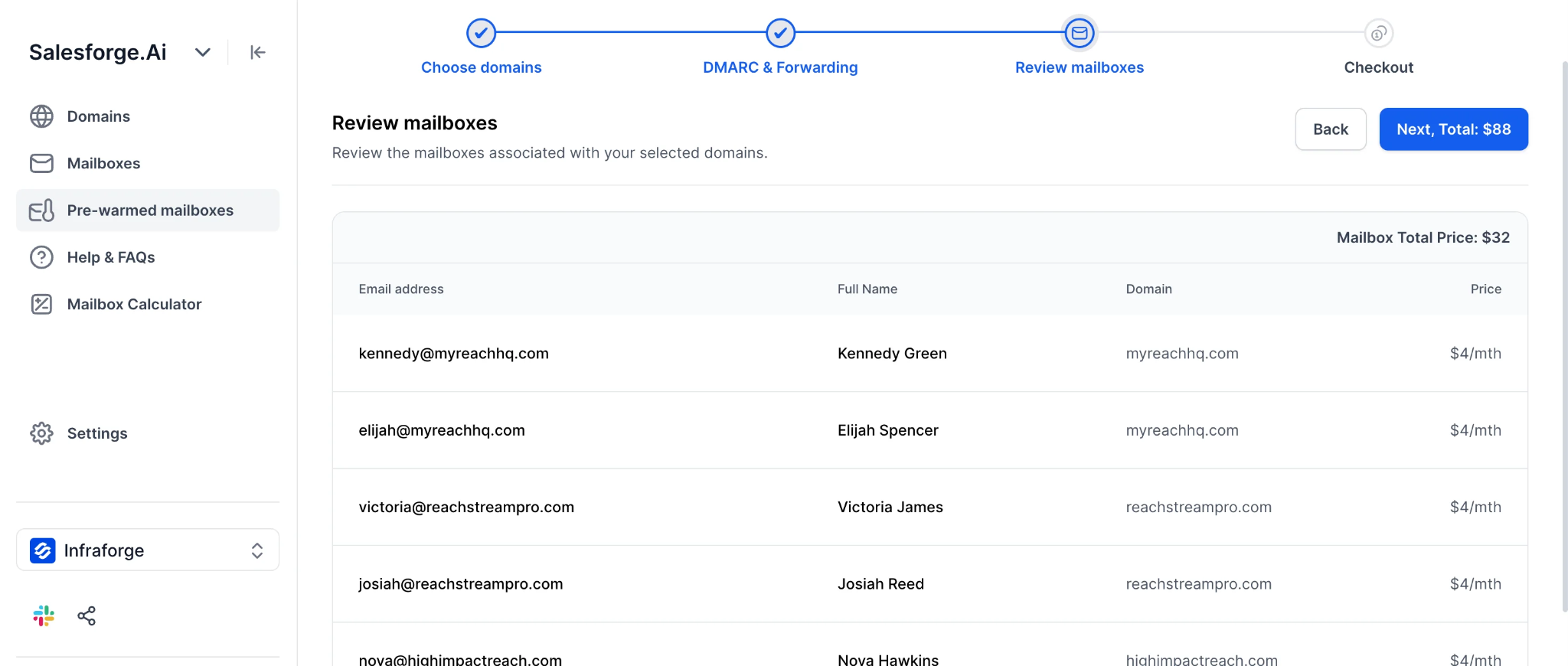
Infraforge isn’t the closest match if you’re looking for Google Workspace or Microsoft 365 inboxes. But if you want to build your cold email setup on private infrastructure with dedicated IPs, it’s a more relevant alternative to Mailpool.
Enter your email to get a custom plan & stack recommendation for your business
Please check your mailbox in 5 minutes

Mailpool lets you buy domains, create inboxes, set up DNS, and connect your inboxes to cold email tools. You can choose from Mailpool’s shared infrastructure, Google Workspace, Microsoft 365, or its dedicated options, depending on your setup.
But if you already know you want private infrastructure for cold outreach, Infraforge takes a more focused approach. You get dedicated servers and IPs, automated DNS setup, pre-warmed mailbox options, bulk DNS updates, and multi-IP provisioning.
So, Mailpool is worth considering when you want several infrastructure options in one platform. If private cold email infrastructure with dedicated IPs is what you need, Infraforge is worth checking out.