
Personalized Outbound Strategy
Get The Right Outbound Strategy In Minutes
Enter your email to get a custom plan & stack recommendation for your business
It's being carefully crafted by AI
Please check your mailbox in 5 minutes

Every AI agent I build eventually needs to receive something. A verification code. A reply from a prospect. An invoice someone forwarded.
I have never struggled to send. Resend, SendGrid, and Postmark all handle that well. Receiving is where I end up writing IMAP polling loops, parsing MIME by hand, and stitching threads back together from headers.
OpenMail's pitch is that none of that should be my problem. One address per agent, replies delivered as structured JSON in under 500ms, attachments already parsed to text.
I found the docs unusually detailed, which is what made this review possible. They were also my only source, since nobody has publicly written about running this in production.
So I built this review on what OpenMail commits to in writing, and on the places where its own pages disagree with each other.
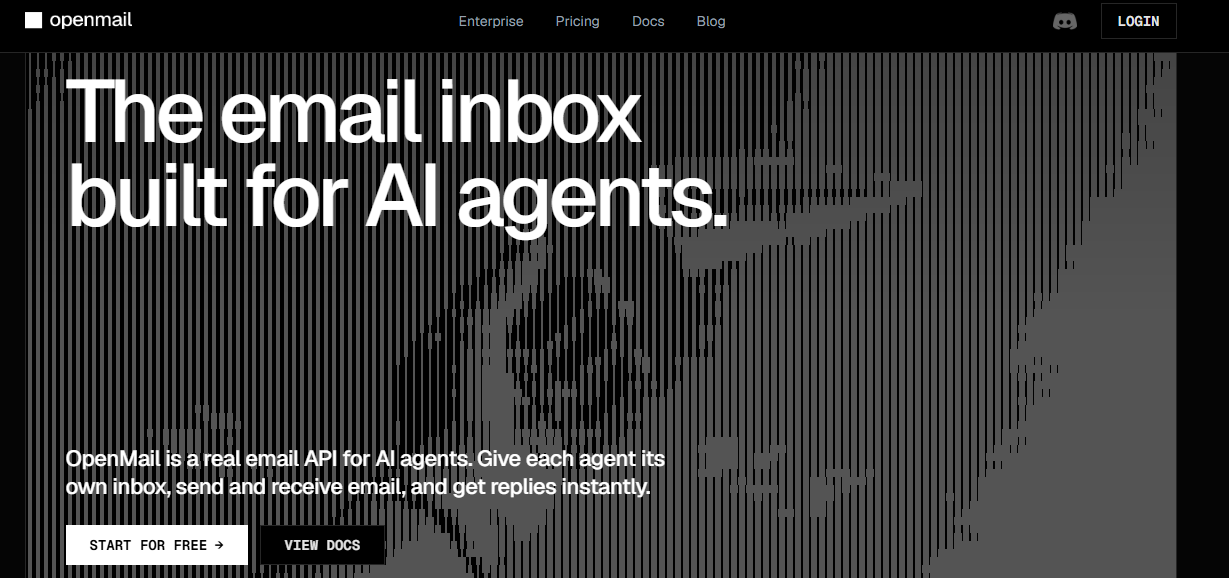
OpenMail is email infrastructure for AI agents. Each agent gets its own address, can send and receive mail, and gets replies back as structured JSON with the full thread included.
It gives you a real inbox, not just a send endpoint. Inbound messages arrive over WebSocket or webhook in under 500ms, threading follows standard email headers so replies land correctly in Gmail, and PDFs, images, and CSVs are automatically extracted into text.
The part that stands out most is the permission model. An inbox-scoped key can read and send from one inbox only, and it gets a 403 on every policy endpoint. The agent can’t even see the rules that control it.
The downside is volume. Sends are capped at 200 per day per inbox, cold sends are limited to 20 a day for the first 30 days, and there’s also a separate 500-per-day account cap that adding more inboxes doesn’t increase.
Their sales page talks about agents running cold campaigns. Their rate-limit page caps that at 500 cold sends. Both are true they’re just describing different parts of the product.
There are also a few missing pieces. There’s no Bcc at any tier, dedicated IPs are Enterprise-only, and denied inbound mail is dropped silently, with no bounce and no quarantine view.
I couldn’t find a meaningful independent review footprint on established software-review platforms such as G2, Capterra or Trustpilot.
OpenMail does appear in several Reddit discussions, although much of that activity is early-stage discussion or founder participation rather than detailed long-term customer reviews.
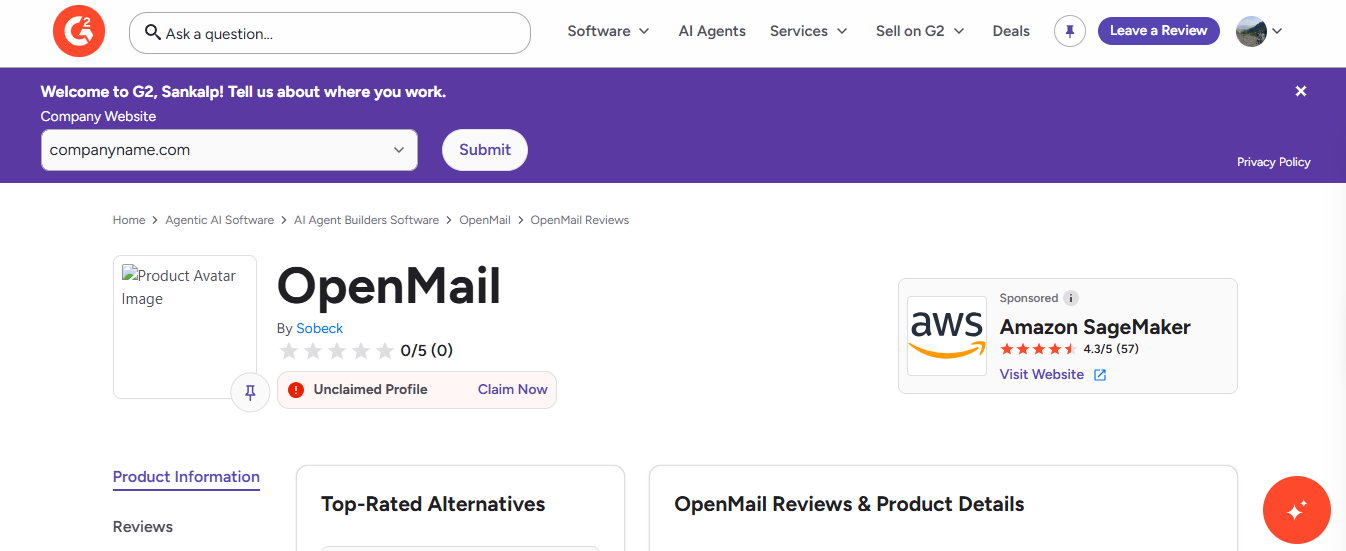
I also checked OpenMail’s own site for the usual trust signals. There are no testimonials, no customer logos, and no user count. By contrast, Zapmail says it serves 35,000 businesses, and Premium Inboxes says it works with 2,000 agencies. OpenMail doesn’t make any of those claims.
A product with no reviews isn’t automatically a bad product. Most of the time, it just means it’s still young. OpenMail’s free tier, three inboxes and 3,000 emails suggests they’re still building a base, not yet collecting testimonials.
But it does affect how you should evaluate it. There’s no outside proof of what happens when an agent floods an inbox, when email deliverability drops on the shared pool, or when support is needed at 2 a.m.
Every performance claim in this review comes from OpenMail’s own documentation. The free tier costs nothing and doesn’t require a card, which is really the only way to test any of it for yourself.
Let me be clear about the scope. I went through the docs, the CLI reference, the API surface, the pod and key-scoping model, and the rate-limit tables.
I did not run an agent on OpenMail or send mail through it. This is strictly about what the documentation promises, and where the numbers stop matching the marketing.
Run npm install -g @openmail/cli, then run openmail setup. That creates the inbox, writes a skill file, and saves the credentials.
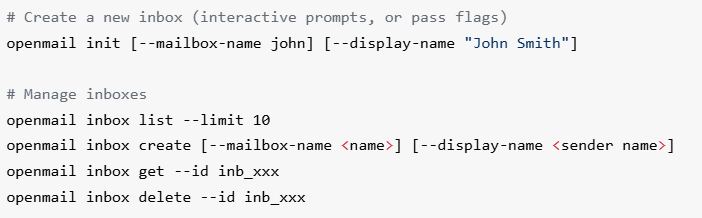
For Claude Code, the skill installs through a plugin marketplace first. For OpenClaw, setup starts a WebSocket bridge automatically through systemd or launchd. On Windows, it prints the command and leaves the rest to you.
Setup signs you in with your account-wide key and stores it where the agent can read it. That key can reach every inbox you own.
The docs tell you to create an inbox-scoped key afterward and swap it in. That step is manual, easy to miss, and until you do it, a compromised agent has access to everything.
Free inboxes use [email protected]. Custom domains only start on Pro.
So the free tier lets you test the API, not deliverability from your own domain.
You need MX for inbound, three DKIM CNAMEs, a bounce MX and SPF TXT on a subdomain, and DMARC.
The docs warn you not to put the SPF include on your apex domain, and they list four common mistakes, including publishing only one of the three DKIM records.
There’s a cap of 200 sends a day per inbox, and cold sends are limited to 20 a day per inbox for the first 30 days.
Then there’s a separate account-wide cold cap: 150 a day on Pro, or 500 after 30 days. The docs also say that adding more inboxes does not increase that number.
Their AI sales outreach page talks about agents running cold campaigns at scale. At 500 cold sends a day, that’s still a pretty small campaign.T
Pods are unlimited on every plan, including Free. Inboxes are the thing that’s capped, at three on Free.
Once an inbox is created, it can’t move between pods, so that decision is permanent.
Deleting an cold email inbox removes every message, thread, and attachment, and revokes its keys. The docs say it can’t be undone, and I didn’t see any export step described anywhere.
I don’t have delivery data, placement figures, or support response times.
I also couldn’t test what happens when the reputation engine suspends an inbox, though the webhook events suggest that can happen.
Every number here comes from OpenMail’s own documentation, since there still aren’t customers writing about it yet.
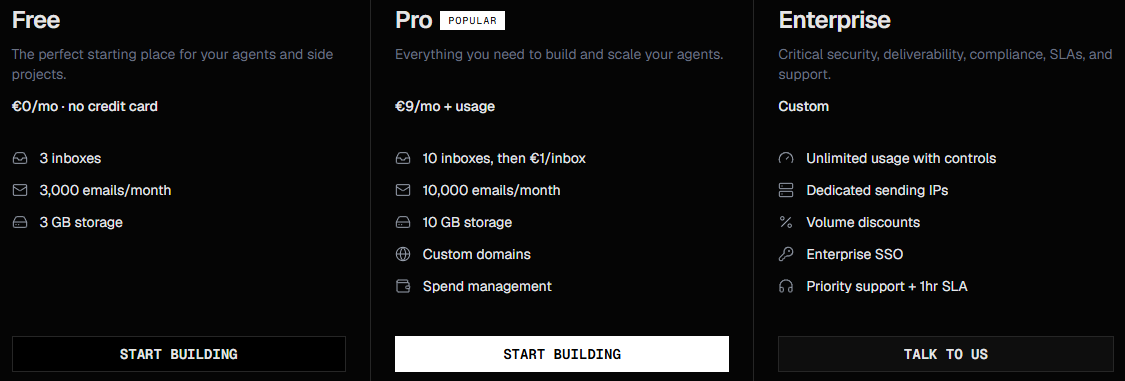
Three plans, priced on usage rather than seats. Nothing here is billed per user at any tier.
Free gives you a hard cap of three inboxes and 100 sends a day across the account. There’s no custom domain, so everything comes from omail.sh.
It’s enough to check that the API works. It’s not enough to run anything real.
Infraforge API: How to Connect Infraforge With Your GTM Stack
Pro starts at €9 for 10 inboxes. After that, each additional inbox costs €1 per month.
At 50 inboxes, an agent platform would pay €49. At 200 inboxes, it’s €199 and that’s where the per-unit model starts to feel less cheap.

Past 10,000 emails, the cost is €0.001 per email. So going from 10,000 to 20,000 adds just €10.
The average price is almost irrelevant for cold outreach because the sending limits kick in first.
Even with dozens of inboxes, Pro’s 500-email account-wide cold cap limits you to roughly 15,000 first-touch cold emails in a 30-day month.
Relationship emails and replies don’t count toward that cold quota.
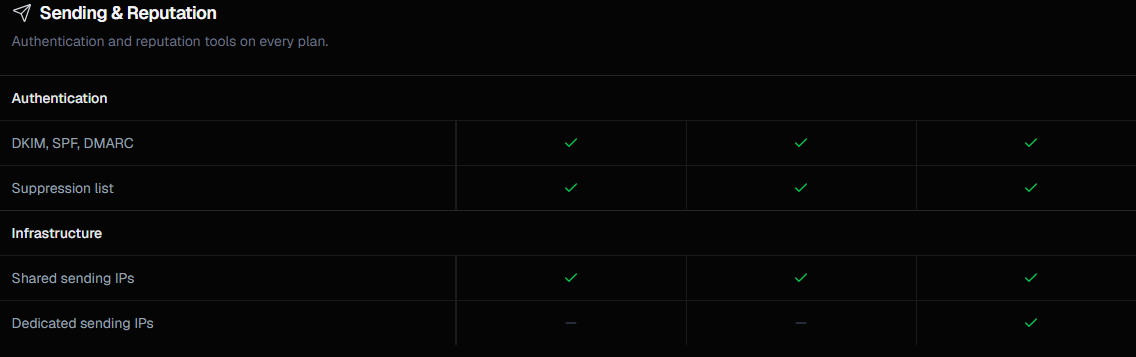
Pro uses shared sending IPs, so you don’t fully isolate infrastructure-level reputation from other customers.
Your own sending domain still develops its own reputation, but you don’t control the IP layer the way you would with dedicated infrastructure.
Enterprise pricing isn’t published.
Pro includes a default spend limit that triggers at 80% and 100%.
Auto-pause the setting that actually stops sending is off unless you enable it. So by default, you get a warning, not a brake.
Pre-seed, seed, and bootstrapped teams can apply for €500 in usage credit, valid for six months on Pro. Applications are reviewed manually.
At Pro pricing, that goes a long way.
A platform running 60 agent inboxes and sending 30,000 emails a month would pay €9, plus €50 for extra inboxes, plus €20 in email overage.
That comes out to about €79 a month, or €1.32 per inbox. It’s a good deal as long as 200 sends a day per inbox is enough.
The integrations tell you who this is for. Claude Code, LangChain, Vercel AI SDK, OpenClaw, n8n, and Make all point to one thing: this is built for developers making agents, not teams running campaigns.
OpenMail makes the most sense when agents need to receive email, not just send it.
OpenMail is not a great fit if you’re sending cold email at scale, because the rate limits get in the way before the pricing does.
If you’re sending cold email at scale rather than setting up an inbox for an agent, Infraforge is worth a look. It’s Salesforge’s private email infrastructure.
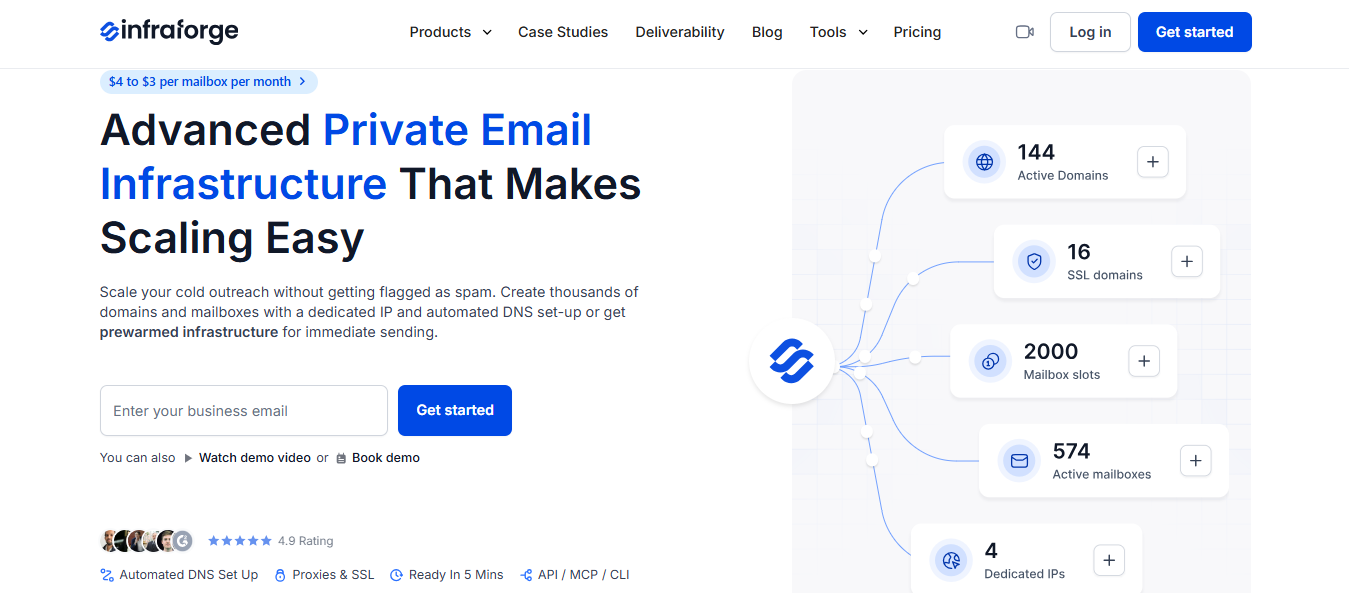
You buy the domains and mailboxes; Infraforge handles DMARC, SPF, DKIM, and a custom tracking domain for each one, then exports the credentials to whatever you send from.
Where Infraforge Is the Better Fit
OpenMail caps cold sending at 500 emails a day for the whole account, and adding more inboxes does not increase it. Infraforge supports unlimited domains and mailboxes, with limits set per mailbox and volume spread through rotation.
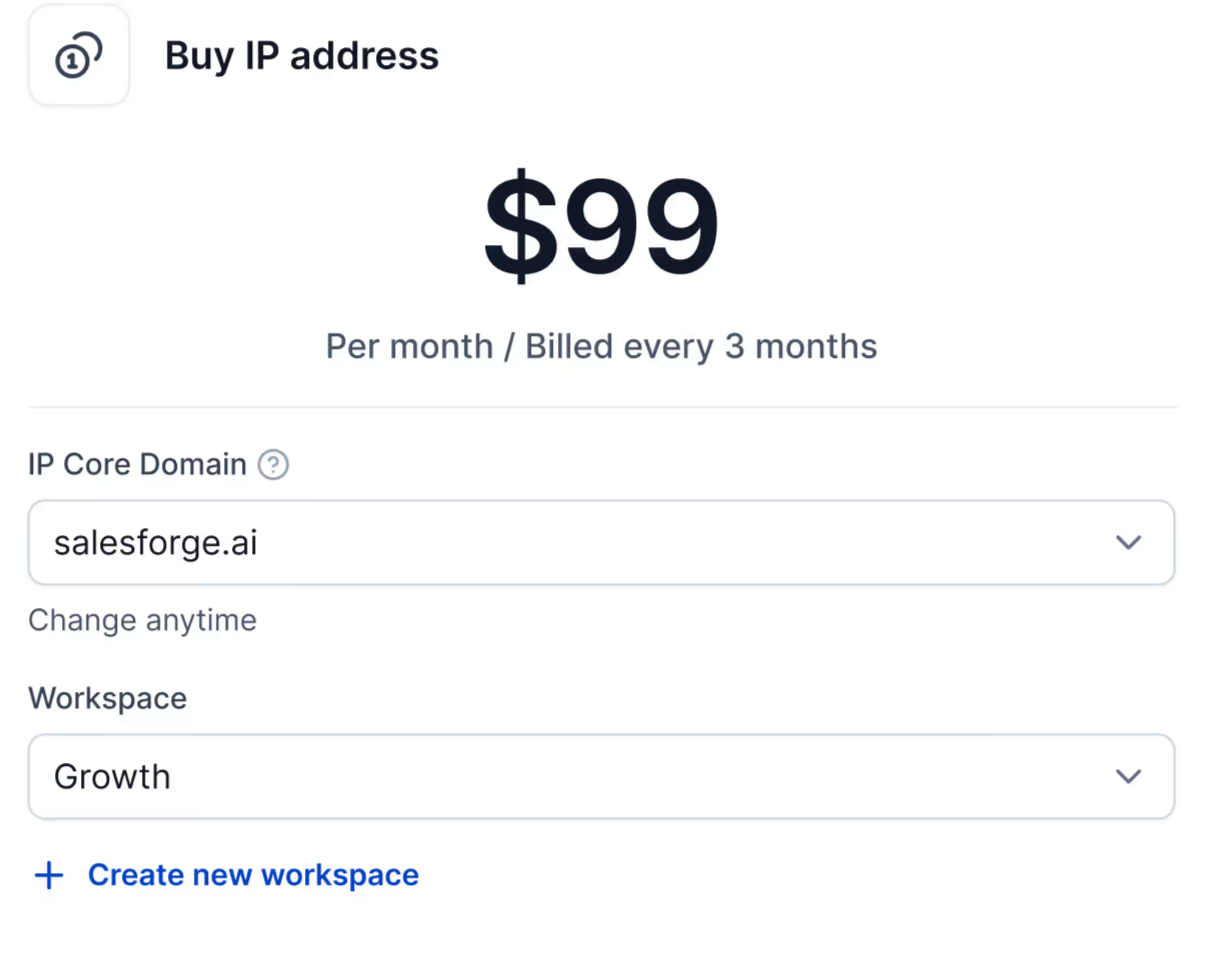
OpenMail keeps dedicated IPs on Enterprise and does not publish pricing. Infraforge offers one for $99 a month, billed every three months, and tied to the workspace you choose.

Every domain you add gets DMARC, SPF, DKIM, and custom tracking set up automatically. You can update DMARC policy, forwarding, or CNAME records across all selected domains at once.
Google Bulk Sender Guidelines and What They Mean for Your Outreach
OpenMail limits new inboxes to 20 cold sends a day for the first month. With Infraforge, you can start sequences right away using pre-warmed domains and mailboxes, or warm your own with Warmforge for free.
Best Practices for Warming New Domains
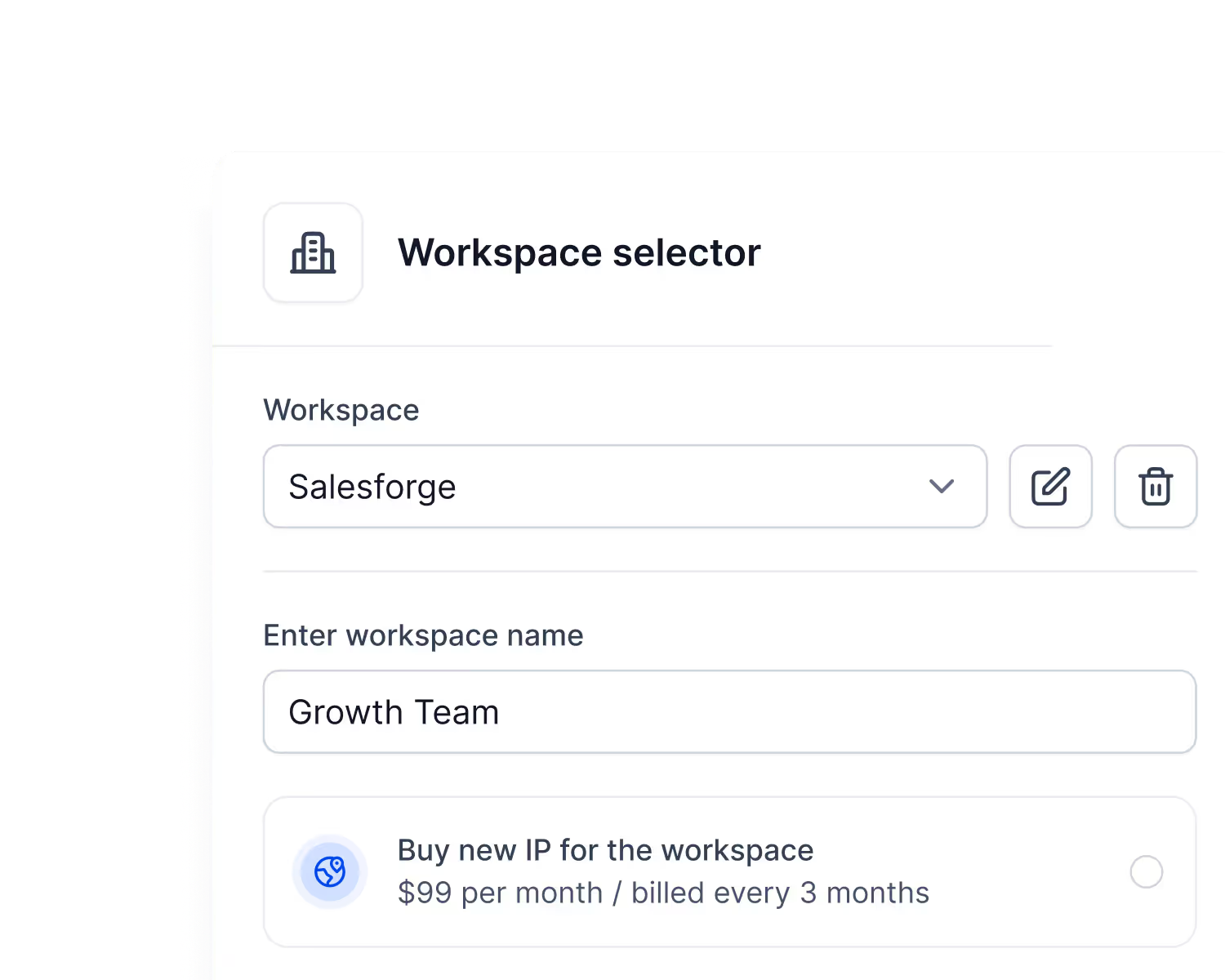
You can create a workspace for each client, assign it its own IP, and move domains and mailboxes between workspaces as accounts change hands. OpenMail inboxes cannot be moved between pods after they’re created.
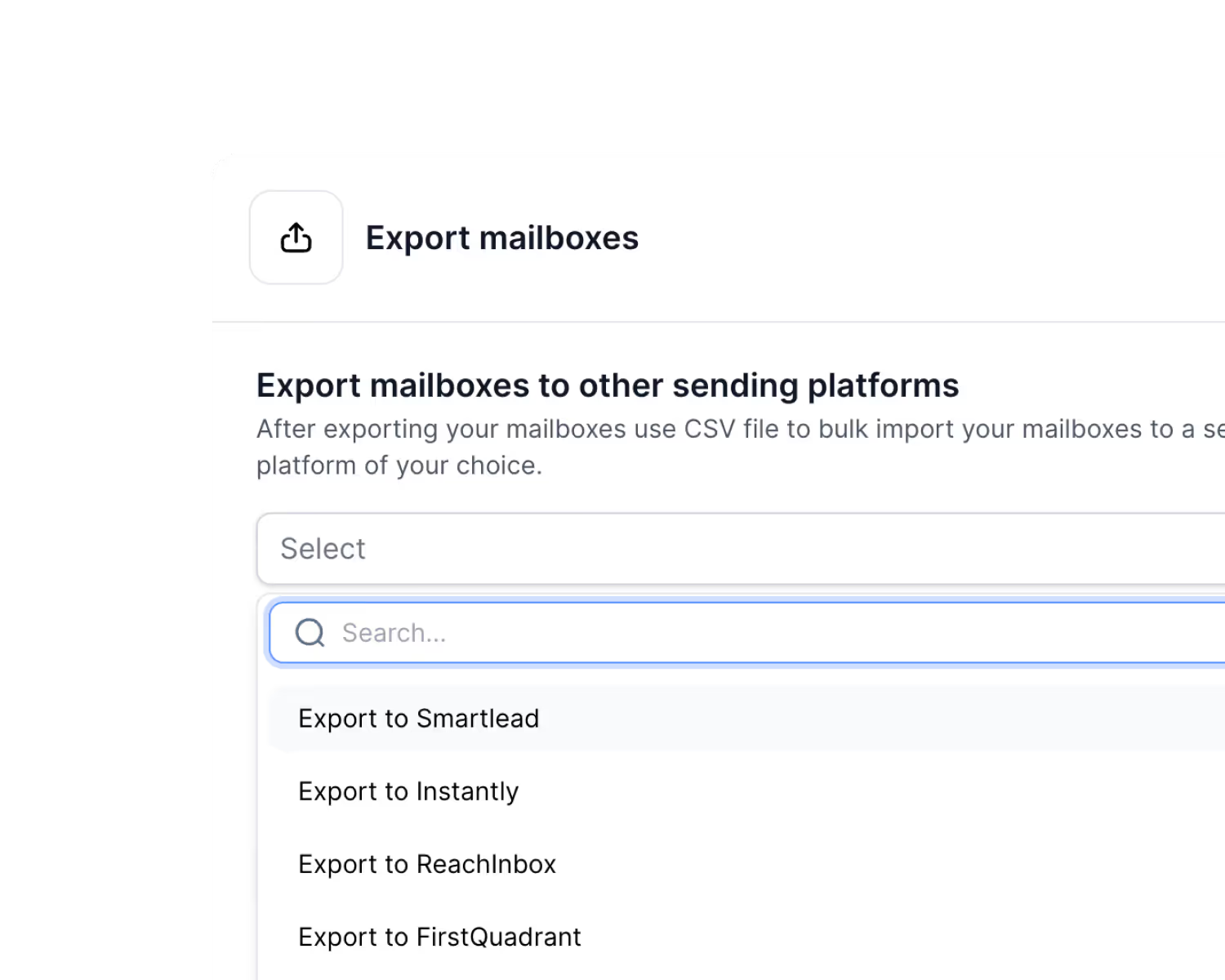
Deleting an OpenMail inbox permanently removes every message and attachment, with no export step described.
Infraforge lets you export mailboxes as CSV to Smartlead, Instantly, ReachInbox, or FirstQuadrant, and move domains in or out whenever you need to.
Enter your email to get a custom plan & stack recommendation for your business
Please check your mailbox in 5 minutes

Yes, if your agent needs to receive email and act on it, it’s a strong fit. You can try three inboxes for free, with no card required.
It’s not built for high-volume sending. OpenMail caps sending at 200 emails a day per inbox and 500 cold emails a day across the account, and adding more inboxes doesn’t increase that limit.
If you need hundreds of inboxes specifically for outbound, Infraforge is designed for that architecture.
It uses mailbox-slot pricing, supports dedicated IPs at $99/IP/month, automates DNS, and can provision pre-warmed infrastructure for teams that want to start sending sooner.
Getting started is quick: add your first domain, and you can send from Infraforge in about five minutes.