
If you're doing cold email at any real scale, you already know that infrastructure can make or break your campaigns.
Primeforge is where a lot of operators start. It gets you up and running quickly, which is exactly what you need in the beginning. But as you send more volume, things start to change. Reply rates aren't what they used to be. Costs keep climbing. Some mailboxes stop landing in the inbox consistently.
That's usually the point where you start looking around and asking if there's a better option.
I did the same thing. I went through a bunch of Primeforge alternatives to find the ones that actually fix the problems operators run into most often, whether that's deliverability, cost, or having more control over their infrastructure.
Here's what I found.
Every Primeforge alternative below solves a specific problem. Mailforge and Infraforge fix the infrastructure and cost side. Zapmail, Puzzle Inbox, and Maildoso are external providers if you want to stay on real Google or Microsoft mailboxes.
Ready to test dedicated IPs and prewarmed infrastructure? Get started with Infraforge →
The order below matches the switching reasons I hear most from Primeforge users. Cost and scale first. Dedicated IP control second. Then three external providers if you want to keep the real Google or Microsoft mailbox setup.
If your Primeforge setup is failing on deliverability or getting too expensive at scale, Mailforge is the first Primeforge alternative I recommend. Here is why.
Mailforge does two things Primeforge does not. First, it gives you the same one-click infrastructure setup at a lower cost. You get automated mailboxes, automated DNS across every domain, and warmup included. But the mailbox cost drops to $2 to $3 per mailbox instead of Primeforge's $4.50. Setup lands in 5 minutes instead of 30.
Second, and this is the bigger unlock, Mailforge gives you the email accounts and the IP setup together.
That means you have more control over your sending environment than you get from a Primeforge mailbox running on Google or Microsoft's shared infrastructure. On Primeforge, your inbox placement depends on how millions of other Google or Microsoft senders are behaving. On Mailforge, you are on purpose-built cold email infrastructure designed for outbound from the ground up.
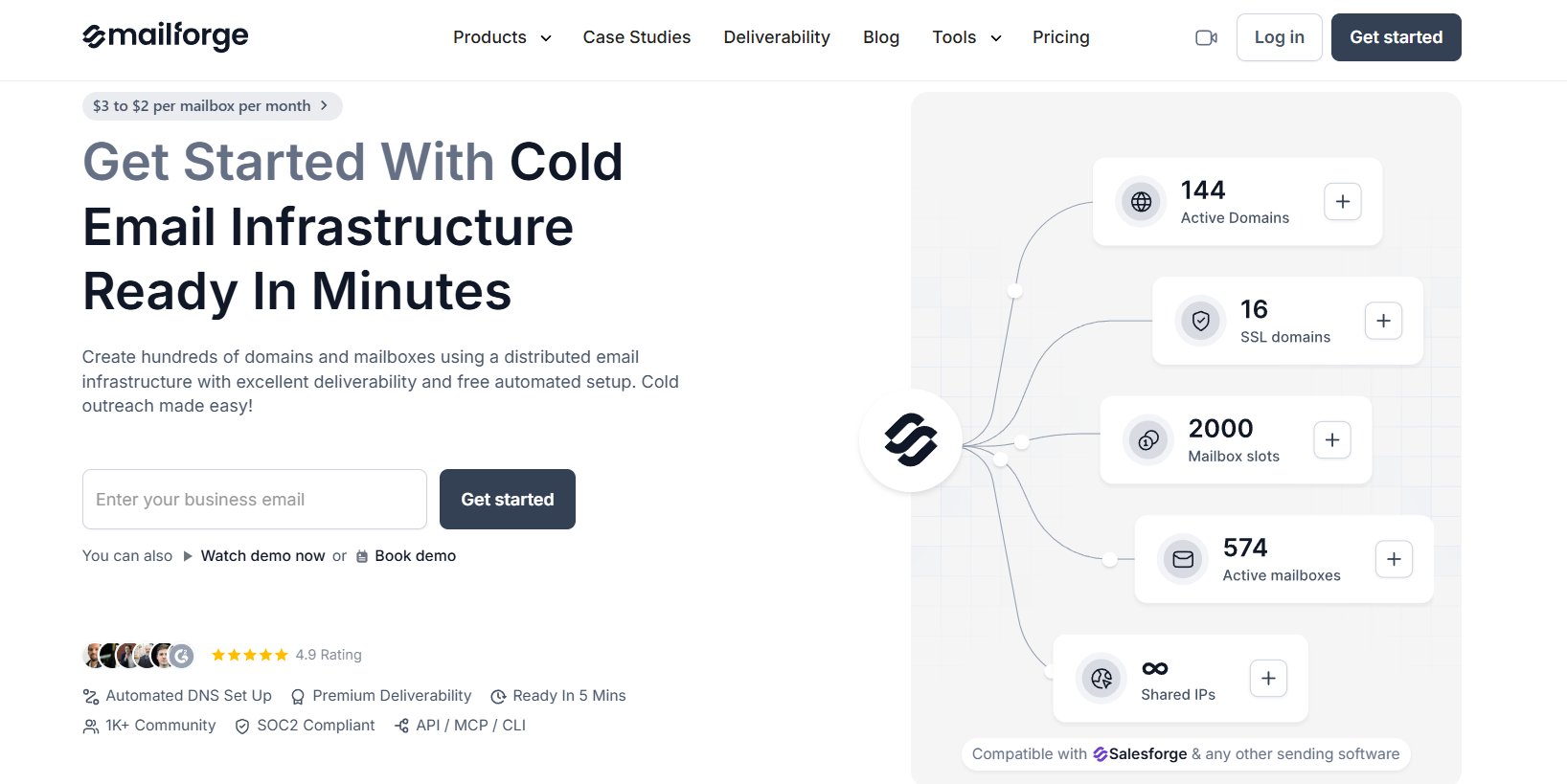
That matters when Primeforge deliverability drops. You skip the Google Workspace daily send throttles. You avoid Microsoft 365 filters built for business email rather than cold sending. And you can provision hundreds of mailboxes in one flow when you need to scale a campaign fast.
Deliverability basics are all handled. SPF, DKIM, and DMARC configure automatically on every domain. Warmup runs in the background at no extra cost. If your current Primeforge mailboxes are landing in spam, Mailforge gives you infrastructure with more control at a lower price.
If your issue with Primeforge is a sender reputation being dragged down by outside factors you cannot control, dedicated IPs are the next step up. That is where Infraforge comes in.
Infraforge is a Primeforge alternative that gives you cold email infrastructure on your own dedicated IPs. The key difference from Primeforge is control. On Primeforge, your Google or Microsoft mailboxes share IP reputation with millions of other senders on Google's or Microsoft's networks.
If one of those senders gets flagged for spam, your inbox placement can drop even though your campaigns are clean. On Infraforge, you get your own dedicated IPs where the reputation is 100% yours. If one campaign performs badly, only you feel it.
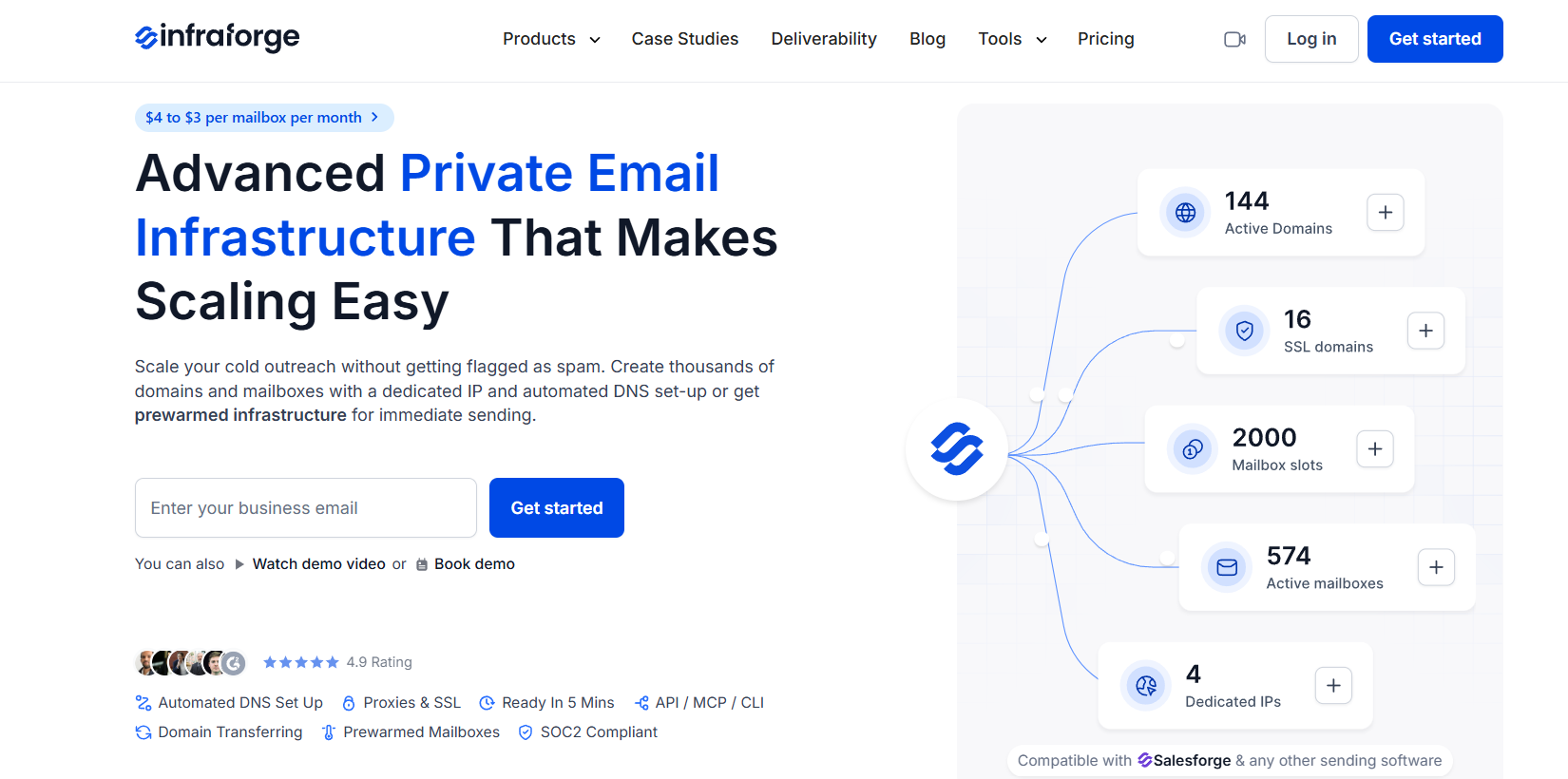
The prewarmed mailbox angle is what stops Infraforge from feeling like a jump for Primeforge users. You do not wait weeks for warmup before starting campaigns. The mailboxes ship with warmup already done, so you can send from day one.
Pair that with the dedicated IPs versus shared IPs trade-off and you get a setup where your sender reputation is protected from your first send.
Setup lands in about 5 minutes, same as Mailforge. Automated DNS covers SPF, DKIM, and DMARC on every domain. Bulk DNS updates work across your entire infrastructure at once when you need to make changes. The API lets you provision mailboxes programmatically, which matters for agencies and AI SDR workflows.
Both Mailforge and Infraforge move you off real Google Workspace and Microsoft 365 accounts. If that switch feels too big for your use case, three external providers still sell real GWS and M365 mailboxes. Zapmail is the first one worth looking at.
Zapmail is a Primeforge alternative that sits closest to Primeforge on features. You get real Google Workspace and Microsoft 365 mailboxes, prewarmed, on US or EU IPs. Setup lands in about 10 minutes with OAuth handoff to your sequencer. You skip the SMTP or IMAP credential juggling other tools require. The core value proposition matches Primeforge, but the price is lower.
The real reason Zapmail earns a spot on this list is the transparent self-serve pricing. Primeforge starts at $4.50 per mailbox. Zapmail starts at $3.90 per mailbox monthly on the Starter tier and drops toward $2.50 per mailbox on annual high-volume plans. If you liked Primeforge's setup but the bill got heavy, Zapmail is the cheaper cousin. I broke down the full picture in my Zapmail review if you want the deep dive.
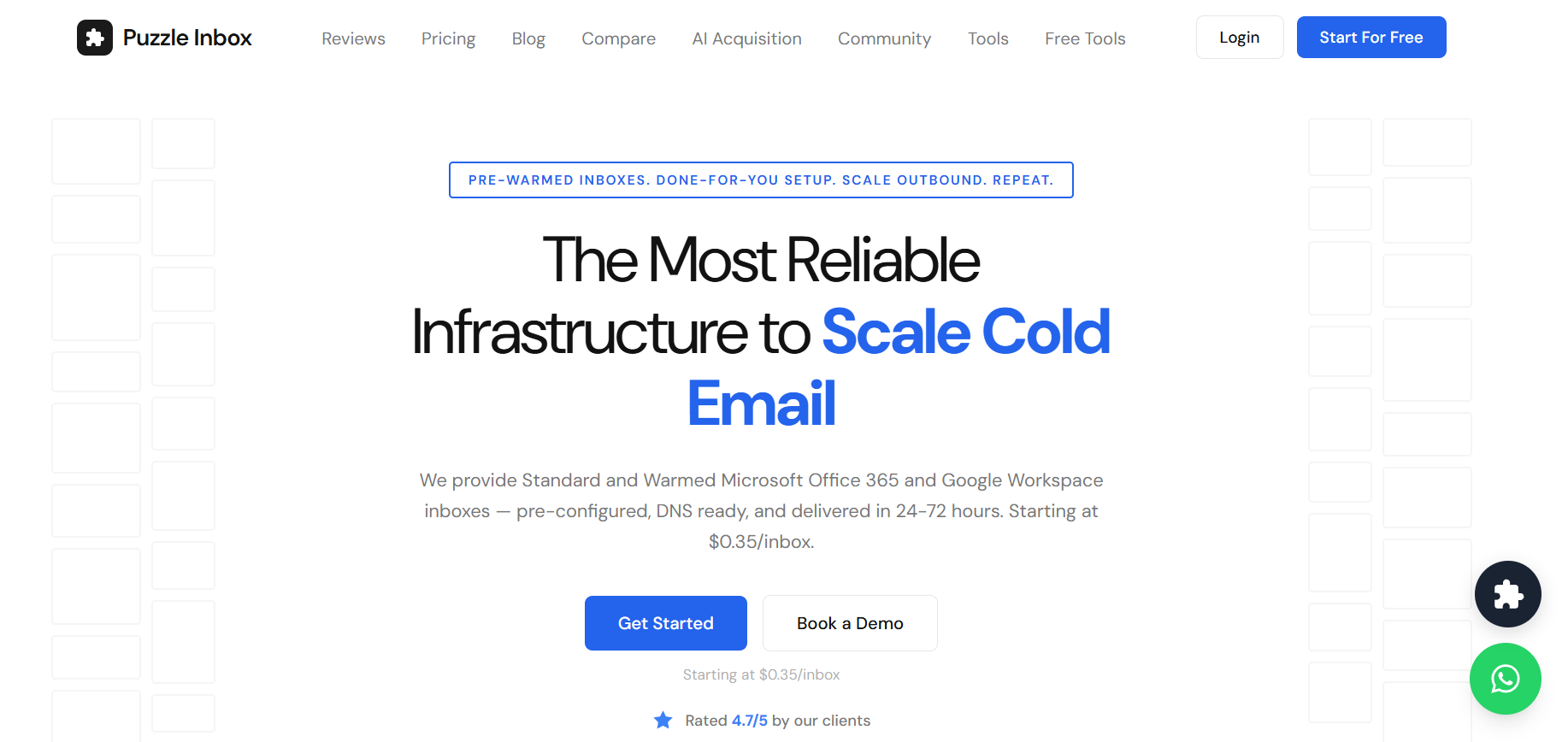
Puzzle Inbox is a Primeforge alternative built on the same core promise. You get real Google Workspace and Outlook 365 mailboxes with prewarming included at every tier. Setup lands in 24 to 72 hours after order, which is slower than Primeforge. But the per-mailbox cost is where the story gets interesting.
Standard Google Workspace mailboxes are $3 per mailbox per month. Prewarmed ones are $4.50. Standard Outlook 365 is $0.35 per mailbox per month, and prewarmed Outlook is $0.50. That Outlook 365 pricing is roughly 12 times cheaper than category norm for real Microsoft mailboxes. If your ICP is Outlook-heavy or you want to diversify across both platforms cheaply, Puzzle Inbox is hard to beat.
The support model is worth mentioning. Puzzle Inbox runs WhatsApp support with an average 15-minute response during business hours. That matters when an inbox suspends mid-campaign and you need help now instead of a 24-hour email queue.
There is one caveat you should read about honestly. During the August 2025 Google reseller crackdown, a small number of Trustpilot reviewers reported same-day mailbox suspensions. Some alleged that certain accounts were provisioned as educational Google Workspace profiles rather than real business tenants.
The majority of Trustpilot reviews across 40-plus posts remain positive, and Puzzle Inbox reports 70,800-plus active mailboxes across 300-plus agency clients. Still, test with a small batch before ordering at scale.
Puzzle Inbox goes cheap on real tenants. But if per-mailbox cost is the only metric you care about, Maildoso goes cheaper still. You just have to accept SMTP tradeoffs.
Maildoso is a Primeforge alternative built for high-volume agencies. The infrastructure is SMTP-first, which means you are not paying for Google or Microsoft licenses in the middle. Instead you get shared SMTP mailboxes that ship in minutes. You can add real Google Workspace accounts on top if you need them.
The math is where Maildoso wins. Per-mailbox cost drops from around $2.50 at 30 mailboxes to $0.75 at 300 mailboxes and as low as $0.50 at 1,000-mailbox setups. If you are running an agency or outbound program at real volume, Maildoso is the cheapest sane option on this list. Total infrastructure bill matters more than platform brand at that scale.
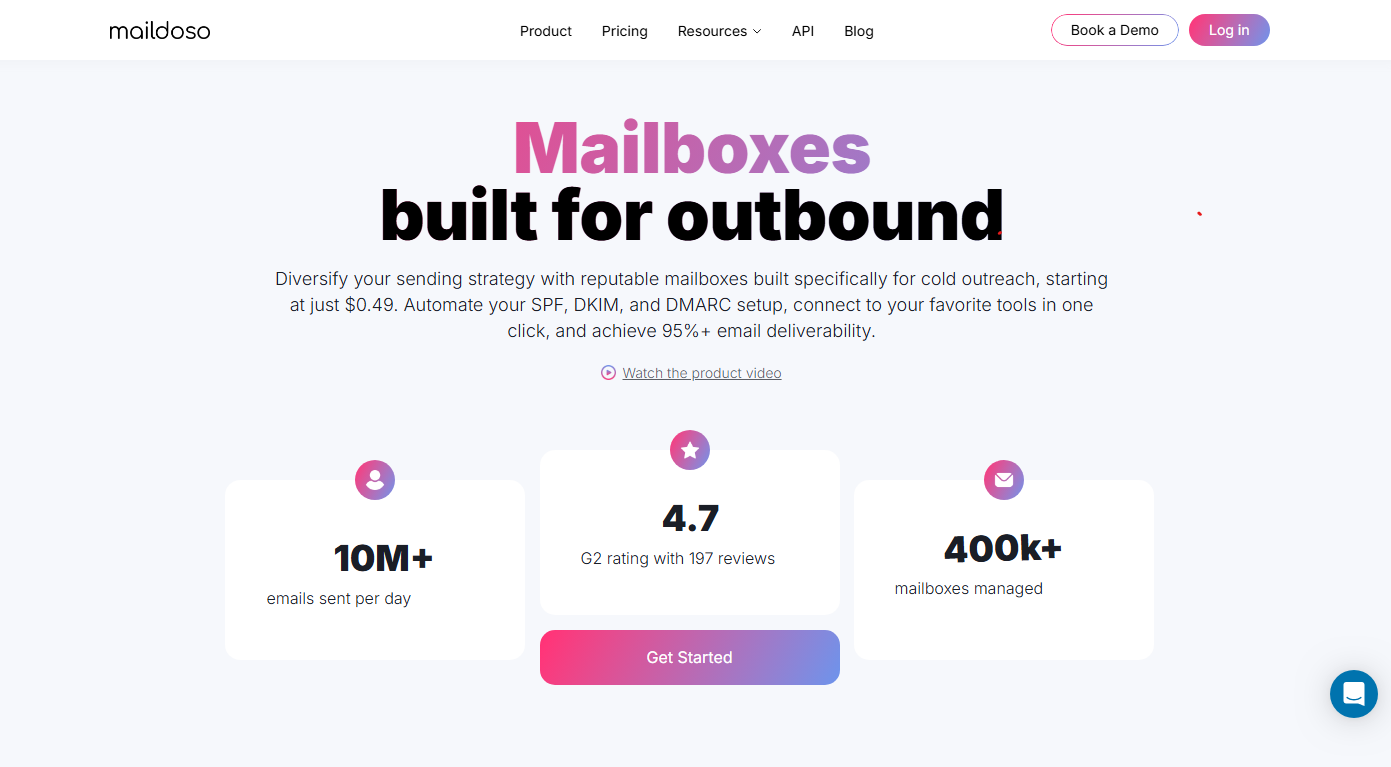
The catch is the shared infrastructure. Shared SMTP means reply-rate variance and occasional deliverability dips depending on who else is on the pool. Support runs slower too, at 24 to 48 hours per G2 review themes. One recent G2 reviewer alleged domains shipped already on the SURBL blacklist. That is a single review out of 209. But it is specific enough that you should verify a test batch before ordering at scale.
If Primeforge stopped working for you, the fix depends on the actual bottleneck. But if your sender reputation keeps getting dragged down by shared infrastructure and you want full control over how your emails deliver, Infraforge is the pick. You get dedicated IPs, prewarmed mailboxes ready to send from day one, and automated DNS across every domain.
Ready to test dedicated IPs and prewarmed infrastructure? Get started with Infraforge →
Mailforge is my top pick as a Primeforge alternative. It fixes the two problems most Primeforge users hit: cost at scale and the friction of managing real Google or Microsoft mailboxes. You get purpose-built cold email infrastructure at $2 to $3 per mailbox, warmup included, ready in 5 minutes.
No. Mailforge and Infraforge are proprietary cold email infrastructure, not real Google or Microsoft accounts. If you specifically need real Google Workspace or Microsoft 365 mailboxes, Primeforge is the Forge stack answer. Zapmail and Puzzle Inbox are the closest external alternatives.
Puzzle Inbox on Outlook 365 wins at $0.35 per mailbox for standard and $0.50 for prewarmed. Maildoso is the cheapest for SMTP infrastructure at $0.75 to $1.40 per mailbox at high volume. Mailforge is the cheapest inside the Forge stack, at $2 to $3 per mailbox.
Deliverability drops rarely trace back to the mailbox provider alone. The most common causes are spam-trigger copy, ICP mismatches, sending volume that outpaced warmup, and an earlier domain reputation hit. Audit those first. If the audit says the mailbox provider is the issue, then switching to a Primeforge alternative makes sense.
Shared IPs work for teams sending under 50,000 emails per month, where the cost of dedicated IPs is hard to justify. Dedicated IPs make sense past 100,000 emails per month, when full sender reputation control starts protecting real pipeline dollars. Infraforge is built for the dedicated IP path, and Mailforge is built for the shared IP path.
You do not always have to. Most cold email sequencers like Salesforge, Smartlead, and Instantly connect via SMTP, IMAP, or OAuth. That means any of the mailbox providers above will connect to your existing sending stack. The switch is on the mailbox layer only, unless you also want to change your sequencer for other reasons.
