
Personalized Outbound Strategy
Get The Right Outbound Strategy In Minutes
Enter your email to get a custom plan & stack recommendation for your business
It's being carefully crafted by AI
Please check your mailbox in 5 minutes

Puzzle Inbox offers Google Workspace inboxes for $3 and Outlook inboxes for just $0.35, with pre-warmed options and DNS setup included.
For my outbound campaigns, I wanted to see how much sending capacity those prices actually bought me.
A Google Workspace inbox allows only 12 cold emails daily, while an Outlook inbox allows just 3. So, to send 1,000 emails a day, I'd need 84 Google Workspace inboxes or 334 Outlook inboxes.
Puzzle Inbox also recommends Google Workspace over Outlook because of declining deliverability.
That raises a question. Are these inboxes really cheaper once you account for sending volume, and can you depend on them for daily outreach?
In this Puzzle Inbox review, I'll break down the pricing, setup, sending limits, and customer feedback to see where it makes sense for outbound and where it doesn't.
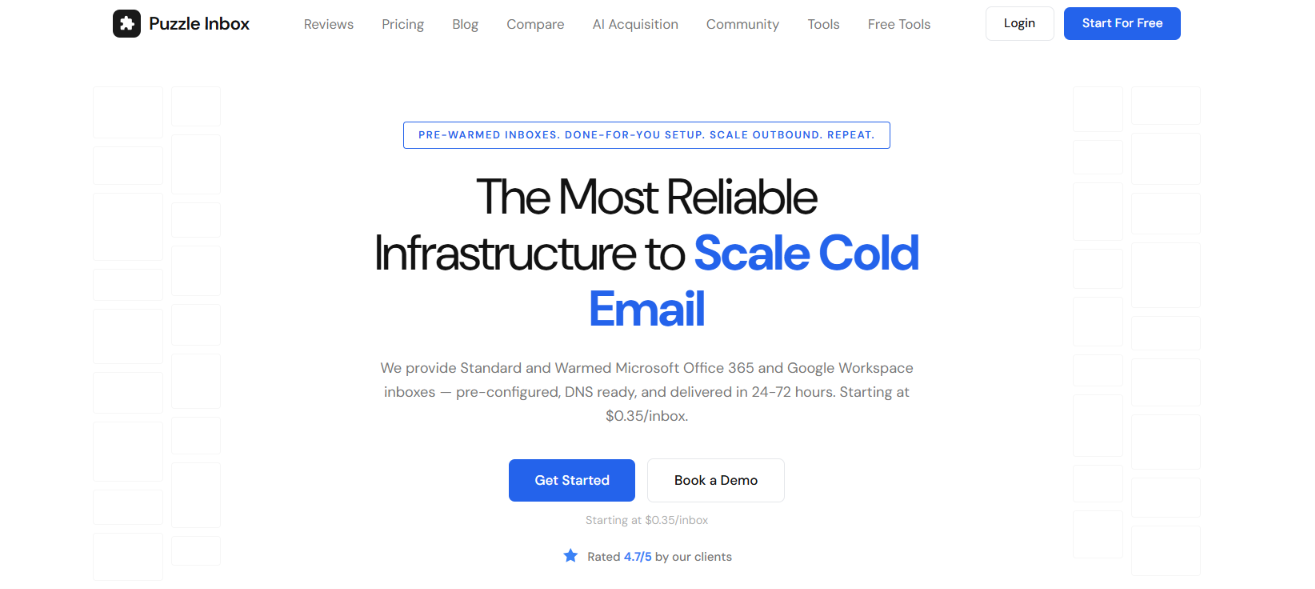
With Puzzle Inbox, you get Google Workspace and Microsoft 365 inboxes starting at $3 and $0.35 per inbox, respectively.
You can also order pre-warmed inboxes, get SPF, DKIM, DMARC, and MX records configured, and manage your accounts from one dashboard. Puzzle Inbox advertises delivery within 24–72 hours and supports bulk orders of 500+ inboxes.
However, Google Workspace inboxes are limited to 12 cold emails daily, while Outlook inboxes allow just 3. Here's how Puzzle Inbox compares with Mailforge.
Puzzle Inbox makes sense if you specifically need Google Workspace or Microsoft 365 inboxes with setup handled for you. However, its daily sending limits mean you'll need more accounts as your outreach volume increases.
Mailforge offers shared cold email infrastructure instead, with automated bulk DNS updates, multiple workspaces, and API access for managing domains and mailboxes.
Puzzle Inbox focuses on providing Google and Microsoft accounts, while Mailforge offers more documented options for managing cold email infrastructure at scale.
Puzzle Inbox has a 3.8/5 rating on Trustpilot from 23 reviews. Some users say the setup process is simple, with Puzzle Inbox handling domains, DNS settings, and mailboxes for them. Others praise the quick customer support and report good deliverability with Google Workspace and pre-warmed inboxes.
However, some users report poor deliverability, emails getting blocklisted, and problems with billing and cancellations. A few also mention dashboard issues that made it difficult to manage subscriptions or check campaign activity.
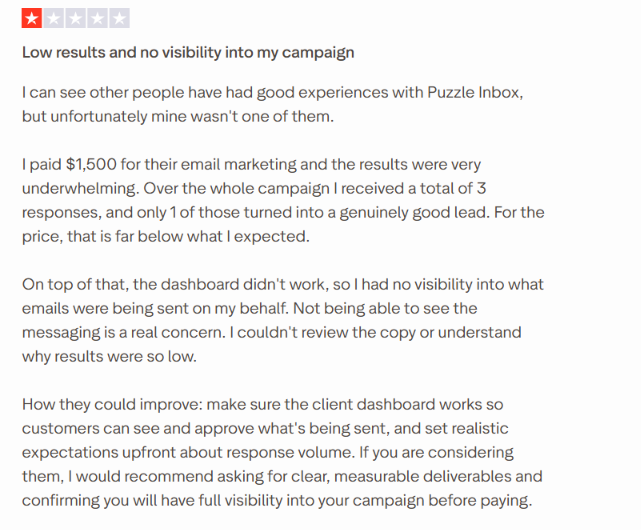
Overall, most reviews are positive, especially about setup and support. However, the complaints about deliverability and billing are worth checking. With only 23 reviews, it's difficult to tell how consistent the service is across customers.
I looked at Puzzle Inbox's pricing, sending limits, and setup process to see how it would fit into my outbound campaigns.
Google Workspace starts at $3 per inbox, while Outlook costs $0.35. Pre-warmed options cost $4.50 and $0.50, respectively. Outlook was cheaper, but Puzzle Inbox recommends Google Workspace because of declining Outlook deliverability.
For 1,000 cold emails daily, I calculated the following based on Puzzle Inbox's sending limits.
These figures exclude domain and sending software costs. Orders must also meet the minimum inbox requirements per domain.
Puzzle Inbox requires at least 3 Google inboxes or 100 Outlook inboxes per domain. It handles domain purchasing, SPF, DKIM, DMARC, and MX configuration, with advertised delivery within 24-72 hours.
Puzzle Inbox provides the mailboxes, but campaigns run through a separate sending tool. It advertises OAuth configuration, although connection steps depend on the sending software.
Pre-warmed inboxes cost more but don't increase daily sending limits. Both Google plans allow 12 cold emails per inbox daily, while both Outlook plans allow 3. Standard inboxes are not pre-warmed, so they need a gradual warmup before sending at full volume.
My takeaway: Puzzle Inbox handles the technical setup, but its daily sending limits mean higher-volume campaigns need more inboxes than the low starting prices might suggest.
After checking the mailbox plans and sending limits, I looked at what else Puzzle Inbox offers for running outbound campaigns. These are the features I found most relevant.
Puzzle Inbox has a dashboard where I can manage Google Workspace and Outlook inboxes from one place. It shows mailbox details, warmup status, and deliverability information. I can also order additional inboxes without going through a separate setup process for each account.
Puzzle Inbox advertises support for orders of 500+ inboxes in a single workflow. It uses different registrars and naming patterns when setting up large orders to reduce suspension risks. I couldn't verify whether this approach actually reduces account suspensions.
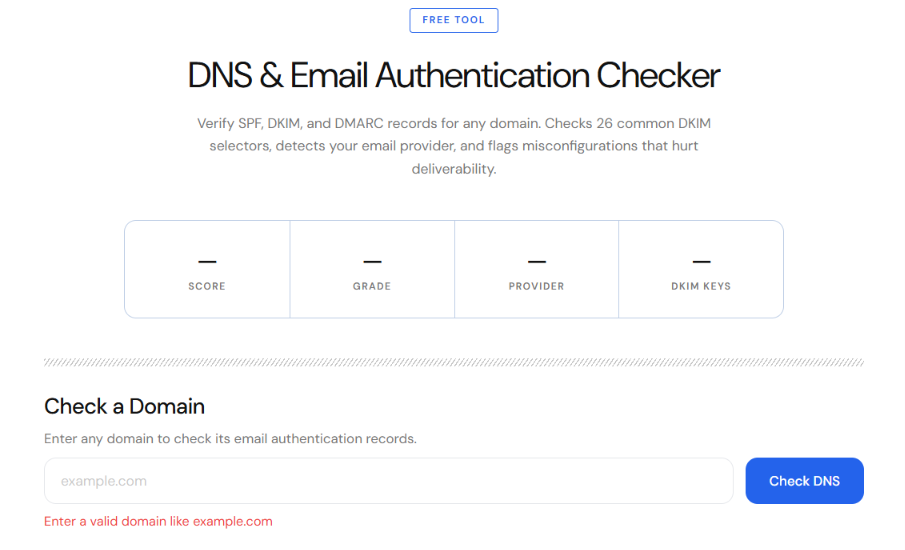
Puzzle Inbox has a free tool for checking SPF, DKIM, and DMARC records. You can enter a domain to check its email authentication settings. The tool also checks more than 20 DKIM selectors and flags configuration problems.
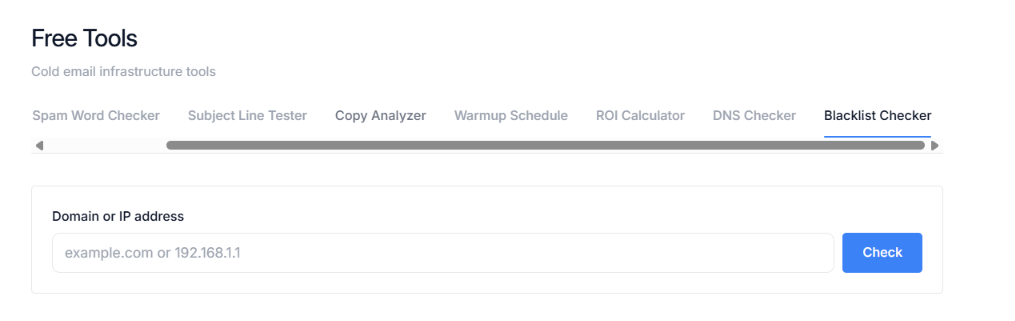
This tool checks whether a sending domain or IP address appears on more than 30 email blacklists. It covers lists such as Spamhaus, Barracuda, and SpamCop. If a listing is found, it provides links to request removal. I'd check this before using a domain for a new campaign.
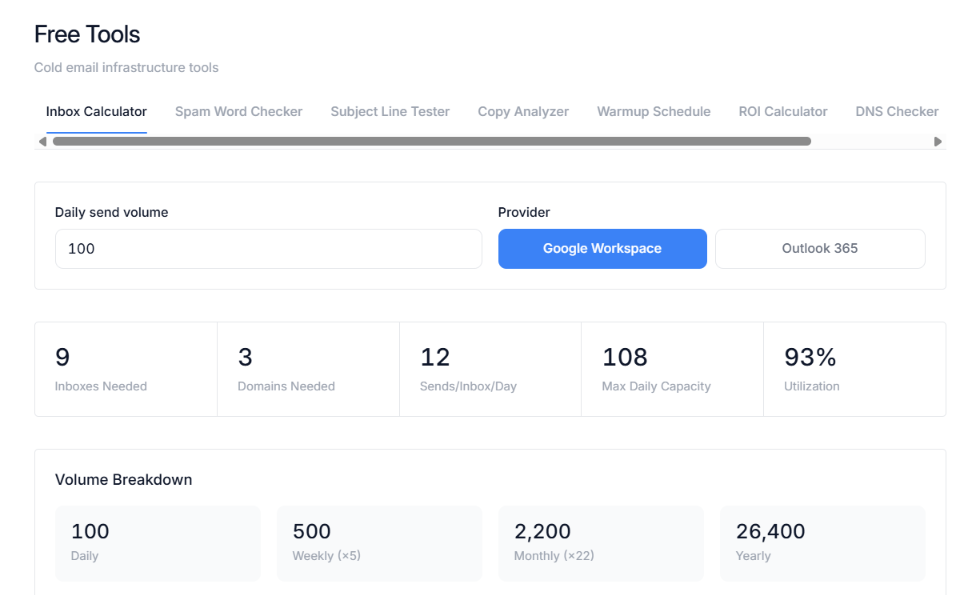
This was one of the more relevant tools when evaluating Puzzle Inbox for my outbound campaigns.
The calculator takes your daily sending target and estimates the required inboxes, domains, and mailbox costs. It also suggests an inbox rotation plan.
Puzzle Inbox has separate tools for reviewing cold email copy and subject lines. The copy analyzer checks email length, reading level, personalization, and calls to action.
The subject line tester reviews length, wording, and mobile previews. There's also a spam word checker that scans for more than 530 potential spam triggers. I wouldn't treat these scores as proof that an email will land in the primary inbox.
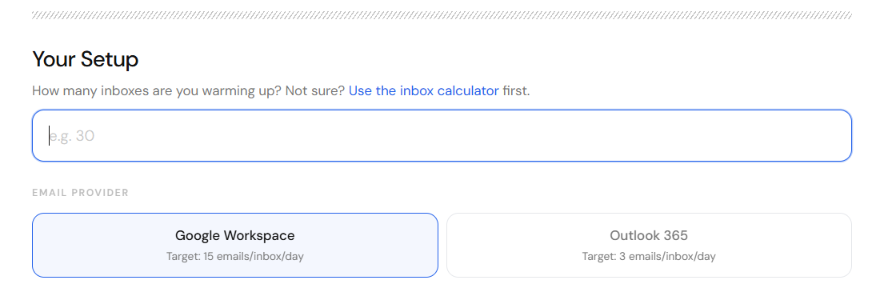
For standard inboxes, Puzzle Inbox provides a free tool that creates a day-by-day warmup schedule. It shows how sending volume can increase gradually instead of starting at the full daily limit.
Overall, I found the inbox calculator, DNS checker, and blacklist checker most relevant to evaluating my outbound setup. These tools help check campaign requirements before ordering inboxes, but you'll still need separate sending software to run your campaigns.
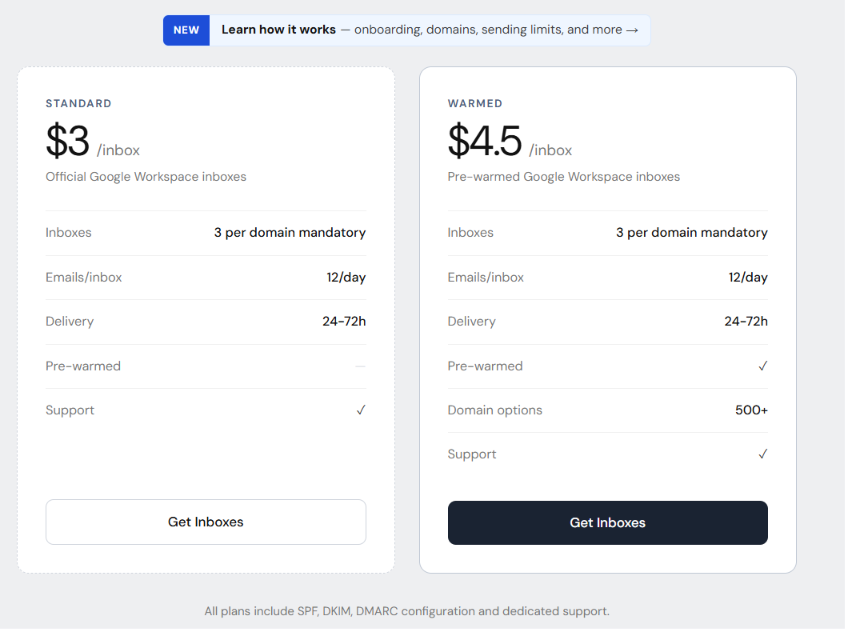
Puzzle Inbox starts at $0.35 per inbox, but the actual cost depends on the provider, daily sending limit, and number of inboxes required. Here's how its four mailbox plans compare.
All plans include DNS setup, support, and advertised delivery within 24-72 hours.
I calculated the monthly mailbox costs using the standard plans and published sending limits.
Outlook costs account for its 100-inbox-per-domain minimum. These calculations assume every inbox reaches its listed daily limit. Additional costs include domains and separate cold email sending software. Pre-warmed inboxes also cost more. Puzzle Inbox offers separate done-for-you outreach packages for 20,000–100,000 emails monthly, but doesn't list a fixed total price for the required tools.
Outlook is cheaper at higher volumes, but Puzzle Inbox itself recommends Google Workspace due to declining Outlook deliverability. I'd compare the total mailbox and domain costs before choosing either plan.
Puzzle Inbox is a good fit if you need Google Workspace or Outlook inboxes without setting everything up yourself. But its low daily sending limits and minimum order rules may not work for everyone.
Before choosing Puzzle Inbox, check how many emails you plan to send each day and how many inboxes you'll need. The starting price may look low, but the total cost can increase once you add more inboxes, domains, and sending software.
Puzzle Inbox provides Google Workspace and Outlook inboxes, but its low daily sending limits mean you may need to buy more inboxes as your campaigns grow.
If you're open to using shared email infrastructure instead of Google or Microsoft accounts, Mailforge is an alternative I'd consider.
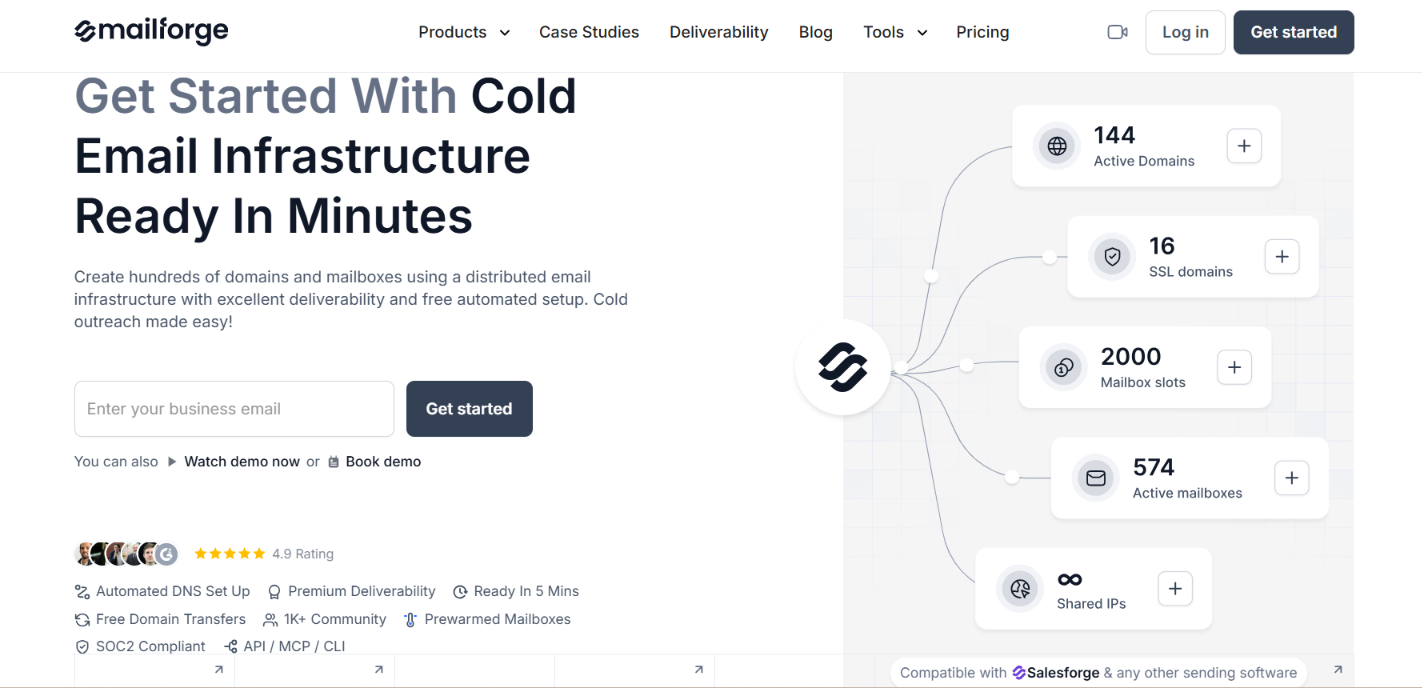
Mailforge is built for cold email and lets you create and manage domains and mailboxes without setting up everything manually.
Here's what you get with Mailforge.
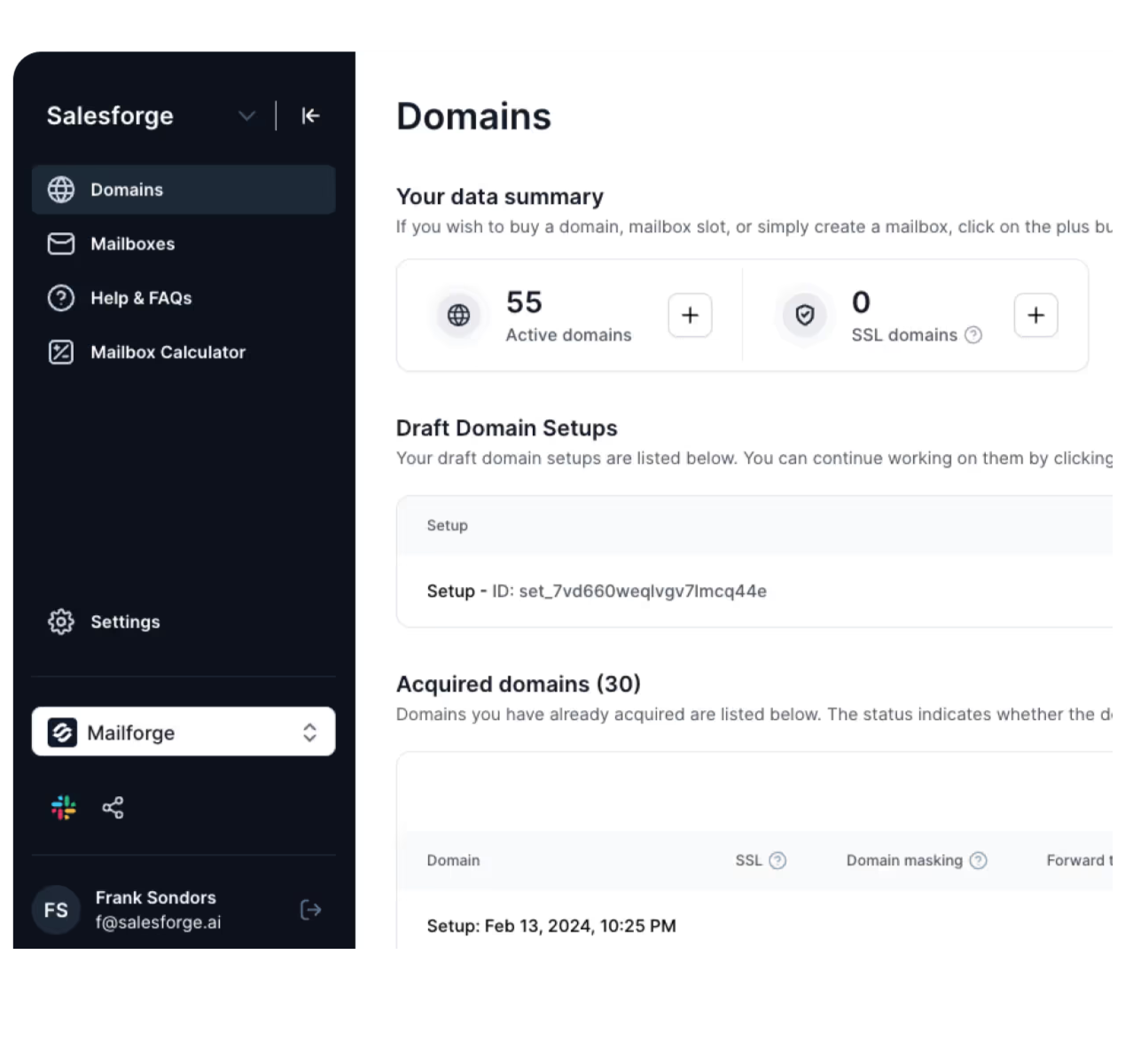
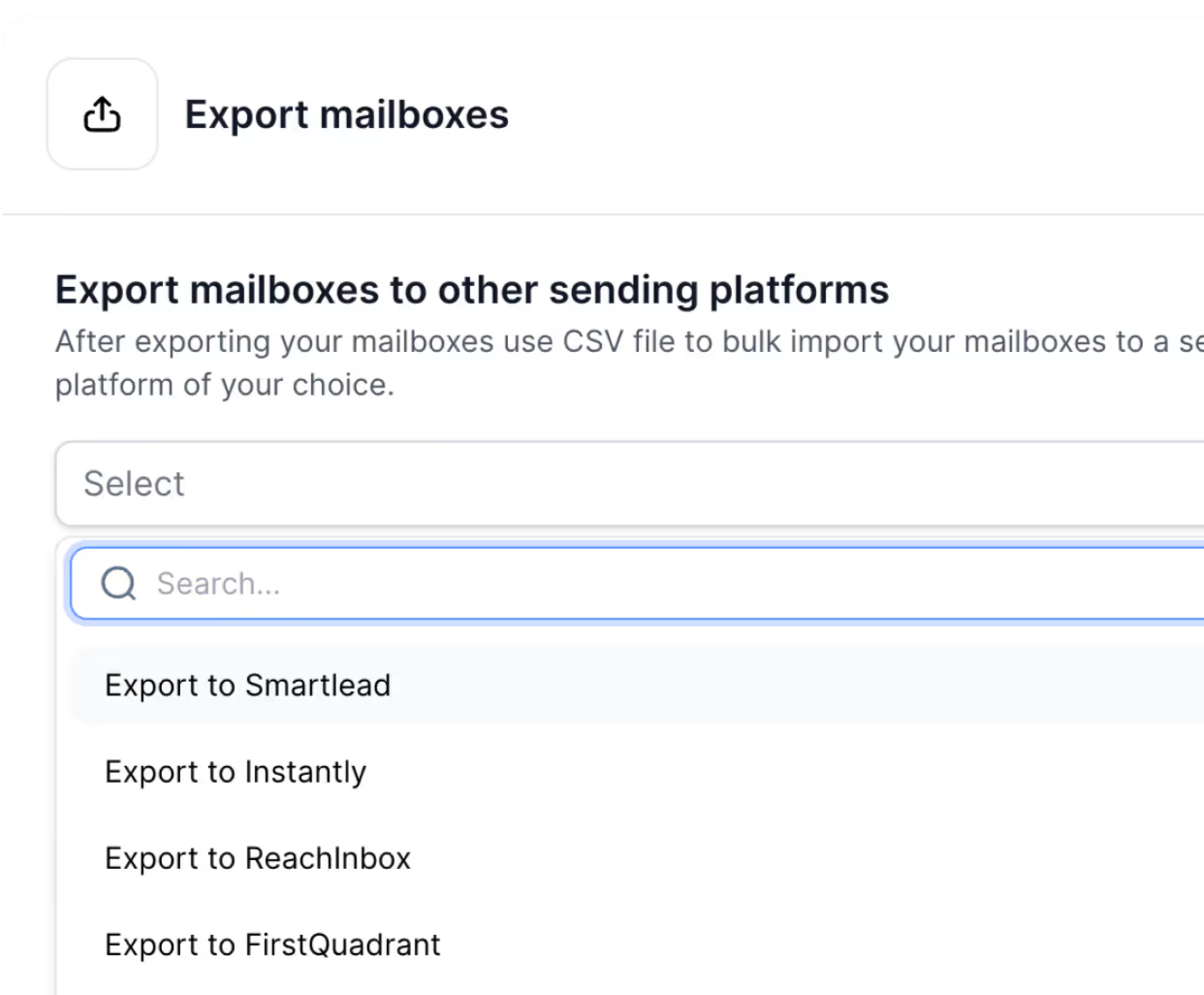
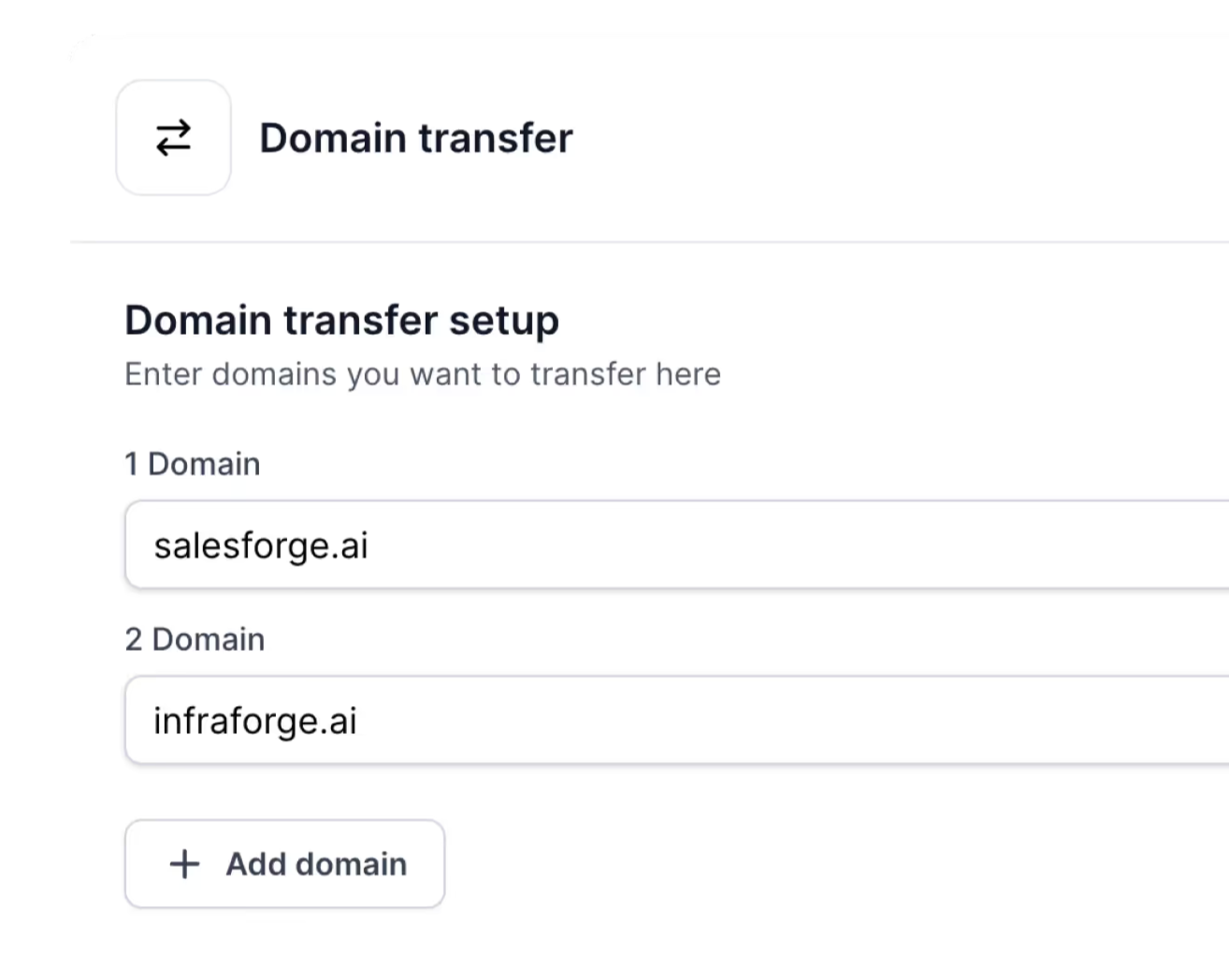
Mailforge requires a minimum purchase of 10 mailbox slots and uses shared IP infrastructure rather than Google Workspace or Microsoft 365 accounts.
If you want to set up and manage cold email mailboxes without relying on Google or Outlook, Mailforge is the alternative I'd compare with Puzzle Inbox.
Enter your email to get a custom plan & stack recommendation for your business
Please check your mailbox in 5 minutes

Puzzle Inbox is worth it if you want Google Workspace or Outlook inboxes without setting them up yourself. But I wouldn't choose it for sending large numbers of cold emails. It takes care of domains, DNS records, and mailbox setup. You can also buy pre-warmed inboxes, but they cost extra.
The main problem is the daily sending limit. You can send only 12 cold emails per Google inbox and 3 per Outlook inbox. To send more emails, you'll need more inboxes, which increases your costs.
If I were choosing cold email infrastructure for my outbound campaigns, I'd also look at Mailforge.
Mailforge lets you create hundreds of domains and mailboxes, handles DNS setup automatically, and starts at $3 per mailbox slot per month. It uses shared email infrastructure instead of Google or Microsoft accounts.
You should choose Puzzle Inbox if you specifically need Google or Outlook inboxes with setup handled for you. If you're open to another type of email infrastructure, try Mailforge and compare the costs for your sending needs.