
An email warmup tool can make or break your cold email campaigns.
I've spent a lot of time looking at how different warmup tools handle mailboxes, sender reputation, and sending volume.
One thing I've noticed is that choosing a tool based on warmup alone can leave you with a lot of unanswered questions.
Are your cold emails reaching the primary inbox, or sitting behind spam filters in the spam folder? Is your sender reputation improving? Are SPF, DKIM and DMARC problems affecting where emails land?
These are the things I wanted to answer in this list.
I've compared 9 email warmup tools in 2026, covering their key features, pricing, warmup pool, and the email deliverability features you get with each one.
I looked at each tool using the same six questions I ask before connecting a client mailbox to a warmup platform.
I looked at how each platform handles warmup activity, including the type of mailboxes in its network and how it creates email interactions. I also checked whether it supports multilingual warmup, since warmup activity should not be limited to English.
Warmup alone does not tell you everything about mailbox health. I checked whether each tool includes checks for SPF, DKIM, DMARC, DNS, MX records, blacklist status, and mailbox reputation.
I checked whether each platform lets you test where emails are landing across major email providers. Inbox, promotions, and spam placement can give you a clearer picture of deliverability before you increase sending volume.
I looked at the level of control available for warmup volume, schedules, sending activity, and mailbox settings. This becomes more important when you manage multiple mailboxes and domains.
I compared pricing based on mailbox volume rather than looking only at the starting price. The cost can change significantly when you move from a few mailboxes to larger sending setups.
I checked whether each tool offers API, MCP, CLI, or other automation options. These features can make a difference when warmup and deliverability need to be managed across a larger mailbox infrastructure.
Here is how the nine tools line up on the things that actually decide which one fits, including the warmup pool behind each product, whether pricing runs per inbox or per slot, and what you can test.
Scroll sideways to see every column.
| Factor | Warmforge | Lemwarm | Mailwarm | Warmy | MailReach | Warmup Inbox | Mailivery | InboxAlly | Warmbox |
|---|---|---|---|---|---|---|---|---|---|
| Best for | GTM teams and agencies | Sales teams and lemlist users who want warmup tools | Solo senders and small outreach teams | Teams needing broader deliverability monitoring | Agencies managing client cold email campaigns | Small GTM and sales teams | GTM and sales teams using cold email | GTM teams running active outreach campaigns | Solo senders and small cold email teams |
| Free option | 1 free slot, 1 free placement test monthly | Included with paid lemlist plans | N/A | Free deliverability tools | Free spam tests | 7-day trial | 7-day trial | 10-day trial | None |
| Starting price | $9 per slot per month, annual | $24 per month, billed yearly | $69 per month | Not published, quote based | $25 per inbox per month | $15 per inbox per month, billed annually | $29 per month | $149 per month | $15 per inbox per month |
| Pricing model | Per mailbox slot | Per mailbox | Per inbox | By warmup email volume | Per inbox | Per inbox | By warmup email volume | Flat, plus extra profiles | Per inbox |
| Premium warmup pool | Aged premium pool | 20,000+ healthy domains | 50,000+ real inboxes | Not published | 30,000+ premium inboxes | 30,000+ real inboxes | AI personas and real inbox interactions | Seed inboxes | Private inbox network |
| Multilingual warmup | Yes, 21+ languages | Personalized warmup content | English only | Yes | English only | Yes, 12 languages | English only | Uses your own campaign copy | English only |
| Inbox placement tests | Yes | Yes | Yes | Yes | Yes | Yes | Yes | Yes | Yes |
| Reputation score | Heat Score™ | Deliverability reporting | Live placement dashboard | Google Postmaster reputation data | Reputation score | Inbox health score | Health Score | Engagement reporting | Reputation monitoring |
| Health checks | DNS, MX, blacklist and authentication checks | Blacklist monitoring and inbox placement | Spam score and deliverability checks | DMARC monitoring and email verification | SPF, DKIM, DMARC and blacklist | Blacklist and spam alerts | Blacklist monitoring | SPF, DKIM, DMARC and DMARC reporting | DNS and blacklist checker |
| Mailbox types | Google, Microsoft 365, IMAP and SMTP | lemlist-connected mailboxes | Gmail, Outlook, Yahoo, M365, SMTP | Gmail, Outlook, M365, SMTP | Gmail, Outlook, M365, SMTP | Google, Outlook, Zoho, SMTP | M365, Gmail, SMTP, SendGrid | Existing sending setup | Gmail, Outlook, Zoho, SMTP |
| API, MCP and CLI | Yes, all three | API only, no information about MCP or CLI | Not clearly documented | Yes, API | Yes, API and MCP | Yes, API | Yes, API | Yes, API | Not clearly documented |
Every plan name and price above comes from each vendor's own pricing page in October 2026. Check each vendor's live pricing page before you commit, because prices change often.
Here is each tool in detail, with its warmup approach, key features, pricing, and who it suits.
Best for: GTM teams and agencies that manage multiple inboxes and need warmup with built-in deliverability checks.
Warmforge is an AI-powered email warmup service that helps build sender reputation and improve email deliverability. It supports warmup activity in 21+ languages, so the emails exchanged during the process are not limited to English.
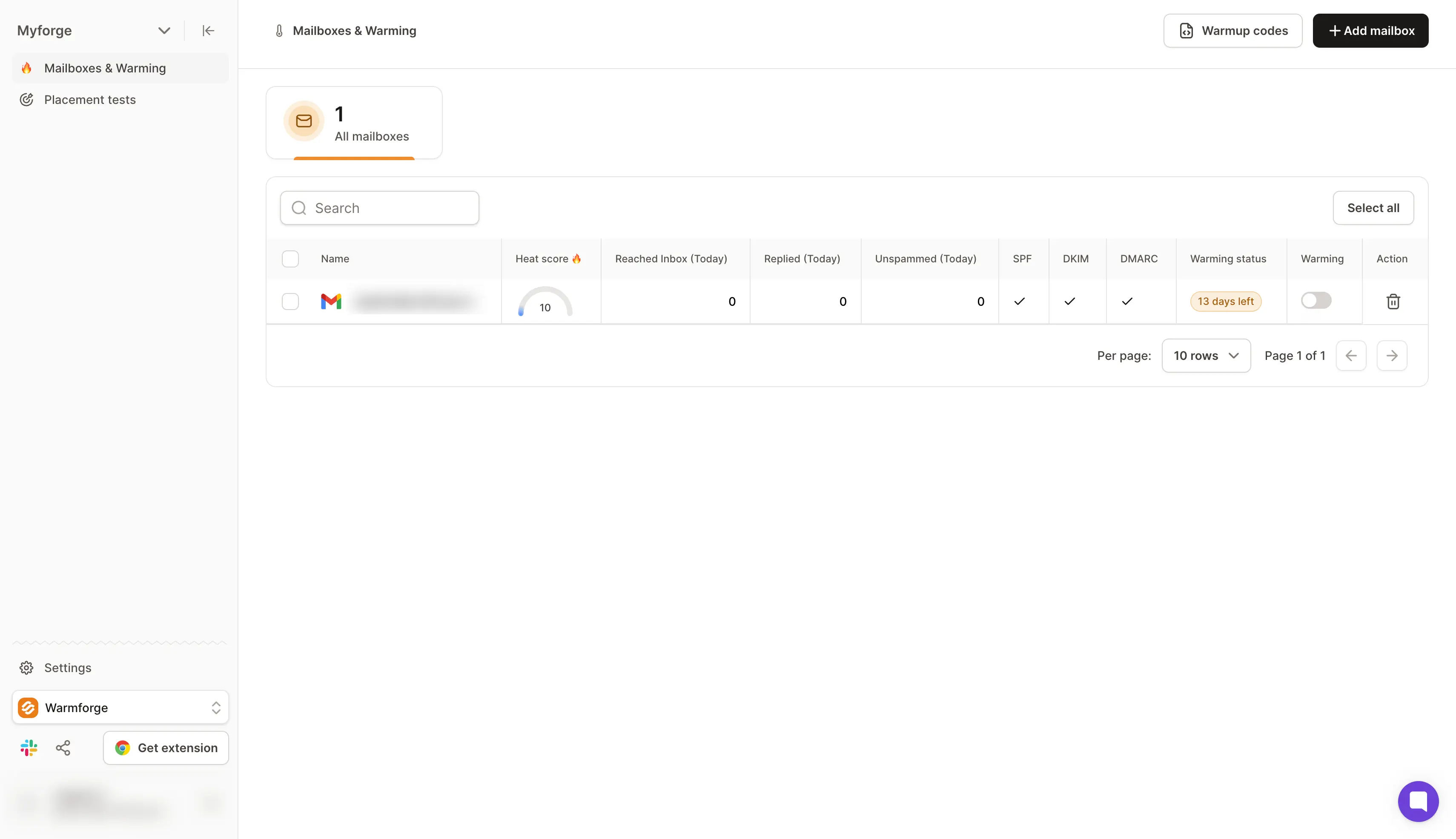
You can start fully automated warmup with one click after connecting a mailbox. Its premium email warm-up pool includes SMTP, Google Workspace, and Microsoft 365 mailboxes, and warmup keeps running while your campaigns send.
Its Heat Score™ helps track mailbox reputation over time. Plus, inbox placement tests show whether emails reach the primary inbox, promotions, or the spam folder across email service providers such as Gmail and Outlook.
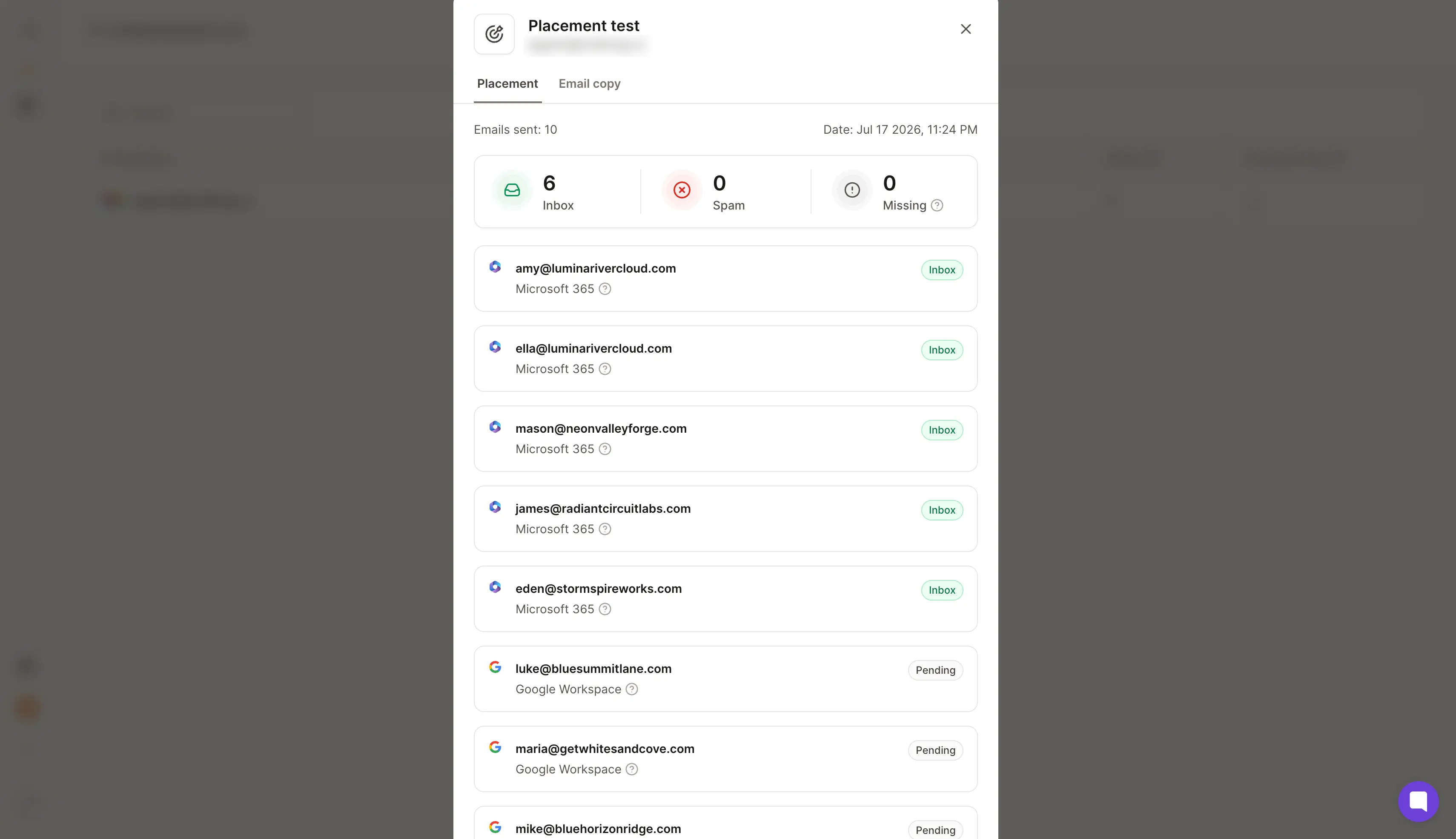
Warmforge also checks SPF, DKIM and DMARC records, MX records, and blacklist status for potential deliverability issues. It offers MCP and CLI workflows for managing supported warmup and deliverability tasks.
Overall, Warmforge stands out from most warm-up tools available in the market.
Warmforge offers a standalone warmup plan for teams that need to warm mailboxes outside the Salesforge platform. The Warmup plan costs $9 per mailbox slot per month when billed annually, and new users get one free slot.
Each warmup slot includes AI warmup, DNS and MX checks, blacklist monitoring, and one free inbox placement test per month. For teams that need more placement tests, Warmforge offers two additional plans.
Create your free Warmforge slot and run your first placement test today. No credit card required.
Best for: GTM teams and agencies already using lemlist for cold outreach.
Lemwarm is an email warmup and deliverability tool from lemlist. It uses the largest warm-up network of aged domains across 100+ countries.
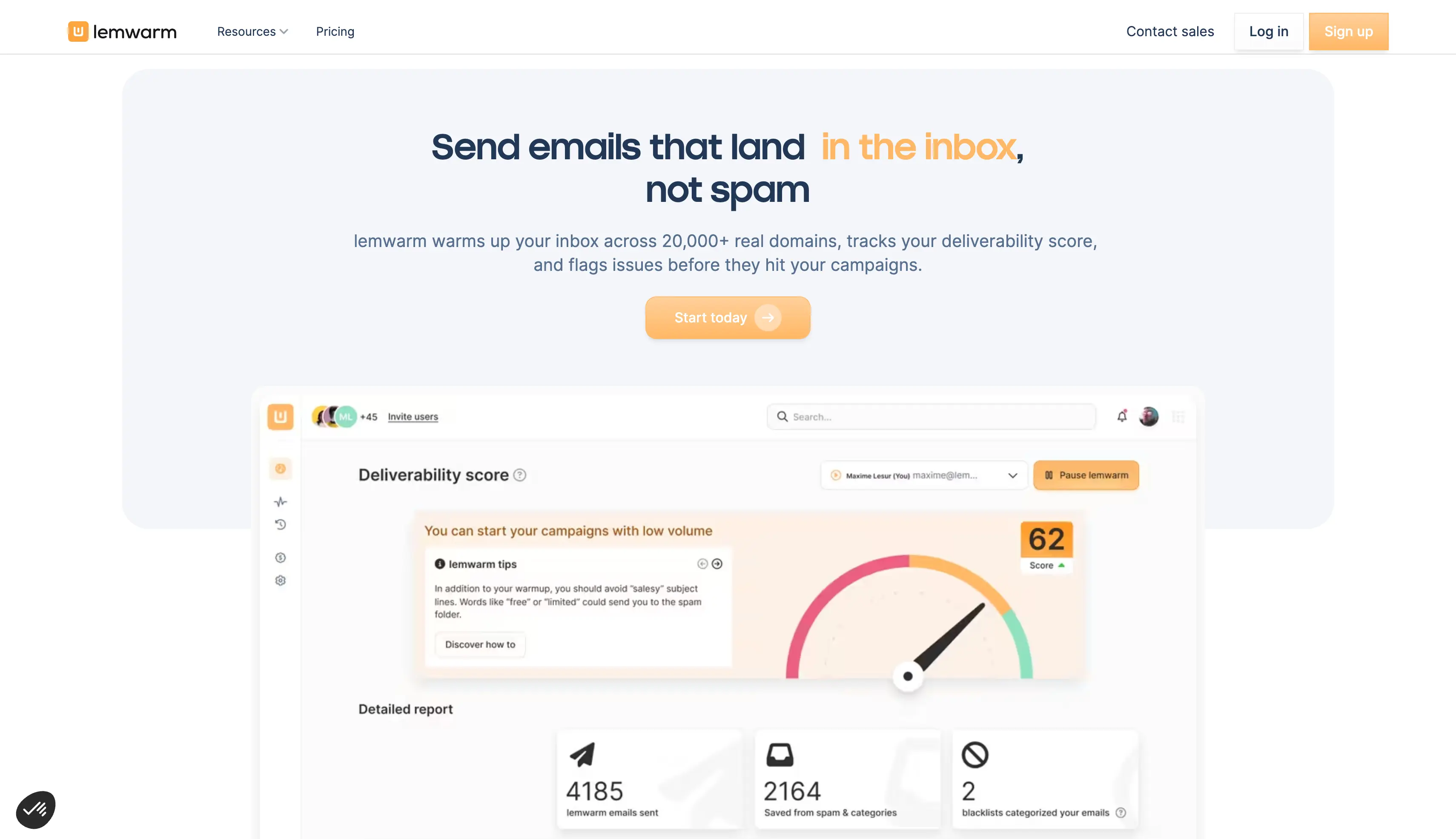
You can connect an inbox and start automated warmup with a simple setup. Its technical checks and deliverability reports also help identify issues that can affect inbox placement.
The Smart plan adds personalized warmup emails and support for warming your actual email templates. It also includes custom deliverability alerts and an industry-specific warmup network.
Lemwarm is included with every lemlist plan. Standalone plans are also available for teams that want to use it separately.
The Essential plan costs $29 per email per month, or $24 per month with annual billing. It includes automatic warmup, technical setup checks, deliverability reports, human warmup emails, and the warmup network.
The Smart plan costs $49 per email per month, or $40 with annual billing. It adds personalized warmup emails, real-template warmup, custom alerts, and an industry-specific warmup network. Larger teams can contact sales for custom pricing.
At 10 mailboxes the Essential plan costs $240 a month on annual billing, against $90 on Warmforge at $9 per slot.
Best for: Solo senders and small outreach teams that want warmup plus deliverability support.
Mailwarm is an email warmup and deliverability platform that helps improve sender reputation. It supports provider-level warmup across common email setups.
You can warm Gmail, Microsoft 365, Outlook, Yahoo, and SMTP accounts. The platform also supports B2B and B2C warmup.
Mailwarm provides spam score monitoring and email content warmup alongside its mailbox warmup features. It also includes authentication tools to help identify common setup issues.
Its higher plans support more mailboxes, users, daily interactions, and deliverability expert calls.
The Starter plan costs $69/month when billed annually and supports one mailbox or SMTP connection with up to 50 warmup emails per day.
The Growth plan costs $159/month and supports three mailboxes or SMTP connections with up to 200 warmup emails per day. The Scale plan costs $479/month and supports up to 10 mailboxes or SMTP connections with up to 500 warmup emails per day. Custom plans are also available.
At 10 mailboxes the Scale plan costs $479 a month, against $90 on Warmforge at $9 per slot on annual billing.
Best for: GTM teams and agencies that need warmup with broader deliverability monitoring.
Warmy is an email deliverability platform that combines warmup with reputation monitoring and other deliverability tools. It also uses Google Postmaster data to provide more information about domain and IP reputation.
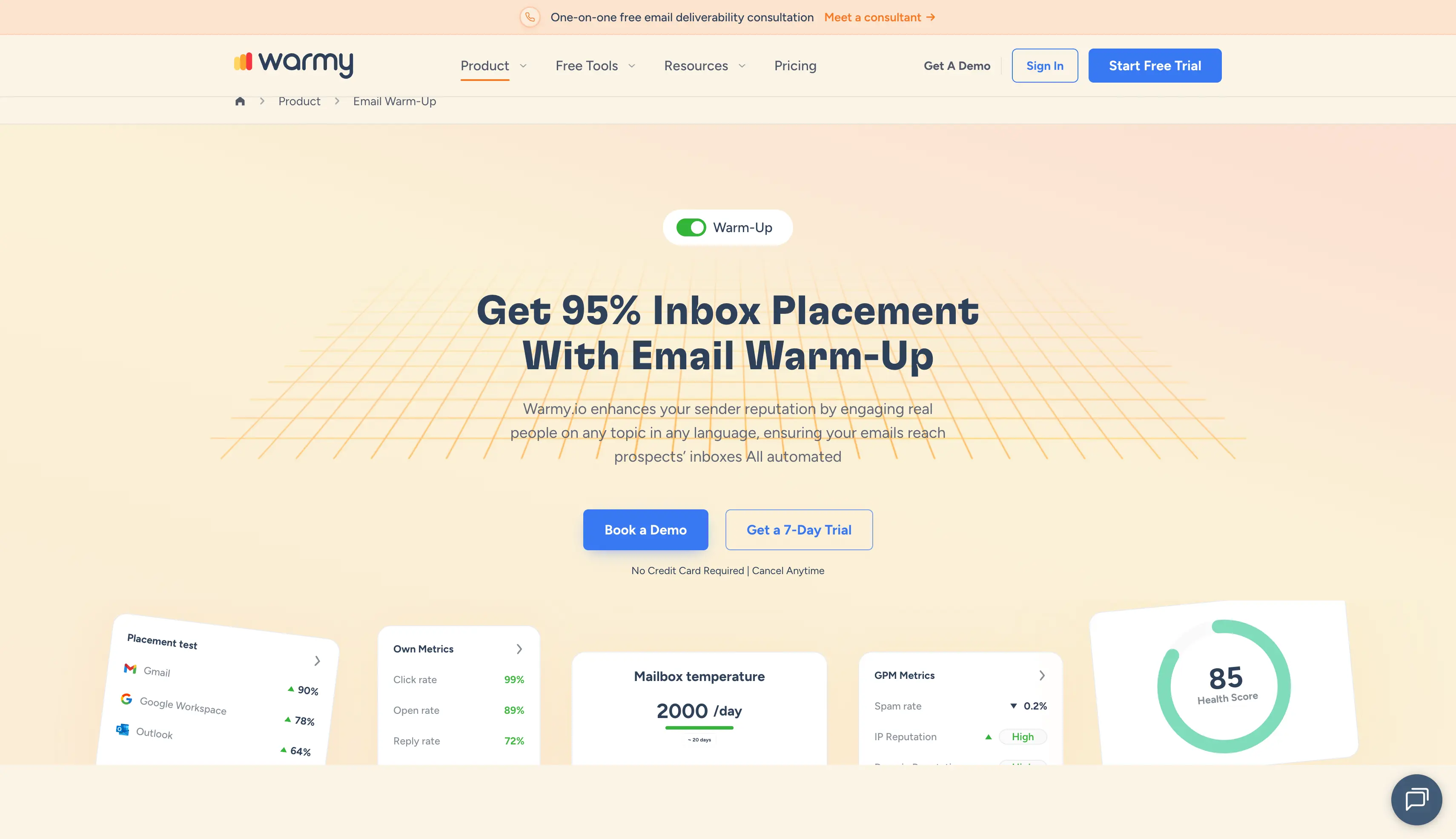
Its warmup system uses automated warmup interactions to build sender reputation. You can also monitor reputation and receive alerts when deliverability signals change.
Warmy includes tools for email verification and DMARC monitoring. Its AI template optimizer can also review email content for potential spam triggers.
The platform offers API access and automation through tools such as n8n. Pricing is volume-based rather than a simple per-inbox plan.
Warmy uses volume-based pricing for its warmup and deliverability services. Pricing depends on the required warmup volume and setup. Its pricing comes as a custom quote, so you need to contact the sales team.
Best for: B2B GTM teams and agencies managing multiple cold email mailboxes.
MailReach is an email warmup and deliverability platform built for B2B outreach. Its system combines automated warmup with spam testing and deliverability monitoring.
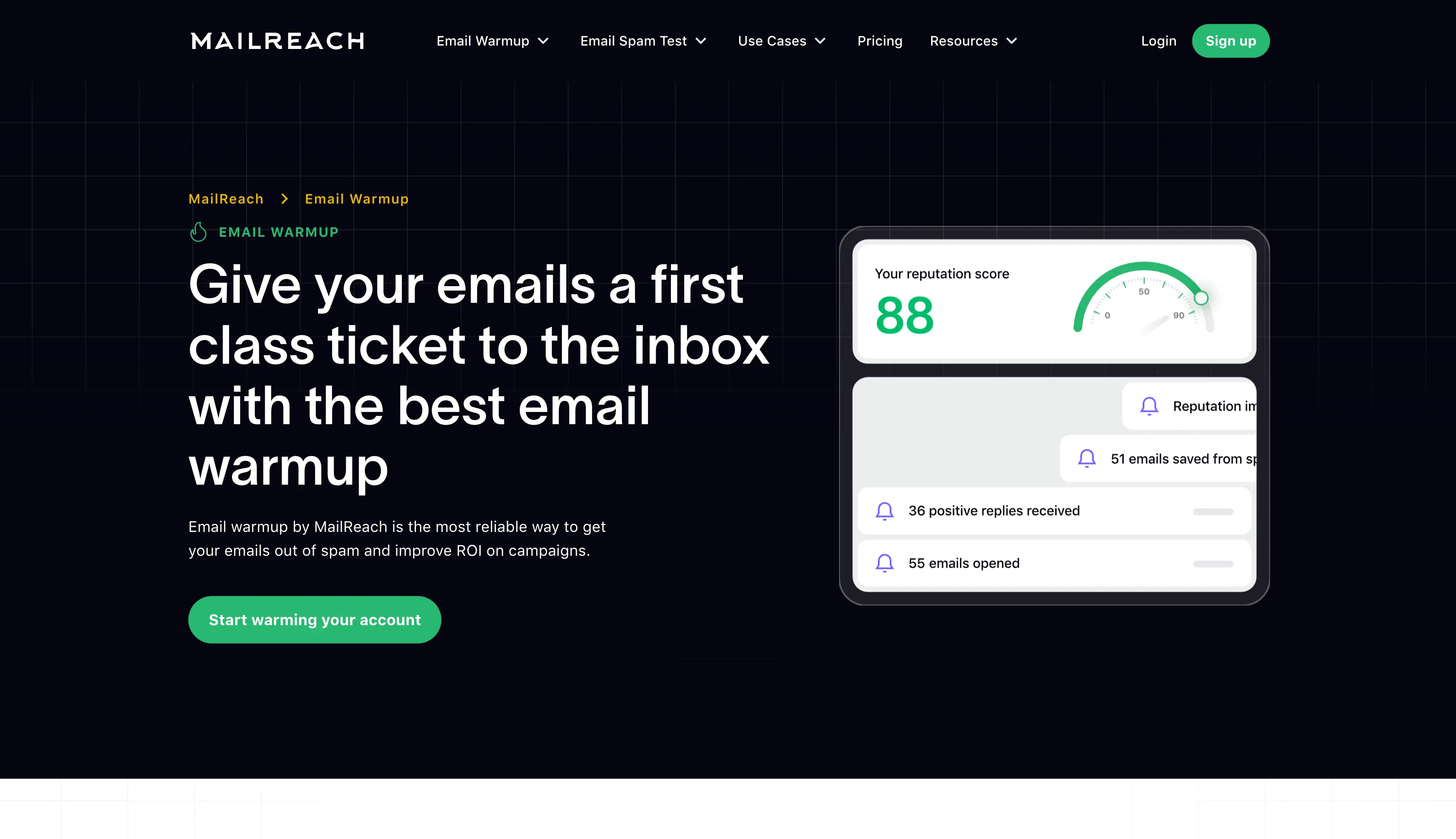
The platform can test inbox placement and provide visibility into how emails perform across providers. It also checks important signals such as SPF, DKIM, DMARC, and blacklist status.
MailReach includes an AI warming algorithm to manage warmup activity. Its reporting also helps monitor mailbox and domain health as sending volume increases.
Pricing is based on the number of mailboxes you warm. The platform also offers spam testing alongside its email warmer.
MailReach starts at $25 per mailbox per month on its current pricing structure. The all-in-one plan includes automated warmup and spam testing credits, with pricing changing based on the number of mailboxes selected.
At 10 mailboxes that works out at $250 a month, against $90 on Warmforge at $9 per slot on annual billing.
Best for: Solo senders, GTM teams, and agencies that need simple mailbox warmup.
Warmup Inbox is an automated email warmup platform with a network of 30,000+ real inboxes. It supports warmup for common email providers and includes spam and reputation monitoring.
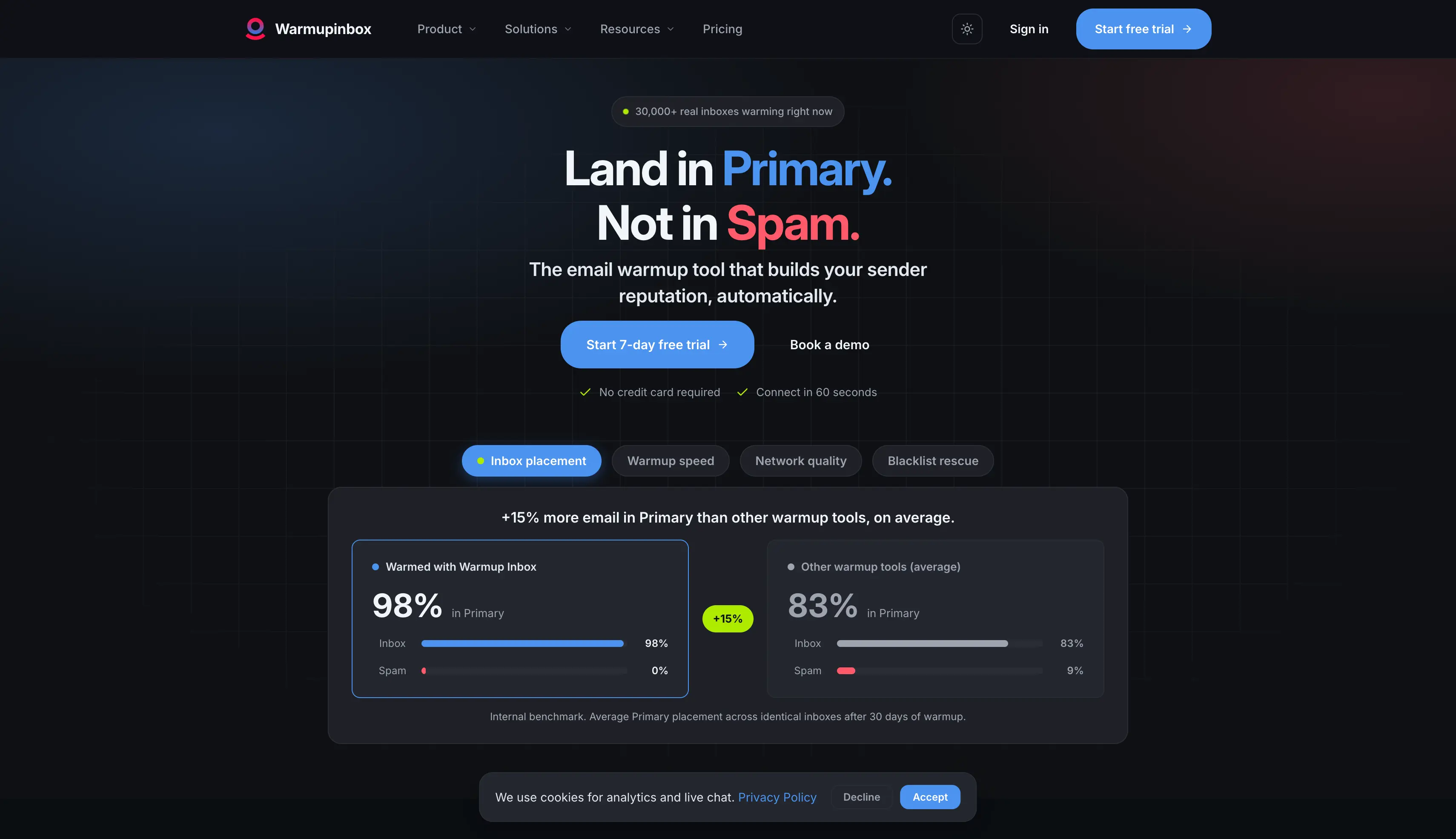
You can connect an inbox and start automated warmup without managing individual warmup conversations. The platform also uses AI-generated content during the warmup process.
The Pro plan adds language warmup, specific ESP warmup, custom templates, and custom warmup settings. Its developer API also lets teams manage warmup through their own systems.
The platform offers a seven-day free trial without requiring a credit card. Pricing is charged per inbox, with volume discounts available for larger setups.
The Basic plan costs $15 per inbox per month and includes up to 75 warmup messages per day. The Pro plan costs $49 per inbox per month and includes up to 250 warmup messages per day.
The Max plan costs $79 per inbox per month and supports up to 1,000 warmup messages per day. Volume pricing is available for teams managing more than 50 inboxes.
At 10 inboxes the Basic plan costs $150 a month, against $90 on Warmforge at $9 per slot on annual billing.
Best for: GTM teams and agencies managing multiple inboxes under a shared warmup volume.
Mailivery uses a flat-rate approach to email warmup. You can connect unlimited email accounts and share the daily warmup volume across them, which suits teams managing multiple inboxes on one budget.
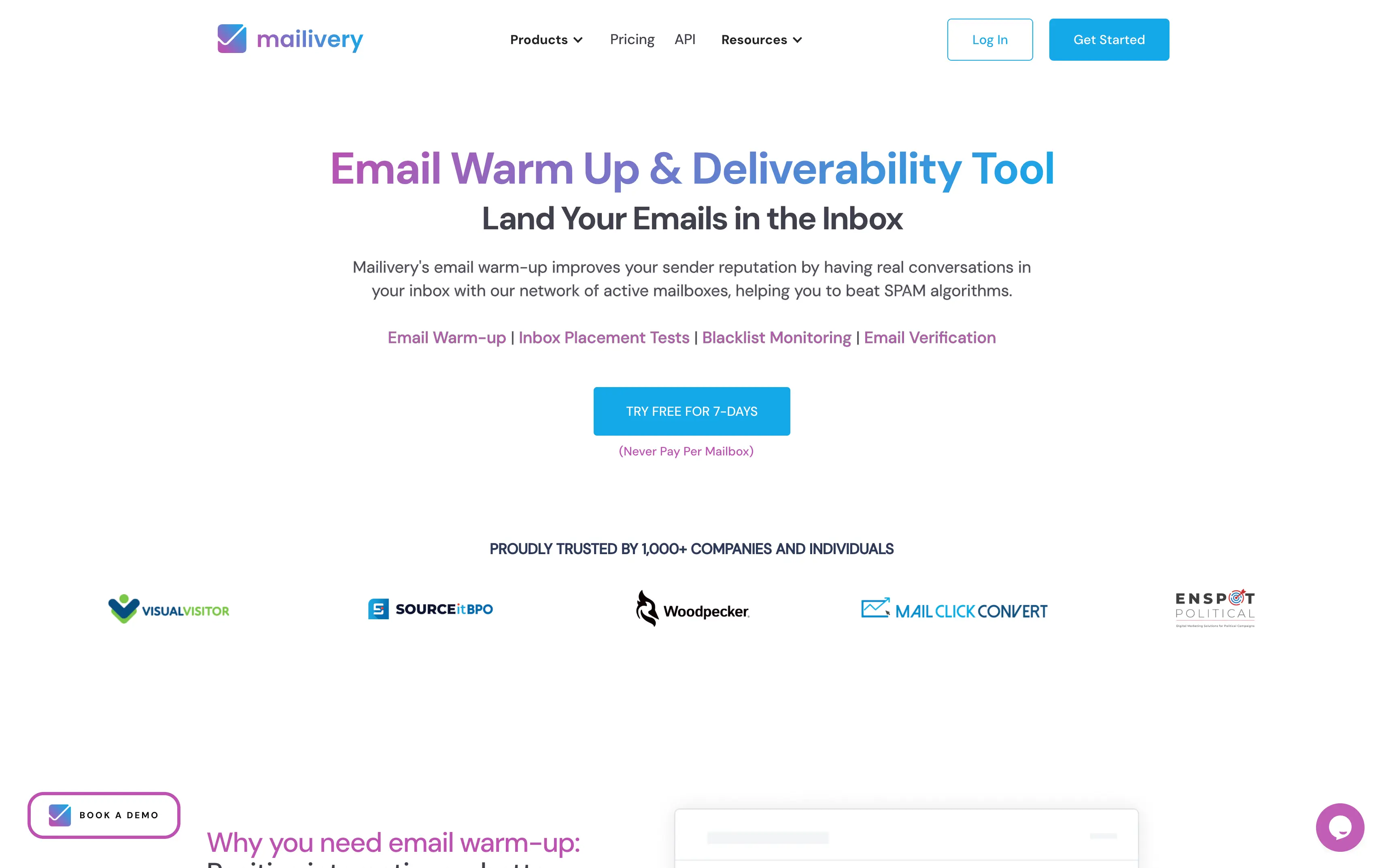
The platform supports Gmail, Google Workspace, Microsoft 365, and SMTP accounts. It also provides inbox placement tests, blacklist monitoring, and email verification credits.
Mailivery includes custom warmup templates and automated email reading. Its higher plans increase the shared daily warmup volume and the number of included monitoring and testing credits.
The Starter plan costs $29/month and includes 200 shared warmup emails per day. The Professional plan costs $79/month and includes 800 daily warmup emails.
The Business plan costs $199/month and includes 2,500 daily warmup emails. All three plans support unlimited connected mailboxes, with different limits for placement tests, blacklist monitors, and verification credits.
At 50 mailboxes the Starter plan costs $29 a month against $450 on Warmforge standalone, though the 200 shared warmup emails a day work out at four per mailbox. On Salesforge, warmup is included with unlimited slots.
Best for: Sales teams and agencies that need advanced deliverability monitoring and sender reputation management.
InboxAlly uses seed inboxes to create engagement around your emails. Its system is designed to build sender reputation and help with inbox placement.
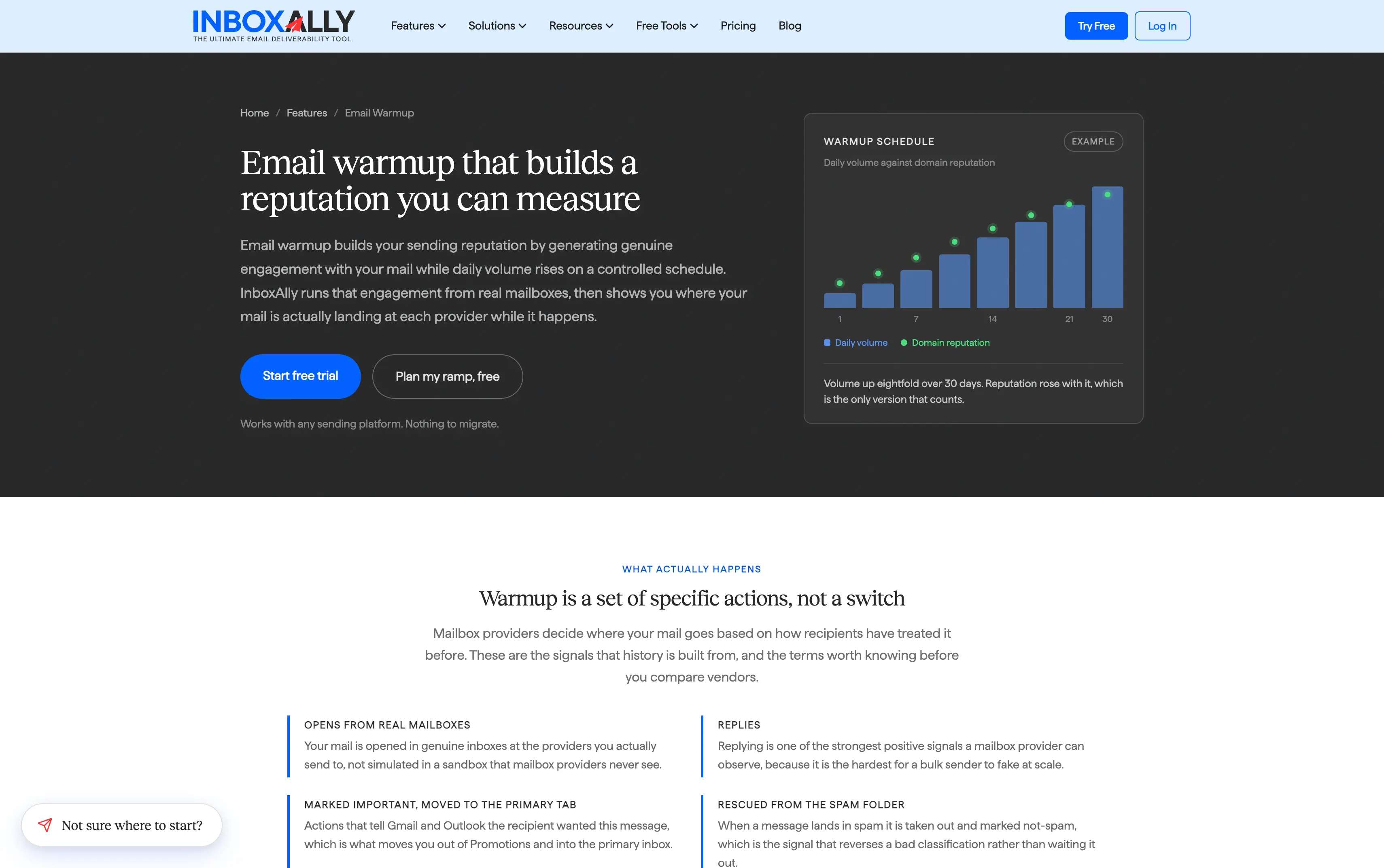
The platform combines adaptive autowarmup with sender reputation scoring. Its IA Score and IA Reputation provide additional visibility into sender health.
InboxAlly also includes inbox placement testing, blacklist monitoring, DMARC reporting, and content testing. Its REST API and CRM integrations can connect deliverability data with other systems.
The Starter plan costs $149/month and includes one sender profile with 100 seed emails per day. The Plus plan costs $645/month and supports five sender profiles with 500 seed emails per day.
The Premium plan costs $1,190/month and supports 10 sender profiles with 1,000 seed emails per day. Enterprise plans offer custom seed volume and unlimited sender profiles.
One sender profile at $149 a month costs more than warming 16 mailboxes on Warmforge at $9 per slot on annual billing.
Best for: Solo senders, sales teams, and agencies that want simple automated warmup.
Warmbox is an automated email warmup tool that allows building mailbox activity and supporting deliverability. It provides different plans based on the number of inboxes and daily warmup volume.
The platform uses automated interactions to create email activity during warmup. It also provides controls for managing the warmup process based on your sending needs.
Warmbox includes features such as spam score monitoring, DNS checks, blacklist monitoring, and reporting. Higher plans support more inboxes, higher daily warmup volumes, and more team members.
The Solo plan costs $15/month with annual billing and supports one inbox with 50 emails per day. The Start-up plan costs $69/month and supports three inboxes with 250 emails per day.
The Growth plan costs $139/month and supports six inboxes with 500 emails per day. Monthly billing is $19, $79, and $159 respectively, while custom plans are available for larger teams.
At six inboxes the Growth plan costs $139 a month, against $54 on Warmforge at $9 per slot on annual billing.
The warmup pool determines the type of email activity your mailbox receives. The largest warmup network is not automatically the best one, so check the email providers behind it, the mailbox types, and whether the accounts are real business inboxes.
Warmup activity does not show where campaign emails are landing. Inbox placement testing can show whether emails reach the primary inbox, promotions, or the spam folder.
Paid plans start cheap and scale very differently. Check whether the tool charges per inbox, per slot, or by warmup volume, and price it at the number of email accounts you will actually run. Teams managing multiple inboxes get caught out here most often.
DNS checks, SPF, DKIM and DMARC validation, blacklist monitoring, spam score monitoring, and domain reputation tracking can help identify problems outside the warmup process.
API, MCP, CLI, and other automation options can matter for teams managing multiple inboxes. They can reduce manual work across your infrastructure and deliverability workflows.
Warmup is bundled into some sending platforms and sold separately by others. Buying it twice is the most common waste in this category.
Almost no standalone warmup tool runs a forever free plan, and most offer a short trial instead. Look at what the free option actually includes, because a trial without inbox placement testing tells you very little about where your emails land.
Choosing the right email warmup tool can make a real difference to your cold email deliverability. Warmup, sender reputation, inbox placement, and domain reputation all matter when you scale cold outreach campaigns.
If you want to manage warmup and deliverability checks in one place, I'd suggest you get started with Warmforge. It offers fully automated warmup, inbox placement testing, Heat Score™, and mailbox health checks across SPF, DKIM, DMARC and blacklists.
You can sign up for Warmforge and start warming your mailboxes while keeping an eye on your deliverability.
It also works with mailboxes from Infraforge, Primeforge and Mailforge, so warmup sits alongside the rest of your cold email infrastructure.
If you would rather skip the warmup wait entirely, pre-warmed mailboxes from Infraforge ship ready to send on day one.
Email warmup is the process of gradually building sending activity for a new or inactive mailbox, so it creates a consistent sending pattern before you raise your outreach volume. A warmup tool automates that work. It sends warmup emails between mailboxes, generates replies, moves messages out of the spam folder, and creates other interactions depending on the platform.
The required time depends on the mailbox, domain history, and planned sending volume. A new mailbox should build sending activity gradually before moving to higher volumes. Pre-warmed mailboxes from Infraforge or Primeforge ship ready to send instead.
At a single mailbox, Warmup Inbox and Warmbox start at $15 per month. At a high inbox count, Mailivery's flat $29 per month is cheapest, and Warmforge is included at no extra cost on any paid Salesforge plan.
Yes. Most tools in this list support Google Workspace and Microsoft 365. Several also support SMTP or IMAP mailboxes.
Many warmup tools support ongoing warmup while campaigns are running. The right approach depends on sending volume, mailbox health, and the overall deliverability setup.
No. Warmup is one part of deliverability. SPF, DKIM, DMARC, domain reputation, list quality, sending volume, and inbox placement also matter. A manual mailbox warming guide covers the steps warmup tools automate.
Around 10 to 15 mailboxes, based on a safe ceiling of 30 to 50 emails per mailbox per day. Pushing a single mailbox past that is the fastest way to undo weeks of warmup.
