
Two kinds of people search "Mailforge alternatives" and I want to be honest about both before I list any tools.
The first group wants cheaper per-mailbox pricing at 200, 500, or 2,000 inboxes. That is a fair reason to shop around and I have specific picks below.
The second group blames Mailforge because their cold sends are landing in spam. Nine times out of ten, that is a list quality problem, a warmup discipline problem, or a weak offer problem. Switching infrastructure fixes almost none of it.
Before I get into the tools, one honest ask. Audit your sending stack first. Check your list bounce rate, your warmup heat scores, and whether you are sending on domains that never fully aged. If any of those are broken, no infrastructure switch will save you.
That said, some teams genuinely outgrow shared IPs or need real Google Workspace mailboxes or want a flat-rate unlimited model. For those teams, here are the 6 Mailforge alternatives I have tested in the last twelve months.
Here is the shortlist.
Now let me walk through how I compared them and where each one earns its spot.
Every tool on this list runs cold email infrastructure differently. I compared them on four dimensions that actually move the needle in outbound.
The first fork is shared IPs versus dedicated IPs versus real Google Workspace and Microsoft 365 mailboxes. Shared pools are cheaper and warm faster, but expose you to neighbor risk. Dedicated IPs cost more and require more volume to warm, but your reputation is yours alone.
Google and Microsoft reseller mailboxes carry native trust from Gmail and Outlook. But they are pricier per mailbox and often gated to specific plan tiers.
For most teams under 100,000 emails per month, shared IPs work. Above that, the math starts favoring dedicated. If your buyers sit in enterprise Gmail or Outlook, native mailboxes give you a placement edge that shared SMTP cannot match. That is why my guide on how domain reputation impacts cold email success is the first thing I point people to before any switching decision.
Any provider worth using automates SPF, DKIM, and DMARC on every domain. The real difference is how fast you can go from checkout to a live sending mailbox.
Mailforge and Infraforge take about 5 minutes. Inframail claims 180 seconds. Maildoso runs 5 to 10 minutes. Mailreef and Mailscale both gate the flow behind a demo call, which slows the whole thing down.
For agencies spinning up new client campaigns weekly, this speed gap adds up fast across a quarter.
Headline per-mailbox pricing hides the real cost. I looked at bundled domains, warmup fees, quarterly commitments, and add-on charges like SSL and IP fees.
The tools with the clearest math are Mailforge, Infraforge, and Inframail. Maildoso gets cheaper at 300+ mailboxes but locks warmup to your sequencer. Zapmail publishes tier pricing but not domain pricing. Mailreef adds a per-send fee on top of the base subscription. Mailscale publishes nothing at all.
Every tool on this list connects to Instantly, Smartlead, Salesforge, and Saleshandy in some form. What varies is how clean the connection is.
OAuth-based Google and Microsoft mailboxes plug in with one click. SMTP mailboxes require credentials and sometimes CSV exports. Owned server setups like Mailreef need API or credential work. I flagged the friction for each tool below.
If your audit says the infrastructure genuinely needs to change, these are the six tools worth testing. I ranked them by switching reason, not by generic authority.
If dedicated IPs are the reason you are leaving Mailforge, Infraforge is where I would send you first. It sits in the same Forge stack. That means the same login, the same domain management, and the same integrations you already know.
Infraforge runs private cold email infrastructure with dedicated IPs and dedicated servers. Your sending reputation is yours alone, with no neighbor risk from other tenants in a shared pool.
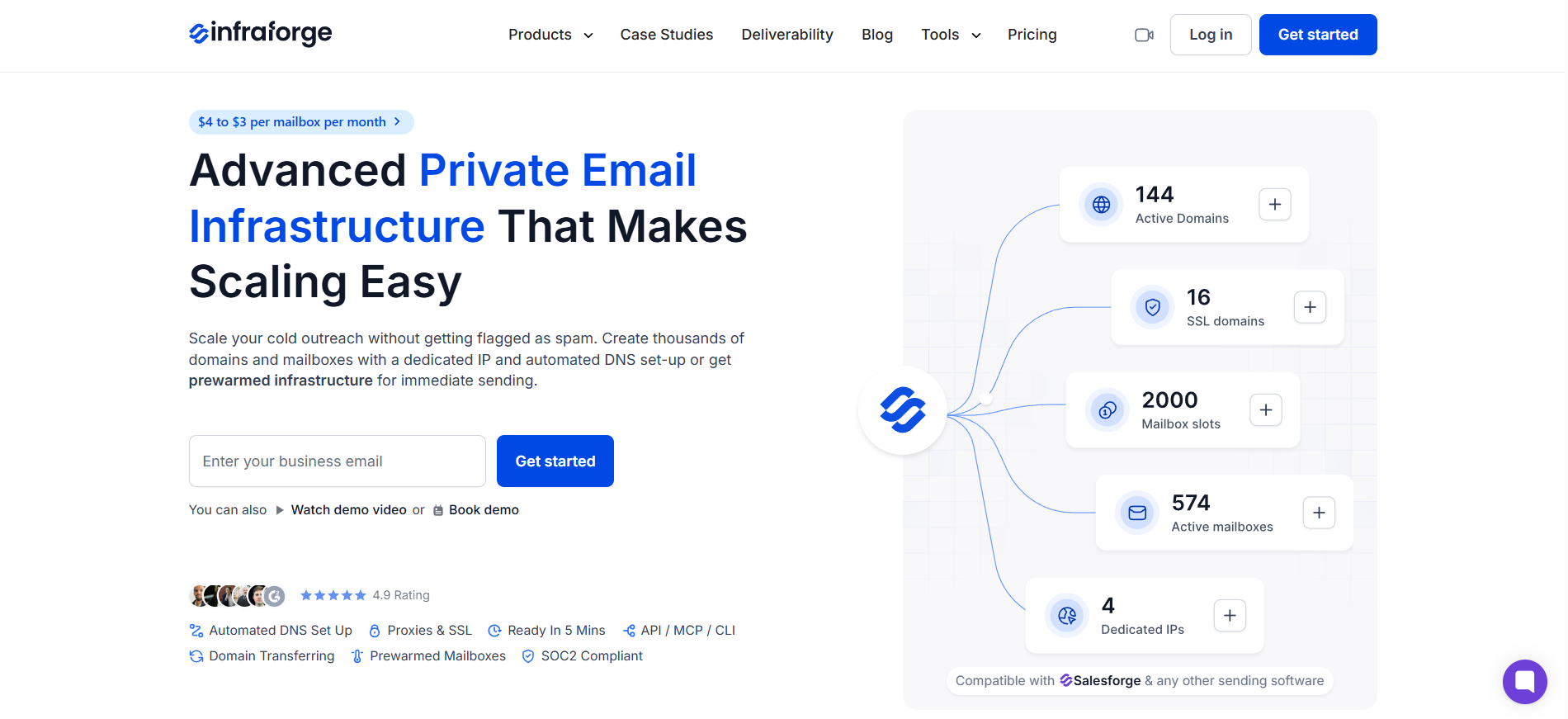
Bulk DNS updates handle SPF, DKIM, and DMARC across thousands of domains in a few clicks. Pre-warmed infrastructure is available if you need to skip the standard warmup wait.
What I noticed running it side by side with Mailforge is placement stability at higher volume. Above 100,000 emails per month, dedicated IPs stopped being a nice-to-have. They became the reason my agency clients kept their placement scores intact.
Pros
Cons
Pricing Plans
You can checkout cold email infrastructure tools breakdown.
Where Infraforge earns its price with dedicated IPs, Maildoso goes the other way. It optimizes for the cheapest possible SMTP mailbox at scale, and it delivers on that promise.
Maildoso runs its own proprietary SMTP servers with automatic IP rotation and self-healing mailboxes. Burned inboxes get auto-disconnected for 14 days to recover, which protects your overall sending reputation. Inbox placement tests fire every 3 days per mailbox.
The CAPTCHA domain protection keeps your primary domain hidden behind a challenge so it does not get flagged by spam filters.

The pricing math is where it separates from the pack. At 30 mailboxes, you pay $2.50 per mailbox monthly.
At 300 you pay $0.75 each. At 1,000 mailboxes, you drop to $0.49 per mailbox monthly. For any agency managing hundreds of client mailboxes, that math is hard to ignore. My honest Maildoso review covers what the numbers actually look like at scale.
Pros
Cons
Pricing Plans
Check out this Maildoso Review
Cost per mailbox is one dimension. Recipient trust is another, and that is where Zapmail plays a different game.
Zapmail provisions real Google Workspace and Microsoft 365 accounts, hosted on US and EU IPs, connected to your sequencer via OAuth.
These are not proxied SMTP mailboxes trying to look like Google accounts. They are actual Business Starter accounts from the mainstream providers. Gmail and Outlook recipients treat them with the trust they extend to any legitimate business account.
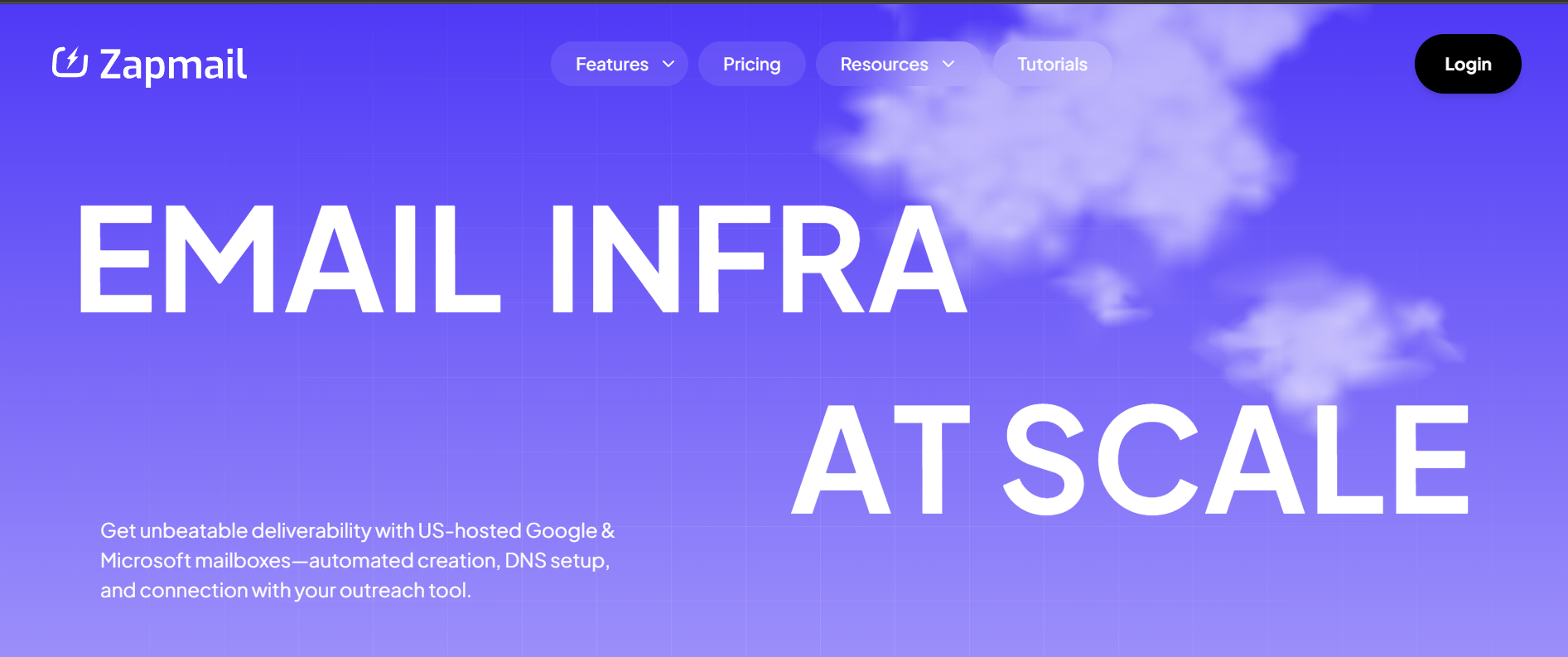
I tested Zapmail across 50 mailboxes for a client targeting enterprise Gmail recipients. Setup ran about 10 minutes end to end. Placement was noticeably stronger than a shared-SMTP setup on the same list. What Zapmail is not is cheap. The per-mailbox math sits between $3.00 and $3.50 on Google plans, which is higher than Mailforge or Maildoso.
Pros
Cons
Pricing Plans
Checkout these Zapmail Alternatives
Here is where the pricing model itself changes. Every other tool on this list charges per mailbox. Inframail charges a flat monthly fee and lets you spin up unlimited inboxes underneath it.
The infrastructure runs on Microsoft's cloud with dedicated US IPs included on every plan. Setup takes about 3 minutes, and mailbox creation is a 3-click flow. You get unlimited inboxes on all standard plans, which means the per-inbox cost drops fast the more you provision.
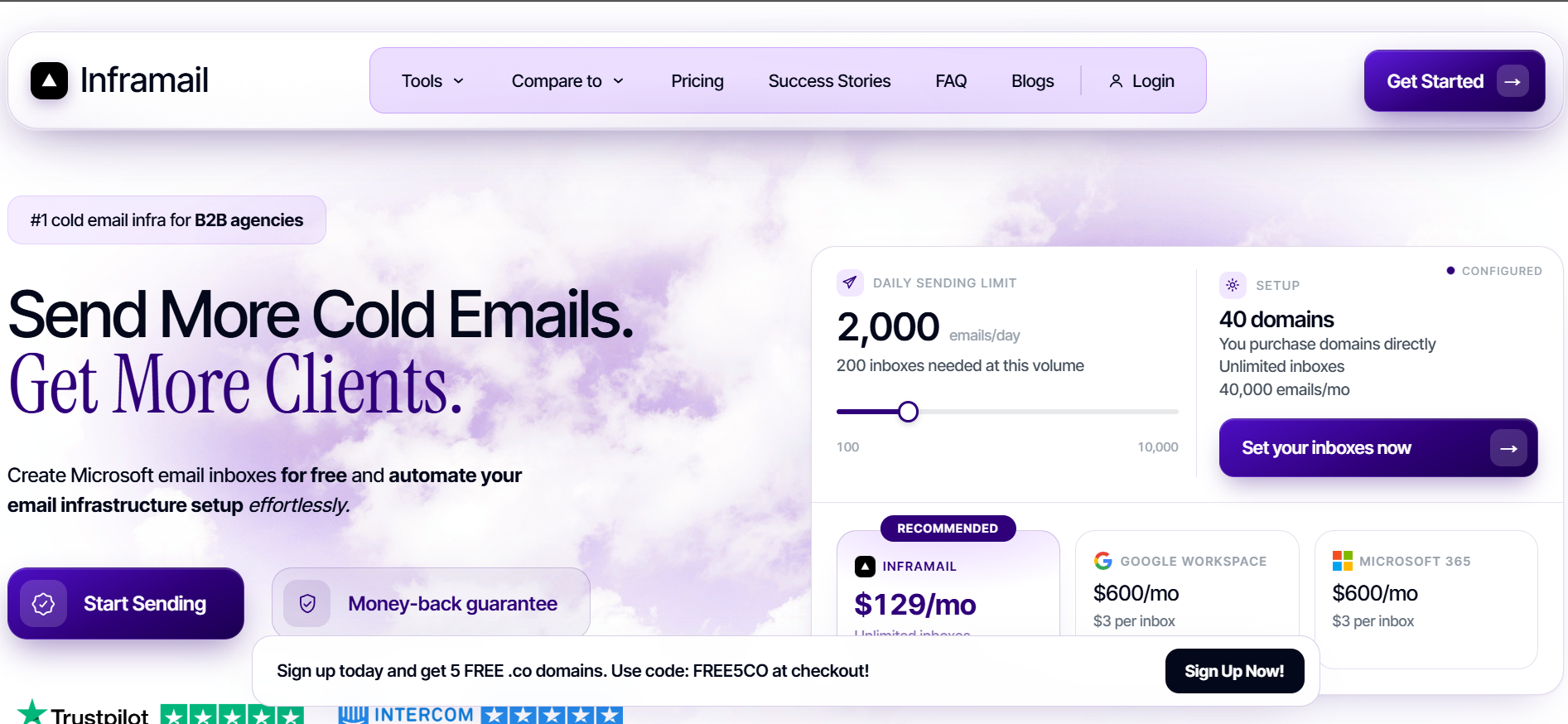
What you sacrifice is Google Workspace support, since Inframail is Microsoft-only. And warmup is not bundled unless you are on the top-tier done-for-you plan. I broke down the details in my full Inframail review.
Pros
Cons
Pricing Plans
Check out the detailed blog on Inframail vs Infraforge
If you have outgrown every managed provider and want to own the full stack, Mailreef is what that looks like. It gives you a dedicated mail server with a dedicated IP address, and 150+ mailboxes per server. Nothing is shared. Nothing rotates.
That level of control shows up in the deliverability claims. Mailreef publishes 99.9% server uptime and cites 100M+ emails sent monthly across its customer base.
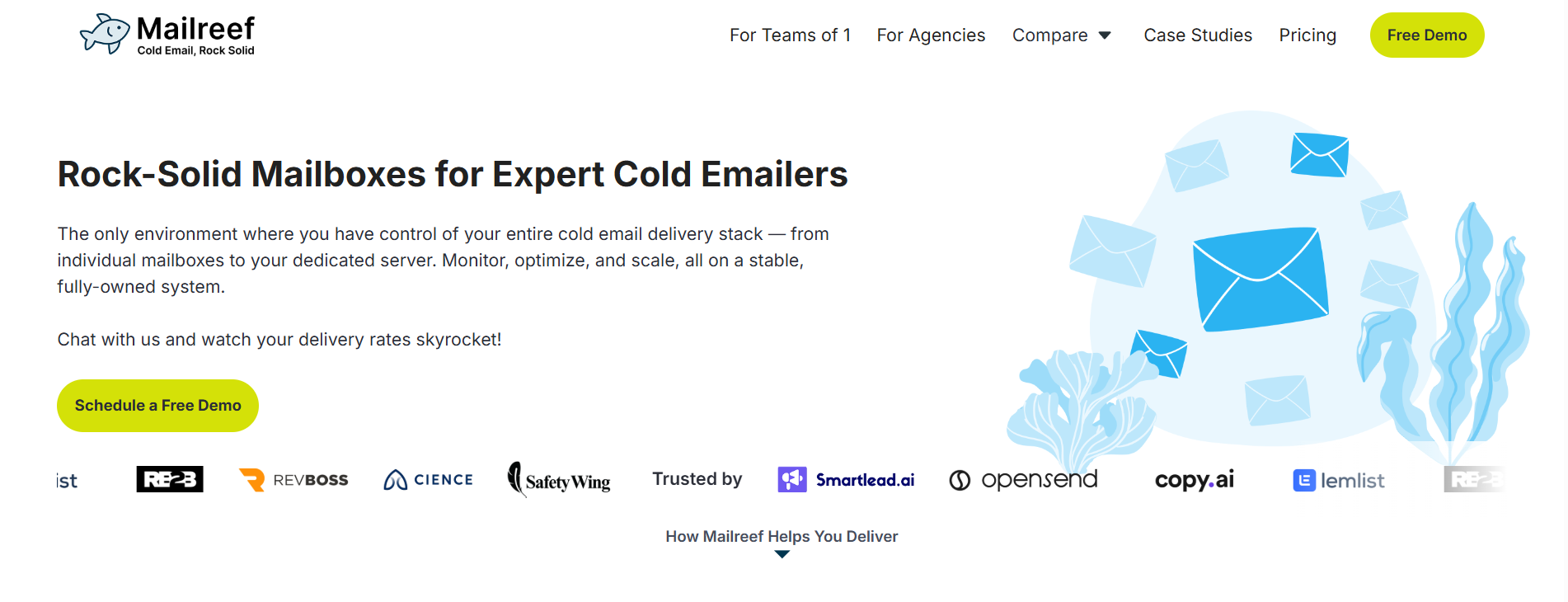
Their headline claim is zero blocked mailboxes, supported by active screening that keeps spammers out of the pool. What I noticed running it for a client sending 200,000 emails per month is stability. There were no surprise drops in placement across a full quarter. My full Mailreef review covers the setup detail.
The catch is cost and commitment. Entry starts at $240 per month per server on a 12-month commitment. Or $249 per month if you want to keep it month-to-month. You also pay $0.001 per email sent on top of the base subscription.
Pros
Cons
Pricing Plans
Checkout these Mailreef Alternatives
I want to be upfront about this one. Mailscale is not really a Mailforge alternative anymore, and I would rather flag that honestly than pretend otherwise.
The old self-serve infrastructure site at mailscale.io currently returns an error page. The current mailscale.ai has pivoted to a fully agentic done-for-you outreach platform. They build campaigns, source contacts, and handle deliverability for you. Pricing is fully sales-gated, with no numbers published on the public site.

If your intent is to buy raw mailbox infrastructure with transparent per-unit pricing, Mailscale in its current form is not the right pick. If your intent is to hand off cold outreach entirely and pay a service fee, that is what Mailscale sells now. My deeper look at Mailscale sentiment sits in my Mailscale review.
Pros
Cons
Pricing Plans
Checkout these Mailscale Alternatives
For most teams still evaluating Mailforge in 2026, I would stay put. The $2 to $3 per mailbox math, 5-minute setup, and Forge stack integration keep it the strongest shared-IP infrastructure pick for teams under 100,000 emails per month.
If your audit says infrastructure genuinely is the bottleneck, Infraforge is the cleanest same-stack upgrade for dedicated IPs. Maildoso wins on cost at 300+ mailboxes, and Zapmail earns the pick when Google Workspace trust matters most.
Get your Infraforge infrastructure live in 5 minutes.
For teams sending under 100,000 emails per month with disciplined warmup and clean lists, yes. The $2 to $3 per mailbox math, 5-minute setup, and Forge stack fit make it the strongest shared-IP pick today. That is true for most outbound teams still evaluating it in 2026.
Mailforge runs shared IPs across a distributed pool. Infraforge runs dedicated IPs on private servers. Shared IPs are cheaper and warm faster, but expose you to neighbor risk. Dedicated IPs cost more and require higher volume to warm, but your reputation is entirely yours.
For teams targeting enterprise Gmail or Outlook recipients, Zapmail's real Google Workspace and Microsoft 365 accounts carry the strongest native trust. For teams at 100,000+ emails per month wanting dedicated infrastructure, Infraforge or Mailreef both perform well. Deliverability at any provider still depends on your list quality and warmup discipline.
None of the tools on this list offer a fully free tier for infrastructure. Some offer promo codes or money-back guarantees. Inframail includes 5 free .co domains with the FREE5CO signup code. Maildoso has a 30-day money-back guarantee. Zapmail has no free trial but includes free deliverability test credits.
Yes. Mailforge lets you transfer domains out cleanly. Every tool on this list supports either domain purchase inside the platform or bring-your-own-domain with your existing registrar. If you bought domains from a registrar like Namecheap or Porkbun, switching infrastructure providers is a DNS update, not a repurchase.
Maildoso is cheaper per mailbox at 200+ inboxes. At 300 mailboxes Maildoso runs $0.75 per mailbox monthly versus Mailforge's $2 on annual billing. That said, Maildoso locks warmup to your sequencer, so factor in that add-on cost when comparing total spend.
