
Personalized Outbound Strategy
Get The Right Outbound Strategy In Minutes
Enter your email to get a custom plan & stack recommendation for your business
It's being carefully crafted by AI
Please check your mailbox in 5 minutes

Mailreef promises something specific: dedicated cold email infrastructure that gets you sending from a fresh domain in about five minutes, on your own IP, without the manual DNS work.
Mailreef is a capable infrastructure tool for teams already sending cold emails at volume.
It's not a fix for weak targeting, and it's not built for beginners.
If you're past 20 or so inboxes and manual setup is slowing your launches, it's worth a serious look. If you're still proving your offer, it's more than you need.
By the end, you'll know whether Mailreef fits your volume, what it actually costs once the per-send fee is in, and whether Infraforge is the better fit.
Yes, if you're already sending cold emails at scale and infrastructure has become the bottleneck. That point usually hits around 20 to 25 inboxes.
Below it, manual setup through Google or Microsoft is workable. Above it, inbox setup becomes a delivery operation.
Mailreef's answer is control. A dedicated server and IP tie your reputation to your own sending, and automated domain, mailbox, and DNS setup gets you live in minutes.
The risk is the flip side: that control makes your team fully responsible for sender behavior, and it won't absorb a weak list or bad copy.
Good fit: cold email agencies, demand gen teams, and operators with a working outbound process.
Poor fit: beginners, low-volume teams, or anyone expecting infrastructure to fix weak targeting.
Mailreef can make the setup cleaner. It can't turn a weak outbound flow into a pipeline on its own.
Mailreef is a cold email mailbox infrastructure for teams that have outgrown manual inbox setup.
If you have only one or two inboxes, this may sound like a small problem. You buy a domain, create a few Google or Microsoft accounts, add SPF, DKIM, and DMARC, connect the inboxes to your sender, and start slowly.
But that process changes once you need 25, 50, or 100 inboxes. At that point, every small setup task becomes a system problem.
Domain buying, mailbox creation, DNS records, warmup, sender connection, monitoring, and replacement rules all need to work the same way every time.
It gives cold email teams a place to create domains and mailboxes, set up the email authentication records, use dedicated infrastructure, and connect the inboxes into the sender they already use.
The sender can be Smartlead, Instantly, Woodpecker, Reply.io, Lemlist, Salesforge, or another platform.
With a normal shared setup, you can run into problems that are hard to explain. One group of inboxes performs well.
Another group starts landing in spam. Some accounts disconnect. Some domains look healthy, but never get the same reply rate.
You may not know whether the issue is your list, your copy, your domain age, your DNS, the provider, or a shared reputation pool.
Mailreef tries to make the infrastructure side cleaner by giving you a dedicated server and a dedicated IP.
But cleaner infrastructure narrows the diagnosis; it doesn't complete it. Asked what the biggest deliverability killer really is at scale, Bill Stathopoulos points somewhere else entirely:

That's the frame to hold before any infrastructure purchase. Mailreef removes the setup variables so the real problem surfaces sooner. It doesn't remove the problem.
That means your sending reputation is tied more directly to your own behavior, not to unknown senders using the same shared setup.

In practice, Mailreef is useful when your team says things like:
Best Practices for Warming New Domains
Mailreef works by taking the slow infrastructure tasks that usually sit across several tools and putting them into one setup flow.
The workflow starts with the domain. You can buy a new domain or bring a domain you already own.
From there, Mailreef handles the setup work that usually creates friction: mailbox creation, SPF, DKIM, DMARC, dedicated server assignment, and dedicated IP access.
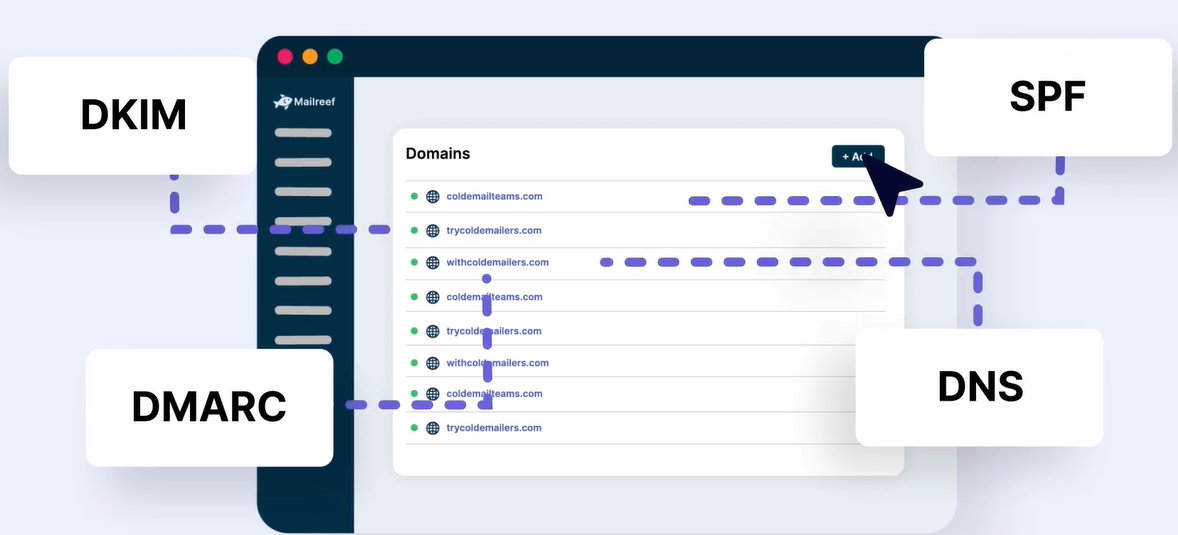
After the inboxes exist, you connect them to your sending tool.
Mailreef is not where you plan every touch, write every email, or manage the sales conversation. It is the layer that gives your sender usable inboxes.
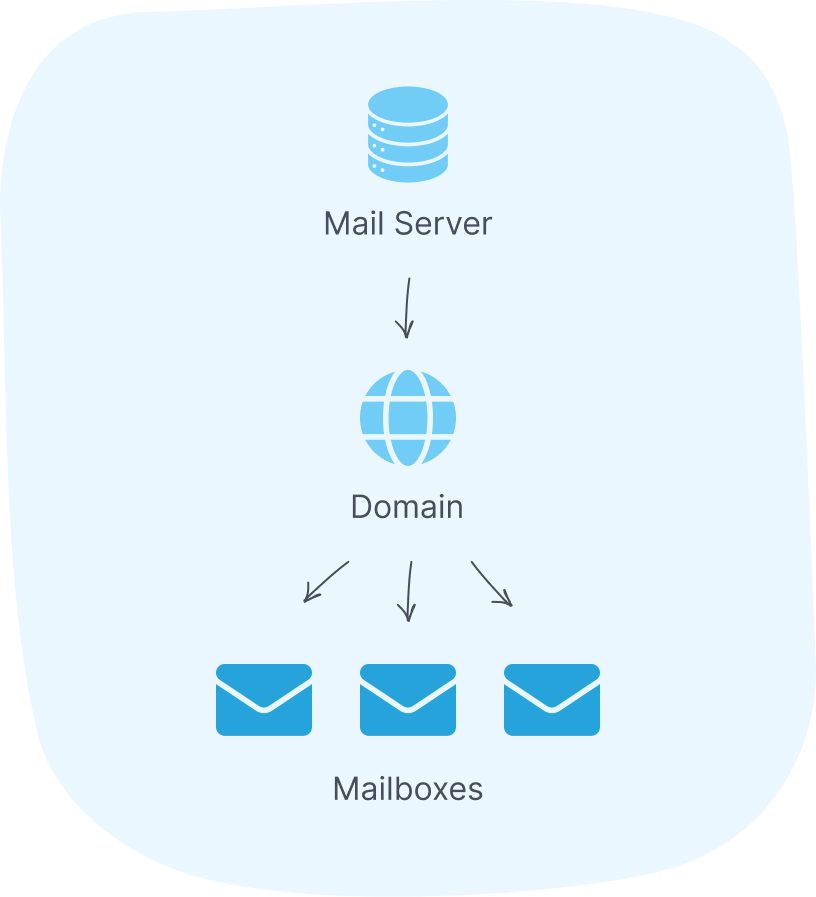
The dedicated setup is the reason Mailreef exists.
In a shared environment, you may not fully control the reputation around your sending.
Another sender’s behavior can affect the pool, and when inbox placement drops, the diagnosis gets messy.
You can check your copy and list, but you may still wonder whether the underlying infrastructure is part of the problem.
With Mailreef, each user gets dedicated infrastructure. For an experienced sender, that gives a cleaner operating model.
If results improve, you know the system is working. If results drop, you can inspect your own behavior: volume, bounce rate, complaints, list source, domain age, and campaign quality.
That level of control is useful only when someone owns it. A dedicated IP is not a badge. It is a responsibility.
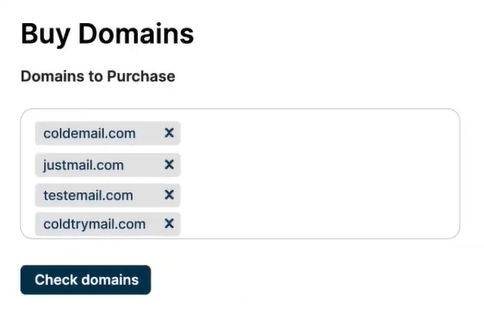
The most practical Mailreef use case is speed. It buys a domain, configures the DNS, and spins up a mailbox in about 30 seconds, with signup to a live inbox in roughly five minutes.
Buy a fresh domain through the platform or bring your own; either way, it lands on your dedicated IP.
That saving is invisible at five inboxes and decisive at fifty. Five is admin work. Fifty across several domains is delivery operations.
Across several clients or campaigns, it needs rules, and doing it by hand is where launches stall.

That's the line Mailreef is built for.
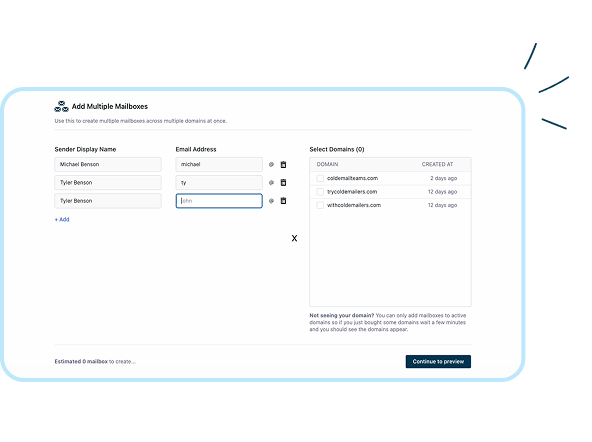
One-click domain purchase and mailbox creation keep setup repeatable as volume climbs.
Most email deliverability problems do not start with some dramatic failure. They start with small setup errors.
SPF is wrong. DKIM is not active. DMARC is missing. A tracking domain is not aligned. Nobody notices because the campaign is still sending.
Then two weeks later, reply rates fall, and the team starts blaming copy, timing, or the sending tool.

Mailreef's fix is to take the records out of your hands entirely.
When you buy or import a domain, it auto-creates SPF, DKIM, and DMARC in under 30 seconds, with no manual DNS entry, and no waiting on record propagation before you can send.
It also skips the usual friction that slows a launch, like the two-factor setup and verification steps you hit when configuring Google or Microsoft mailboxes by hand.
The catch is that automation gets you a clean start, not a free pass.
Records set correctly on day one still drift, and on a dedicated IP, the consequences land on you alone.
Confirm the setup once after purchase and keep the weekly health check, because Mailreef removes the setup error, not the ongoing responsibility.
How to Check If Your Domain Is Blacklisted
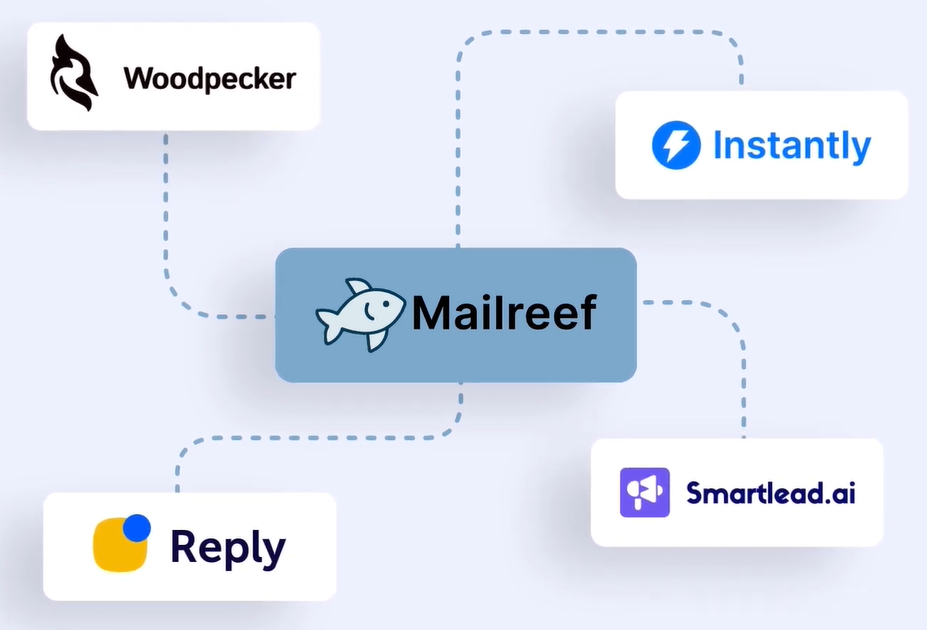
Mailreef isn't where you build sequences. Once the mailboxes exist, they're meant to plug into the sender that your team already runs.
It lists direct integrations with Woodpecker, Smartlead, Instantly, and Reply.io, and the pitch is deliberately narrow: set up your inboxes, connect them to your drip sending tool, and launch.
Mailreef owns the sending foundation, your campaign platform owns the sequences, and your reps own the replies.
The reason experienced teams keep these separate is that no single layer should be confused with the whole motion.
Infrastructure decides whether the email can land. It doesn't decide who deserves the email, what it says, or when a human steps in.
Mailboxes don't stay healthy just because they were set up right on day one. You still need to watch bounce rate, spam placement, domain status, sender volume, and reply quality.
If one domain weakens, you catch it early. If one inbox slips, you pause it before it drags the rest of the campaign down.
Mailreef covers part of this for you.
It runs server and mailbox monitoring, and every account gets its Delivery Consulting live chat, where their team diagnoses issues and helps optimize campaigns in real time rather than through a ticket queue.
It also screens every customer for spammers, which is what protects the dedicated environment you're paying for, and offers API access if you'd rather pull the data into your own dashboards.

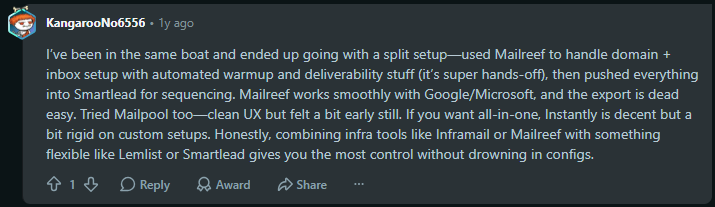
That comment says a lot. At a small scale, teams ask, “How fast can we create inboxes?” At scale, the better question is, “How do we know which inboxes are still safe to use?”
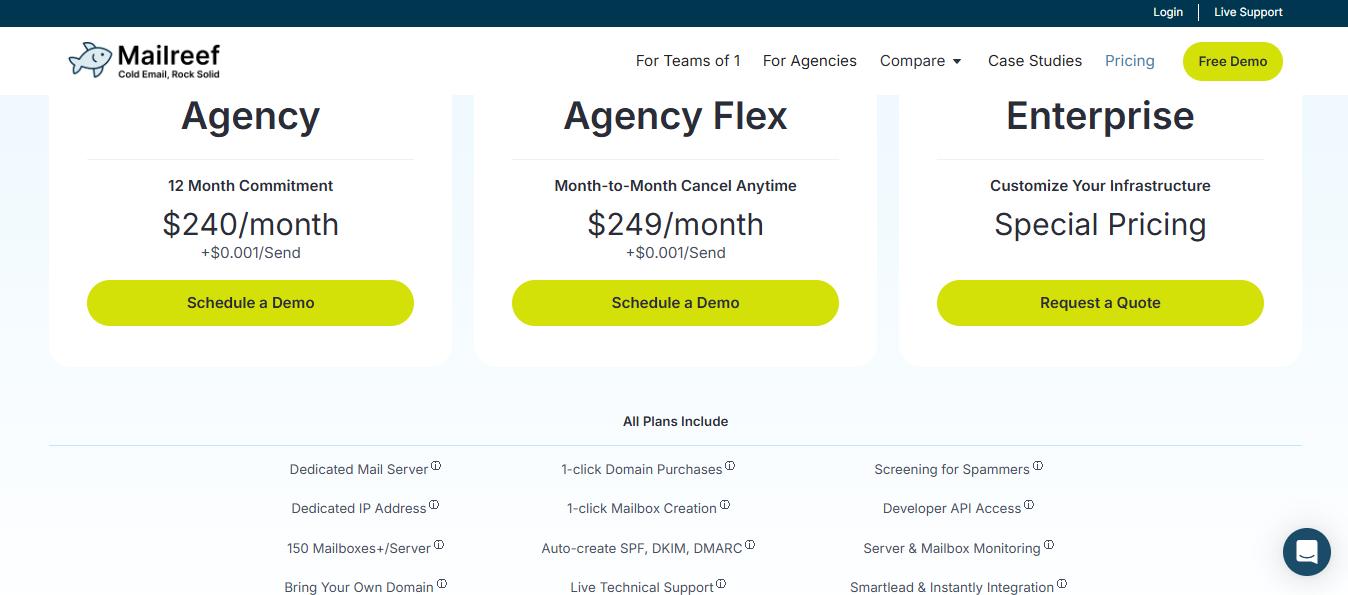
Mailreef runs three plans, and the two Agency tiers charge a per-send fee on top of the monthly base:
Watch two things. The per-send fee is small until it isn't: at $0.001, 100K sends a month adds $100, and 1M adds $1,000 on top of your base, so the headline $240 is not what a high-volume sender actually pays.
And the 150-mailbox-per-server cap sits against Mailreef's "unlimited inboxes" marketing elsewhere, so confirm which is current before you plan capacity.
Outbound agencies. Running infrastructure for several clients needs repeatable systems. Manual domain setup, DNS checks, and mailbox creation don't scale as client count grows.
High-volume SDR teams. Reps sending across many domains need a stable inbox. When setup drags, or mailboxes break, sending capacity and manager trust both drop.
Operators with warmup and monitoring already in place. The strongest users already know when a domain is ready, how much each mailbox sends daily, and when to pause a weak inbox.
First-time solo founders. If your ICP, offer, and message aren't validated, prove people reply before buying advanced infrastructure.
Low-volume teams. A few inboxes don't need this. Google Workspace or Microsoft 365 is enough until the motion proves itself.
Teams that need a Google or Microsoft inbox identity. If buyers expect mail from familiar environments, compare Mailreef carefully against those providers first.
Teams without deliverability SOPs. If nobody owns weekly checks, bounce rates, and replacement rules, dedicated infrastructure adds more responsibility than the team can carry.
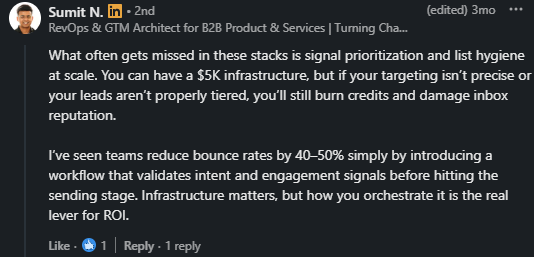
This is what Bill Stathopoulos means when he says infra without orchestration is expensive failure at scale

By now, you know what Mailreef does well. So here's the fair comparison, and it isn't Salesforge.
Salesforge is a sending tool, the layer you'd connect Mailreef to. The tool that does Mailreef's actual job, dedicated infrastructure, is Infraforge.
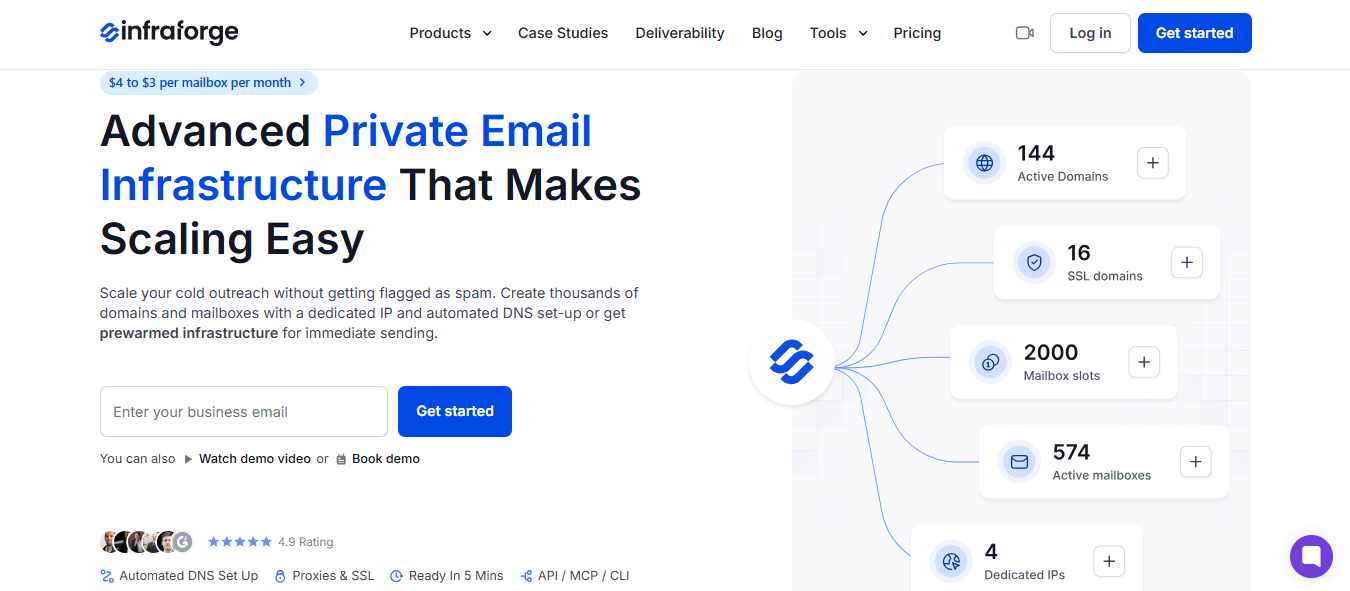
That's the real head-to-head.
At the core, they match. Both give you a dedicated IP, automated authentication, pre-warmed mailboxes, and both plug into whatever sender you already use.
If your only requirement is one clean infrastructure tool behind Smartlead or Instantly, Mailreef does that, and you don't need to switch.
The split is what happens around the infrastructure.
Mailreef is a standalone box. You run your own warmup, your own monitoring, and your own sender around it. That's a legitimate way to work, and for a lot of teams it's enough.
Infraforge is one piece of a connected stack. The same infrastructure feeds Warmforge for warmup and Salesforge for sending, under one login and one support team.
If the thing draining your week is stitching four tools together and guessing which one broke, that's what the stack removes.
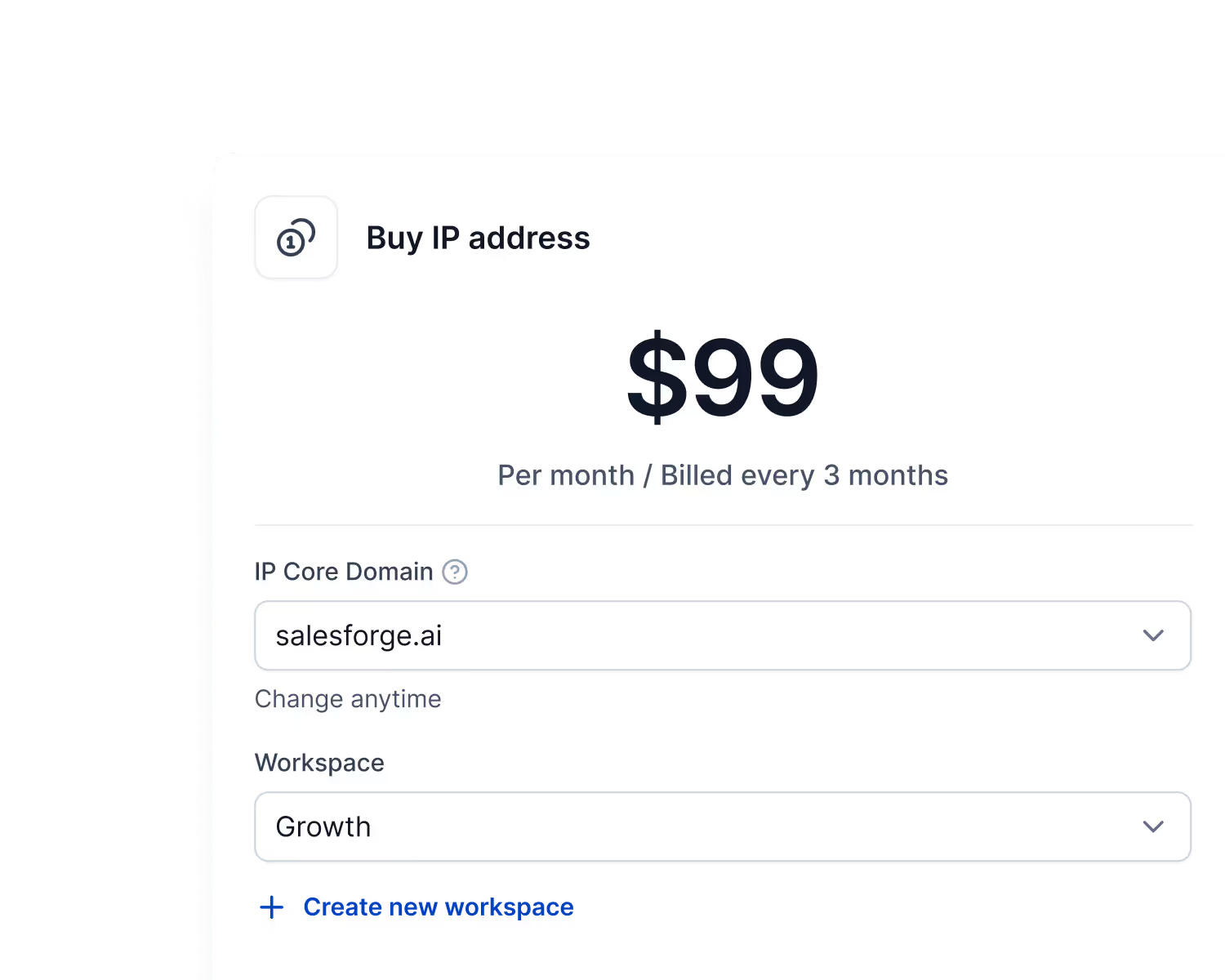
Mailreef gives you a single dedicated IP. Infraforge lets you buy more and spread mailboxes across them, which is what you'll want the moment you scale past what one IP should safely carry.
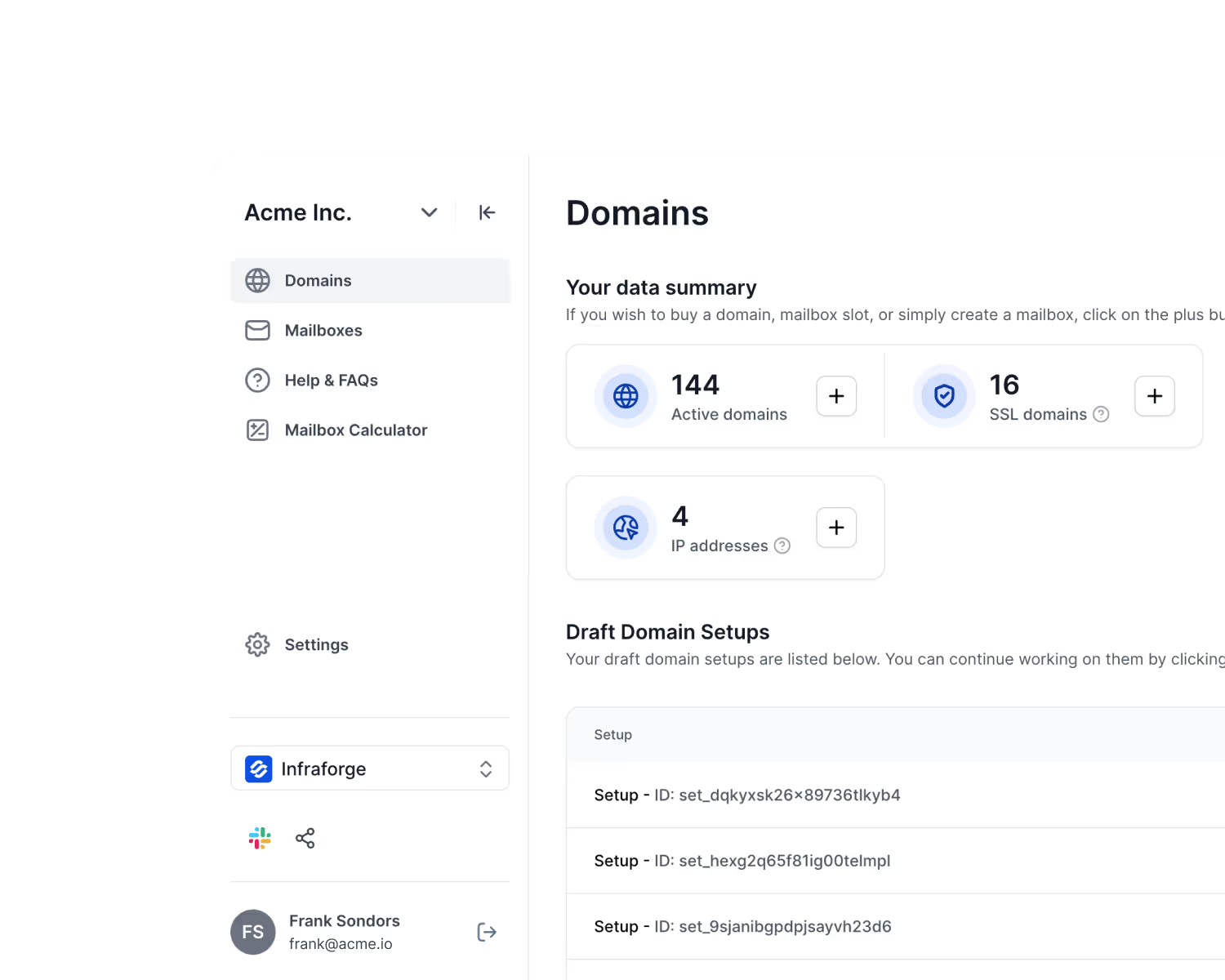
Infraforge can show a branded site without exposing your sending domain. Mailreef sets up redirects, but not the same privacy layer.
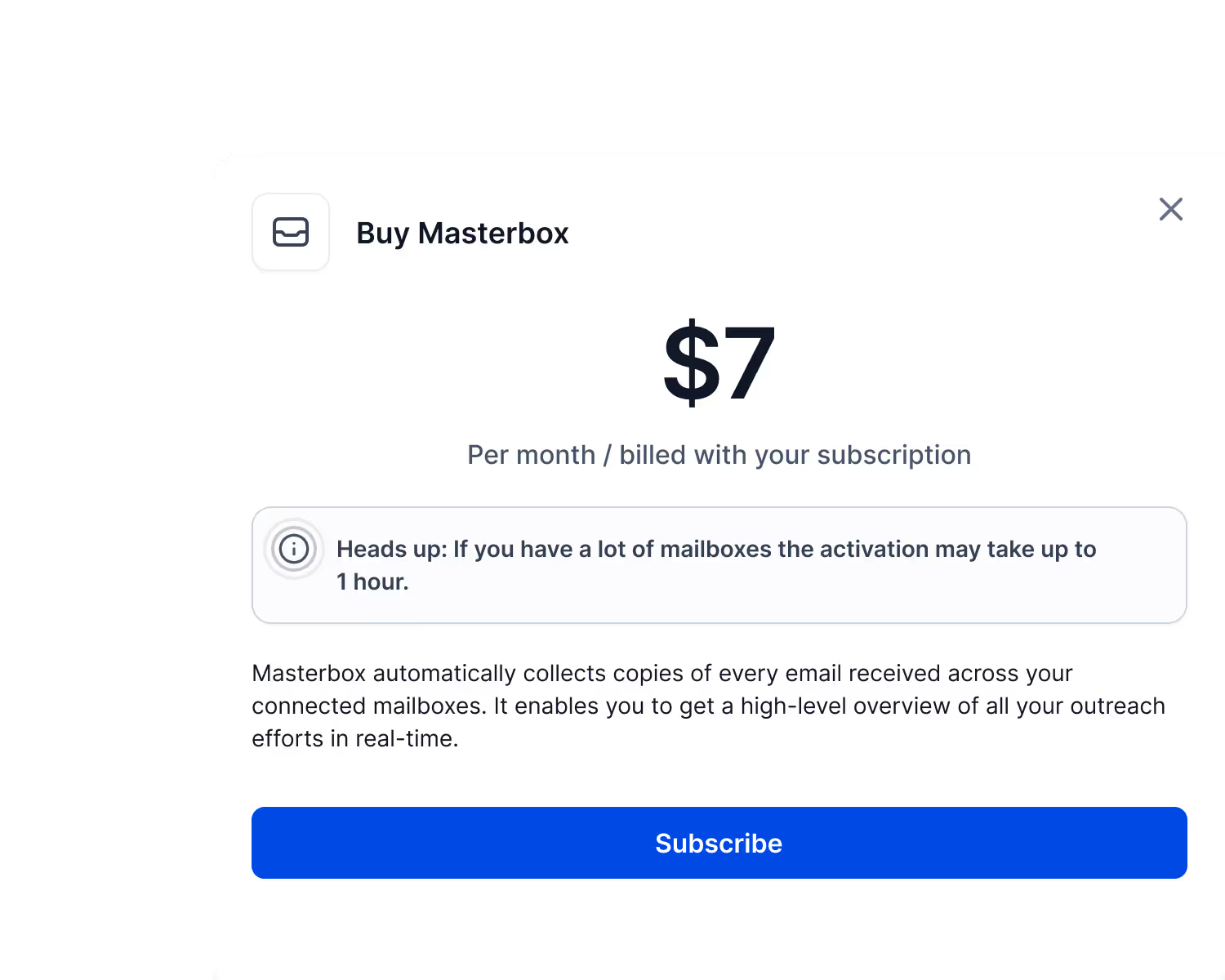
Infraforge's Masterbox and workspaces let an agency see every account in one place and sort domains by client. If you run outreach for several companies, that structure is the difference between control and chaos.
Infraforge won't save a bad campaign either.
Your deliverability depends entirely on your setup and behavior, which is why a dedicated IP punishes sloppy sending faster than a shared one, and you still warm up unless you buy pre-warmed.
That's the same honest reality Mailreef operates under. Neither one fixes a weak list or weak copy.
The real catch with the stack: each Forge product is billed separately. You're trading Mailreef's single invoice for a connected system with more line items but no handoffs between them.
The choice comes down to shape, not features.
Want one capable infrastructure tool behind a sender you already like? Mailreef is a straight answer.
Want your infrastructure, warmup, and sending to behave as one system with a single team to call when something slips? That's Infraforge, with Salesforge running the campaigns on top.
Enter your email to get a custom plan & stack recommendation for your business
Please check your mailbox in 5 minutes

Mailreef does what it says, and for a team already sending at volume, that's enough to justify a demo.
The one thing it can't do is fix what happens before the email sends. Weak list, weak copy, too fast a ramp: a dedicated IP just reflects that at you faster.
So keep it simple. Past 20 or so inboxes with your own deliverability process in place? Mailreef earns a look.
But the difference between a good month and a burned domain is catching the problem early.
That's where Infraforge fits: the same dedicated IPs and automated DNS, plus built-in monitoring that surfaces a slipping domain before it drags your campaign down.