Are you trying to find the best deliverability tool and stuck choosing between Amazon SES and SendGrid?
Both are popular for sending emails at scale.
But if your real concern is deliverability, the decision is not as simple as picking the bigger name.
What matters is how each platform handles IP reputation, domain identity, warm-up behavior, and how much control you actually get when something goes wrong.
To make this decision easy for you, we went deep into how deliverability works inside both platforms, not at a surface level, but by closely looking at how they handle IP reputation, domain identity, warm-up behavior, and delivery visibility in real setups. And put everything here.
By the end, you’ll have a clear view of which option gives you better deliverability control for your use case.
Improve deliverability by fixing the infrastructure behind your SES or SendGrid setup with Infraforge.
People often compare Amazon SES and SendGrid because both are widely used to send emails at scale, and deliverability becomes important very quickly at that level.
Amazon SES is part of the AWS ecosystem.
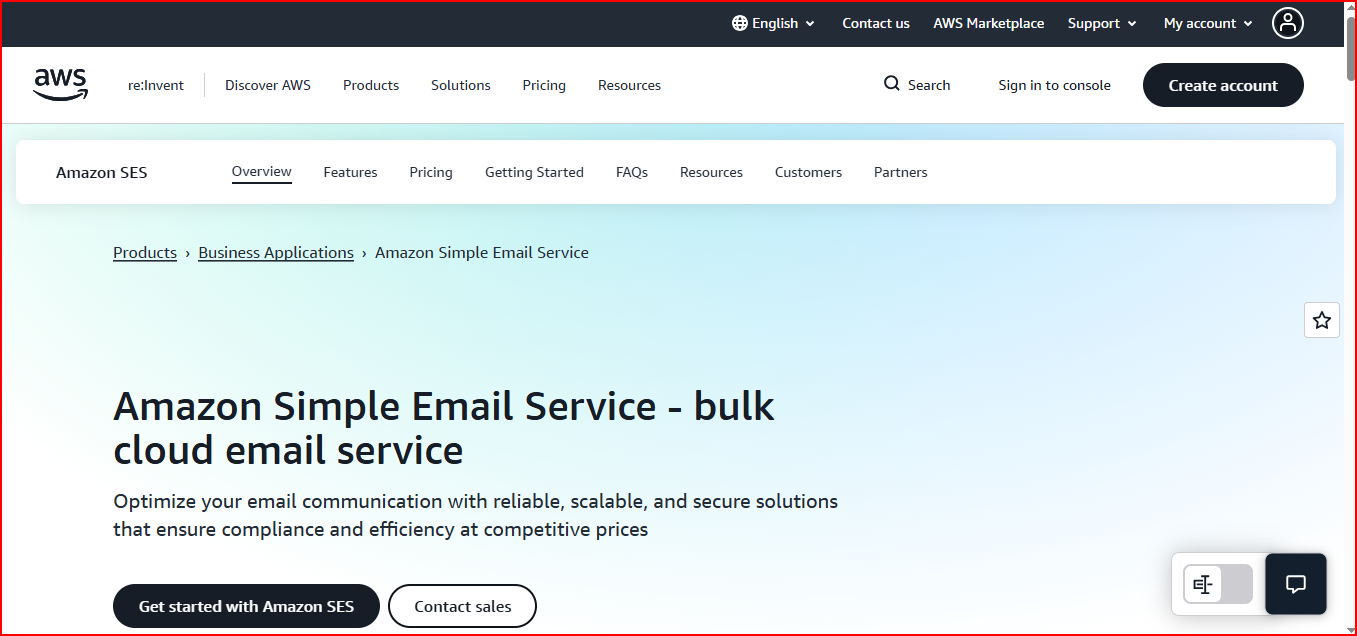
It’s a cloud-based email service that you connect directly to your application.
SES is built to handle high-volume sending and provides deliverability tools, sender statistics, and different IP options.
But SES works more like a service component, not a full platform.
In daily use:
So with SES, most deliverability decisions stay with you.
SendGrid works as a managed email platform.

Email sending, APIs, SMTP, deliverability tools, analytics, and reporting all live inside one product.
Instead of wiring everything together yourself, you work inside SendGrid’s platform.
In daily use:
Here, the provider takes on more of the operational structure, and you work within that system.
This is the real reason Amazon SES and SendGrid are compared for deliverability.
So the comparison isn’t about which tool “cares more” about deliverability.
It’s about how much control you want, and how much you want the provider to structure things for you.
IP reputation depends on how emails are sent over time.
Both Amazon SES and SendGrid support high-volume sending and dedicated IPs, but the way IP reputation is handled feels different in daily use.
Let’s look at each one clearly.
Amazon SES lets you send emails using shared IPs, dedicated IPs, or managed dedicated IPs.
When you use dedicated IPs, the reputation of those IPs is tied to your account and your sending behavior.
SES supports automatic IP warm-up, where sending volume is increased gradually on new IPs. You can also turn this off and manage warm-up yourself if needed.
SES also provides sender statistics and deliverability tools that show things like bounce rates and complaint rates.
These help you understand how your sending is affecting your reputation.
The key point is:
SES gives you tools and flexibility, but you stay responsible for the outcome.
SendGrid also supports shared IPs and dedicated IPs, depending on your plan.
When you use a dedicated IP in SendGrid, the reputation belongs to you, not the platform.
SendGrid supports IP warm-up, and you can use automated warm-up or manage it manually.
SendGrid also includes deliverability insights, reputation visibility, and analytics inside the platform.
This makes it easier to see how your IPs are performing without leaving the dashboard.
In simple terms:
The platform helps you follow good patterns, but it does not take over reputation responsibility.
The main difference is not about whether IP reputation exists; it does in both.
The difference is how much is guided by the platform.
The choice comes down to how much control you want vs how much structure you want around IP reputation.
No matter whether you use Amazon SES or SendGrid, domain reputation works a bit differently from IP reputation.
This is one area where the platform can help, but cannot fully control the outcome for you.
Both Amazon SES and SendGrid expect you to authenticate your sending domains.
At a basic level, this means setting up:
These checks help receiving servers trust that your emails are really coming from you.
The important thing to understand is this:
Authentication helps prove identity, but it does not create the reputation by itself.
Once your domain is authenticated, your reputation starts building over time.
That reputation is not owned by Amazon SES or SendGrid.
It is tied to:
Even though both platforms provide deliverability tools and visibility, domain reputation lives outside the platform.
It follows the domain wherever it is used.
So if a domain develops a bad history, switching tools does not reset that reputation automatically.
This is where many deliverability issues start.
When the same domain or subdomain is reused:
The reputation carries over with it.
Both Amazon SES and SendGrid will send emails correctly, but they won’t decide how you reuse or separate domains.
That choice stays with you.
This is why domain reputation problems often show up even when the sending tool itself is working as expected.
IP warming and volume ramp decide how smoothly you move from low sending to higher sending.
Both support warm-up in different ways:
Amazon SES supports automatic IP warm-up when you use dedicated IPs.
SES increases sending gradually on new IPs based on a preset warm-up plan.
This helps build IP reputation over time.
You can also turn this off if you want to manage the warm-up yourself.
What’s important to understand is:
So even with automatic warm-up, you still control volume changes, timing, and consistency.
SES provides the mechanism, but the overall ramp behavior depends on how you send.
SendGrid also supports IP warm-up for dedicated IPs.
The platform provides warm-up tools and guidance that help you increase volume gradually.
This adds structure and makes it easier to follow a steady ramp.
At the same time:
So while SendGrid offers more guidance inside the platform, the final deliverability outcome still depends on your sending behavior.
Across both Amazon SES and SendGrid, the same problems show up during warming and ramping:
Both platforms can support IP warming, but neither can fix these patterns for you. How you ramp volume still plays a big role in deliverability.
When you check deliverability, you’re really checking signals.
Both Amazon SES and SendGrid show these signals:
Amazon SES provides sender statistics and deliverability data.
You use these to understand how your sending is performing.
In SES, you can see:
SES shows the data clearly, but you decide how to read it and what to change.
There is no guided flow; it’s data-first.
SendGrid presents deliverability data inside its platform dashboards.
In SendGrid, you can see:
All of this lives inside the SendGrid dashboard, so you don’t need to piece data together from multiple places.
Both platforms show deliverability signals.
When deliverability drops, it’s rarely sudden.
Most of the time, emails keep sending, but the reputation weakens in the background.
Here’s where that usually happens.
When IPs or sending setups are shared, reputation is shared too.
If other senders cause problems, inbox placement can drop even if your own sending hasn’t changed.
Domains build history over time.
Reusing the same domain too often, or pushing too much volume through it, slowly reduces performance.
The domain keeps that history, even if you change tools.
Sending volume increases faster than reputation can handle.
Things may look fine at first, then inbox placement drops after the spike.
Low engagement, bounces, or complaints damage reputation.
Sending tools deliver emails, but they don’t clean lists for you.
When issues appear, many setups don’t slow down or change direction.
Sending continues the same way, and deliverability keeps getting worse.
When deliverability drops, the sending tool is usually blamed first.
But most of the time, Amazon SES and SendGrid are doing exactly what they’re meant to do, sending emails.
The real problems start outside the tool.
Deliverability usually breaks because of decisions made earlier, like:
None of these are caused by SES or SendGrid.
Both platforms will still send the emails.
By the time an email reaches SES or SendGrid:
The tool can deliver the message,But it can’t reset history or undo past sending behavior.
Amazon SES uses pure usage-based pricing. You pay for each part separately.

You pay based on a plan tied to monthly email volume. Deliverability tools, analytics, and IP options are bundled depending on the plan you choose.
At this point, the question is no longer “which tool is better?”
The real question is which one fits how you run email today.
The choice depends on control, team maturity, and how you handle scale.
Amazon SES usually fits better when:
SES gives you flexibility and access to the building blocks.
But it expects you to own the decisions around deliverability.
SendGrid usually fits better when:
SendGrid reduces day-to-day complexity by packaging deliverability tools into the platform.
This choice often changes as teams grow.
Neither tool removes responsibility.They just place it in different hands.
Amazon SES and SendGrid focus on sending emails.
They don’t manage how your email infrastructure is created and maintained at scale.
Things they don’t handle:
This is where Infraforge helps you.
Infraforge manages the infrastructure layer behind email sending.
It lets you set up domains and mailboxes in bulk, each backed by dedicated IPs, with automated DNS setup for SPF, DKIM, and DMARC.
Warm-up is handled at the infrastructure level, so new inboxes don’t start cold or spike volume suddenly.
Infraforge works with Salesforge and any other sending software, so you keep your existing sending tool.
Infraforge also provides an API, making it easier to manage infrastructure programmatically as you scale.
That clear split helps teams keep deliverability stable as domains, inboxes, and volume grow.
If you’re choosing between Amazon SES and SendGrid, the decision comes down to how you want to manage deliverability.
Amazon SES gives you more control and flexibility, but it expects you to manage most deliverability decisions yourself.
SendGrid gives you more structure and built-in visibility, but you operate within the platform’s system.
Neither approach is wrong; they simply fit different teams and workflows.
What’s important to understand is this:
deliverability does not live inside the sending tool alone.
IP reputation, domain history, warm-up behavior, and reputation isolation are shaped by how your infrastructure is set up and maintained over time.
That’s why deliverability issues can show up no matter which sending tool you choose.
This is where adding an infrastructure layer like Infraforge changes the picture.
Instead of relying on the sending tool to “carry” deliverability, you separate responsibilities, infrastructure on one side, and delivery on the other.
Start with Infraforge and set up domains and mailboxes in minutes to strengthen deliverability