
Personalized Outbound Strategy
Get The Right Outbound Strategy In Minutes
Enter your email to get a custom plan & stack recommendation for your business
It's being carefully crafted by AI
Please check your mailbox in 5 minutes

Cold email inboxes are the mailboxes you use to send outbound campaigns from secondary domains, instead of risking your main company domain.
The right inbox setup depends on four things: who you sell to, how much volume you send, how much deliverability control you need, and how much infrastructure responsibility you can actually own.
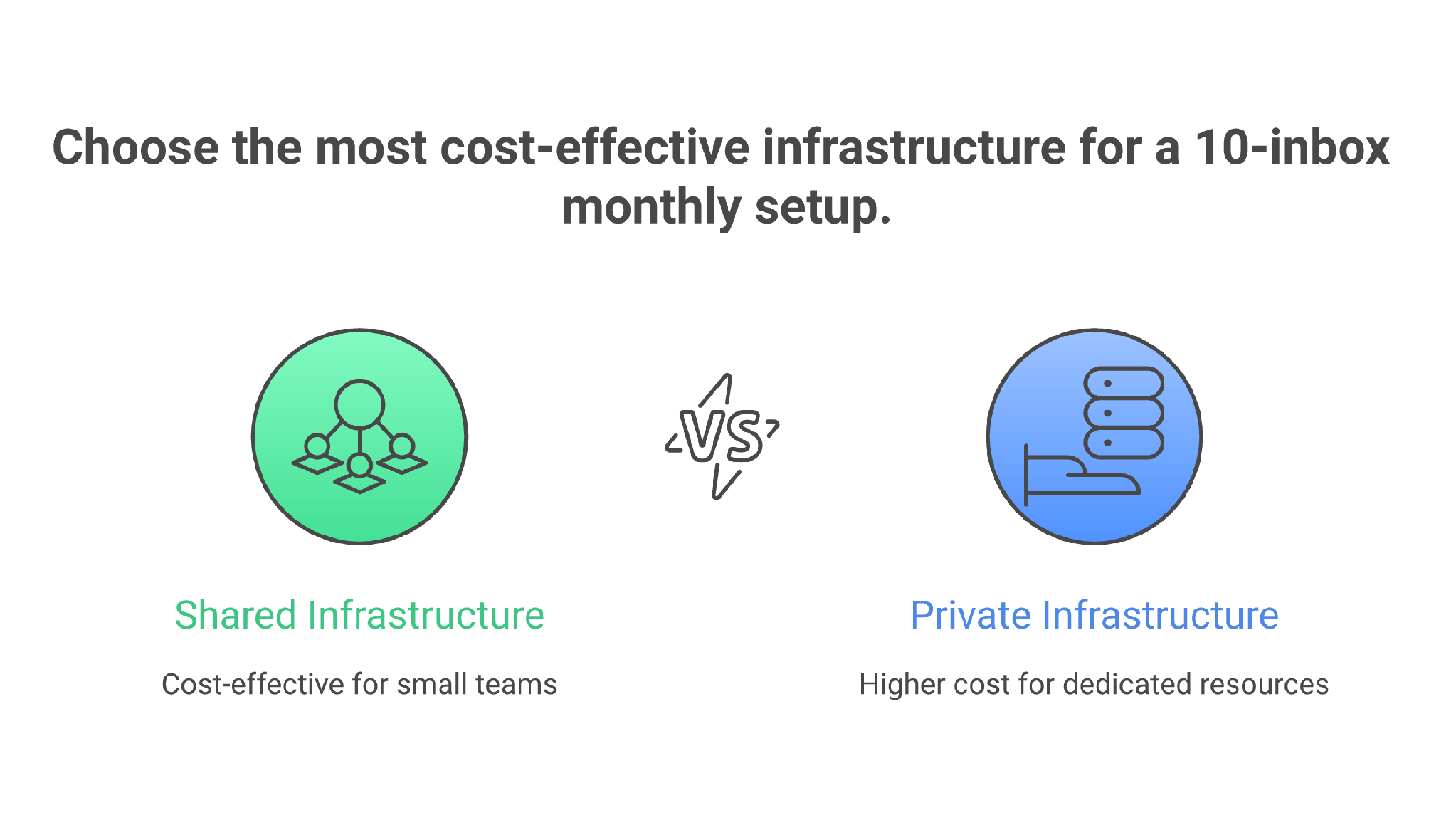
There are only two real infrastructure choices for cold email inboxes: shared infrastructure and private infrastructure.
Inside shared infrastructure, you have two practical routes. You can use shared SMTP-style outbound infrastructure through Mailforge, or you can use Google/Microsoft mailbox infrastructure through Primeforge. If cold email already drives the pipeline and you need tighter control, you move into private infrastructure with Infraforge. If you’re mature, you blend shared and private instead of betting the whole channel on one pool.
Most teams get this wrong because they ask, “Which cold email inboxes are cheapest?”
The better question is: “Which inbox setup protects deliverability for the campaign I’m actually running?”
Cheap inboxes are expensive when they don’t land.
For most teams, start with 10 inboxes across 4-5 secondary domains. Warm them first. Then send about 20-30 cold emails per inbox per day after ramp-up.
Do not buy 100 inboxes before 10 inboxes can land, get replies, and stay clean.
Cold email inboxes are not just email accounts.
They are sending assets.
Each inbox carries domain reputation, mailbox reputation, authentication history, sending behavior, bounce history, complaint risk, and inbox placement patterns. When you send cold email, every one of those signals matters.
A proper cold email inbox setup has five jobs:
That is why the inbox decision is really a deliverability decision.
Shared infrastructure gives you speed and lower operational drag. Private infrastructure gives you more control.
That is the decision.
Google and Microsoft are not a separate infrastructure category in this article. They sit inside the shared-infrastructure bucket because you are still sending through a provider-operated environment. Primeforge is the Forge route for that provider-mailbox path. Mailforge is the Forge route for shared SMTP-style infrastructure. Infraforge is the Forge route when you want private infrastructure.
None of them saves bad outbound.
Bad lists, aggressive sends, generic copy, skipped warmup, and high bounce rates will burn any setup. The inbox type only decides how much trust, control, cost, and recovery room you start with.
5 Platforms To Buy Cheap Inboxes for Cold Email
I evaluated cold email inboxes by considering where to put pipeline risk, not like a directory sorting vendors by feature count. The right answer changes when you’re validating a market, scaling an agency motion, selling into enterprise, or rebuilding a damaged sender reputation.
Most cold email inbox advice gets messy because it mixes procurement methods with infrastructure types.
The actual infrastructure choice is simpler.
You either send from shared infrastructure, or you send from private infrastructure.
Shared infrastructure means you are using a provider-managed environment. That can be Google/Microsoft mailbox infrastructure through Primeforge, or shared SMTP-style outbound infrastructure through Mailforge.
Private infrastructure means you own more of the sending environment, reputation controls, and isolation. That is where Infraforge fits.
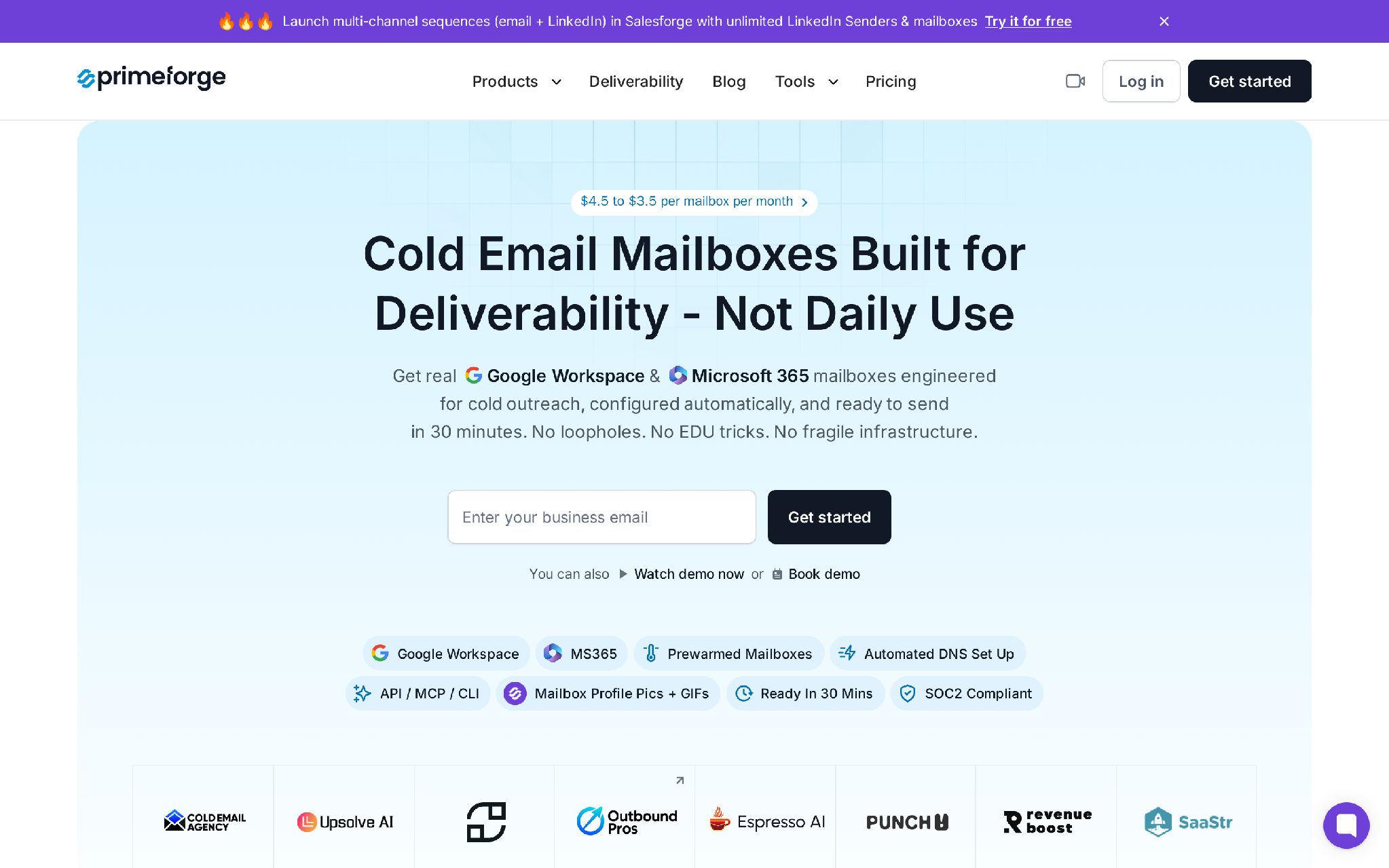
Primeforge is the shared-provider route.
These are Google/Microsoft-style cold email inboxes built for outbound, without making you manually create every mailbox, configure every domain, and connect every account one by one.
They are a strong fit when you’re sending to serious B2B accounts, especially if your buyers sit inside Google Workspace or Microsoft 365 themselves. They also work well when your IT team wants native admin controls, procurement clarity, and a setup that feels less like a cold-email tool.
The tradeoff is operational drag.
If you buy Google or Microsoft mailboxes directly, buying domains, creating users, configuring DNS, setting profile details, connecting sending tools, warming inboxes, and replacing damaged accounts becomes real work once you move past a few inboxes. Primeforge exists to remove that setup tax while keeping you on the provider-mailbox path.
This is usually the best first move for a founder or lean GTM team that wants deliverability stability before aggressive scale.
I think the logic is straightforward.
If you’re still proving your ICP, offer, list source, and copy, your inbox setup should not be the noisy variable. You want a trustworthy base layer, sensible volume, and enough operational speed to start learning.
Primeforge gives you the mainstream mailbox path with automated setup and bulk management. Then Salesforge can sit on top for sequences, mailbox rotation, LinkedIn steps, AI personalization, and reply handling.
That is the practical shape of a first outbound system: trustworthy inboxes underneath, controlled execution above.
Primeforge cost example
Let me share this example with you.
Assume you buy 10 Primeforge inboxes and 5 secondary domains. You put 2 inboxes on each domain. You warm them first, then send 20-30 cold emails per inbox per day.
That gives you roughly 200-300 cold emails per business day after ramp-up, before follow-up math.
That is enough for a founder to learn. It is not enough for a large agency. Good. The point at this stage is signal quality, not fake scale.
Choose Primeforge when:
Do not choose Primeforge when:
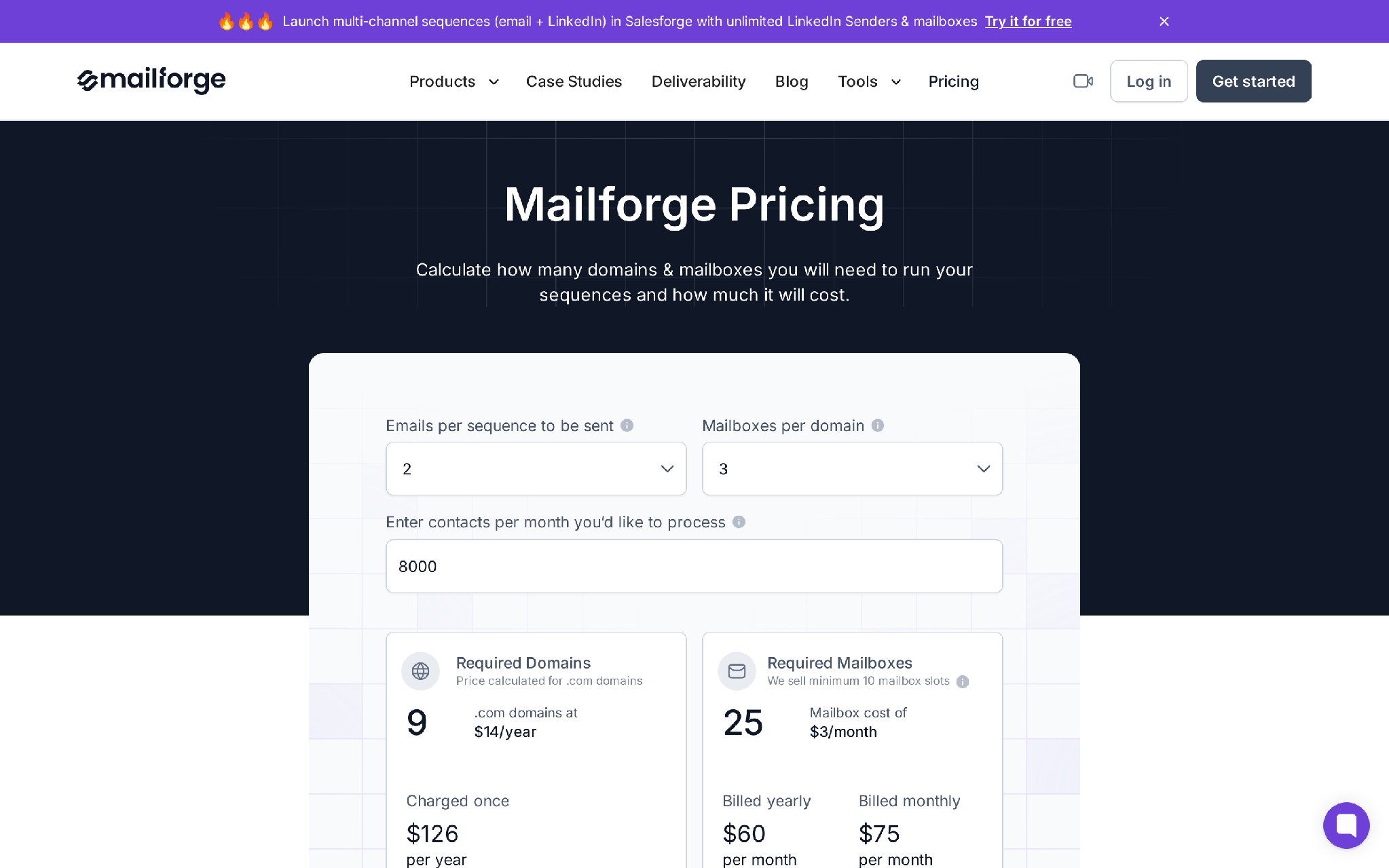
Mailforge is the shared SMTP-style infrastructure route.
It fits the team that has moved past “Can we send cold email?” and into “Can we create enough safe sending capacity without spending all day setting up domains and DNS?”
This is the cost-efficient scale layer.
Mailforge makes sense when you want to create many inboxes across many secondary domains, keep mailbox cost low, and avoid manual SPF, DKIM, DMARC, SSL, and domain setup work. It is not trying to be Google or Microsoft. It is built for outbound operations where speed and distributed capacity matter.
The deliverability tradeoff is shared infrastructure.
Shared infrastructure can work well when managed properly, but you do not own every reputation variable the same way you do with private infrastructure. That means Mailforge is best used with clean lists, conservative sending limits, warmup, and a clear rotation policy.
Mailforge cost example
Assume you buy 10 Mailforge inbox slots and 5 .com outreach domains.
Now assume you grow to 50 inboxes.
At roughly $3 per inbox, mailbox cost becomes about $150/month before domains and optional add-ons. That is where Mailforge starts to feel obvious: many inboxes, many domains, fast provisioning, and lower mailbox cost than mainstream provider routes.
Choose Mailforge when:
Do not choose Mailforge when:
Mailforge is subtle in the stack because it does not need to be the whole story. It is the economical capacity layer. Used well, it gives you room to test and scale without making every campaign depend on expensive provider inboxes.
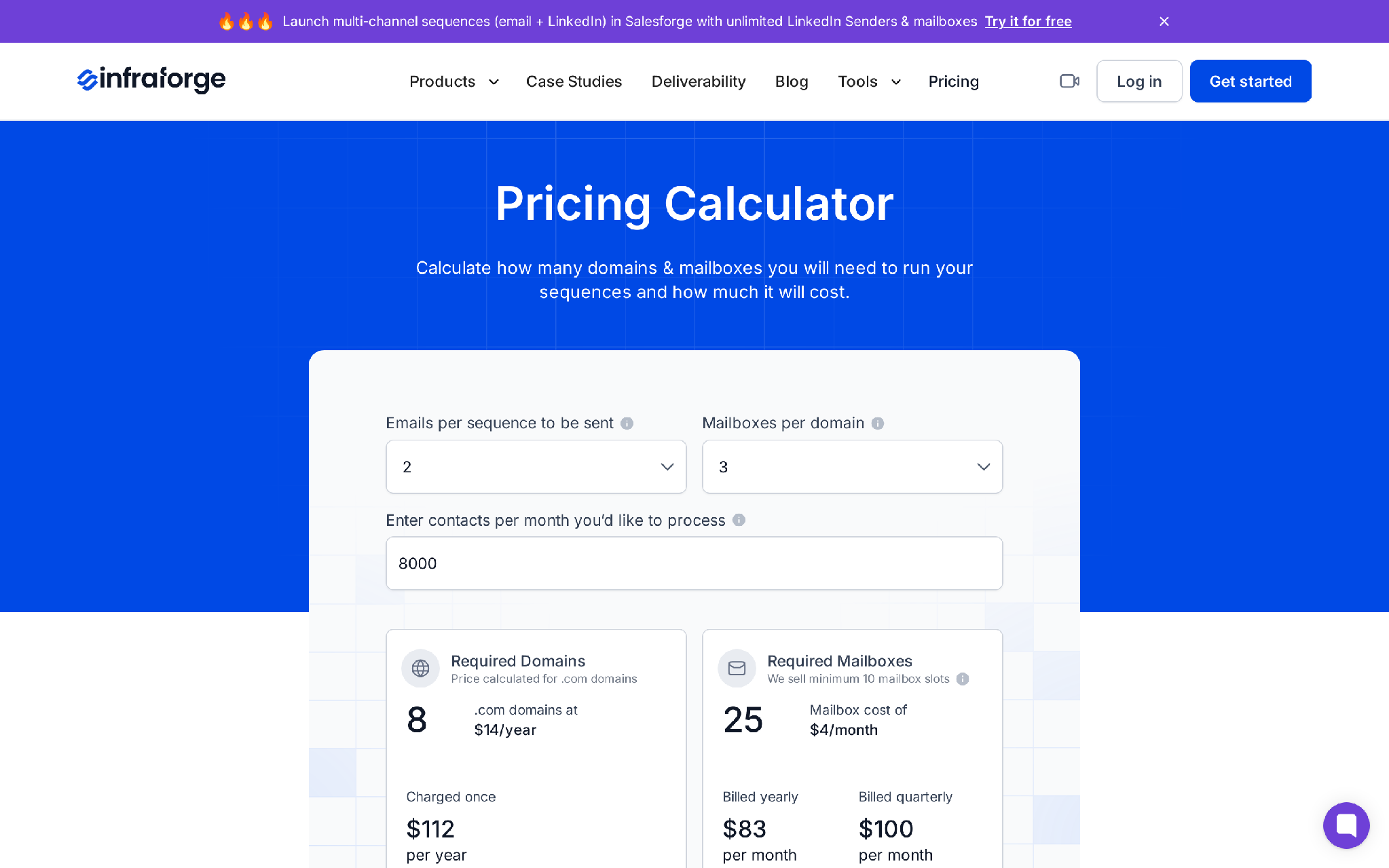
Infraforge is the private infrastructure route.
It is for teams that already understand cold email is a pipeline channel, not a side experiment. You use Infraforge when you want more ownership over dedicated IPs, private infrastructure, domains, and reputation controls.
This is not the first purchase I would make for a founder sending a few hundred emails a week.
It starts making sense when deliverability volatility has revenue cost. If one bad pool can slow meetings for the month, infrastructure control becomes cheaper than uncertainty.
The tradeoff is responsibility.
Private infrastructure gives you more control, but it also gives you more to monitor. Dedicated IPs need reputation discipline. Domains need slow ramping. Inbox pools need isolation. If you run private infra like a cheap blast engine, you just burn a more expensive setup.
Infraforge cost example
Let me share this example with you.
Assume you purchased 10 inboxes from Infraforge, 5 .com domains, and 1 dedicated IP. You put 2 inboxes on each domain, warm the pool, and reserve it for your highest-control campaigns.
That is not the cheapest 10-inbox setup.
But cost is the wrong lens if cold email already works. At that stage, the question is not “Can I save $80/month?” The question is “Can I control the sending environment enough to protect a channel that produces pipeline?”
Choose Infraforge when:
Do not choose Infraforge when:
This is where Warmforge becomes important. Warmforge gives the warmup and deliverability monitoring layer so you are not guessing whether the infrastructure is ready before Salesforge starts sending.
Private infra gives you control. Warmup and monitoring make that control usable.
Combine inbox types when different campaigns have different risk profiles.
Do not blend infrastructure because it sounds advanced. Blend it when each layer has a job.
A practical blended setup looks like this:
I think the clean rule is this.
Use your highest-trust inboxes for your highest-value conversations.
Use your lower-cost inboxes for broader testing and scale.
Use private infrastructure when you need control, isolation, and reputation ownership.
For example, assume you have three campaigns:
This is how you stop treating all cold email as one risk bucket.
If the Mailforge testing pool dips, pause it. If the Infraforge client pool needs slower ramping, isolate it. If the Primeforge enterprise pool is producing replies, protect it.
The point of the Forge stack is not to buy every product. The point is to give each outbound job the right infrastructure underneath it.
Start from sending math, not vendor preference.
At 200 cold emails per day, you need roughly 7-10 active inboxes after ramp-up.
Then you need domains. A conservative setup is 2-3 inboxes per domain, so 10 inboxes usually means 4-5 domains.
That is the math before you buy anything.
Choose shared provider inboxes through Primeforge, unless your team already has someone who handles provider-mailbox setup manually.
You do not need the cheapest possible inboxes yet. You need clean learning conditions.
Your first job is to validate ICP, offer, list quality, and copy. If the inbox setup is too volatile, you will blame the message when the real issue is placement.
Use a blend of Mailforge and Infraforge, with Primeforge for clients that need mainstream provider trust.
Agencies need risk isolation. Do not run every client through the same inbox pool if their markets, domains, offer types, and compliance needs differ.
Client A’s aggressive test should not damage Client B’s enterprise campaign.
Lean toward Primeforge or a controlled Infraforge setup.
Enterprise inboxes are less forgiving. The difference between a $3 inbox and a $7 inbox is irrelevant if your target account never sees the email.
For this use case, deliverability stability beats cheap volume.
Use Infraforge for control and Mailforge for cost-efficient scale.
At that stage, your bottleneck is not buying inboxes. It is managing reputation, rotating intelligently, monitoring reply and bounce signals, and keeping each campaign pool isolated.
Stay simple.
Use Primeforge, Warmforge, and Salesforge before you build a complicated private setup. Private infrastructure without an owner becomes technical debt with a send button.
The inbox provider is only one part of deliverability.
These mistakes burn good infrastructure:
The problem is not that cold email inboxes stop working.
The problem is that teams run them with no operating system.
A better workflow looks like this:
That is how cold email becomes a system instead of a gamble.
Salesforge is not the inbox provider.
It is the outreach operating layer that sits above the inboxes.
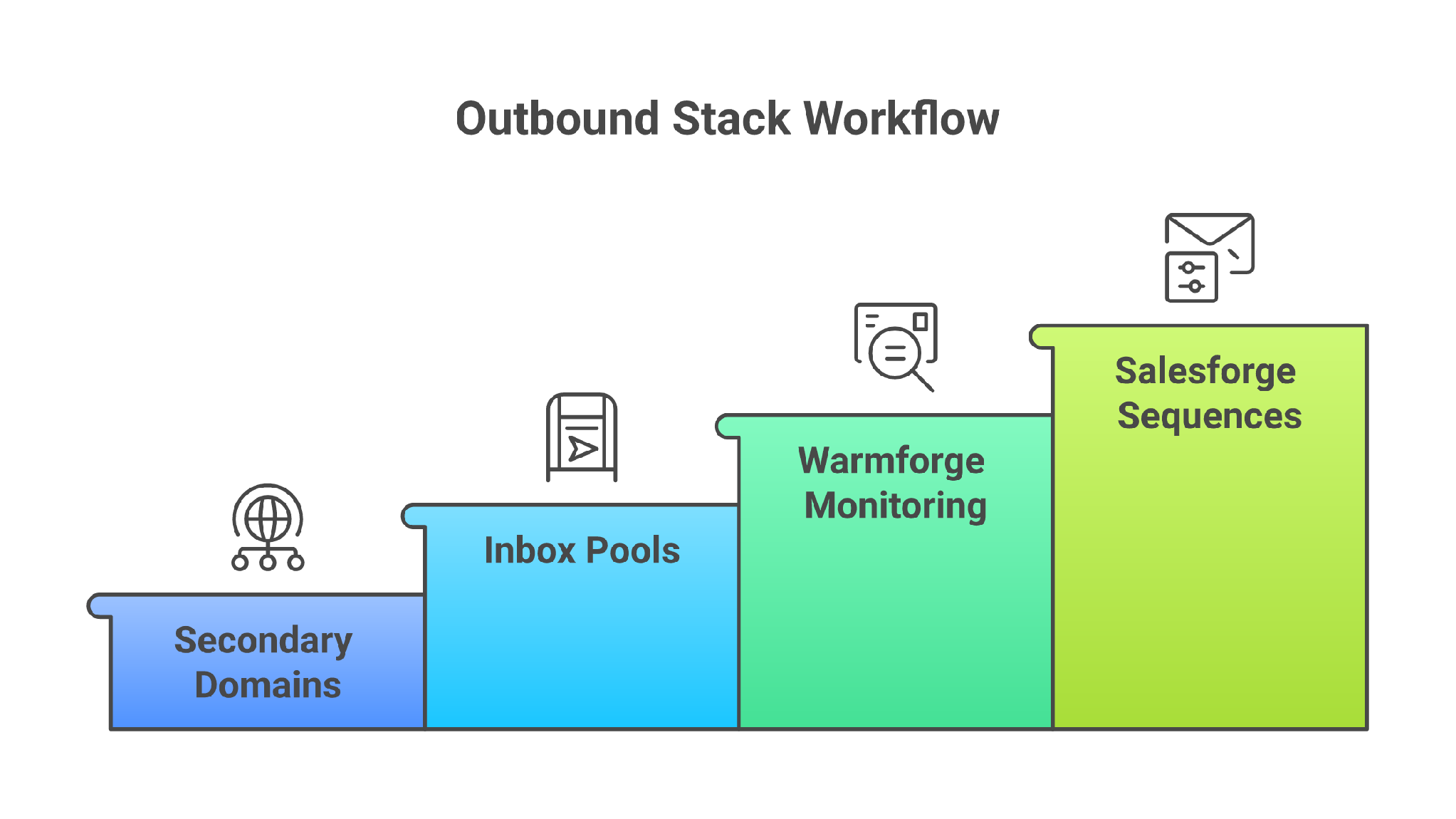
That matters because cold email deliverability is not solved by buying mailboxes. It is protected by how you use them: sequence logic, sending limits, mailbox rotation, personalization, LinkedIn touches, reply analysis, and the discipline to stop sending from weak inboxes.
The Forge stack maps to the workflow like this:
This is the subtle but important pitch.
If you only buy inboxes, you own capacity.
If you connect inboxes, warmup, data, sequences, and replies, you own a cold outbound system.
Do not choose Salesforge and the Forge stack if you want one flat subscription that bundles every cost into one simple bill.
The Forge model is modular. Salesforge, infrastructure, and Agent Frank are separate subscriptions. That gives you flexibility, but total cost can climb when you add inboxes, domains, private IPs, lead data, and autonomous SDR workflows.
Salesforge also has an active contacts cap by plan, and active contacts include prospects currently moving through follow-up steps. If you run long cadences across large lists, that cap can get tight faster than the headline number suggests.
A competitor can win if you want the simplest all-in-one starter tool with fewer infrastructure choices, or if your team already runs outbound inside an existing sales engagement platform and only needs a tiny shared-provider mailbox pool.
That is fine.
The Forge stack is for teams that want to own the outbound system: data, infrastructure, warmup, sequencing, and reply handling.
Enter your email to get a custom plan & stack recommendation for your business
Please check your mailbox in 5 minutes

If cold email is still experimental, start with shared provider inboxes through Primeforge. Keep the setup small, warm it properly, and prove your offer.
If cold email is working and cost is becoming the issue, add Mailforge for shared infrastructure scale.
If cold email is a serious pipeline channel and reputation control matters, add Infraforge for private infrastructure and dedicated IP ownership.
If you are mature, blend them. Use Primeforge for trust-heavy segments, Mailforge for cost-efficient scale, and Infraforge for control. Then run the motion through Salesforge so your inboxes are not isolated tools. They become part of one outbound system.
This week, do not buy more inboxes first.
Audit your current sending math: contacts per month, sequence steps, daily send target, domains, inboxes per domain, bounce rate, reply rate, and inbox placement. Then choose the inbox setup that protects the pipeline you are trying to build.
If your team is still guessing which cold email inboxes to use, Salesforge helps you turn that decision into a managed outbound workflow: Primeforge for shared-provider Google/Microsoft inboxes, Mailforge for shared SMTP scale, Infraforge for private control, Warmforge for deliverability, and Salesforge for the sequences that turn inbox capacity into pipeline.