

Personalized Outbound Strategy
Get The Right Outbound Strategy In Minutes
Enter your email to get a custom plan & stack recommendation for your business
It's being carefully crafted by AI
Please check your mailbox in 5 minutes
49 inboxes on one domain and up to 245 cold emails a day. That is the setup Inboxing is selling for as little as $30 per domain.
It also handles mailbox creation and DNS setup for you, so there is much less infrastructure to set up by hand.
The bigger question is deliverability. Putting up to 49 inboxes behind one domain is very different from spreading your sending across more domains, and there are no independent user reviews yet to show how well this holds up in practice.
In this Inboxing review, I’ll break down the pricing, features, deliverability, and limitations before you pay for it.
Inboxing handles most of the setup needed before you start cold email outreach. You submit your domains and sender details, and it handles mailbox creation, nameserver changes, DNS configuration, SPF, DKIM, and strict DMARC.
You can set up 25 or 49 inboxes per domain. Each inbox can send 2–5 cold emails per day, giving you up to 245 cold emails per domain per day. API access, domain swapping, CSV uploads, and 1-on-1 support are also included.
What you do not get is private email infrastructure or dedicated IPs listed as part of the standard setup. Inboxing instead describes its setup as a tenant-safe architecture.
That is one of the main differences when you compare it with Infraforge. Infraforge uses private email infrastructure with dedicated servers and also gives you the option to add dedicated IPs.
The biggest difference is how the infrastructure is set up. Inboxing puts 25 or 49 inboxes on each domain, while Infraforge’s calculator uses 1-3 mailboxes per domain and gives you more control over the underlying private infrastructure.
There are no independent user reviews available for Inboxing right now. That makes it difficult to see how the service performs in real cold email campaigns, especially when using 25 or 49 inboxes on a single domain.
For now, there is no meaningful customer feedback to independently judge Inboxing’s deliverability, reliability, or long-term performance.
If you decide to try it, starting with a few domains and testing inbox placement before scaling would give you a clearer picture of how the setup performs.
Setting up Inboxing starts with your domain and sender details. From there, Inboxing handles the mailbox creation, DNS setup, and other checks before the mailboxes are added to your sending platform. Here is what happens at each step.
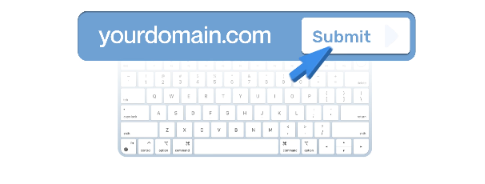
The first step is to tell Inboxing which domain and sender details you want to use. You can submit this through the platform, API, or AI.
During setup, you also choose where the domain should redirect and add any optional settings you need. Domain masking is included for free.
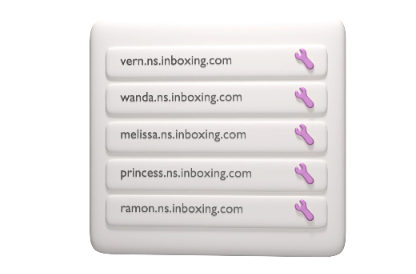
Once you submit the details, the domain needs to be connected to Inboxing. It does this through a nameserver change. Inboxing can update the nameservers automatically. If that is not possible, it guides you through the change you need to make.
After the domain is connected, Inboxing takes care of setting up the mailbox, configuring DNS, and running compliance checks. According to Inboxing, this provisioning usually takes 1-2 hours. Their packages also list a 24-hour turnaround, so the 1-2 hour figure appears to be the typical provisioning time rather than a guaranteed completion time.
Once provisioning is complete, the new mailboxes can be added to your sending platform automatically. You can then start warming them before using them for cold outreach. This is important because Inboxing says the mailboxes are ready to start warming after setup. It does not say that the mailboxes come pre-warmed.
Inboxing focuses on making cold email mailbox setup easier. It creates the mailboxes, handles the DNS work, and gives you tools to set up many domains without doing everything by hand. Here are the main features of Inboxing:
The biggest difference is the number of inboxes Inboxing puts on each domain. You can run 25 or 49 inboxes per domain, with each inbox limited to 2–5 cold emails per day.
Inboxing has some of the basics in place, but there are no independent reviews or deliverability tests yet to show how well its inboxes perform in real cold email campaigns.
Inboxing sets up SPF, DKIM, and strict DMARC for each domain. Each inbox can send 2–5 cold emails per day, and the mailboxes are ready to start warming once setup is complete.
The part I would watch closely is the number of inboxes on each domain. Inboxing lets you set up 25 or 49 inboxes per domain, with up to 245 cold emails sent from one domain per day.
Inboxing calls them “high performance inboxes” and says its Growth plan can maintain high deliverability as you send more emails. Until there are more user reviews or feedback on how these inboxes perform, though, you should treat that as Inboxing’s claim rather than a proven result.
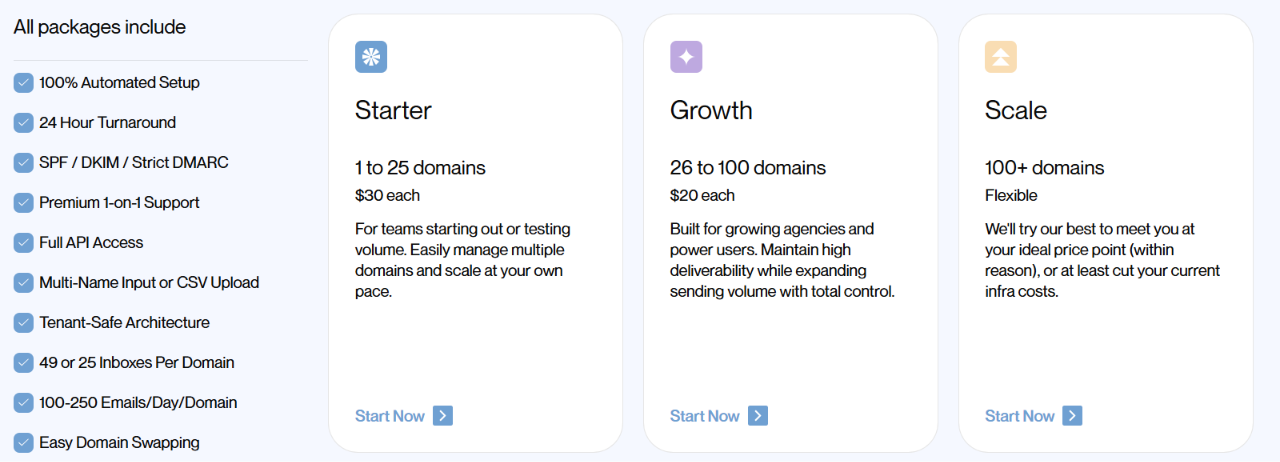
Inboxing charges by the number of domains you buy. The price drops from $30 per domain to $20 per domain once you move from the Starter plan to Growth.
All three plans include 25 or 49 inboxes per domain, automated setup, a 24-hour turnaround, SPF, DKIM, strict DMARC, API access, CSV uploads, domain swapping, and 1-on-1 support.
Inboxing lists 2-5 cold emails per inbox per day and 100–250 emails per domain per day as part of its pricing.
The Scale plan does not have a fixed public price. Inboxing says it will work with you on pricing for setups with more than 100 domains.
Inboxing makes the most sense when you need a lot of cold email inboxes and do not want to create and configure them one by one.
Inboxing is mainly built for high-volume mailbox setups. If you want fewer inboxes per domain, pre-warmed mailboxes, or dedicated IP options, it makes sense to compare other cold email infrastructure providers before choosing.
If you like Inboxing’s automated setup but are hesitant to add 25 or 49 inboxes to a single domain, Infraforge is a great alternative to consider.
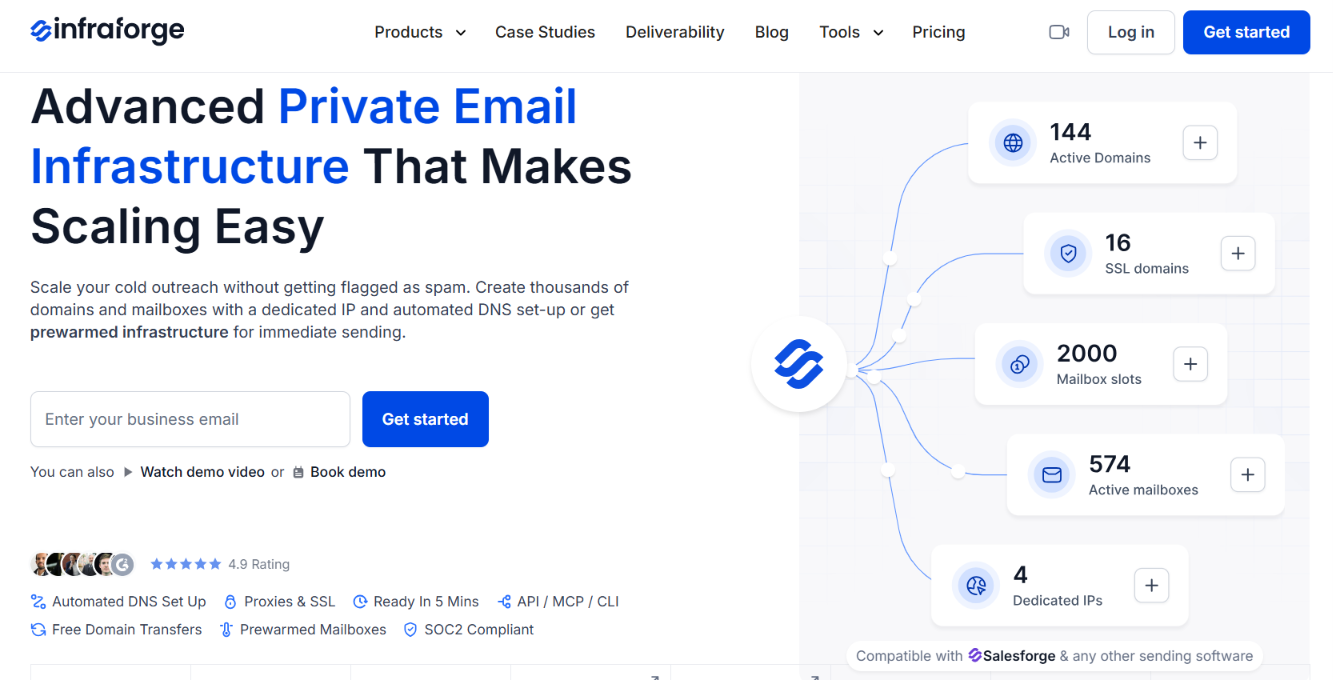
The main difference is the infrastructure. Infraforge provides private email infrastructure with dedicated servers, so you are not sharing your setup with unrelated senders. It also supports dedicated IPs, giving you more control over your sending reputation.
Here are a few other reasons to consider Infraforge:
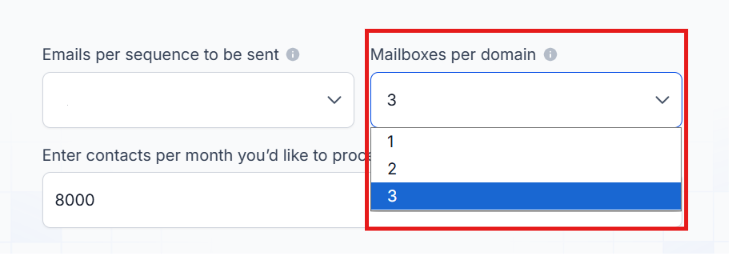
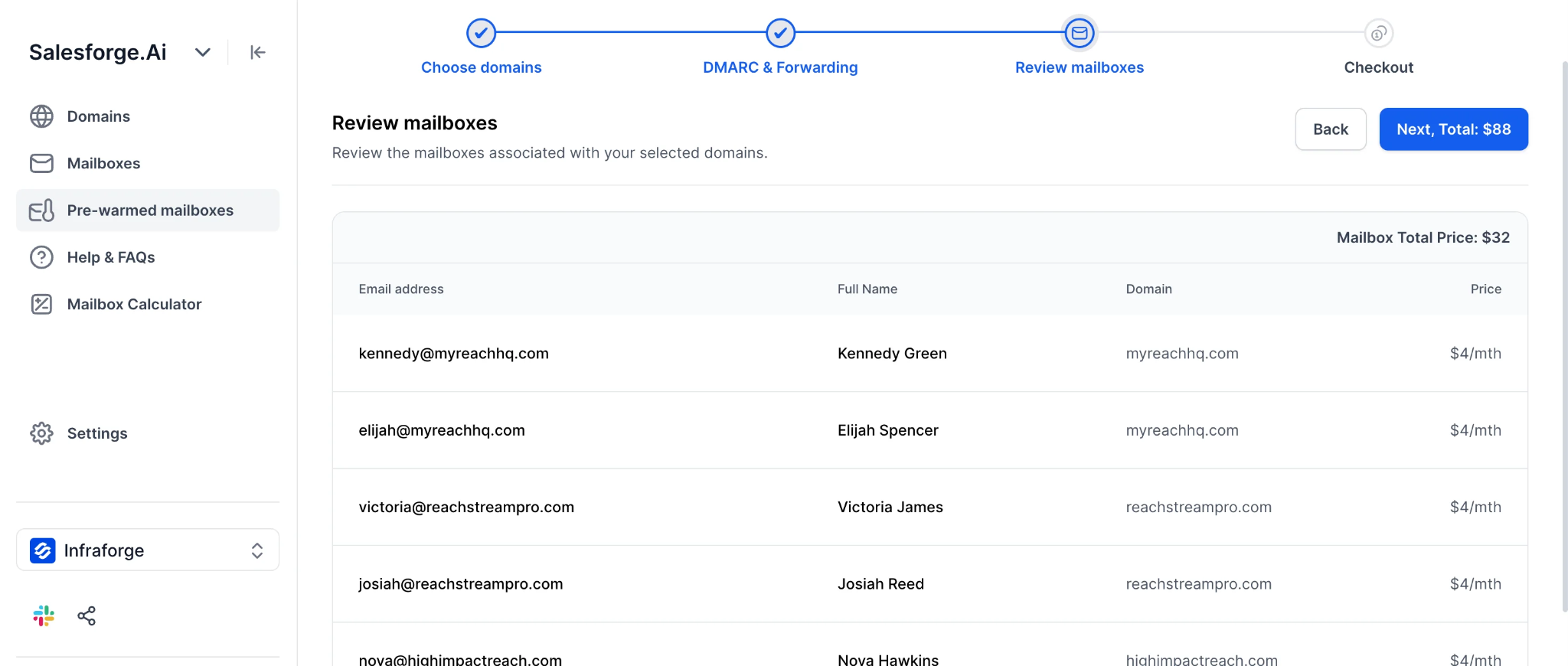
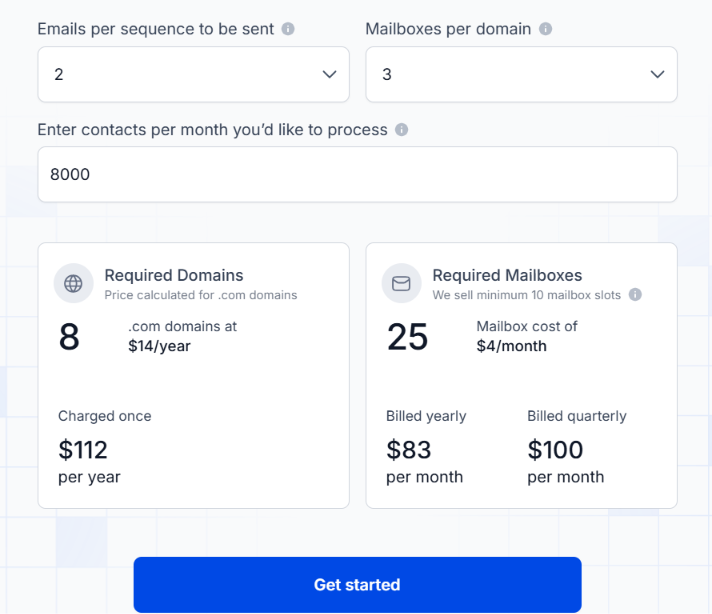
With Infraforge, your sending runs on dedicated servers instead of sharing the same server infrastructure with unrelated senders. This gives you more direct control over the server and IP infrastructure behind your cold email campaigns.
Enter your email to get a custom plan & stack recommendation for your business
Please check your mailbox in 5 minutes

Inboxing makes sense if you need to create a large number of cold email inboxes without setting up every mailbox and domain yourself. Its pricing is straightforward, and most of the technical setup is handled for you.
The main question is whether you are comfortable running 25 or 49 inboxes on each domain without much customer feedback yet on how that setup performs over time.
If you would rather use fewer mailboxes per domain and have your own dedicated sending environment, Infraforge is worth considering. It gives you private infrastructure on dedicated servers, along with automated DNS setup and pre-warmed mailbox options.
You can get started with Infraforge here and see how it works for your outreach.