Most people start with Mailtrap to test emails safely.
It works well for that.
But once you move beyond testing, it starts to feel limited for handling real sending, scaling, and deeper email infrastructure needs.
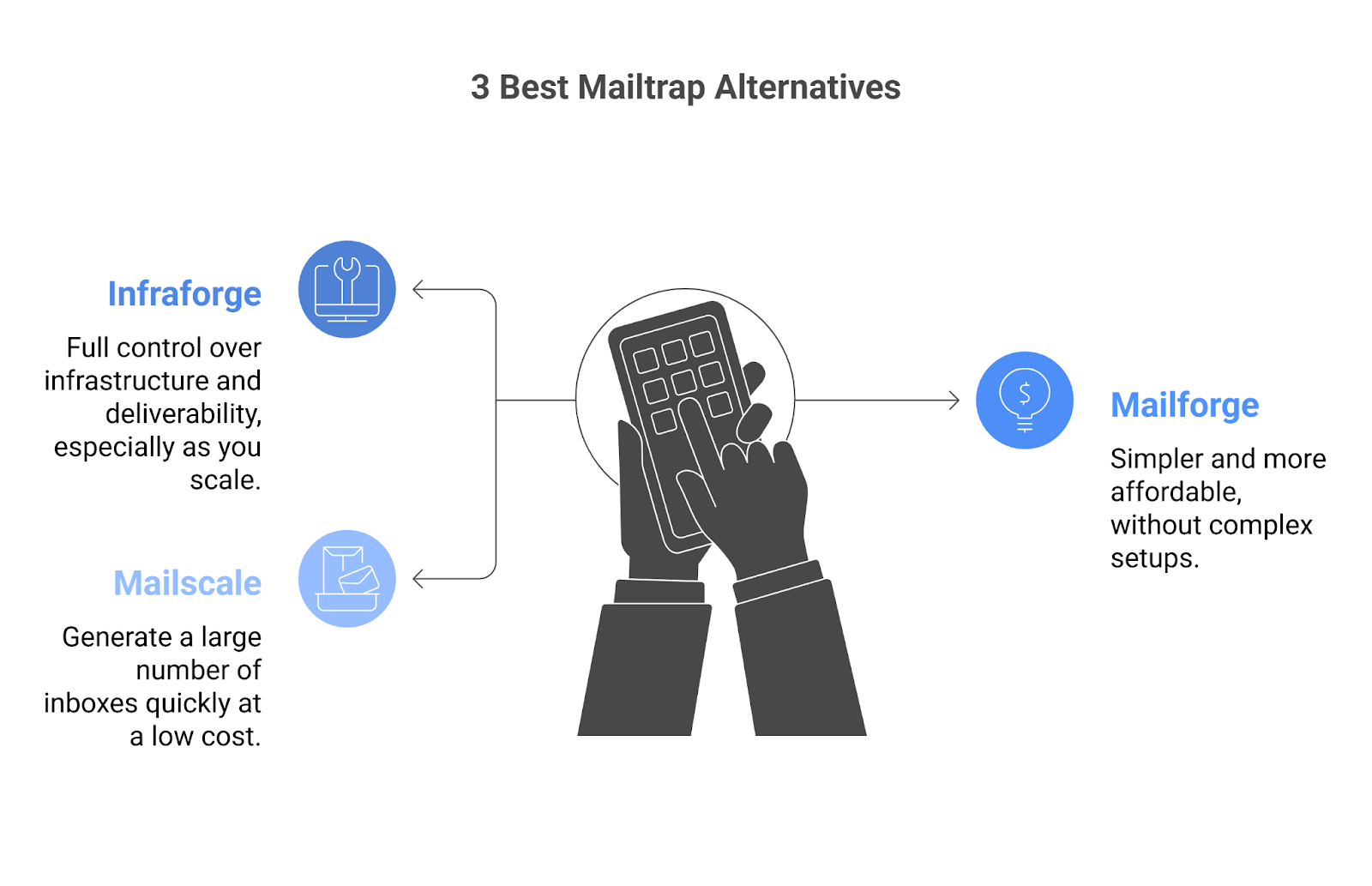
So I looked at 3 Mailtrap alternatives focused on email infrastructure and broke them down in a simple way, so you can see what actually fits your use case.
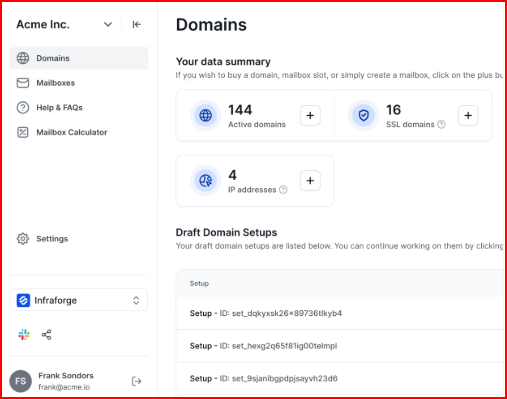
On top of that, it includes built-in systems like sender rotation, smart sending limits, and real-time monitoring, which help keep your outreach stable and safe as you scale.
Mailbox cost: Starts at $4 per mailbox/month (can go up to $3 per mailbox/month based on usage)
Domains: Around $14/year per .com domain
Minimum mailbox slots: 10
Example setup:
8 domains → $112/year
25 mailboxes → ~$83/month (billed yearly)
Included in pricing:
Automated DNS setup
Inbox hosting & maintenance
Access to Infraforge API
Expert customer support
Add-ons:
SSL & Domain Masking → $2/domain/month (billed quarterly) or $6/year
IP Addresses → $99/IP/month
Masterbox → $7/workspace/month (yearly billing)
Pros
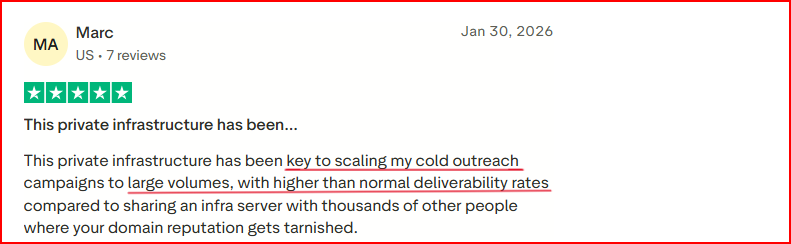
You get more control over deliverability and high deliverability rates, since each mailbox runs on a dedicated IP instead of shared setups.
This image shows the Infraforge user complimenting about its high deliverability rates
You can start sending faster, either with pre-warmed mailboxes or quick automated setup
Scaling feels much easier and structured, because you can manage many domains and mailboxes from one place
Your outreach stays more stable and safer, with built-in rotation, limits, and monitoring working in the background
“Unlike some providers where you constantly worry about downtime or hidden limitations, Infraforge feels solid and dependable. Their monitoring and alerting tools are straightforward yet powerful, which gives me peace of mind that I’ll know if something goes wrong before it becomes a real issue.” - Truatpilot, Infrafore user.
You don’t have to deal with technical setup, since DNS and authentication are handled automatically
It fits easily into your existing workflow, so you can keep using your current sending tools without changes
Cons
You need to buy at least 10 mailboxes to get started, even if your requirement is smaller
Important things like SSL and domain masking are not included by default and cost extra
2.Mailforge
Mailforge is a distributed email infrastructure built for cold outreach, designed to help you set up and scale email sending quickly.
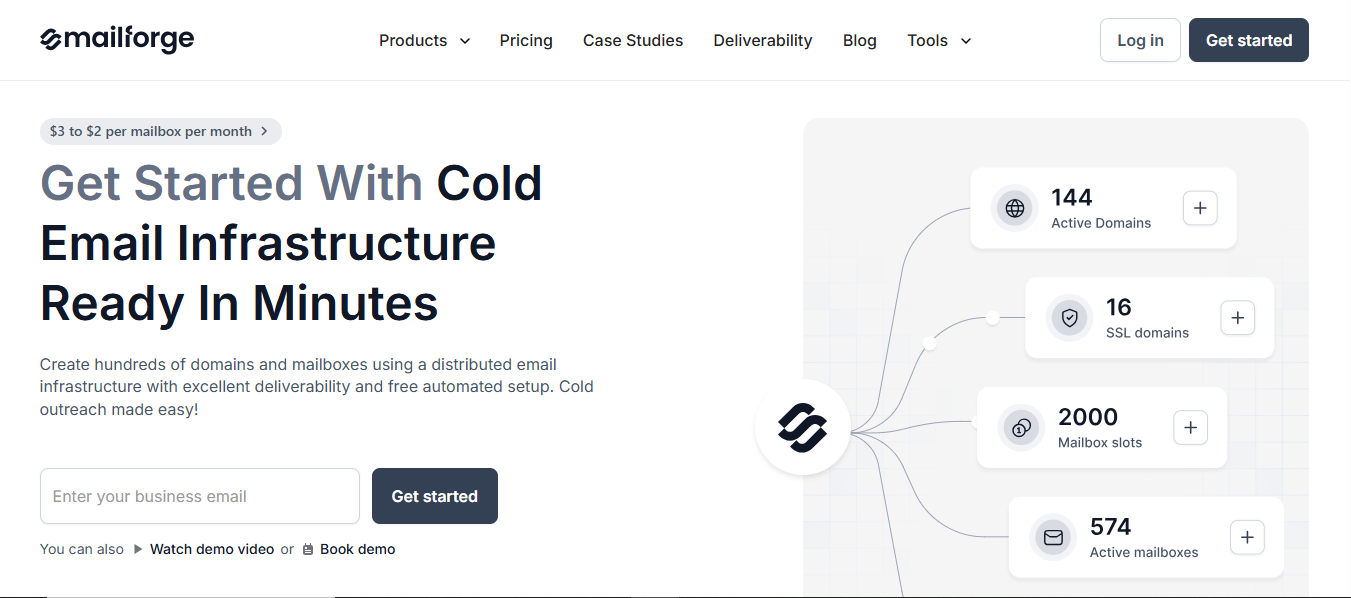
This image shows the Mailforge- Most affordable Mailtrap alternative
It works on a shared IP setup, where your mailboxes are distributed across a larger pool, similar to how platforms like Gmail or Outlook operate.
The focus here is to make cold email infrastructure simple to set up, easy to use, and affordable, so teams of any size can get started without much technical effort.
You can create domains and mailboxes in minutes with automated setup, and manage everything from one place as you scale your outreach.
Key Features
Uses a shared IP infrastructure for sending emails
Automated DNS setup with SPF, DKIM, and DMARC
Quick setup with domains and mailboxes ready in minutes
Supports multiple workspaces for managing setups
Allows bulk DNS updates and domain transfers
Works with Salesforge and other sending tools
Includes SSL and domain masking (as add-ons)
Pricing
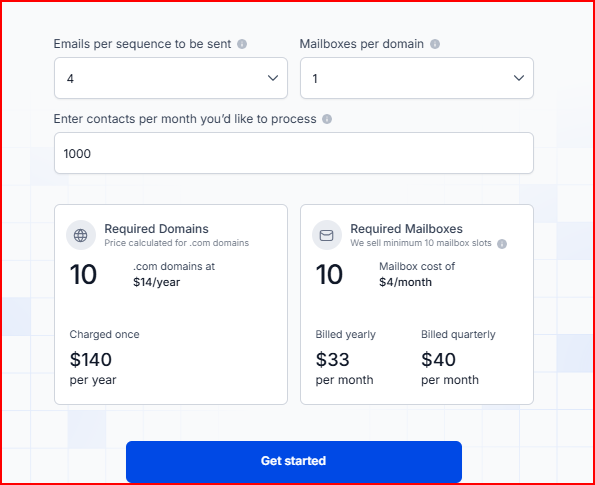
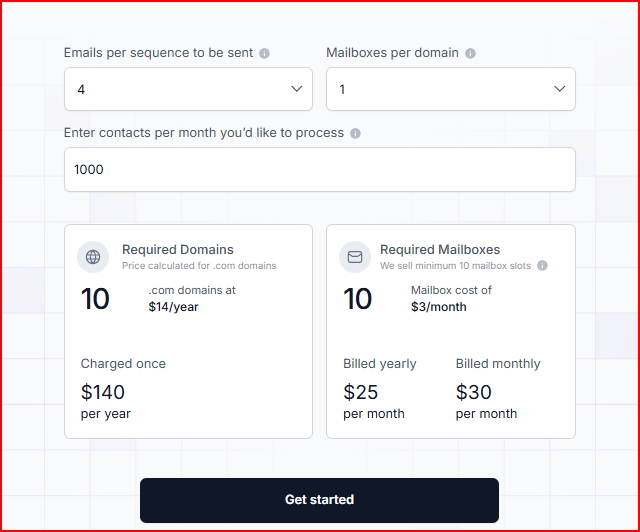
This image shows the Mailforge pricing
Mailbox cost: Starts at $3 per mailbox/month (can go down to $2 per mailbox/month based on usage)
Domains: Around $14/year per .com domain
Minimum mailbox slots: 10
Example setup:
9 domains → $126/year
25 mailboxes → ~$60/month (billed yearly) or $75/month (monthly)
Included in pricing:
Automated DNS setup
Inbox hosting & maintenance
Expert customer support
Add-ons:
SSL & Domain Masking → $2/domain/month (monthly) or $6/year
Pros
You can get started very quickly, since setup is guided and automated
It’s more affordable, especially when compared to other infrastructure setups
Works well for teams of any size, so you can start small and scale as needed
You can manage multiple domains and mailboxes in one place, making scaling feel organized and simple
This image shows the Mailforge user talking about how they like easy and bulk setup
Cons
Uses a shared IP setup, so you don’t get the same level of control as dedicated infrastructure
You need to purchase at least 10 mailboxes, even if your requirement is smaller
Important things like SSL and domain masking are not included by default and cost extra
3.Mailscale
Mailscale is a tool that lets you generate email inboxes for cold outreach instantly.
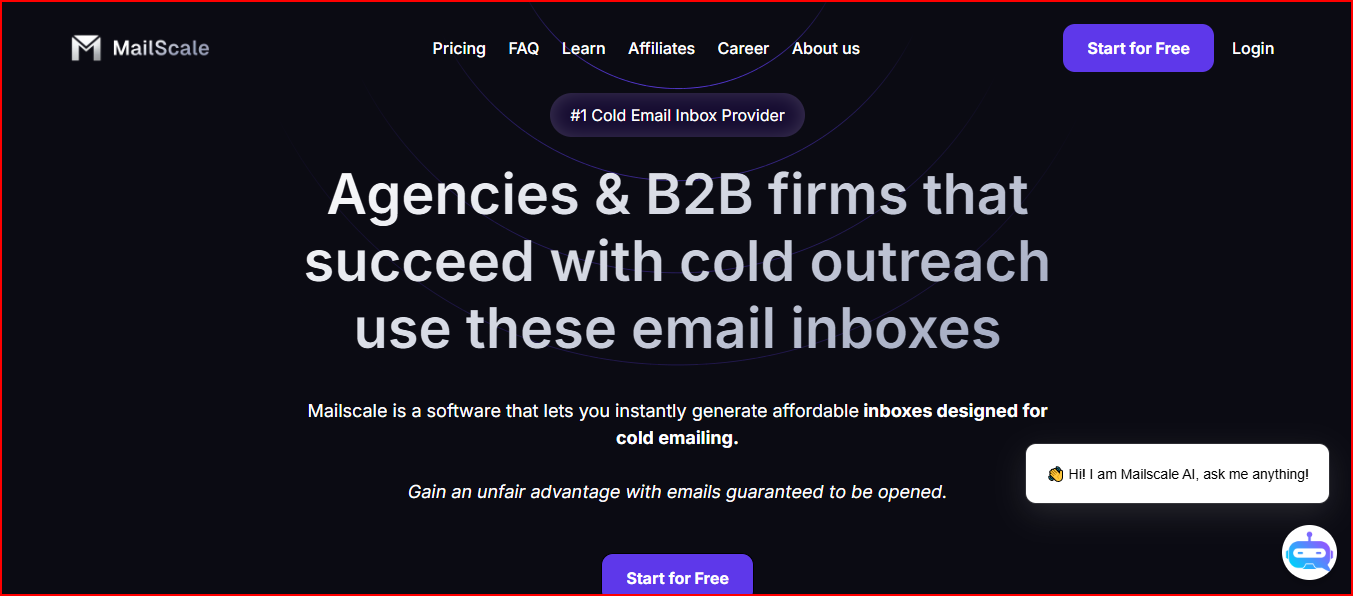
This image shows the Mailscale - Best Mailtrap alternative for quick setup
Instead of manually setting up domains, mailboxes, and DNS records, it automates the whole process and gives you ready-to-use inboxes in minutes.
The focus is on helping you create a large number of inboxes quickly and at a lower cost, so you can scale your outreach without spending hours on setup.
It also handles the backend infrastructure likeSMTP servers, IP pools, and monitoring, so you don’t have to manage it yourself.
You can then plug these inboxes into any email sending tool and start running campaigns.
Key Features
Automates setup of DKIM, DMARC, and SPF
Let's you buy or add domains inside the platform
Provides ready-to-use inboxes in CSV format
Works with any cold email sending tool
Handles infrastructure, monitoring, and deliverability
Offers automated monitoring for reputation, spam, and bounces
Supports large-scale inbox creation (50 to 1000+)
Pricing
Mailscale does not publicly list full pricing plans on its website.
However, it has domain costs.
Domains: Around $10–$15/year per domain (if purchased inside Mailscale)
Bring your own domain: $2 per domain
Pros
You can create a large number of inboxes almost instantly, instead of spending hours on manual setup
You can scale outreach quickly, since creating 50–1000 inboxes takes very little time
Setup is very simple, so you don’t need technical knowledge to get started
Deliverability and infrastructure are handled for you, so you can focus more on running campaigns
Cons
You need to warm up inboxes for 1–2 weeks before sending at scale
You need to manage multiple domains and inboxes properly, otherwise deliverability can be affected
Deliverability depends on how you run campaigns (like avoiding spam triggers), not just the infrastructure
If you bring your own domains, deliverability is not guaranteed
Personalized Outbound Strategy
Get The Right Outbound Strategy In Minutes
Enter your email to get a custom plan & stack recommendation for your
business
It's being carefully crafted by AI
Please check your mailbox in 5 minutes
Conclusion
Each of these Mailtrap alternatives solves a different problem.
The right choice depends on how you plan to run your outreach.
Infraforge works best if you want full control over deliverability, dedicated IPs, and long-term scalability
Mailforge makes more sense if you want a simpler and more affordable setup without dealing with complex infrastructure
Mailscale is useful if your main goal is to generate a large number of inboxes quickly with minimal setup
There is no single “best” tool for everyone.
If you're just starting, going with a simpler setup is usually enough.
But if you're planning to scale outbound seriously and want to avoid deliverability issues later, choosing the right infrastructure early makes a big difference.