Sales cadence tools have completely transformed outbound outreach.
It eliminated the endless spreadsheet chasing, forgotten follow-ups, and manual channel juggling. I
By letting the platform automatically handle timing, personalization, emails, calls, LinkedIn outreach, and task reminders.
The challenge?
The market is saturated with tools that all promise to be the “best” sales engagement platform.
That’s why I decided to do things differently.
Over the past several months, I tested six leading sales cadence tools head-to-head across multiple live outbound campaigns (B2B SaaS, agency services, and high-ticket consulting).
I ran thousands of emails and calls and tracked reply rates, meeting-booking rates, deliverability, ease of use, and real-world limitations.
Read on to know what I found!
Every tool on this list went through the same framework. I looked at:
Each tool below is on this list for a specific reason.
I am not ranking them from best to worst. Every tool solves a different outbound problem. The goal is to help you find the one that fits how your team actually sells.
Here is the full breakdown.
Best for: Teams running high-volume email and LinkedIn outreach who need unlimited mailboxes without per-seat fees.
G2 Rating: 4.6 out of 5 based on 117 reviews.
The first sales cadence tool on my list is Salesforge. I put it at the top because it removes the two ceilings that cap most outbound teams: mailbox limits and per-seat pricing.
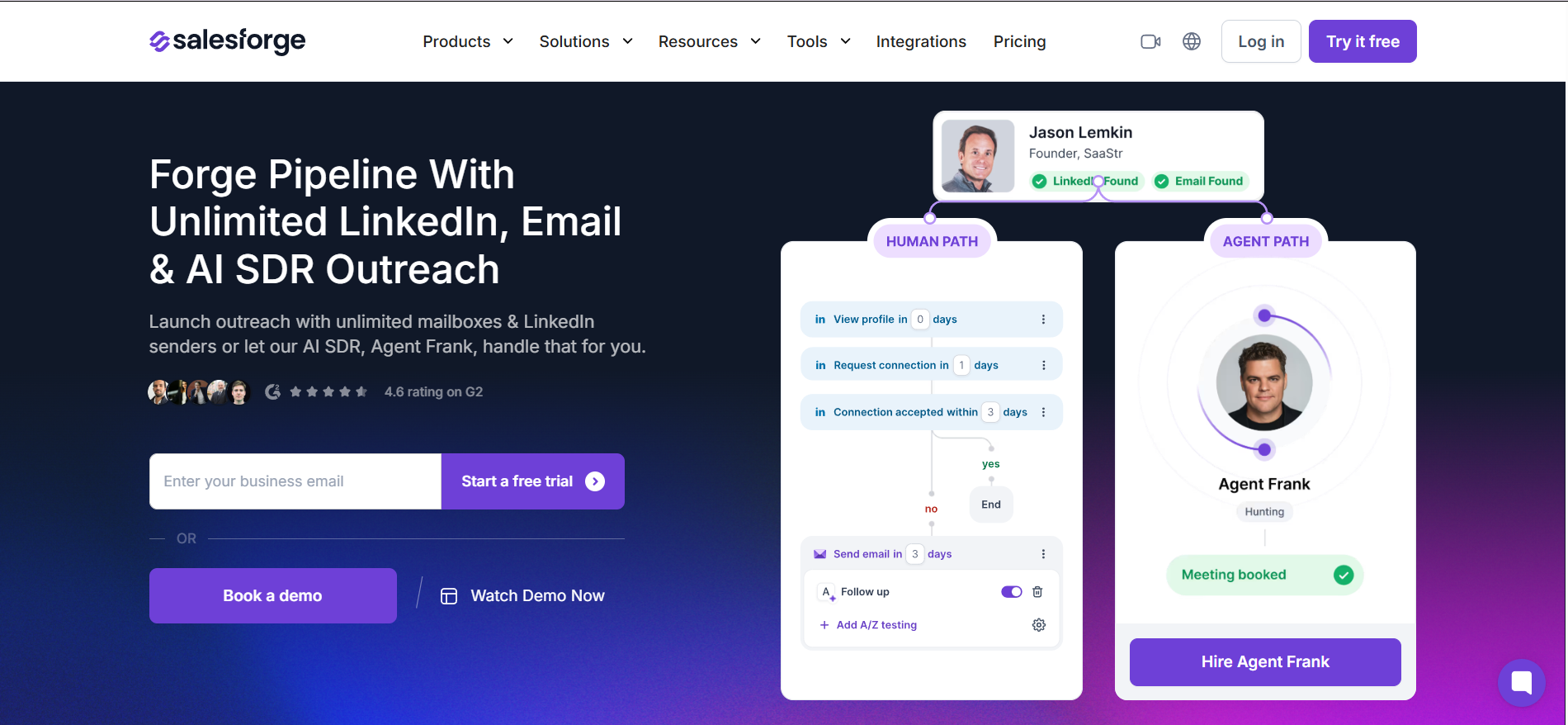
Salesforge is built around the "Human Path" sequence builder — a multi-step cadence that combines email and LinkedIn steps with conditional branching logic. When a prospect opens but does not reply, you can split the path and trigger a different follow-up. When they connect on LinkedIn, the next email step fires automatically.
What makes it strong as a cadence tool is how the sequence builder handles multi-channel steps. You can add email sends, LinkedIn profile views, connection requests, and LinkedIn messages into one sequence. When a prospect opens an email but does not reply, the builder lets you split into a different follow-up path. When a prospect accepts a LinkedIn connection, the next step can trigger automatically based on that action.
Replies from every connected account land in Primebox™, a unified inbox that covers both email and LinkedIn. Primebox also runs sentiment analysis on incoming replies, so you can sort by "interested," "not now," or "unsubscribe" without reading every message manually.
On the Growth plan, sequences can run in 20+ languages with AI-generated personalization per recipient. ESP Matching sends each email from a mailbox that matches the recipient's provider (Gmail to Gmail, Outlook to Outlook), which helps with inbox placement.
If you want to go fully autonomous, Agent Frank is an AI SDR add-on that handles the entire cadence on his own. He finds prospects, writes personalized emails, sends sequences, follows up, and books meetings. He works in Auto-Pilot mode (fully autonomous) or Co-Pilot mode (you approve sends first). The cold email infrastructure behind AI agents is what makes this work at scale.
✅ Pros
❌ Cons
Pricing
Start your Salesforge trial here.
What Users Have to Say
"Customer support is excellent and the AI-powered email personalization dramatically improved reply rates. The unlimited mailbox and LinkedIn sender scalability without seat-based limits is a real advantage."
Read the full review on G2 →
Best for: SDRs who want a prospecting database and email sequencing in a single platform.
G2 Rating: 4.7 out of 5 based on 9,664 reviews.
Another sales cadence tool on my list is Apollo.io.
I included it because it solves a specific problem: the gap between finding a prospect and reaching out to them.
The 230M+ contact database and the sequence builder are the same tool.
You search for a CFO at a Series B fintech, find their verified email, and enroll them in a five-step cadence — without exporting a CSV or switching tabs. That end-to-end workflow is the core value Apollo delivers as a cadence tool.
The sequence builder covers email, call tasks, and LinkedIn tasks.
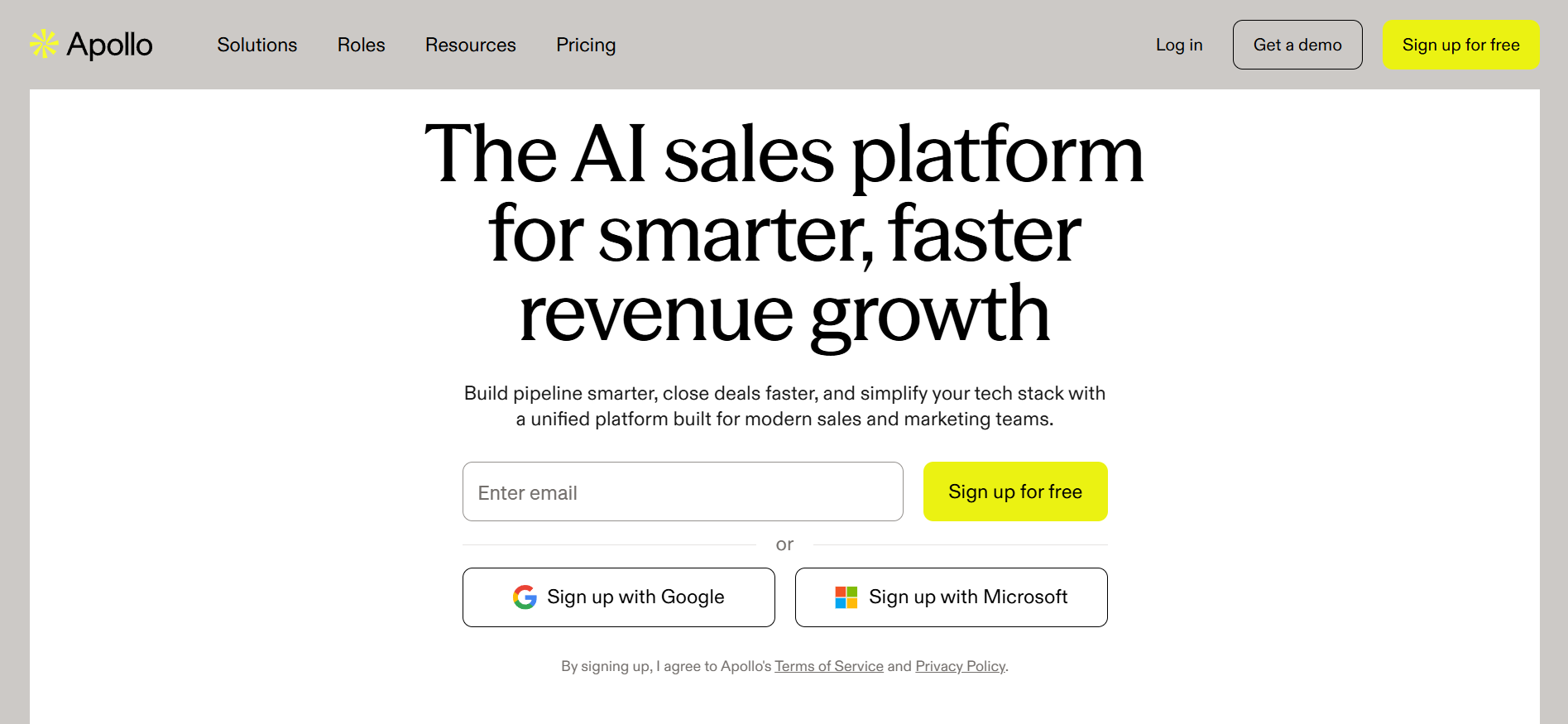
Email steps send automatically with follow-ups that fire based on no-reply or no-open conditions. A/Z testing lets you run multiple email variants within a single sequence on the Professional plan. Automated workflows can trigger actions like enrolling a prospect into a new sequence or updating CRM fields based on engagement signals.
Call and LinkedIn steps are task-based prompts. Apollo notifies you to take the action rather than automating it. If you want fully automated LinkedIn sends, that is a real gap here. The AI Assistant writes email copy and subject lines from within the sequence builder, which speeds up creating personalized steps at scale. If Apollo does not fit your workflow, I reviewed 5 Apollo.io alternatives that approach outbound differently.
✅ Pros
❌ Cons
Pricing
What Users Have to Say
"The extensive database simplifies lead generation and outreach. It integrates well with other tools, allowing for efficient prospecting and contact management. The accuracy of contact data can be inconsistent at times, leading to outdated information."
Read the full review on G2 →
Best for: Inside sales teams that run high-call-volume cadences alongside email and SMS.
G2 Rating: 4.6 out of 5 based on 388 reviews.
The next sales cadence tool on my list is Klenty.
It earned its spot because it is the strongest tool here for teams where phone calls are a core cadence step — not an afterthought.
The Parallel Dialer dials 5 prospects simultaneously and reaches roughly 350 calls per hour. AI voicemail detection skips IVR and dead lines to connect reps to live conversations only. Voicemail drop fires a pre-recorded message in one click. For teams that measure success by live conversations per day, that throughput is a different category than standard click-to-call tools.
Beyond the phone, Klenty supports five-channel cadences — email, calls, SMS, LinkedIn tasks, and custom tasks — all from one sequence builder.
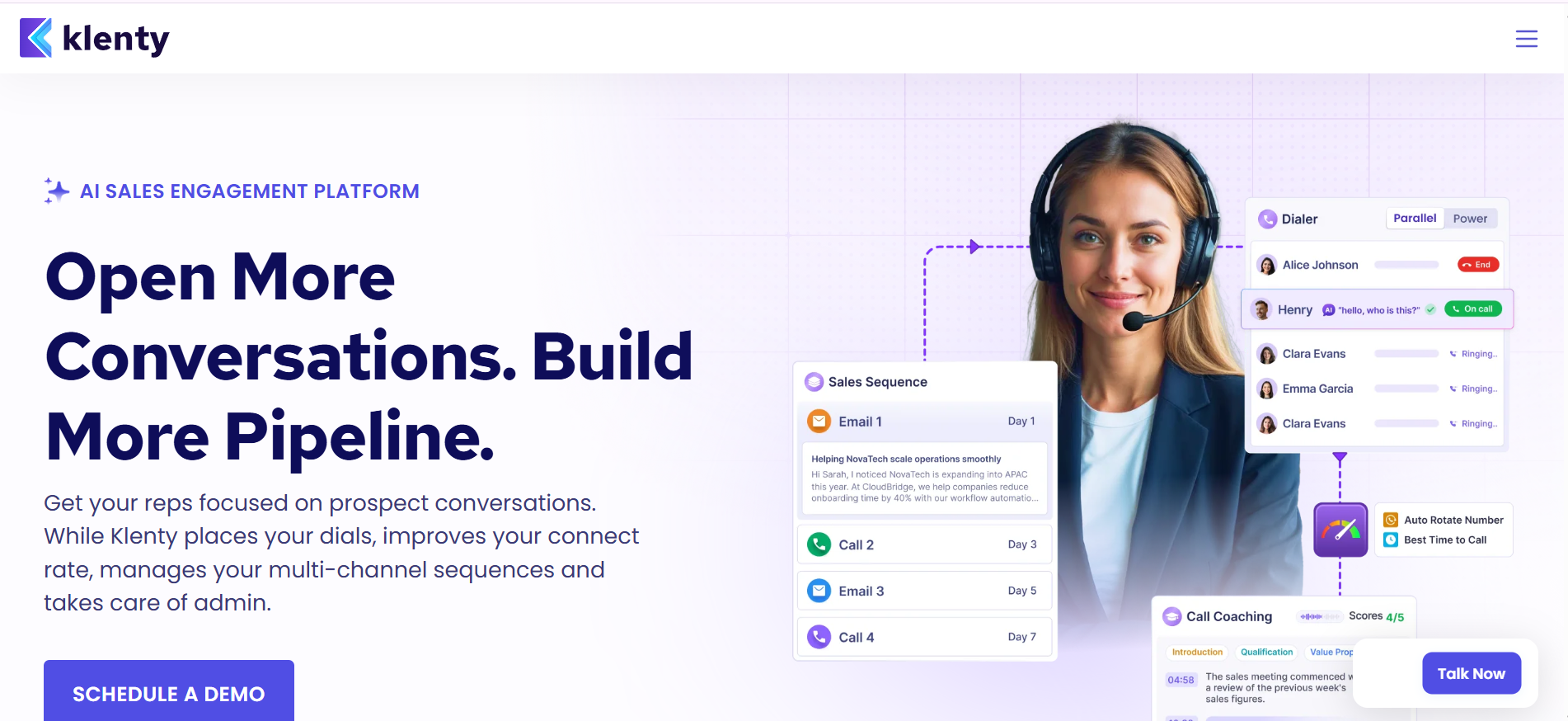
On the Plus plan, Agentic Cadences take it further: AI researches each account across 150+ sources and builds a custom sequence per prospect instead of one template for everyone. If you are also comparing tools like Smartlead for high-volume sending, I reviewed 6 Smartlead alternatives that take different approaches.
✅ Pros
❌ Cons
Pricing
What Users Have to Say
"The ease of use and intuitive interface simplifies automating email outreach and managing sales campaigns. Customer support is quick and helpful. The reporting features could be improved for better insights."
Read the full review on G2 →
Best for: Cold email teams and lead gen agencies scaling across many domains without per-mailbox fees.
G2 Rating: 4.6 out of 5 based on 775 reviews.
Another sales cadence tool on my list is Saleshandy. I added it because it handles multi-step cold email sequences better per dollar than most tools here.
The sequence builder supports email, call, LinkedIn, WhatsApp, and task steps in one flow. Automated follow-ups fire based on prospect behavior (opened, replied, clicked), and subsequence triggers let you branch into a different path if a prospect opens but does not reply. Before you send, the Sequence Score feature rates your sequence quality using AI, flagging weak subject lines or spammy patterns before they hit inboxes.
A-Z variant testing is a genuine differentiator. While most tools offer A/B (two variants), Saleshandy lets you test up to 26 email variants per sequence step on the Pro plan and above. The AI Sequence Copilot writes email copy for each step based on prospect data, which speeds up the creation process for high-volume campaigns.
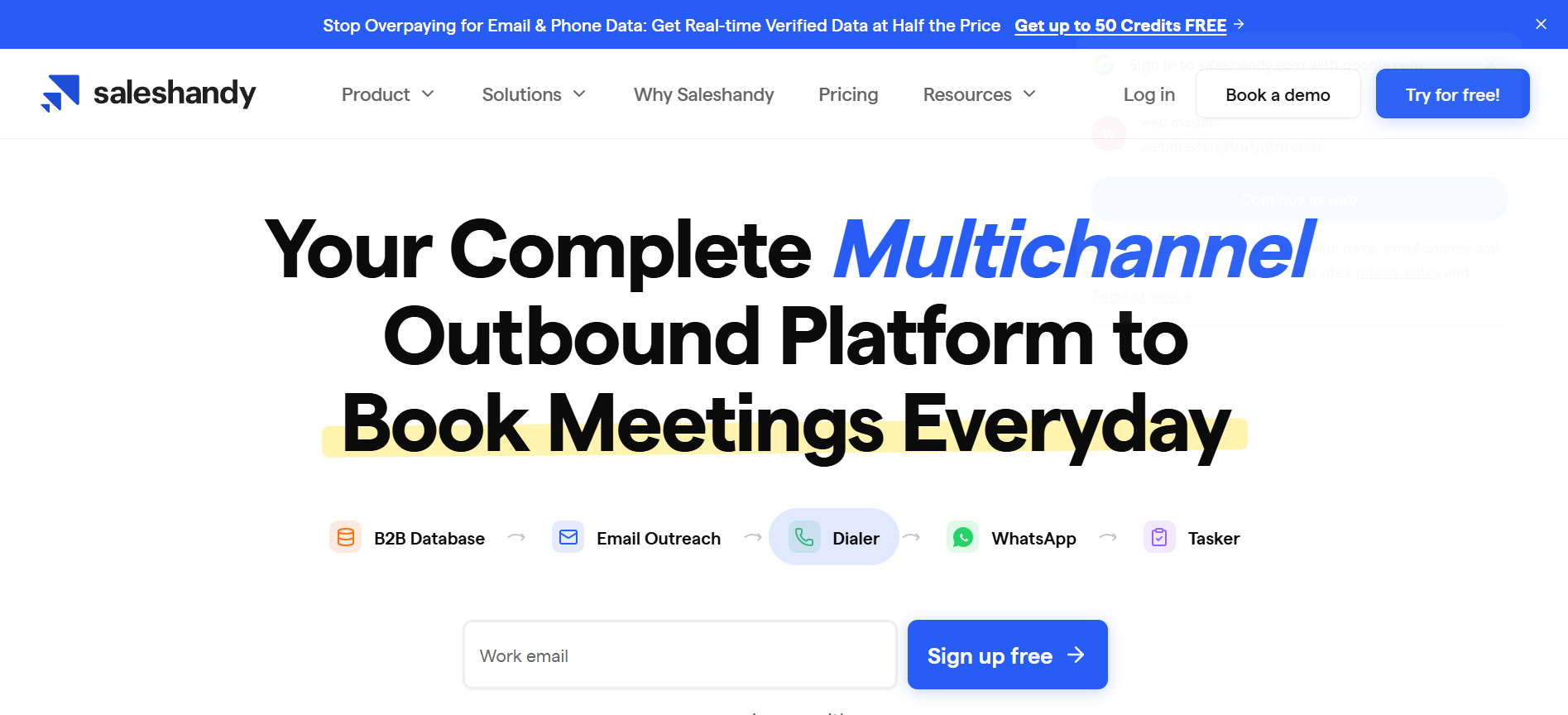
On the Pro plan and above, the Unified Inbox pulls replies from every connected account into one view with AI-categorized sentiment (interested, meeting booked, not interested). For agencies, the Scale plan includes full white-label. If you are weighing other options alongside Saleshandy, I tested 5 Saleshandy alternatives focused on deliverability.
✅ Pros
❌ Cons
Pricing
What Users Have to Say
"Fast to set up and use with minimal learning curve. The email tracking and unlimited email accounts across all plans allow high-volume sending without per-mailbox fees. Customer support response time is under 2 hours."
Read the full review on G2 →
Best for: Mid-market and enterprise sales teams that need cadences, conversation intelligence, deal management, and forecasting in one system.
G2 Rating: 4.5 out of 5 based on 4,287 reviews.
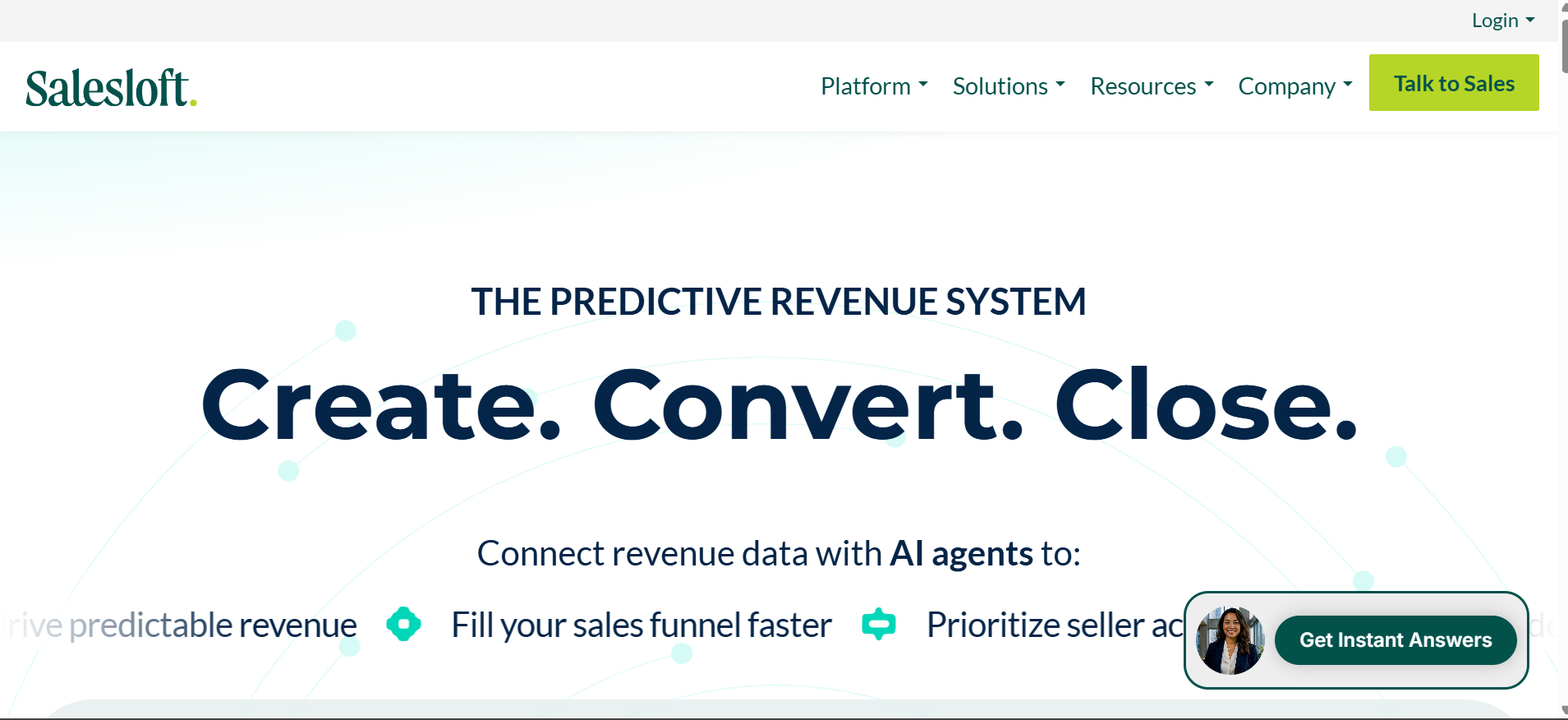
The next sales cadence tool on my list is Salesloft. I included it because it is the only tool here that goes beyond sequencing into full revenue orchestration — and for enterprise teams, that distinction matters.
The cadence builder is solid, but Rhythm is what separates Salesloft from everything else on this list. Instead of reps manually deciding who to contact next, Rhythm analyzes buyer signals — email opens, website visits, intent data — and surfaces ranked action items for each rep automatically. The right prospect, the right channel, the right time, served up without manual prioritization.
The Conversations module adds another layer. Calls are recorded, transcribed, and analyzed for coaching moments and deal risk. For a sales manager running a team of 10+ reps, having call intelligence inside the same tool as the cadences removes an entire layer of tool-switching.
Where Salesloft is not the right fit: cold email at scale. There is no native email warmup, no sender rotation, no inbox placement testing. It is built for warm, CRM-driven outbound, not cold prospecting across hundreds of domains. If cold outreach is your primary motion, the right email infrastructure matters more than the sequencing tool on top of it.
✅ Pros
❌Cons
Pricing: Custom.
What Users Have to Say
"Everything needed for daily selling lives in one place. Structured cadences keep sellers organized and reduce missed follow-ups. The platform can feel rigid and overly prescriptive for teams wanting flexibility."
Read the full reviews on G2 →
Best for: Teams already using HubSpot CRM who want sequences natively connected to their pipeline and deal data.
G2 Rating: 4.4/5 based on 13,841 reviews
The last sales cadence tool on my list is HubSpot Sales Hub. It earned its spot because it answers a very specific question: what if your sales cadence tool was the same thing as your CRM?
For teams already living in HubSpot, that matters. Sequences enroll directly from a contact record, from Gmail, or from Outlook. Every email open, reply, and call logs automatically to the deal without manual data entry. AI-optimized send timing adjusts based on when your prospects historically engage. Nothing needs syncing because there is nothing separate to sync.
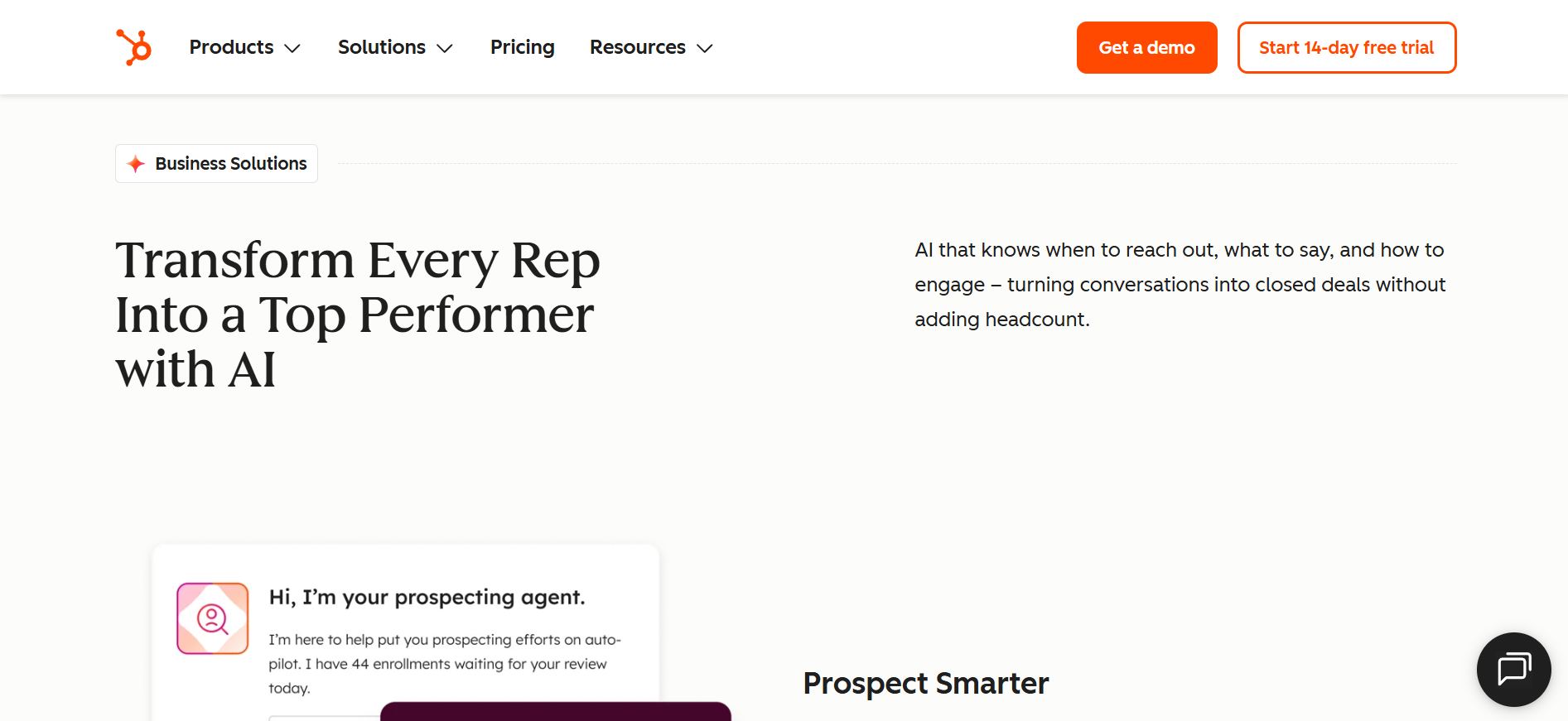
The Breeze Prospecting Agent (beta) is worth noting. It researches accounts, identifies buying committees, and can initiate personalized outreach — a step toward the kind of AI SDR functionality that tools like Salesforge offer with Agent Frank.
The key friction point is the pricing gate. Sequences are only available on the Professional plan at $100/seat/month. Free and Starter users do not get Sequences at all. If Sequences is the primary reason you are looking at Sales Hub, you are committing to $100/seat/month from day one, plus a one-time Professional onboarding fee. If deliverability is a concern, I analyzed HubSpot email deliverability in depth separately.
✅ Pros
❌ Cons
Pricing: Custom
What Users Have to Say?
Sequences are easy to create, clone, and adjust, which helps keep me in front of my clients automatically.
Read the full reviews on G2 →
There is no single winner here. The right call depends on how your team runs outbound.
However, Salesforge is the strongest fit. Unlimited mailboxes, unlimited LinkedIn senders, built-in warmup through Warmforge, and pricing that stays flat whether you have two reps or twenty. I ran my own outreach using Salesforge for sequences, Mailforge for infrastructure, and Warmforge for deliverability. The whole Forge stack connected in a way no single point solution matched.
Start a free trial of Salesforge — no credit card required.
A sales cadence tool lets you build automated, multi-step outreach sequences across email, LinkedIn, phone, and SMS. It handles timing, follow-ups, and channel coordination so reps spend time on conversations instead of tracking who to contact next.
A common guideline is 30 to 50 emails per mailbox per day to protect deliverability. At 500 emails per day, that is 10 to 17 mailboxes. Salesforge and Saleshandy both offer unlimited mailboxes on every plan. Mailforge and Infraforge make setting up those mailboxes fast — new domains and mailboxes are live in under 10 minutes. If you want to skip the warmup phase entirely, pre-warmed email accounts are also an option.
Not always. Salesforge includes unlimited warmup through Warmforge on every plan. Apollo.io includes warmup on Basic and above. Saleshandy includes warmup on all plans. If your cadence tool does not include warmup, you need a standalone service. New mailboxes that skip warmup almost always land in spam. I covered how to avoid this in my post on preventing email bounces in cold outreach.
An email sequence is single-channel — automated emails on a schedule. A sales cadence is multi-channel: email, phone, LinkedIn, SMS, and tasks organized into a timed workflow. Most modern cadence tools support at least two channels. If you are scaling the email side, understanding custom SMTP for high-volume cold emails is worth the read.
Salesforge works well for agencies with unlimited workspaces and flat pricing. Saleshandy offers full white-label on its Scale plan at $139/month. Pair either with Mailforge for fast infrastructure setup and Warmforge for deliverability monitoring, and you have a connected outbound pipeline without per-client pricing surprises.
Apollo.io. The free plan includes 75 credits/month, 2 active sequences, an AI assistant, and a Chrome extension. It is enough to run basic outbound before committing to a paid tier.
An AI SDR like Agent Frank goes further than a cadence tool. He finds prospects, writes personalized emails, runs sequences, follows up, and books meetings — without manual input. He works in Auto-Pilot mode (fully autonomous) or Co-Pilot mode (you approve sends first). For teams that want to scale pipeline without hiring more SDRs, he is a different class of tool entirely. The key requirement is the right cold email infrastructure for AI agents underneath.