
How much of your cold email workflow can you automate through an API?
A cold email API lets you manage parts of your outbound workflow through code instead of handling every task manually.
Depending on the platform, you can purchase domains, configure DNS records, create mailboxes, find leads, manage contacts, and send email campaigns.
Cold email APIs serve different purposes. Certain platforms focus on email infrastructure, others specialize in lead generation and email outreach, and a few cover both.
Before choosing a platform, compare:
I've compared eight cold email APIs based on their features, API capabilities, infrastructure options, integrations, and pricing.
The guide also covers MCP and CLI support, so you can see which platforms fit your existing workflows.
I evaluated these eight platforms based on five criteria that matter when you want to automate cold email infrastructure or outreach.
Best for: Agencies and GTM teams that need dedicated IPs, automated domain and mailbox setup, and API access to manage cold email infrastructure at scale.
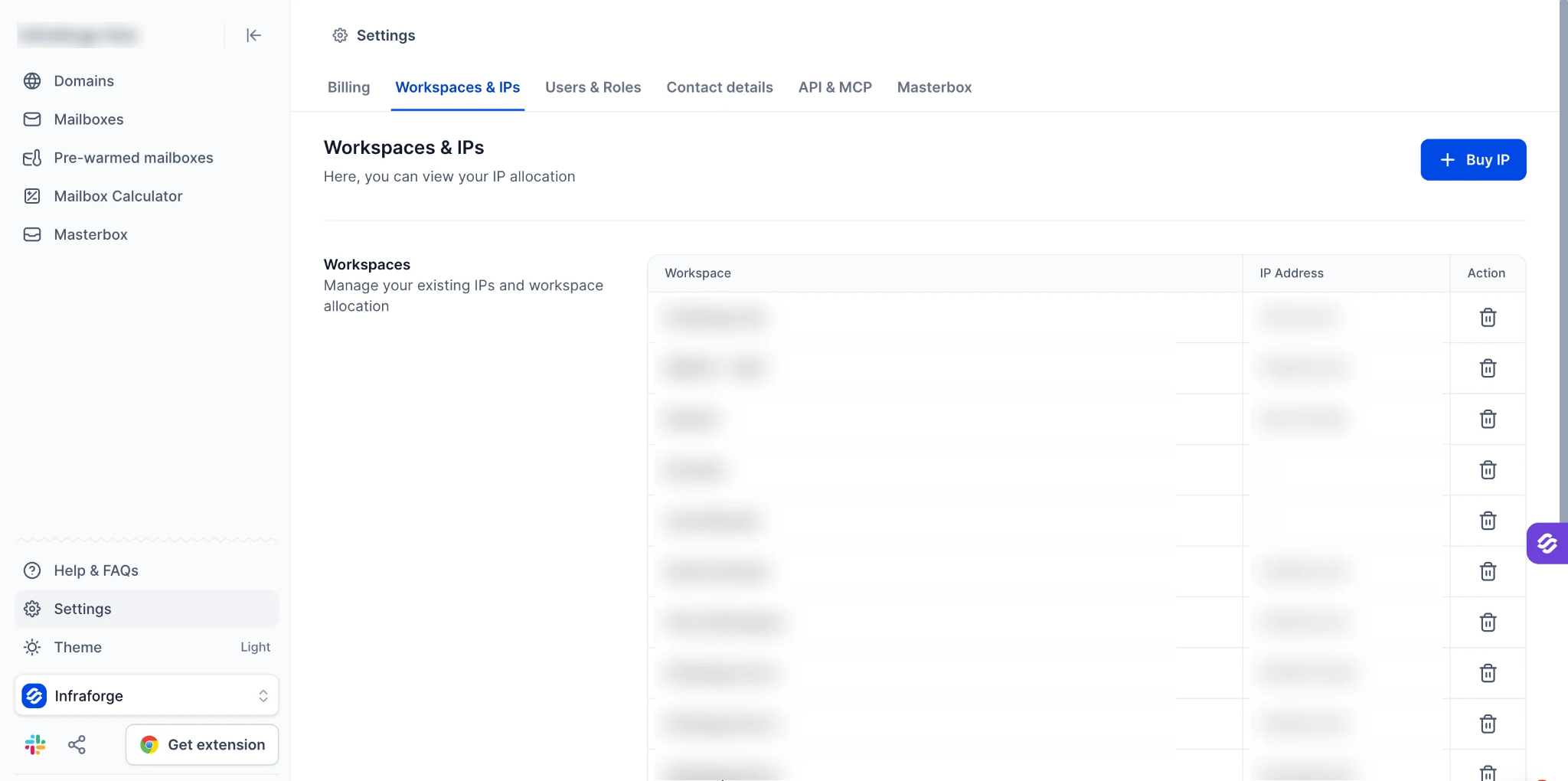
If you manage cold email campaigns for multiple clients, setting up domains, configuring DNS, and creating mailboxes for each client can take time.
Infraforge lets you automate these tasks through its API, so you can build and manage each client's sending infrastructure without handling every step manually.
Through the API, you can purchase domains, configure SPF, DKIM, and DMARC records, create mailboxes, and export them.
You can also create separate workspaces for each client to keep domains, mailboxes, and sending infrastructure organized.
As your clients' sending needs grow, you can add multiple dedicated IPs to a workspace and distribute sending volume across them.
Masterbox brings emails from all mailboxes in a workspace into one view, so you can manage client replies without switching between accounts.
API access comes with every Infraforge subscription.
For setup instructions and automation examples, refer to the Infraforge API guide.
Infraforge uses mailbox slots as its primary pricing unit.
Here's what you can expect to pay:
Annual mailbox billing gives you two months free. You can also use the Infraforge pricing calculator to estimate your costs based on the number of mailboxes you need.
Best for: Sales teams and agencies that want shared-IP infrastructure, a five-minute setup, and API access to create mailboxes in bulk.
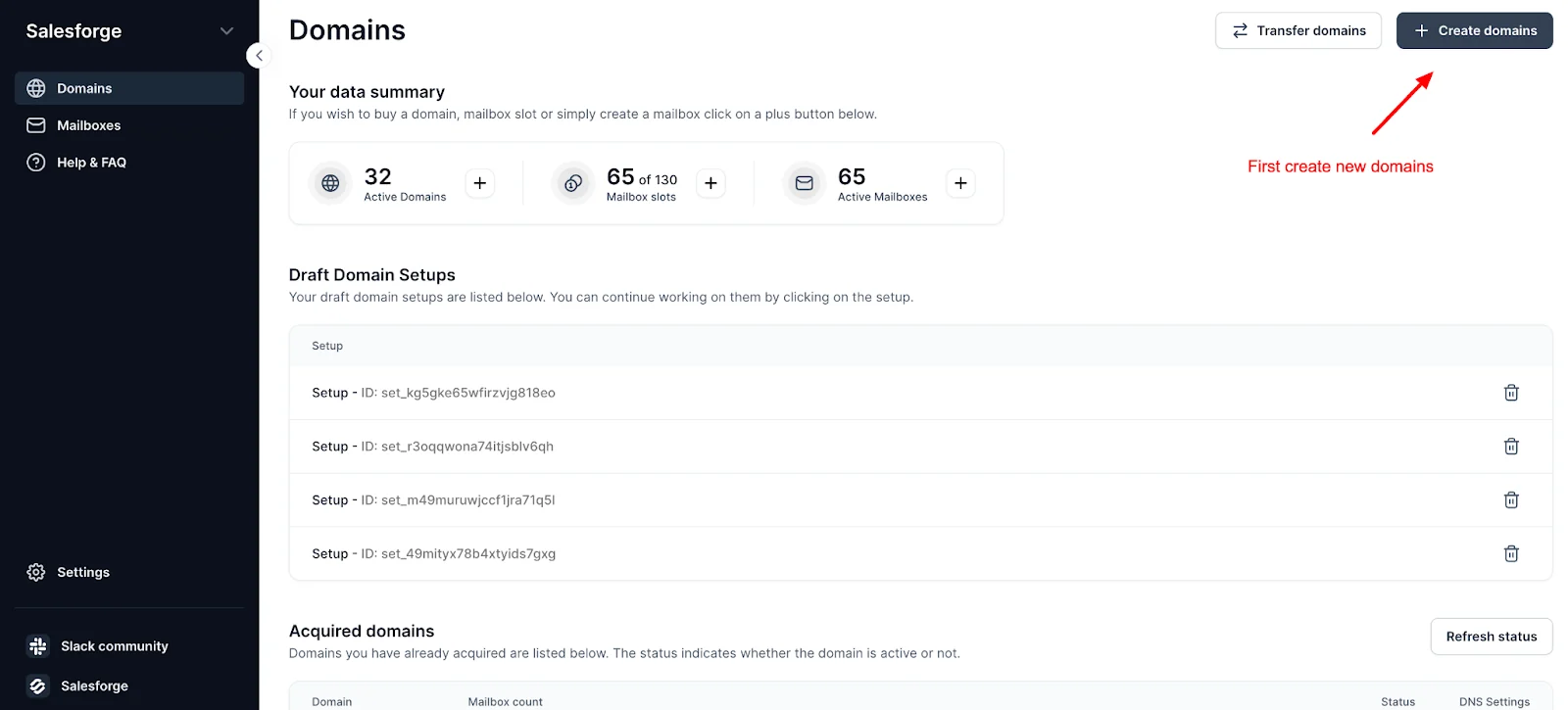
If you are new to cold email or want to scale your outreach, Mailforge gives you a simple way to set up shared email infrastructure.
It says the setup takes about five minutes, and its API lets you automate the process through code.
You can use the API to check domain availability, purchase domains, manage DNS records, create mailboxes, and set up forwarding.
Mailforge also handles DNS configuration, so you can get your mailboxes ready without setting up each record manually.
Since Mailforge uses shared IPs, multiple senders use the same sending servers. Its reusable mailbox slots let you delete an existing mailbox and create a new one without paying for an additional slot.
This makes it easier to manage your mailbox capacity as your outreach grows.
Mailforge includes API and MCP access with every subscription.
For a closer look at its setup and limits, read this Mailforge review.
Mailforge charges per mailbox slot.
Here's what you can expect to pay:
Best for: Teams that want Google Workspace and Microsoft 365 mailboxes created through an API, so they can send from the same provider their prospects use.
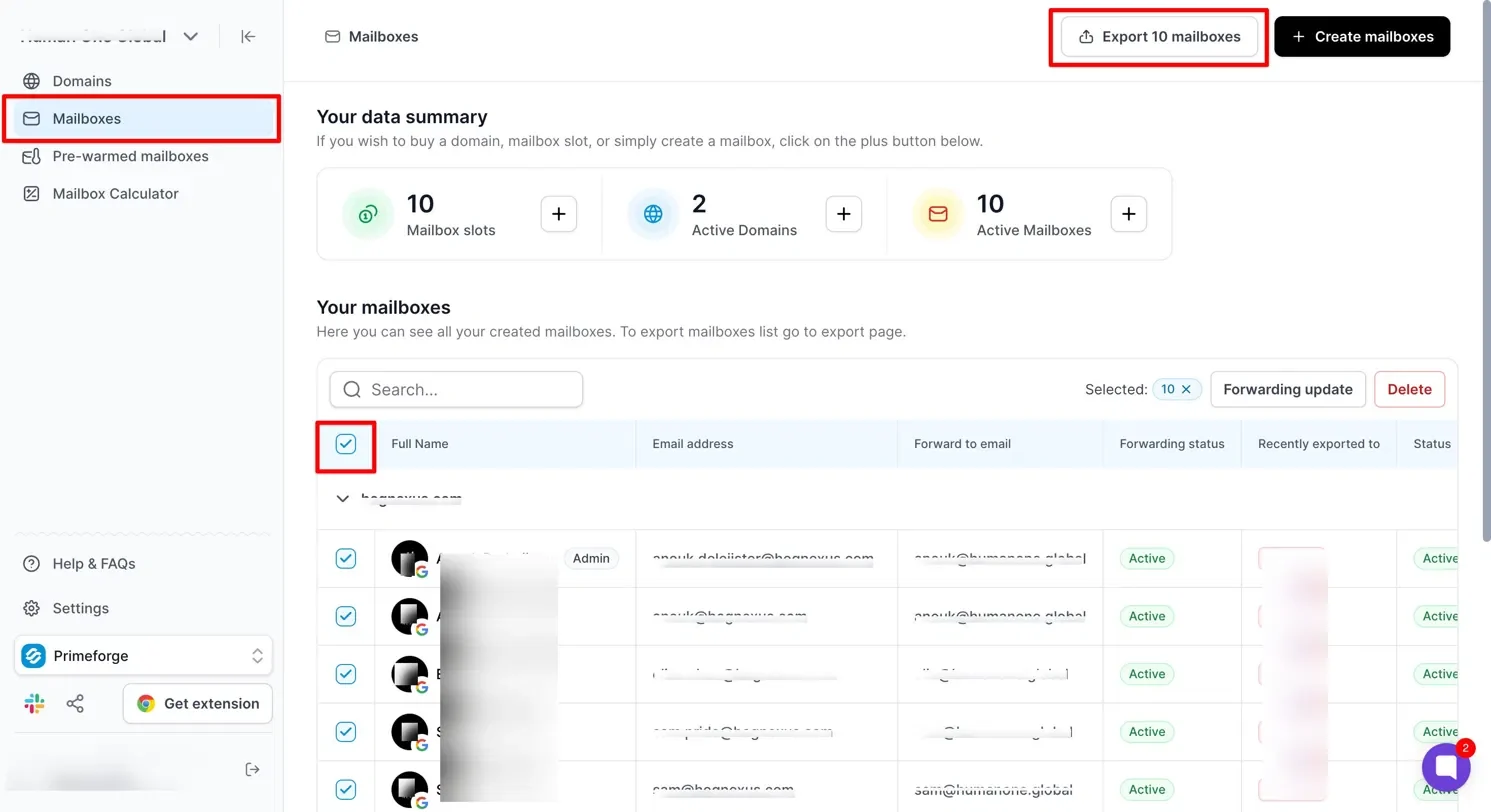
If your prospects use Google Workspace or Microsoft 365, sending from the same providers can help your emails reach their primary inboxes.
Primeforge helps you create these mailboxes for cold outreach and manage them through its API.
With Primeforge, you can buy or transfer domains, configure DNS records, and create Google Workspace or Microsoft 365 mailboxes through the API.
It also automates DNS setup and lets you export your mailboxes to Salesforge or Warmforge.
Google Workspace mailboxes include Super Admin access, which lets you configure Domain-Wide Delegation and connect the Gmail API to your software.
Microsoft 365 mailboxes use OAuth to connect with sequencers because they do not support app passwords, and API access comes with every Primeforge subscription.
To see how its mailboxes perform, read this Primeforge review.
Primeforge charges per mailbox slot.
Here's what you can expect to pay:
Best for: GTM teams and agencies that want to run email and LinkedIn sequences through an API, MCP, and CLI on top of the mailboxes they own.
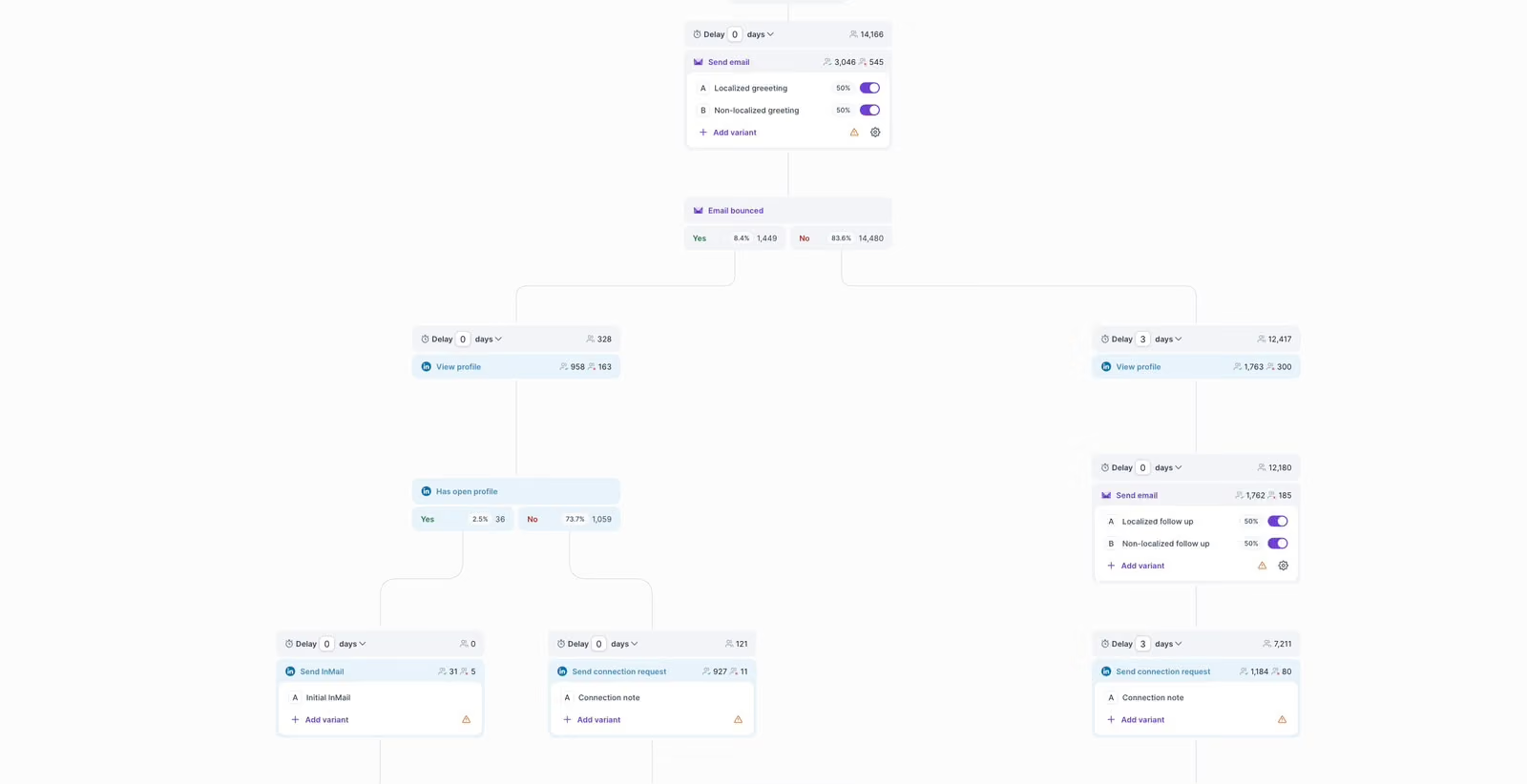
If your team wants to manage email and LinkedIn outreach through code, Salesforge's API lets you manage contacts, create sequences, and enroll leads in campaigns. You can automate these tasks without opening the app.
Salesforge supports unlimited connected mailboxes on every plan and includes email warmup through Warmforge.
Its Primebox™ shared inbox brings replies from connected email accounts and LinkedIn into one place, and you can export mailboxes from Infraforge, Mailforge, and Primeforge to Salesforge in one step.
The Salesforge API, MCP server, and CLI are available on the Growth plan. You can use them to manage outreach through custom scripts, AI assistants, and terminal commands.
Salesforge charges per plan, with unlimited mailboxes on both plans.
Here's what you can expect to pay:
Free trial: Salesforge offers a 14-day free trial. The Growth plan includes unlimited users and unlimited LinkedIn senders.
Best for: Outbound teams and agencies that want a cold email sending API on every paid plan, with unlimited email accounts and warmup.
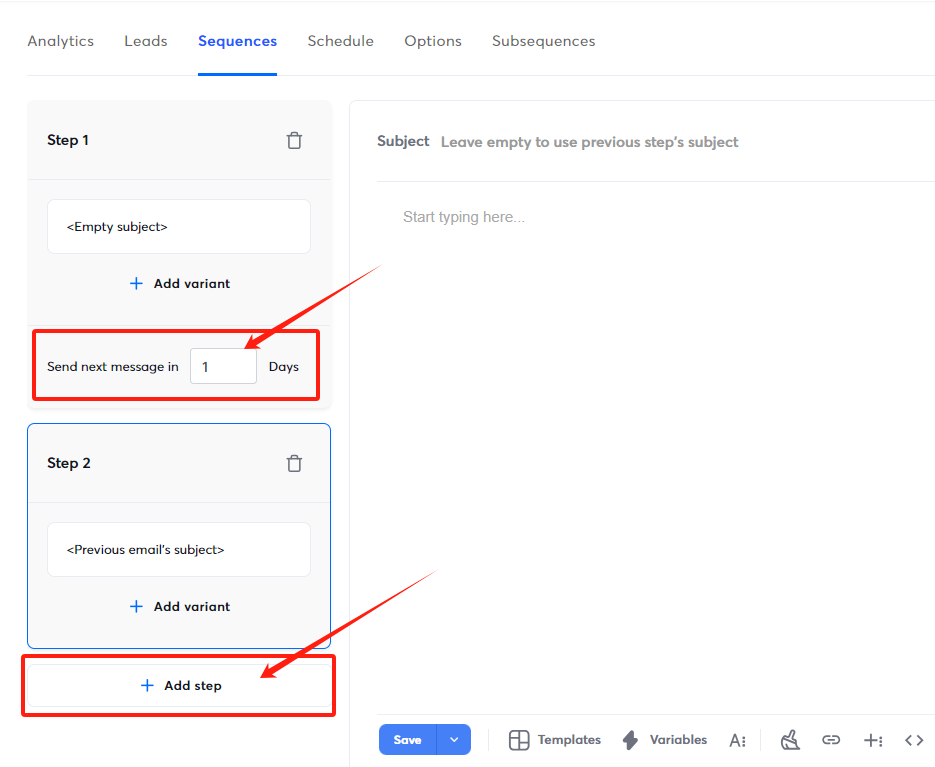
Instantly's API v2 lets you manage campaigns, add leads, connect email accounts, and access campaign analytics. You can automate these tasks through code without managing each step manually.
API access starts with the Growth plan, which gives smaller teams a way to automate their outreach. Every plan includes unlimited email accounts and email warmup, so you can manage multiple sending accounts without paying per mailbox.
Webhooks are available from the Hypergrowth plan, so Growth users need to poll the API for event updates.
Instantly also offers a hosted MCP server and an official CLI to manage API v2 functions through AI assistants and terminal commands.
For a closer look at the product, read this Instantly review.
Instantly charges per plan, based on contacts and monthly emails.
Here's what you can expect to pay:
Free trial: Instantly offers a 14-day free trial with no credit card required. Plus, Every plan includes unlimited email accounts, automated warmup, and API access.
Best for: Sales teams that want lead data and sequences in one API, so a script can find contacts and enroll them in the same workflow.
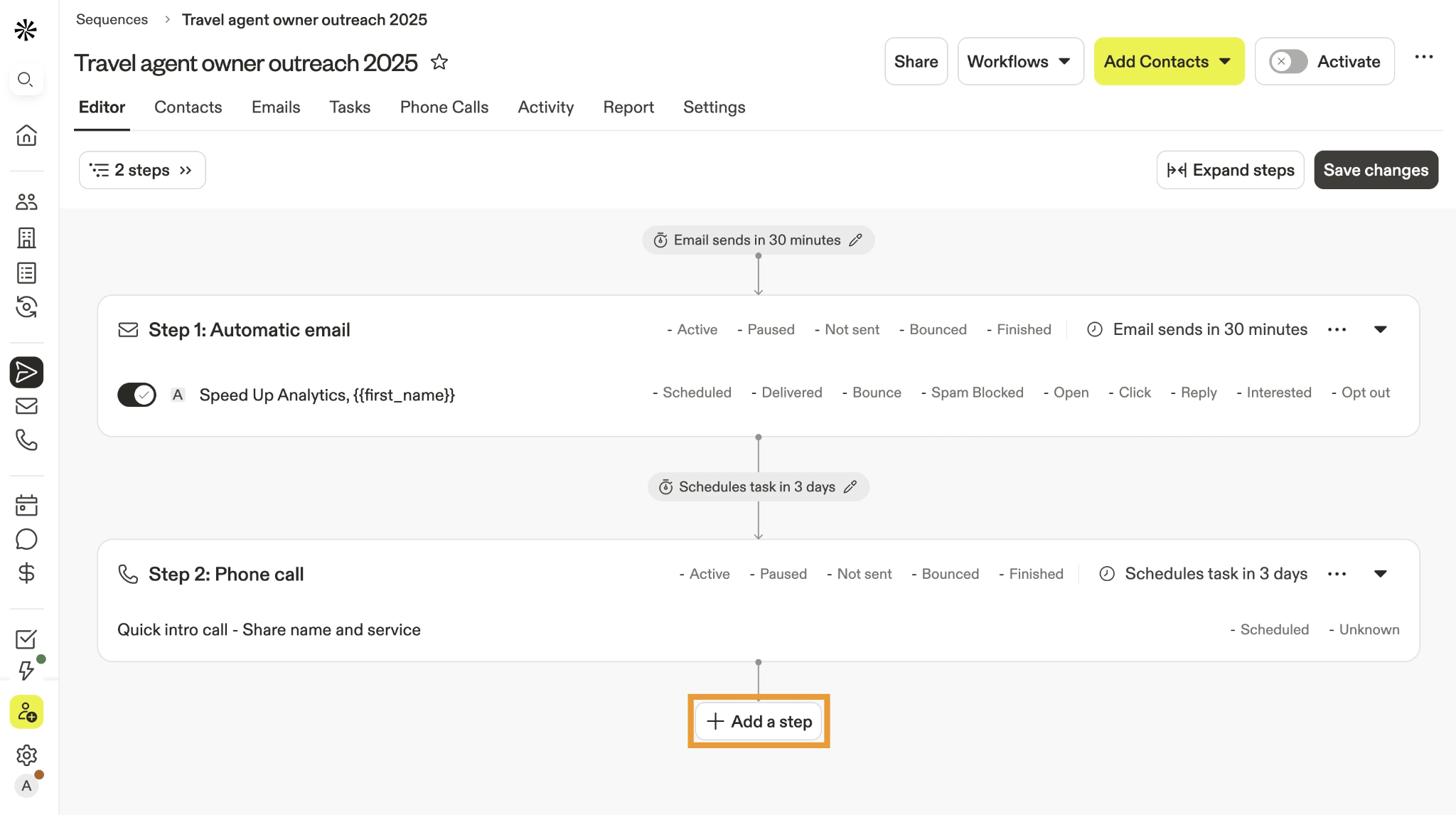
Apollo's API lets you search its contact database and enrich prospect details. You can also create email sequences and enroll contacts in campaigns through the API.
Apollo sends emails through your connected mailboxes, so you can manage prospecting and outreach in one workflow. You can retrieve engagement data to track your campaigns and follow up with prospects.
Apollo also supports MCP and CLI for AI-assisted and command-line workflows. Certain sequence endpoints require a Master API key.
These Apollo.io alternatives compare it with other outreach tools.
Apollo charges per user, with credits for contact data.
Here's what you can expect to pay:
Free trial: Apollo offers a free trial with credits on its paid plans, and the Free plan has no time limit. Plus, you can contact its sales team for a Custom plan quote that includes API access.
Best for: Teams that want hundreds or thousands of low-cost mailboxes created and managed through an API and MCP server.
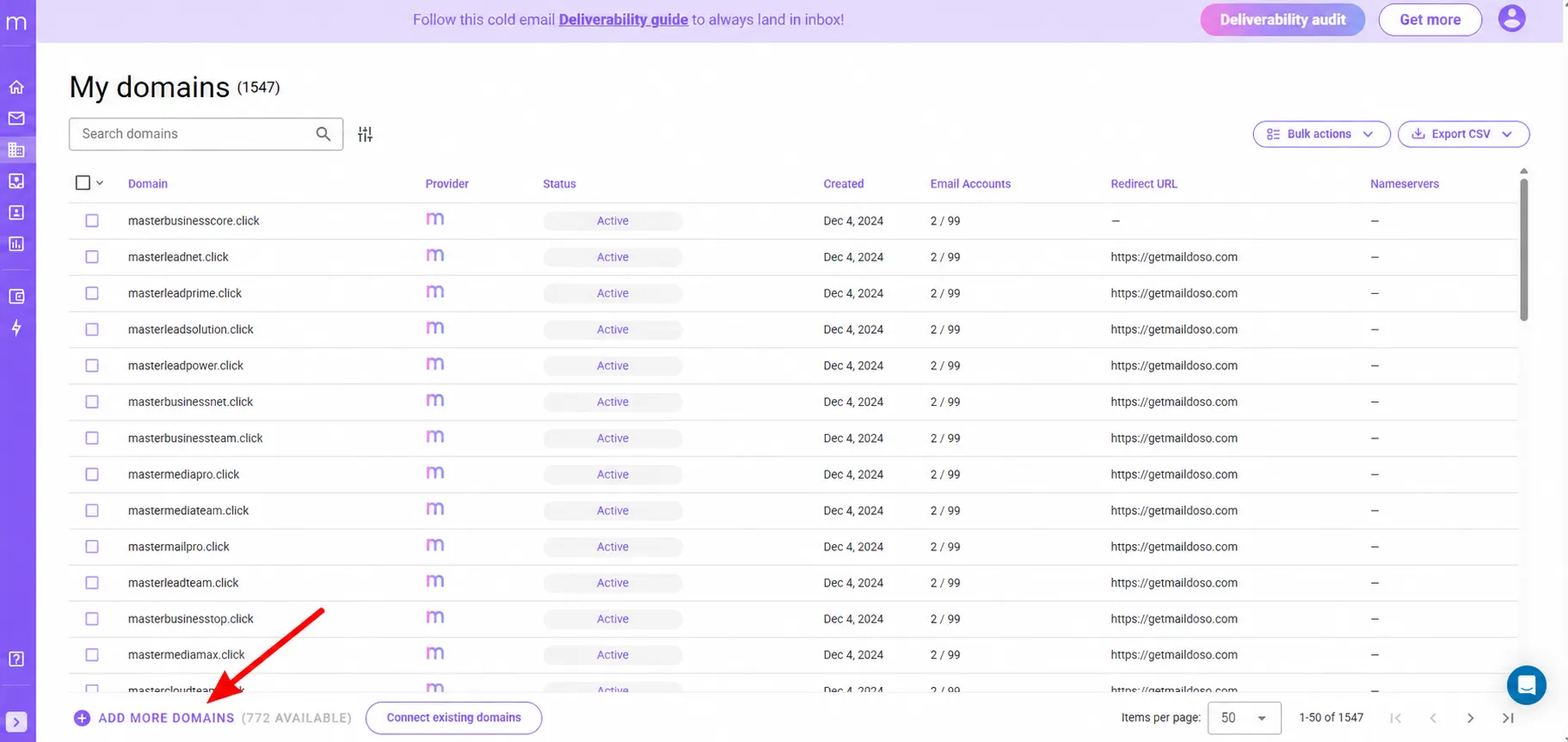
If you need a large number of mailboxes at the lowest unit price, small plans cost more per mailbox. Maildoso's larger plans bring the price per mailbox below $1.
Maildoso provides shared-IP cold email infrastructure. Every mailbox plan includes API and MCP access. Plans also include self-healing mailboxes, IP rotation, and mailbox reputation measurements.
IP rotation moves sending across a pool of IPs to spread reputation risk. Self-healing mailboxes pause when they get flagged and return to sending after a recovery period. Each mailbox can send up to 15 emails per day, so you need more mailboxes to reach the same volume. Maildoso does not offer an official CLI.
This Zapmail vs Maildoso comparison explains how it differs from a Google Workspace provider.
Maildoso charges per mailbox on monthly plans.
Here's what you can expect to pay:
Free trial: Maildoso does not offer a free trial. Plans carry a 30-day money-back guarantee.
Maildoso's pricing FAQ says it refunds you if your deliverability falls below 80%.
Best for: High-volume senders that want dedicated IPs, SMTP mailboxes, and a sending API on the same account.
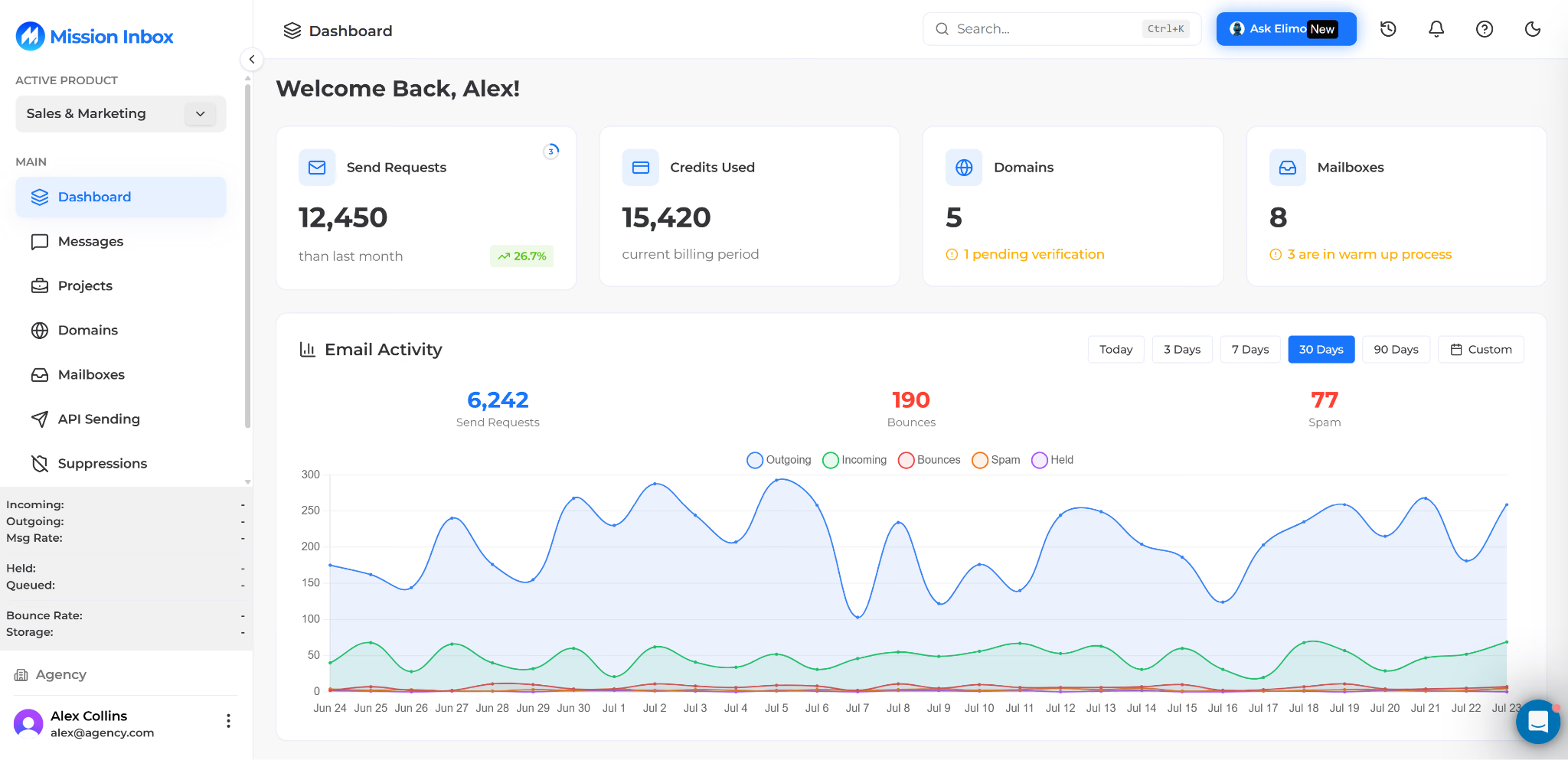
If you send large batches, an infrastructure API alone may not cover your workflow. Mission Inbox lets you send through SMTP mailboxes or through its API, on dedicated IPs.
Mission Inbox is email infrastructure with dedicated IPs for cold outreach. Its Mailbox & Domain API manages infrastructure from code, and its sending API lets a connected platform send email without going through individual mailboxes.
MI Shield is Mission Inbox's pre-send protection. It checks content and headers before emails go out, along with DNS and spam signals. Every email counts toward your plan's monthly sends, including warmup emails.
Mission Inbox does not list an MCP server or a CLI. Automation runs through its API and SMTP.
This list of Mission Inbox alternatives compares it with other infrastructure tools.
Mission Inbox prices its plans by mailboxes and monthly sends.
Here's what you can expect to pay:
The right cold email API depends on how much of your outbound infrastructure you want to automate. If you need dedicated IPs, automated domain and DNS setup, and mailbox management through an API, Infraforge is worth considering.
Infraforge gives you the tools to manage your cold email infrastructure from one place. You can purchase domains, configure DNS records, create mailboxes, and manage multiple workspaces through its API.
Every subscription includes API access, and you can also use the Forge MCP server and CLI to manage your setup through AI assistants and terminal commands.
If you want to automate cold email infrastructure for your agency or GTM team, get started with Infraforge.
A cold email API lets your software manage cold outreach through code. Infrastructure APIs buy domains, configure DNS records, and create mailboxes. Sending APIs manage contacts, sequences, and enrollments, and they send the emails from your connected mailboxes.
Infraforge is the best fit for agency infrastructure, with dedicated IPs and a separate workspace for each client. For sending, the Salesforge Growth plan includes the API, MCP, and CLI with unlimited users and mailboxes. Infraforge mailboxes export to Salesforge in one request.
No. SendGrid's email policy prohibits unsolicited bulk email and purchased lists. Amazon SES reviews an account when its bounce rate reaches 5%, which cold lists can reach quickly. Cold email should go out from mailboxes set up for it, with a working opt-out and a clean list.
It depends on the type. Infraforge, Mailforge, Primeforge, and Maildoso create infrastructure and hand the mailboxes to a sequencer. Salesforge, Instantly, and Apollo send the emails through sequences, and Mission Inbox can send through its API as well.
Salesforge includes webhooks in its API. Instantly includes webhooks on the Hypergrowth plan and above. Infraforge and Mailforge do not list webhooks in their public documentation, so scripts check status by polling.
Infraforge, Mailforge, Primeforge, and Salesforge work with the Forge MCP server and the Forge CLI. Instantly and Apollo offer their own MCP servers and CLIs. Maildoso offers MCP access without an official CLI, and Mission Inbox does not list either one.