

Infraforge, Zapmail, and Hypertide are three different cold email infrastructure tools. Zapmail resells real Google Workspace and Microsoft 365 mailboxes, with warm-up sold as a paid add-on. Hypertide provisions Microsoft Azure inboxes at $50 per 100-inbox order, capped near 2 emails per inbox a day. Neither gives you private dedicated IPs across your whole setup.
For private cold email infrastructure that scales past a few hundred mailboxes, Infraforge is the stronger choice. You get dedicated IPs, automated DNS, free Warmforge warm-up, and a Masterbox view of every inbox, at $3 to $4 per mailbox. Woodpecker scaled to 2,500+ mailboxes on it with 100% API uptime.
I have run cold email infrastructure for outbound teams sending tens of thousands of emails a month, and the Infraforge vs Zapmail vs Hypertide question comes up constantly when someone needs to scale past a couple hundred mailboxes.
The three tools sit in different places. Zapmail resells real Google Workspace and Microsoft 365 mailboxes. Hypertide spins up Microsoft Azure inboxes in bulk. Infraforge gives you private email infrastructure on dedicated IPs that works with any sending tool.
I tested all three the same way: how fast they set up, how they hold deliverability at volume, and what they cost once you grow. This post covers where each one fits, the real pricing, and why I keep landing on dedicated infrastructure when reputation is on the line.
Cold Email Infrastructure Comparison at a Glance: Zapmail vs Hypertide
Here is the short version across the dimensions that matter for cold email infrastructure. The detail and sourcing follow below.
| Feature | Infraforge | Zapmail | Hypertide |
|---|---|---|---|
| Infrastructure model | Private dedicated IPs (your own) | Reseller of Google + MS365 mailboxes | Microsoft Azure / Entra inboxes |
| Mailbox type | Private SMTP, works with any sender | Real Google Workspace + MS365 | Azure (Outlook) only |
| IP control | Dedicated IPs, full control | Shared Google / Microsoft infra | Dedicated IP + tenant per domain |
| Entry price | From $33/mo annual (10 mailboxes) | $39/mo (10 mailboxes) | $50/order (100 inboxes) |
| Per-mailbox at scale | ~$3 to $4/mailbox | ~$3.00 to $3.50/extra mailbox | ~$0.50/inbox + one-time setup fee |
| Warm-up | Free, unlimited (Warmforge) | Paid add-on | Included, ~2-week |
| Sending limits | Smart limits + rotation, scales to thousands | Google / Microsoft rate limits | ~2 emails/inbox/day (~5,000/order/mo) |
| DNS control | Full, bulk DNS updates | Automated, limited | None |
| Setup time | ~5 minutes | Under 10 minutes | 4 to 6 hours |
| Free trial | No | No | No |
| SOC 2 compliant | Yes | Not stated | Not stated |
| Best for | SMB / mid-market B2B, $5K to $100K ACV | Teams wanting Google / MS reseller boxes | Microsoft / Outlook-first senders |
Zapmail Overview: A Google and Microsoft Mailbox Reseller
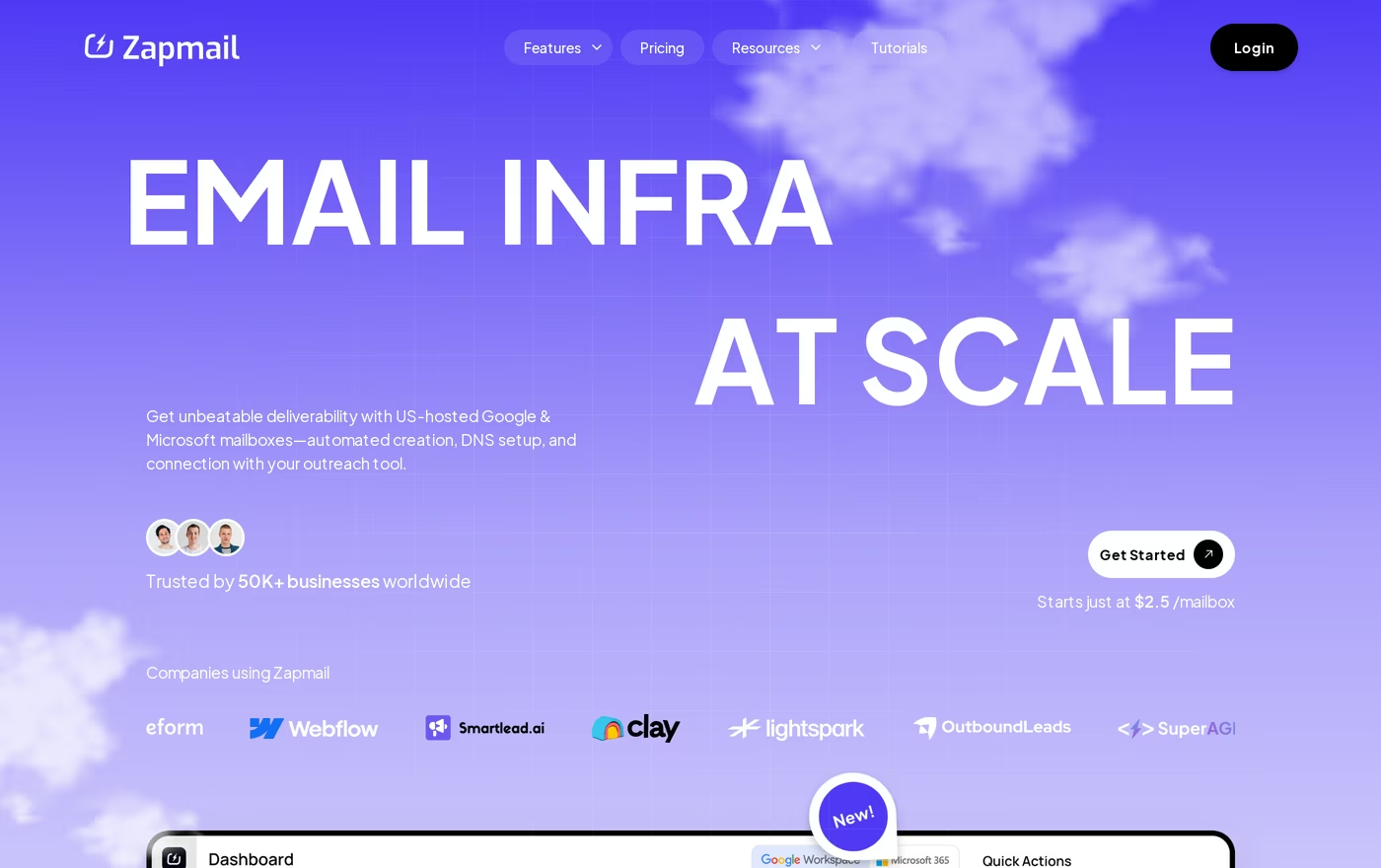
Zapmail provisions real Google Workspace and Microsoft 365 mailboxes for cold outreach. It handles DNS, signs the records, and hands you working inboxes in minutes. It reports 50,000+ businesses and 500,000+ mailboxes created.
What you get:
- Real Google Workspace and Microsoft 365 mailboxes, the same Google Workspace reseller model several providers use.
- Automated SPF, DKIM, and DMARC setup on US and EU IPs.
- Pre-warmed mailboxes available for an extra cost, so you can start sooner.
- AI helpers: Instant Domain Genie, Smart Mailbox Namer, and Persona Snapshot.
- Roughly five sequencer integrations, with API and DNS access on the top Pro plan.
Pricing is tiered by mailbox count. Starter is $39/mo for 10 mailboxes ($3.50 per extra), Growth is $99/mo for 30 ($3.25 per extra), and Pro is $299/mo for 100 ($3.00 per extra). Annual billing takes two months off, so roughly $32.50, $82.50, and $250/mo. Warm-up is a separate paid add-on, and the documented renewal price rises after year one (Starter to $59/mo plus $6 per mailbox).
Zapmail fits teams that specifically want provider mailboxes on Google or Microsoft without setting them up by hand. If that is the goal, the pre-warmed option is a real time saver, and it is worth reading pre-warmed mailboxes vs manual warming before you decide.
What reviewers say about Zapmail
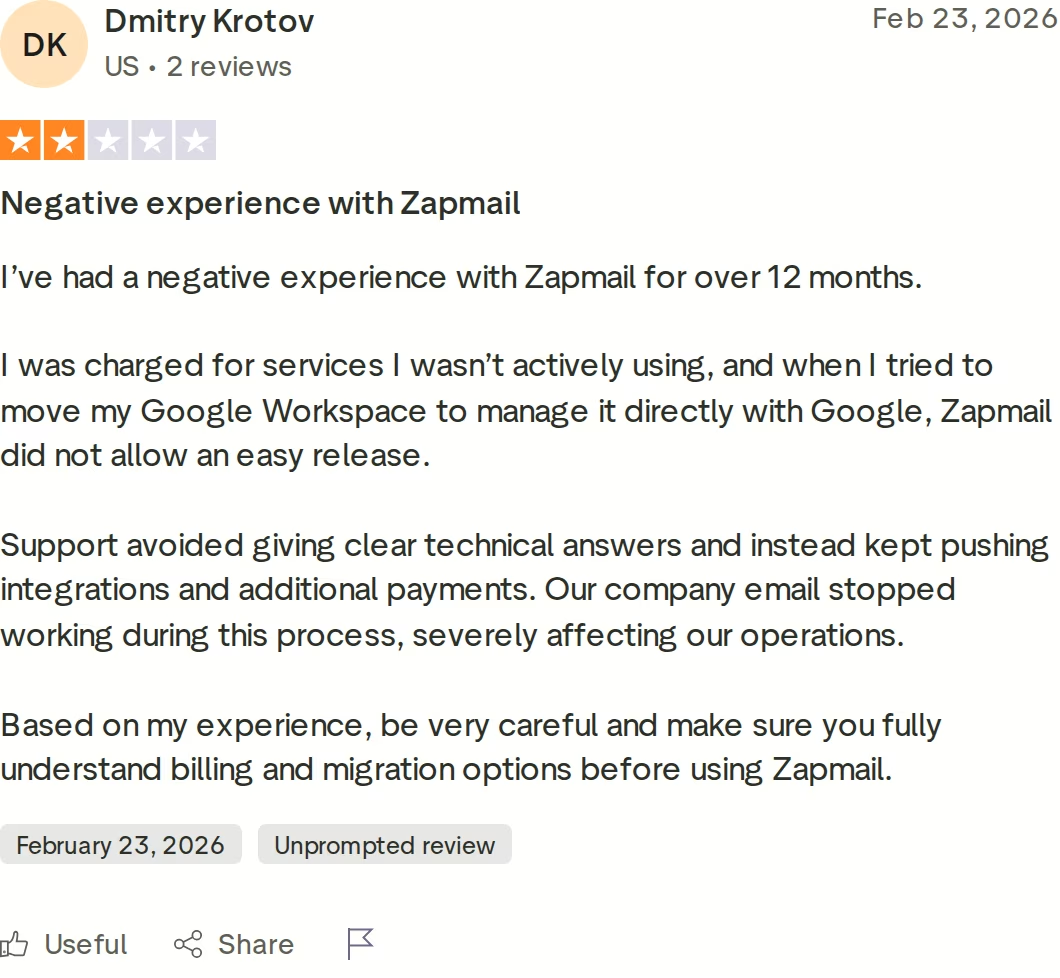
The reviews are mostly positive on support and pricing, but the critical ones share a pattern. On Trustpilot, one customer described being charged for services they were not using, and friction when they tried to move their Google Workspace to manage it directly with Google. Others note there is no built-in deliverability monitoring, so you watch reputation in your sending tool, not in Zapmail.
Hypertide Overview: Azure Inboxes at Scale
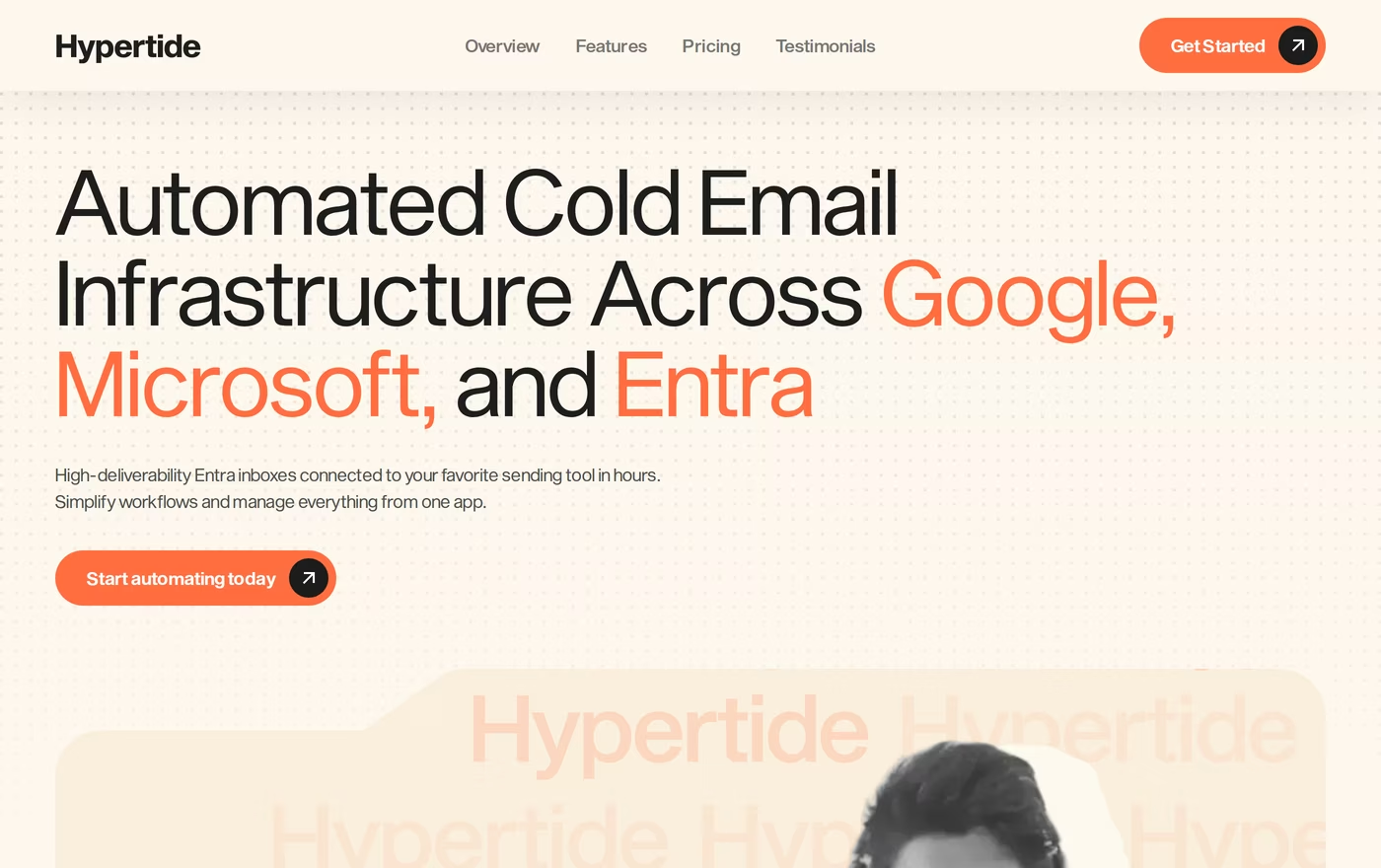
Hypertide is a newer tool, launched in August 2024, that provisions Microsoft Azure and Entra inboxes with a native Outlook interface. It sells infrastructure in orders rather than per-mailbox tiers.
What you get:
- 100 Azure inboxes per $50 order, split across up to two domains (50 per domain).
- A dedicated IP and a separate tenant per domain, all US-based.
- Pre-configured SPF, DKIM, and DMARC, plus three master inboxes and placement monitoring.
- Integrations with SmartLead, Instantly, and Bison sequencers.
- Fully automated setup that finishes in about 4 to 6 hours.
The headline price is low at roughly $0.50 per inbox, but two things change the math. There is a one-time implementation fee that is not published on the site; third-party reviews estimate it around $1,500. And each inbox sends only about 2 emails a day, so a single order tops out near 5,000 emails a month after a 2-week warm-up. Microsoft enforces its own ceilings here, which I cover in Microsoft 365 cold email sending limits. Domains run about $15.50 each, or you bring your own.
Hypertide fits senders who live in the Microsoft and Outlook world and want tenant isolation per domain.
What reviewers say about Hypertide
Independent coverage flags a few real risks, and there is not yet a clean third-party review screenshot to capture, so here is the honest summary. Some users have reported domain bans with slow support during the incident. Because the inboxes live on Microsoft Azure tenants, there is shutdown risk; one writeup described a sender losing a batch of inboxes overnight. The per-order economics also get worse once you push past 200 to 300 inboxes. Hypertide carries a single Trustpilot review at 3.2 out of 5 as of this writing, so the track record is thin. I compared the options in Hypertide alternatives for cold email infrastructure.
Infraforge Overview: Private Cold Email Infrastructure
Infraforge is private cold email infrastructure built on dedicated IPs. Instead of sharing a pool with thousands of other senders, you get your own IPs and an isolated setup, so another sender's behavior does not bleed into your reputation. It is the infrastructure layer of the Forge Stack.
What you get:
- Dedicated IPs with full control over sender reputation.
- Automated SPF, DKIM, and DMARC on every domain, with bulk DNS updates across your whole setup.
- Multi-IP provisioning so you can buy more IPs as you grow.
- Pre-warmed domains and mailboxes available for immediate sending.
- Masterbox: every email across every account in one place.
- Sender rotation and smart sending limits to protect deliverability.
- Automated warm-up and monitoring through free, unlimited Warmforge.
- An Infraforge API, plus it works with any sending software.
- A whitelabel and reseller program with a 20% revenue share.
- SOC 2 compliance.
Because Infraforge is just the infrastructure, it plugs into the rest of the stack: warm with Warmforge, send through Salesforge, and pull contacts from Leadsforge. If you want managed provider mailboxes instead of private IPs, Mailforge covers shared IPs and Primeforge covers Google and Microsoft boxes. Dedicated IPs are the reason I reach for it at volume, which I explain in dedicated IPs vs shared IPs.
Pricing runs $3 to $4 per mailbox per month, from $33/mo billed annually for 10 mailboxes, up to about $651/mo for 200 mailboxes. You can verify the live price before committing. Sizing a setup is easier once you read how many mailboxes you need for outreach.
Infraforge is built for SMB and mid-market B2B teams with deal sizes between $5K and $100K, targeting 3,000 businesses or more. It is honestly not the right tool if you mostly sell to Fortune 500 accounts, run long RFP cycles, or close a few six-figure deals a year. A couple of trade-offs to know up front: there is no free trial, the slot and add-on pricing is more involved than a flat per-mailbox number, and the per-mailbox cost sits above shared infrastructure like Mailforge.
The proof at scale is public. Woodpecker built dedicated, isolated infrastructure to 2,500+ mailboxes on Infraforge with 100% API uptime and zero major incidents, and Growth Alliance runs outbound for $5M+ companies on the Forge Stack.
Grab Your Infraforge Mailboxesin Action

Head-to-Head Infrastructure Comparison: Zapmail vs Hypertide
None of these three is a sequencer. They give you mailboxes and infrastructure; the personalization and sending engine lives in a tool like Salesforge. With that framing, here is where they actually differ, and I keep more of these side by side on the Infraforge comparisons page.
Infrastructure type and IP control
This is the core split. Infraforge gives you private dedicated IPs and an isolated setup, so your reputation is yours alone. Zapmail puts you on shared Google and Microsoft infrastructure, which is fine until a neighbor sends poorly. Hypertide does give a dedicated IP and tenant per domain, so it has real isolation, but you get no DNS access to manage it. Why dedicated IPs matter at volume is covered in IP reputation vs domain reputation.
Mailbox providers and sending limits
Infraforge is private SMTP that works with any sending tool, with smart sending limits and rotation that scale to thousands of mailboxes. Zapmail gives you real Google Workspace and Microsoft 365 boxes, bound by Google and Microsoft rate limits. Hypertide is Microsoft and Azure only, and its per-inbox cap is tight at roughly 2 emails a day, so volume comes from buying more inboxes, not sending more per inbox.
Deliverability, warm-up, and monitoring
Infraforge includes automated warm-up and monitoring through free, unlimited Warmforge, plus a deliverability view. Zapmail sells warm-up as a paid add-on and has no built-in reputation monitoring. Hypertide warms inboxes and offers placement monitoring, but without DNS access you cannot fix authentication yourself. Getting warm-up right early is the whole game, which is why I point people to best practices for warming new domains. You can sanity-check SPF, DKIM, and DMARC with the free Forge deliverability tools too.
Setup speed and domain control
Infraforge is live in about 5 minutes with bulk DNS updates across every domain. Zapmail provisions in under 10 minutes with automated but limited DNS. Hypertide takes 4 to 6 hours and gives you no DNS control at all, which is the trade for its fully managed Azure setup.
Pricing and scalability
Infraforge holds a steady $3 to $4 per mailbox as you grow, with more IPs on demand. Zapmail looks cheaper at the entry tier, but per-extra-mailbox fees, paid warm-up, and the year-two renewal increase add up. Hypertide is cheapest upfront, yet the one-time setup fee and the low per-inbox sending cap mean the cost per delivered email climbs once you scale past a few hundred inboxes.
Integrations and the wider stack
Infraforge connects natively to Salesforge and the rest of the Forge Stack, has its own API, and works with any sender. Zapmail offers about five sequencer integrations and API access on Pro. Hypertide integrates with SmartLead, Instantly, and Bison. If you want one connected pipeline from leads to warmed inboxes to sending, Infraforge is the only one of the three built to sit inside a full stack.
Infraforge vs Zapmail vs Hypertide Pricing Compared
The headline numbers do not tell the whole story, so here are the plans side by side, then a real scenario.
| Plan / tier | Infraforge | Zapmail | Hypertide |
|---|---|---|---|
| Entry | From $33/mo annual, 10 mailboxes | Starter $39/mo, 10 mailboxes | $50/order, 100 inboxes |
| Mid tier | ~$3 to $4/mailbox as you add | Growth $99/mo, 30 mailboxes | Add orders at $50 each |
| Higher tier | ~$651/mo, 200 mailboxes | Pro $299/mo, 100 mailboxes | One-time setup fee ~$1,500 (per third parties) |
| Per extra unit | Per-mailbox, multi-IP add-ons | $3.00 to $3.50 per extra mailbox | ~$0.50/inbox; domains ~$15.50 |
| Warm-up | Free, unlimited (Warmforge) | Paid add-on | Included |
| Annual discount | Yes (from $33/mo at 10) | 2 months free (~$32.50 / $82.50 / $250/mo) | Month-to-month, cancel anytime |
Say you need around 200 mailboxes. Infraforge is roughly $651/mo, warm-up included, on dedicated IPs you control. Zapmail's Pro plan is $299/mo for 100 mailboxes, so 200 lands near $599/mo at $3.00 per extra mailbox, before the paid warm-up add-on and before the year-two renewal increase.
Hypertide looks cheapest: two orders is $100/mo plus a one-time setup fee near $1,500 and domain costs. The catch is throughput. Two orders is about 10,000 emails a month total, because each inbox is capped near 2 a day. To match the volume a few hundred Infraforge mailboxes push, you would buy many more Hypertide orders, and the per-order math gets worse past 200 to 300 inboxes.
Who Should Use Which Tool
Here is how I would route the decision.
You might consider Zapmail if:
- You specifically want real Google Workspace or Microsoft 365 mailboxes rather than private IPs.
- You want pre-warmed boxes and AI naming helpers to launch in a hurry.
- Your volume stays modest and you are fine watching deliverability in your sending tool.
You might consider Hypertide if:
- Your outreach lives in the Microsoft and Outlook world and you want Azure tenant isolation.
- You are comfortable with no DNS access and a low per-inbox sending cap.
- You can absorb a one-time setup fee and are running a smaller inbox count.
Choose Infraforge if:
- You are an SMB or mid-market B2B team selling at $5K to $100K ACV to 3,000+ targets.
- You want dedicated IPs and full control over your sender reputation.
- You are scaling past a few hundred mailboxes and need predictable per-mailbox costs.
- You run an agency or want whitelabel infrastructure with a 20% revenue share, the way agencies build cold email infrastructure.
- You want warm-up, monitoring, and an API in one connected stack.
Final Verdict: Which Cold Email Infrastructure to Choose
Zapmail and Hypertide are both real products that do one thing well. Zapmail is a clean reseller of Google and Microsoft mailboxes. Hypertide provisions Azure inboxes for Microsoft-first senders. Neither gives you private dedicated IPs across the whole setup, and both have constraints that show up as you scale, whether that is paid warm-up and renewal increases or a low per-inbox cap and a thin track record.
For private cold email infrastructure that protects deliverability at volume, Infraforge is the stronger choice. Dedicated IPs, automated DNS, free Warmforge warm-up, Masterbox, and an API, at a steady $3 to $4 per mailbox.
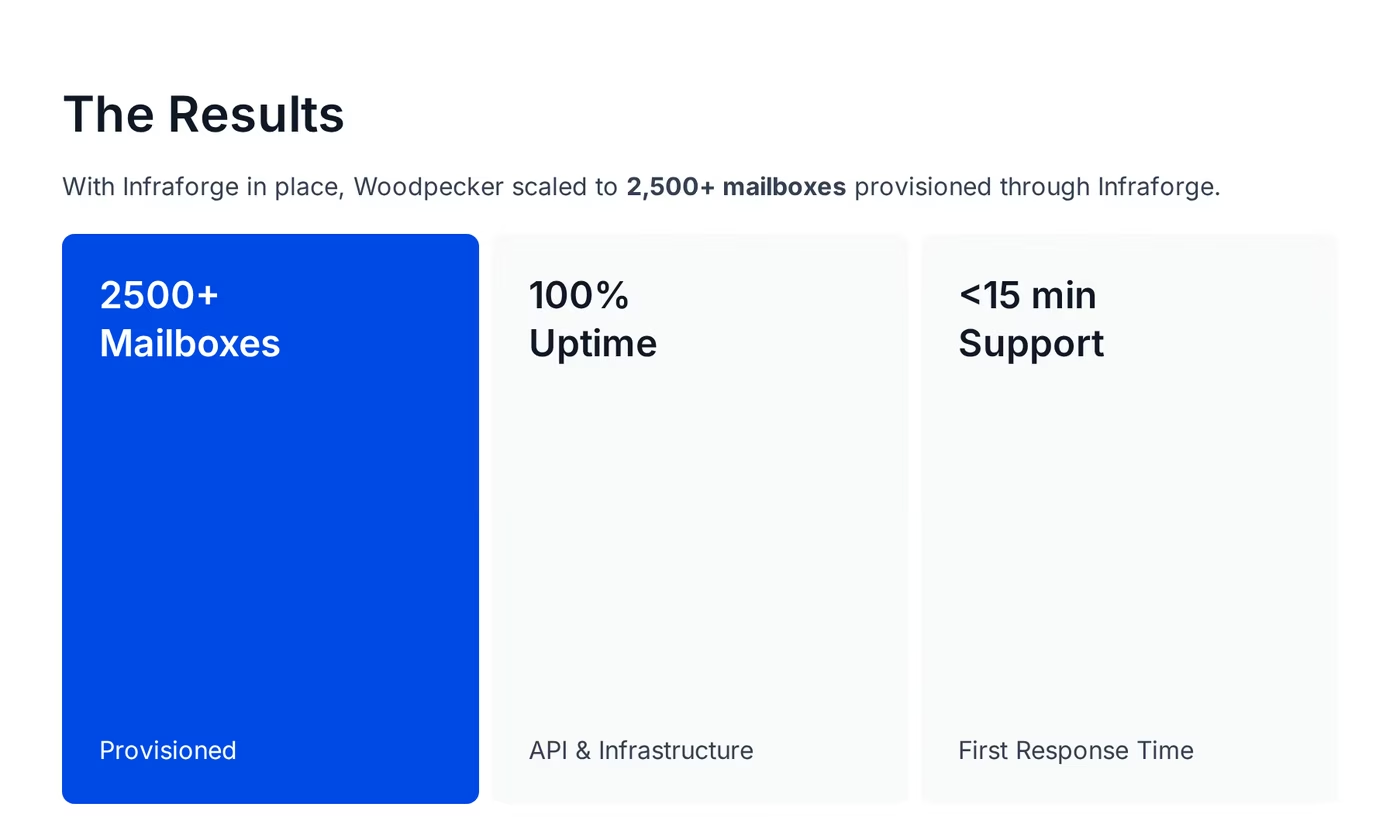
One benchmark you can check: Woodpecker scaled to 2,500+ mailboxes on Infraforge with 100% API uptime and zero major incidents. The case study is public.
FAQ
Is Infraforge better than Zapmail and Hypertide?
For private cold email infrastructure that scales, Infraforge is the stronger pick because it gives you dedicated IPs and full DNS control. Zapmail resells shared Google and Microsoft mailboxes, and Hypertide runs Azure inboxes with no DNS access and a roughly 2-emails-per-inbox-per-day cap. Woodpecker reached 2,500+ mailboxes on Infraforge with 100% API uptime, which neither competitor documents at that scale.
What is the main difference between Infraforge, Zapmail, and Hypertide?
The difference is the infrastructure model. Infraforge gives you private, dedicated IPs that work with any sending tool. Zapmail resells real Google Workspace and Microsoft 365 mailboxes on shared infrastructure. Hypertide provisions Microsoft Azure inboxes with a dedicated IP per domain but no DNS access. So Infraforge offers the most control, Zapmail the easiest provider mailboxes, and Hypertide a Microsoft-only managed option.
Which is cheaper: Infraforge, Zapmail, or Hypertide?
Hypertide is cheapest upfront at about $0.50 per inbox, but adds a one-time setup fee near $1,500 and caps each inbox near 2 emails a day. Zapmail starts at $39/mo for 10 mailboxes, then charges $3.00 to $3.50 per extra plus paid warm-up. Infraforge runs $3 to $4 per mailbox with free warm-up included. At real sending volume, Infraforge's predictable per-mailbox cost often wins.
Is Hypertide only for Microsoft and Outlook?
Yes. Hypertide provisions inboxes on Microsoft Azure and Entra with a native Outlook interface, so it suits Microsoft-first senders. It does not offer Google Workspace consolidation. If you want both Google and Microsoft mailboxes, Zapmail or Primeforge cover that, and Infraforge gives you private SMTP infrastructure that works with any sending tool regardless of provider.
Can I switch from Zapmail or Hypertide to Infraforge?
Yes. Because Infraforge works with any sending software, you point your sequencer at the new mailboxes once they are warmed. Infraforge sets up SPF, DKIM, and DMARC automatically and offers pre-warmed domains so you are not waiting weeks. The usual move is to warm replacement mailboxes in the background, then shift sending over as they hit a healthy score, with no campaign downtime.
Which tool has better email deliverability?
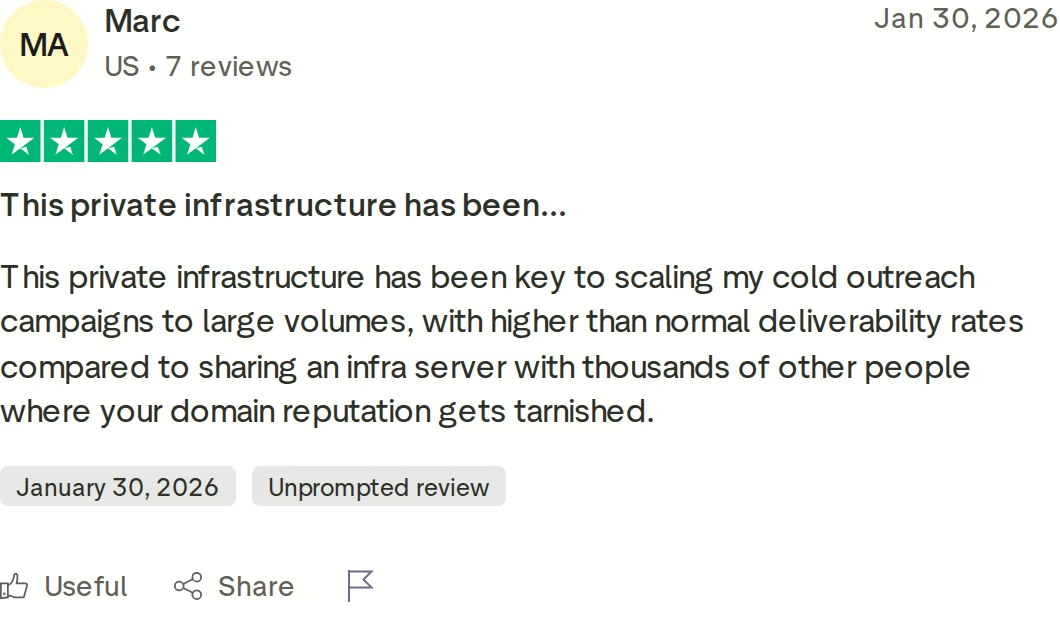
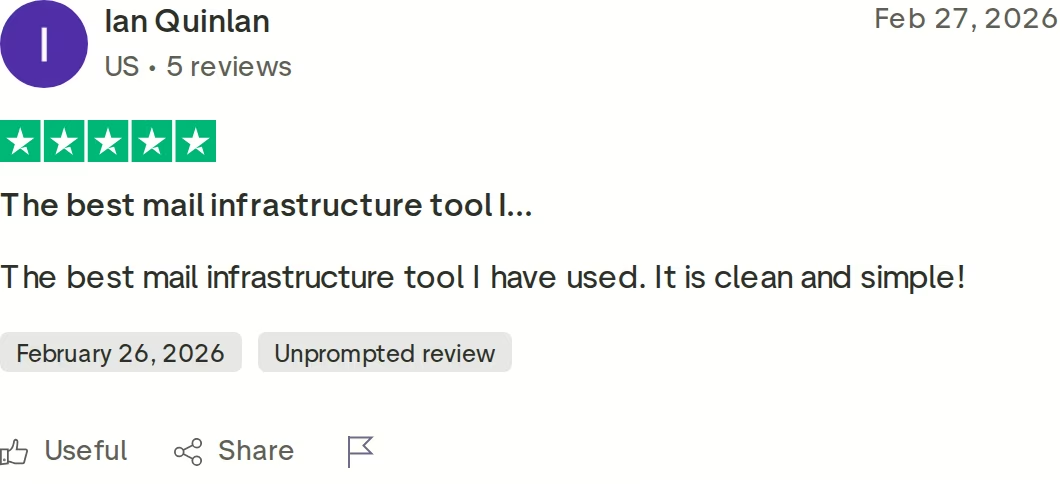
Infraforge has the strongest deliverability setup of the three because dedicated IPs keep your reputation isolated from other senders, and warm-up plus monitoring are included free through Warmforge. Zapmail sells warm-up separately and has no built-in monitoring. Hypertide warms inboxes but gives no DNS access to fix authentication. Marc, a verified Infraforge reviewer, cited higher deliverability on private infrastructure versus shared servers.
Does Infraforge offer a free trial?
No. Infraforge does not have a free trial; you purchase mailboxes to use it, which is normal for dedicated email infrastructure. Pricing starts at $33/mo billed annually for 10 mailboxes, running $3 to $4 per mailbox. Pre-warmed domains and mailboxes are available so you can start sending quickly. You can verify the current price on the Infraforge pricing page before you commit.
Who is each tool best for?
Infraforge is best for SMB and mid-market B2B teams at $5K to $100K ACV scaling past a few hundred mailboxes who want dedicated IPs. Zapmail is best for teams that specifically want real Google or Microsoft reseller mailboxes with quick setup. Hypertide is best for Microsoft and Outlook-first senders who want Azure tenant isolation and can work without DNS access at lower volume.